


VEGA Conflict
500M + oyuncunun güvendiği Android Oyun Platformu, BlueStacks ile PC'de oynayın.

Sayfa Değiştirilme tarihi: Feb 20, 2026
Genel Bakış
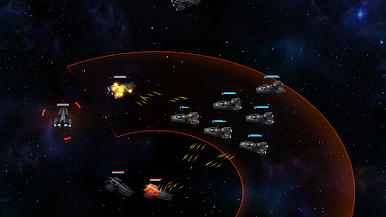
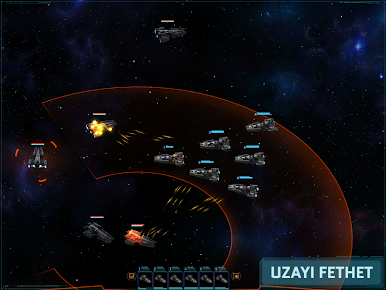
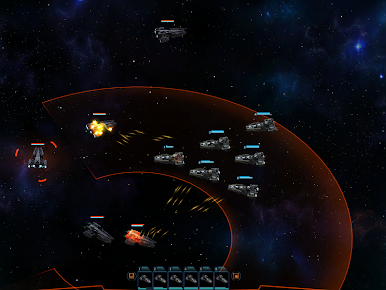
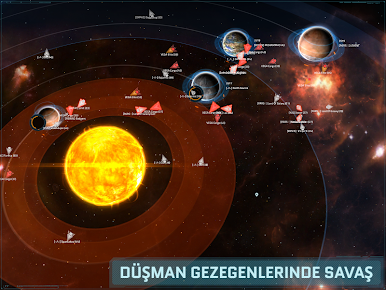
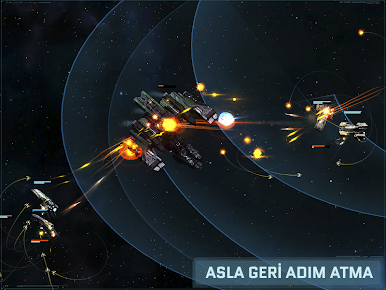
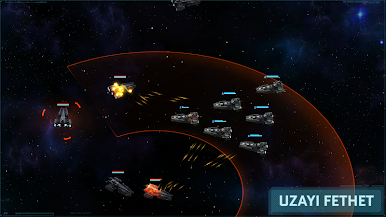
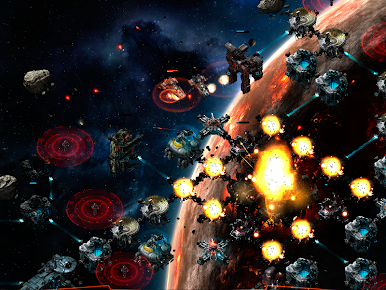
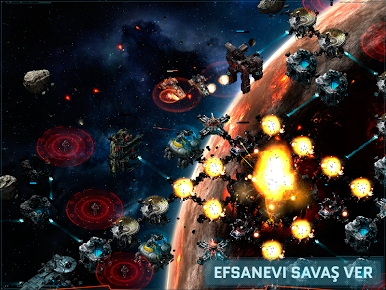
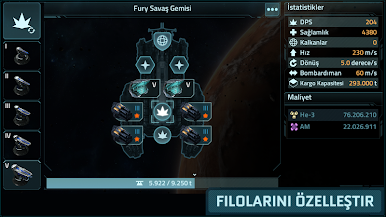
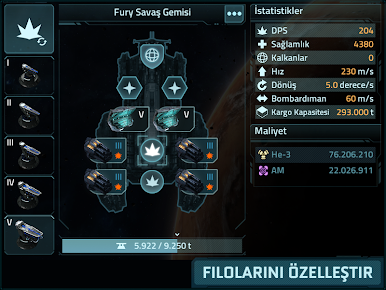
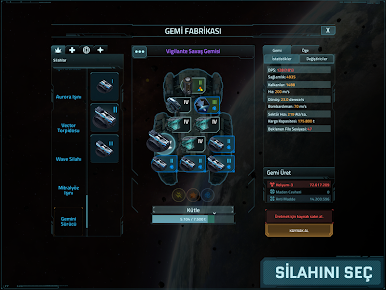
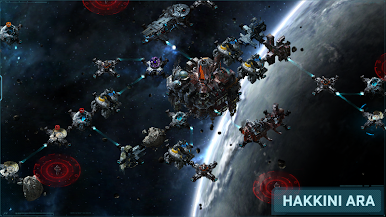
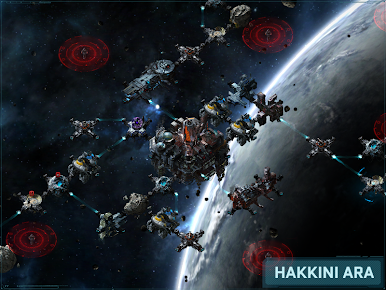
SAVAŞINI ÖZELLEŞTİR: Farklı hedefler farklı stratejiler gerektirir, filonu zafer kazanmak için donat.
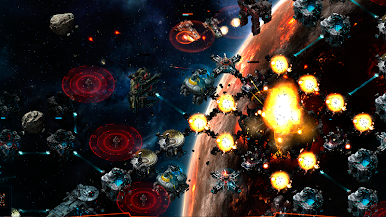
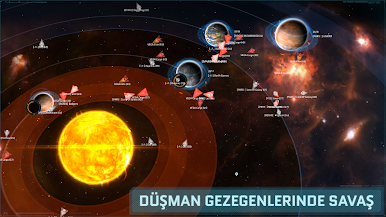
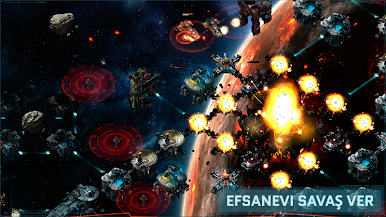
GERÇEK ZAMANLI PvP: Gerçek savaş sırasını beklemez - düşmanlara istediğin anda gerçek zamanlı olarak saldır.
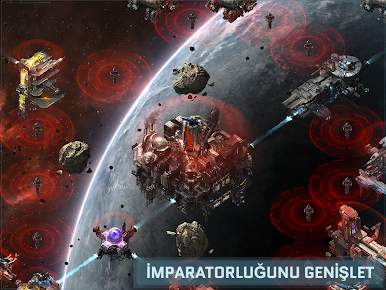
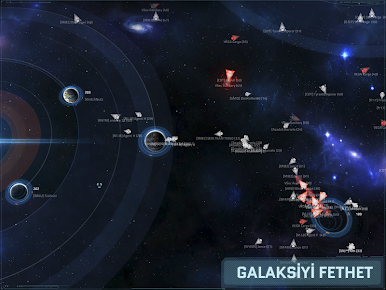
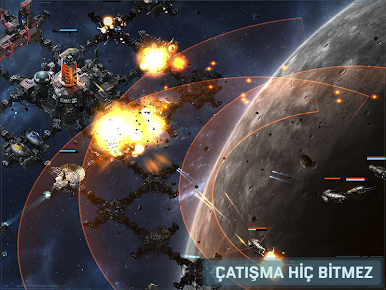
İSTEDİĞİN YERDEN SAVAŞ: Çatışma hiç bitmez. Telefondan, tabletten ya da web tarayıcısından ilerlemeye devam et.
Recommended devices:
-------------------------------
We recommend high-end devices for the best gameplay experience: Galaxy S5, LG G3, HTC One M8, Nexus 4, Nexus 5, Nexus 6, Nexus 9, Sony Xperia Z, Sony Xperia Z2, Sony Xperia Z3
Internet Data Use:
------------------------
VEGA Conflict requires a stable internet connection and is best played on Wi-Fi. After initial install and updates VEGA Conflict needs to download additional game data, Wi-Fi is recommended
Required App Permissions:
-----------------------------------
IN-APP PURCHASES – So you can buy in-game currency if you choose to
IDENTITY – So the game can offer you the option to sign in with your Google/G+ account
PHOTOS/MEDIA/FILES – So the game can store game data on your device
WI-FI CONNECTION INFORMATION – So the game can connect to the internet to play
DEVICE ID & CALL INFORMATION – So phone calls will not be blocked by the game
Optional Google+/Google Play Games Permissions:
-------------------------------------------------------------------
If you choose to sign in with Google+/Google Play Games to use achievements and leaderboards the game requires additional permissions. The game will never use your email contacts.
If you would prefer to play as a Guest, login with Facebook, or use KIXEYE details then press CANCEL when prompted to give permissions/log in with Google+/Google Play Games
Some players have had trouble signing in while in portrait mode. Please sign in while in landscape or disable auto-rotate in Settings. Thanks for your patience while we resolve this issue.

VEGA Conflict oyununu PC'de oyna. Başlamak çok kolay.
-
BlueStacks'i PC'nize İndirin ve Yükleyin
-
Play Store'a erişmek için Google girişi yapın ya da daha sonraya bırakın.
-
Sağ üst köşeye VEGA Conflict yazarak arayın.
-
VEGA Conflict uygulamasını arama sonuçlarından indirmek için tıklayın.
-
(iEğer Adım 2'yi atladıysanız) VEGA Conflict uygulamasını yüklemek için Google'a giriş yapın.
-
Oynatmaya başlatmak için ekrandaki VEGA Conflict ikonuna tıklayın.

