


Crypto - Encryption Tools
Spiele auf dem PC mit BlueStacks - der Android-Gaming-Plattform, der über 500 Millionen Spieler vertrauen.

Seite geändert am: Aug 31, 2025
Run Crypto - Tools for Encryption & Cryptography on PC or Mac
What’s better than using Crypto – Tools for Encryption & Cryptography by Michael Kokoschka? Well, try it on a big screen, on your PC or Mac, with BlueStacks to see the difference.
About the App
Curious about cryptography or just want to keep your digital conversations more secure? Crypto – Tools for Encryption & Cryptography brings a big mix of encryption, hashing, and encoding tools all into one place—without feeling overwhelming. Whether you’re a codebreaker at heart, a student keen on blockchain basics, or someone who just wants to keep messages private, this app covers a ton of ground in a sleek, easy-to-use layout.
App Features
-
Encryption Variety
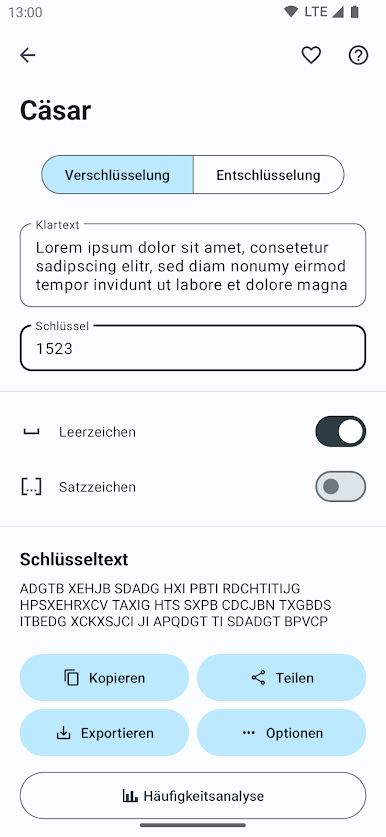
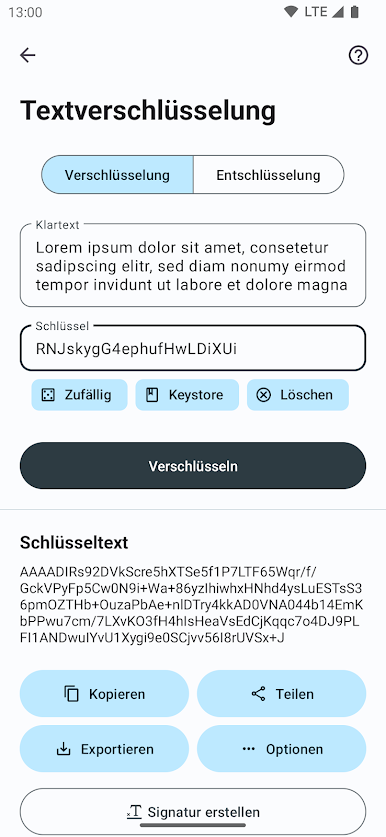
Dip into both classic and modern encryption methods—think everything from Caesar ciphers (hello, ancient Rome!) to AES, Blowfish, and ChaCha. Great for learning, experimenting, and actual secure messaging. -
Hash It Out
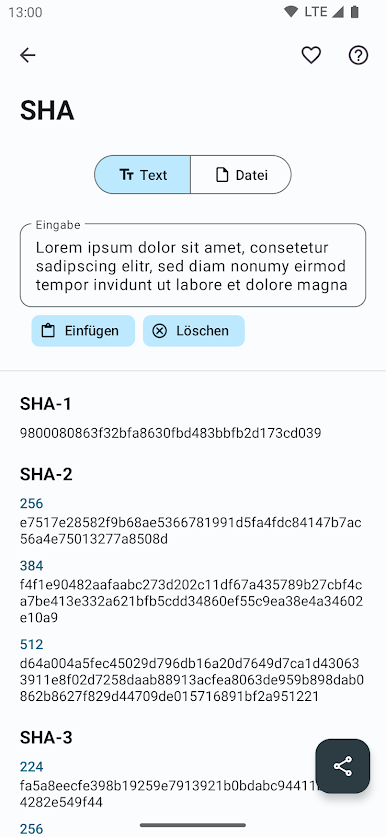
Create and test hashes using nearly any algorithm you can imagine: MD5, SHA-2, Tiger, Whirlpool, you name it. You can also save your passwords as hashes for a little extra peace of mind. -
Encoding & Decoding Made Simple
Effortlessly jump between formats like Base64, Base58, Hexadecimal, and Binary. There’s URL and QR code encoding/decoding, too. -
Secure Communication Tools
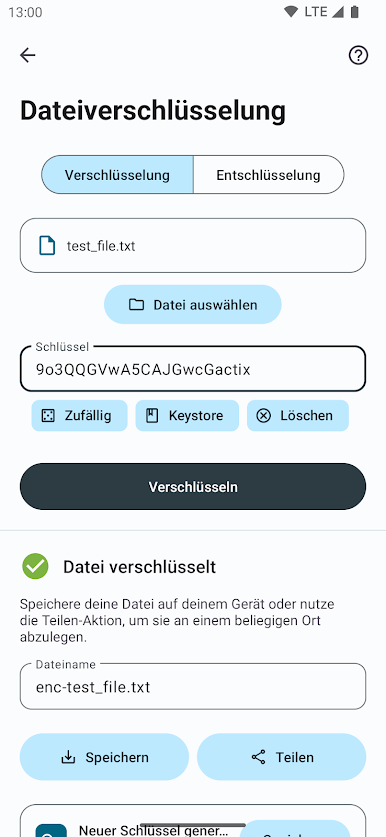
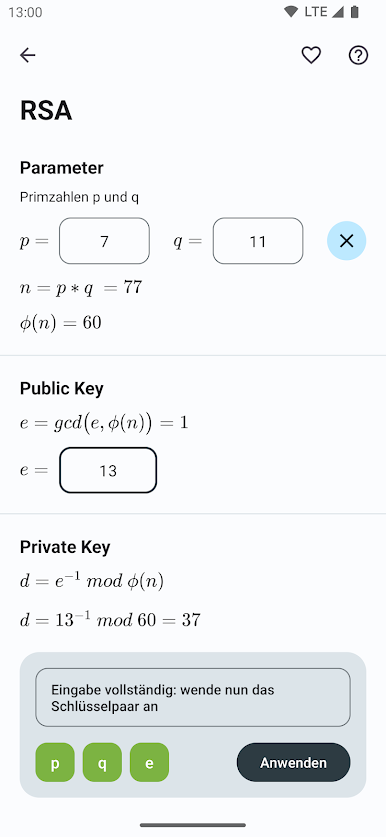
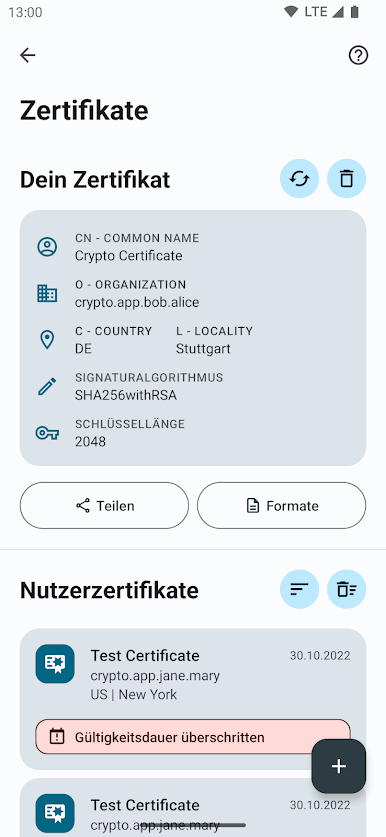
Built-in options for RSA certificates, secure AES message encryption, and sharing secrets via key exchange—especially handy for protecting sensitive info on any messaging app. -
Analysis & Math Tools
Crunch numbers with prime tests, GCD, frequency analysis, and cryptography math functions. These are handy for both classroom learning and everyday geekery. -
User-Friendly Favorites
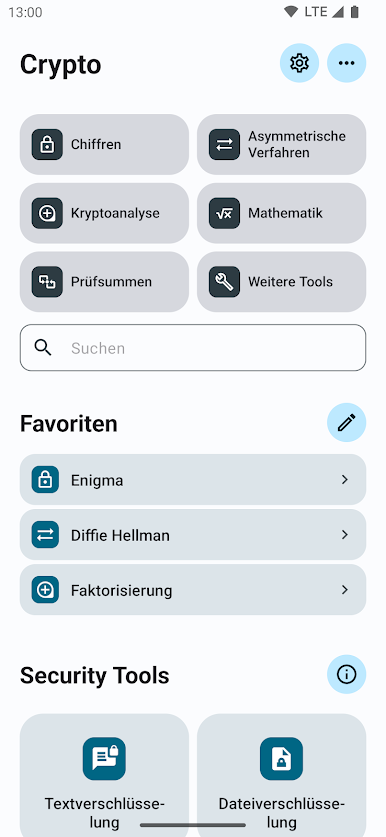
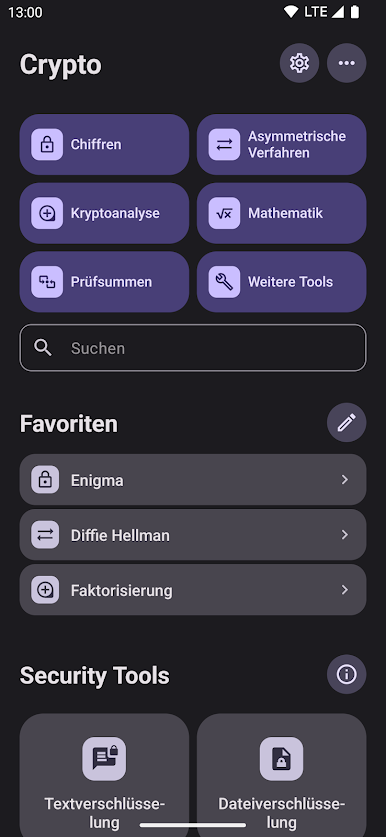
Pin your most-used functions for quick access, and easily share or copy/paste your work—no hunting around in menus required. -
Clean, Modern Design
Everything sits on a sharp Material Design layout, so you won’t feel lost navigating. -
Blockchain & Bitcoin Goodies
Generate Bitcoin addresses and explore blockchain-inspired features—you might find more as the app updates. -
Info-Packed Pages
Not sure what a function does? Handy explanations are always at your fingertips, whether you’re learning for fun or prepping for exams. -
Certificate Management
Export PEM certificates, generate and decode QR codes, and keep your digital credentials organized.
If you prefer testing cryptography tools with a bit more space, Crypto – Tools for Encryption & Cryptography also works well with BlueStacks.
Eager to take your app experience to the next level? Start right away by downloading BlueStacks on your PC or Mac.
Spiele Crypto - Encryption Tools auf dem PC. Der Einstieg ist einfach.
-
Lade BlueStacks herunter und installiere es auf deinem PC
-
Schließe die Google-Anmeldung ab, um auf den Play Store zuzugreifen, oder mache es später
-
Suche in der Suchleiste oben rechts nach Crypto - Encryption Tools
-
Klicke hier, um Crypto - Encryption Tools aus den Suchergebnissen zu installieren
-
Schließe die Google-Anmeldung ab (wenn du Schritt 2 übersprungen hast), um Crypto - Encryption Tools zu installieren.
-
Klicke auf dem Startbildschirm auf das Crypto - Encryption Tools Symbol, um mit dem Spielen zu beginnen

