


H-Ello English Study
Spiele auf dem PC mit BlueStacks - der Android-Gaming-Plattform, der über 500 Millionen Spieler vertrauen.

Seite geändert am: May 13, 2025
Play H-Ello English Study on PC
I have been teaching English for over twenty years. I have taught in Thailand, Taiwan, and Japan.
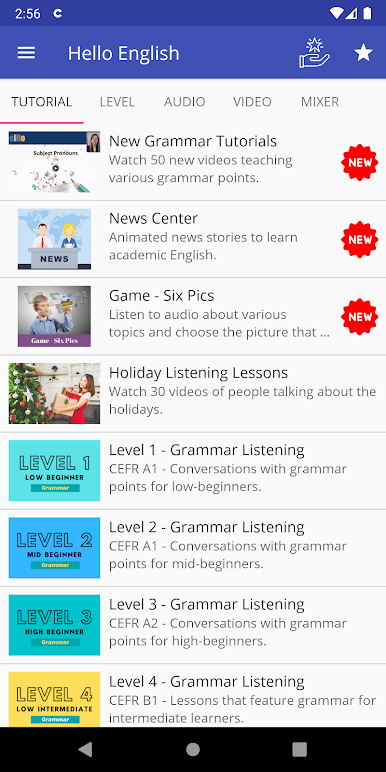
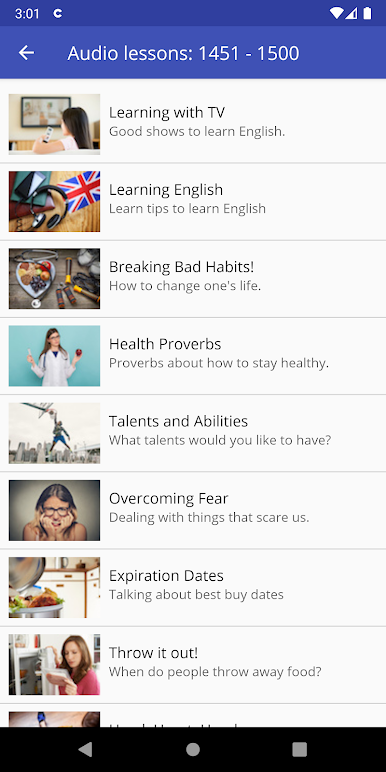
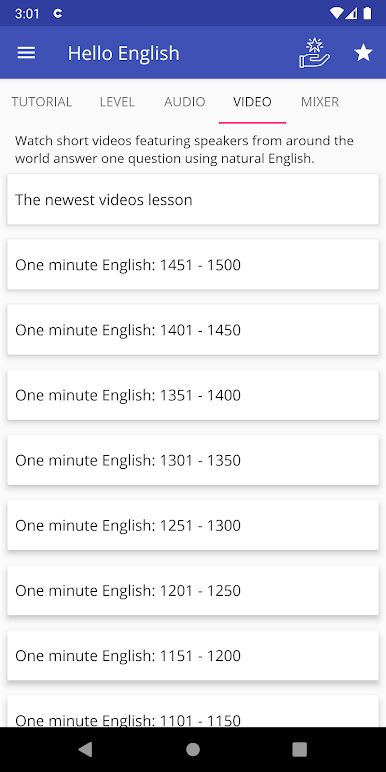
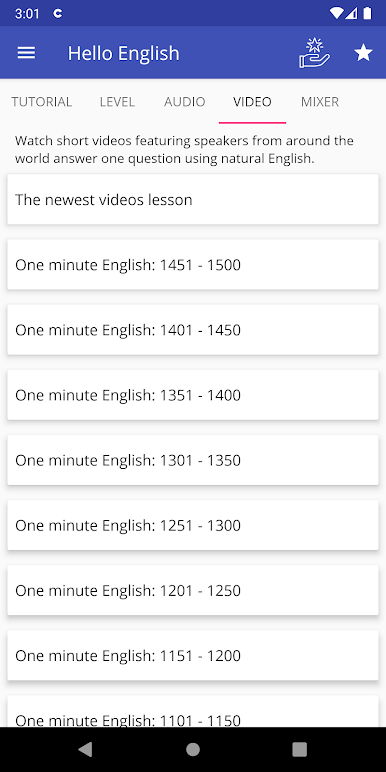
I created elllo.org in 2003 as part of a MA TESOL graduate school project. Since then, elllo has published more than 2,500 free activities featuring more than 300 speakers from over 100 countries.
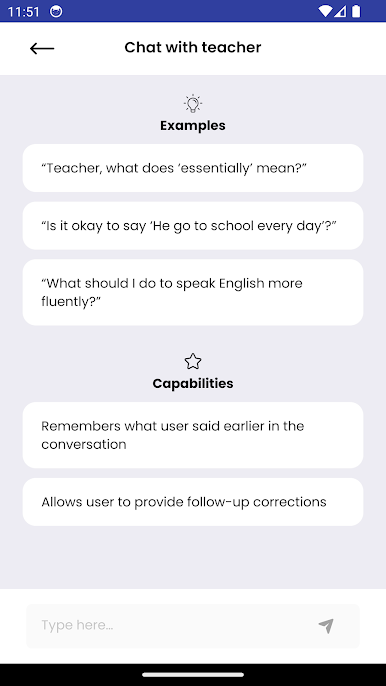
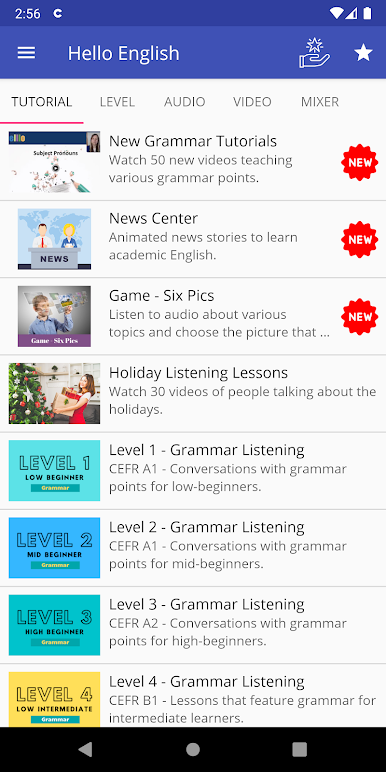
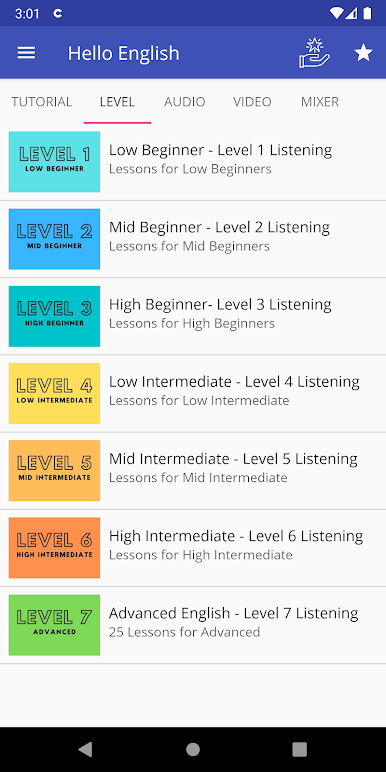
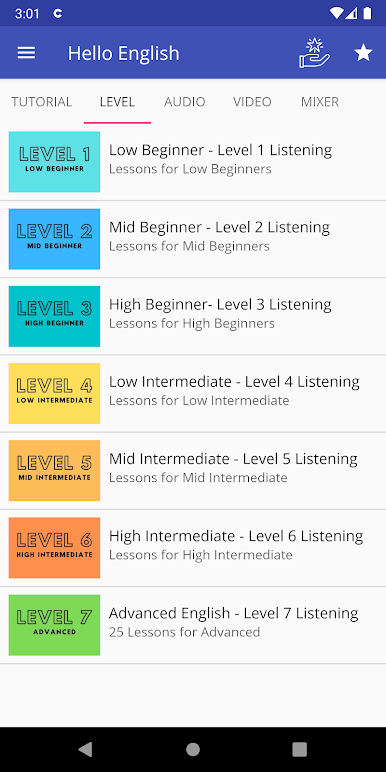
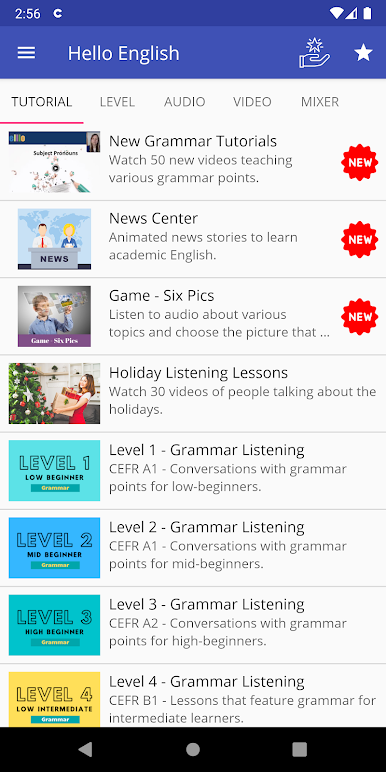
Students can use the site to practice English by working on listening, reading, vocabulary and even pronunciation and speaking.
New lessons are published each Monday.
Hello English is free and I create it in my spare time because I am a full-time teacher, so the site is basic, but I try to modernize it from time to time.
The aim of the site it to make learning English fun, effective, and free and to provide teachers and students with materials that you cannot find in traditional textbooks.

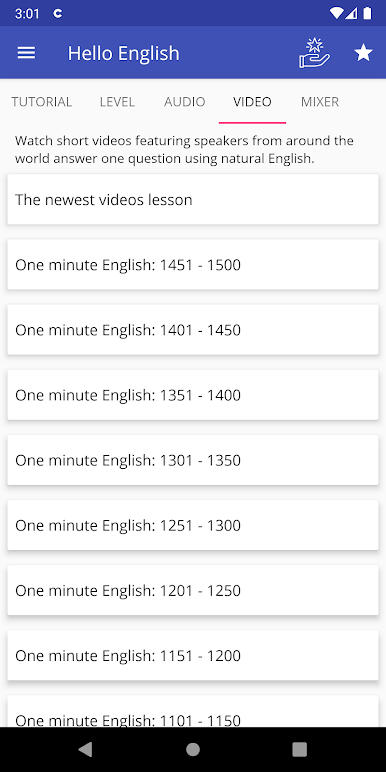
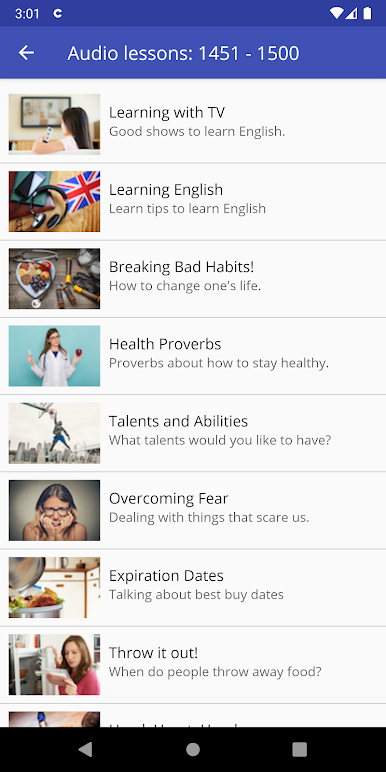
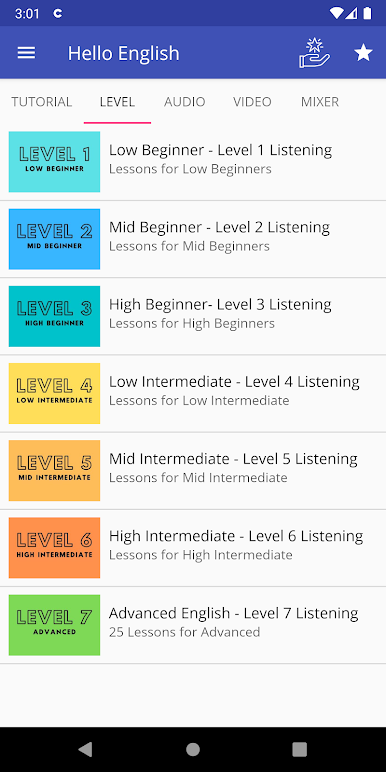
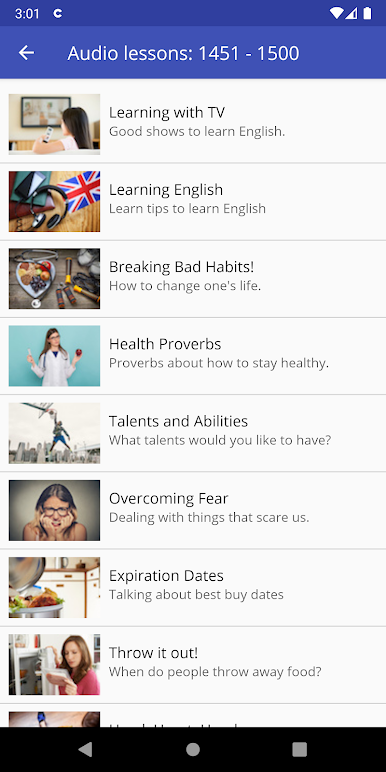


Spiele H-Ello English Study auf dem PC. Der Einstieg ist einfach.
-
Lade BlueStacks herunter und installiere es auf deinem PC
-
Schließe die Google-Anmeldung ab, um auf den Play Store zuzugreifen, oder mache es später
-
Suche in der Suchleiste oben rechts nach H-Ello English Study
-
Klicke hier, um H-Ello English Study aus den Suchergebnissen zu installieren
-
Schließe die Google-Anmeldung ab (wenn du Schritt 2 übersprungen hast), um H-Ello English Study zu installieren.
-
Klicke auf dem Startbildschirm auf das H-Ello English Study Symbol, um mit dem Spielen zu beginnen

