


PathPix Wild
Spiele auf dem PC mit BlueStacks - der Android-Gaming-Plattform, der über 500 Millionen Spieler vertrauen.

Seite geändert am: Jul 3, 2019
Play PathPix Wild on PC or Mac
Step into the World of PathPix Wild, a thrilling Puzzle game from the house of Kris Pixton. Play this Android game on BlueStacks App Player and experience immersive gaming on PC or Mac.
About the Game
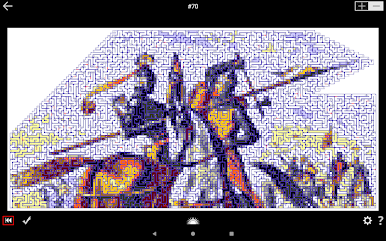
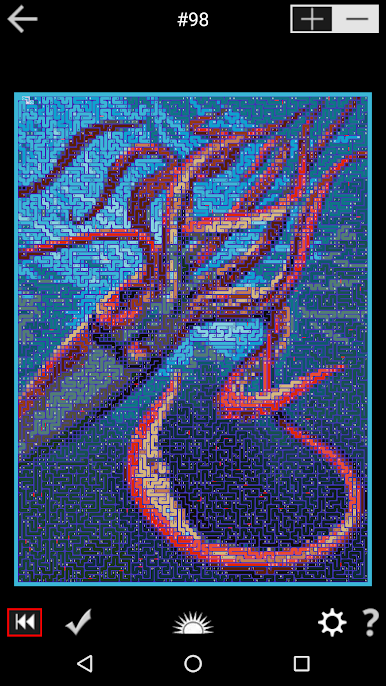
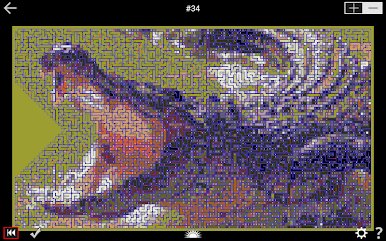
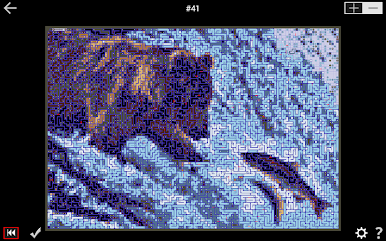
PathPix Wild is a Puzzle game from Kris Pixton that goes big—really big. You’ll roam across giant grids, tracing tidy paths that slowly color in sprawling pictures inspired by all kinds of “wild” ideas, not just animals. It’s the kind of brain workout that rewards patience, focus, and a love for a good, long solve.
Game Features
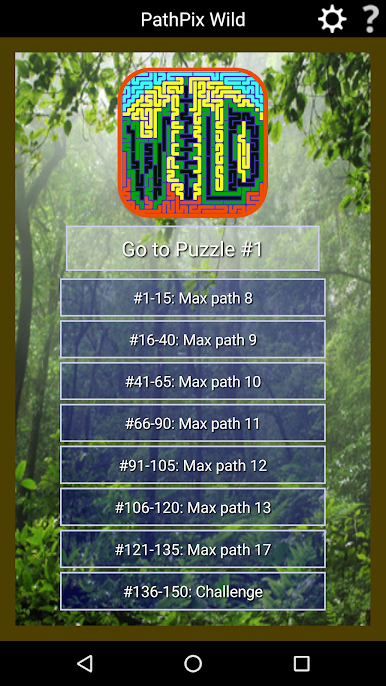
- 150 Giant Puzzles: A hefty collection built for marathon sessions, each one a sprawling landscape to explore.
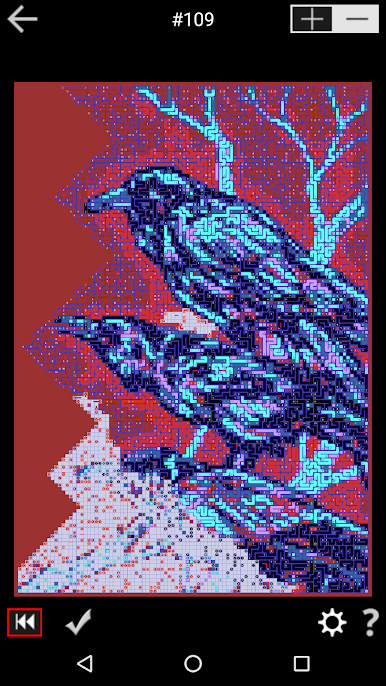
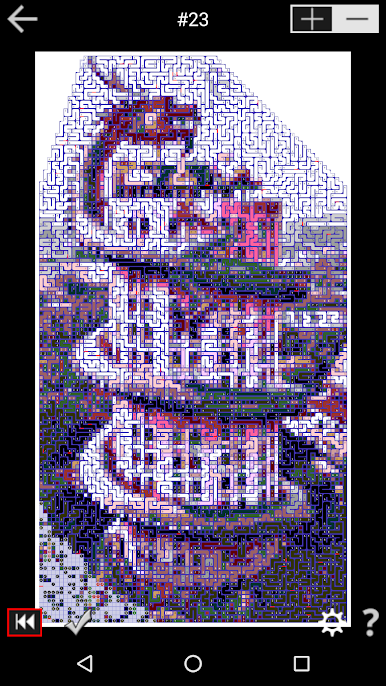
- Massive Canvases: Boards range from 7,488 squares (64×117) up to a jaw-dropping 27,000 squares (200×135), with an average around 10,000 squares (100×100).
- Mixed Difficulty Zones: Every puzzle includes Easy, Medium, and Hard areas, so you can warm up, then push yourself as you go.
- Wild, Not Just Wildlife: Themes wander beyond animals—expect clever, unexpected scenes that feel fresh from puzzle to puzzle.
- Art + Quote Reveals: Finish a board to uncover a full-color image paired with a wise or witty quote that ties the whole thing together.
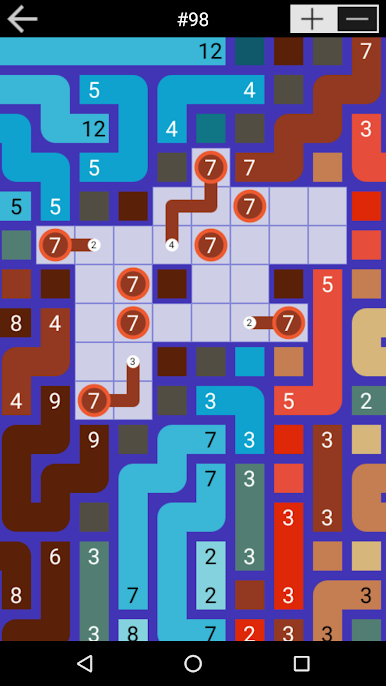
- Paint-by-Path Play: Chart clean routes across the grid to bring the picture to life, one path at a time.
- Built for Veterans: These aren’t bite-sized—ideal if you like deep, demanding logic challenges that take real time to crack.
- Long-Form Puzzle Bliss: Settle in, zoom around, and chip away; each canvas feels like a project you’ll want to come back to.
- Play Big on PC: Prefer a larger screen and comfy controls? BlueStacks lets you enjoy PathPix Wild on your computer without fuss.
Ready to top the leaderboard? We bet you do. Let precise controls and sharp visuals optimized on BlueStacks lead you to victory.


Spiele PathPix Wild auf dem PC. Der Einstieg ist einfach.
-
Lade BlueStacks herunter und installiere es auf deinem PC
-
Schließe die Google-Anmeldung ab, um auf den Play Store zuzugreifen, oder mache es später
-
Suche in der Suchleiste oben rechts nach PathPix Wild
-
Klicke hier, um PathPix Wild aus den Suchergebnissen zu installieren
-
Schließe die Google-Anmeldung ab (wenn du Schritt 2 übersprungen hast), um PathPix Wild zu installieren.
-
Klicke auf dem Startbildschirm auf das PathPix Wild Symbol, um mit dem Spielen zu beginnen

