


No Man's Sky Assistant
Spiele auf dem PC mit BlueStacks - der Android-Gaming-Plattform, der über 500 Millionen Spieler vertrauen.

Seite geändert am: Aug 28, 2025
Run Assistant for No Man's Sky on PC or Mac
Multitask effortlessly on your PC or Mac as you try out Assistant for No Man’s Sky, a Tools app by Kurt Lourens on BlueStacks.
About the App
Ever feel lost figuring out what you need to craft or refine next in No Man’s Sky? Assistant for No Man’s Sky has your back with everything you need to plan, craft, and farm smarter—no more digging through endless menus. Whether you’re a new explorer or a well-traveled space adventurer, this handy companion app keeps everything organized and right at your fingertips.
App Features
-
Full Offline Access
No need to worry about internet drops. All your info and data are stored on your device, so you can look up recipes and resources even while playing offline. -
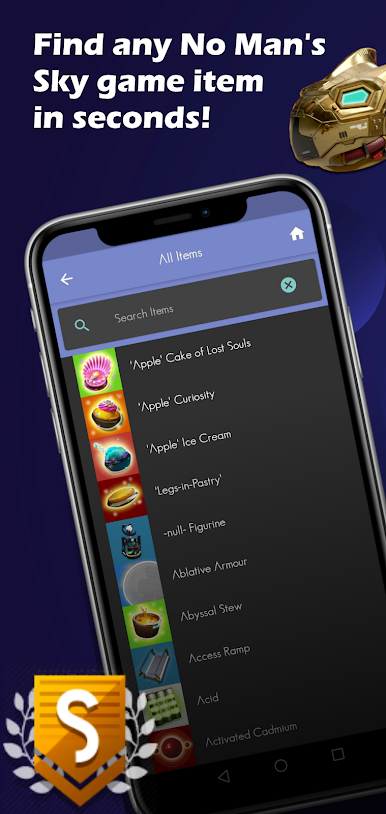
Complete Recipe Library
Need to know how to make something? The app’s got every recipe covered—resources, trade items, and finished products—all sorted and easy to find. -
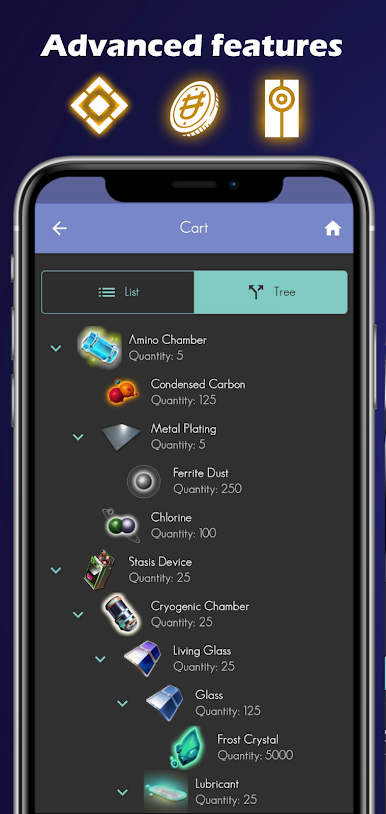
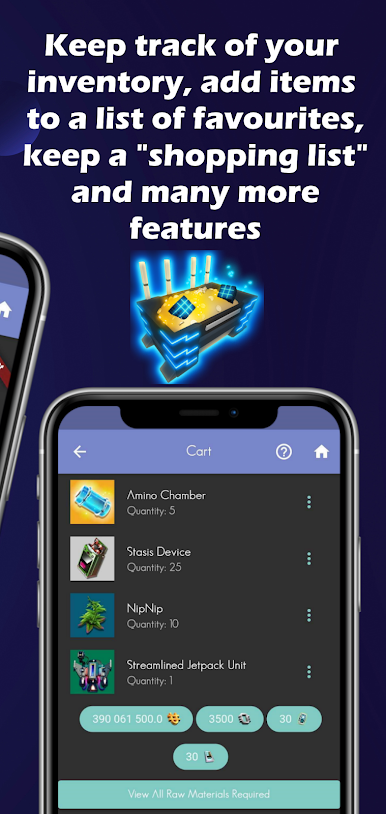
Personal Farming Planner
Organize your shopping list! Plan ahead for what you need to gather or grow, so you’ll never run out of necessary items right when things are getting good. -
Quick, Smooth Interface
Nobody likes laggy tools. Here you’ll find a fast, responsive UI that gets you to your info without any fuss. -
Multilingual Support
Prefers a different language? The app has support for several languages, and if you want to help expand that, it’s open for contributions! -
Open Source Contributions
Built by the community, the app welcomes new input. Anyone interested can pitch in and help shape future updates. -
Free—No Extra Charges
No hidden paywalls or locked recipes; just straight-up access to the stuff you need.
If you’re using BlueStacks, the Assistant for No Man’s Sky runs smoothly, making it easy to switch from managing things in the app to playing on your main screen.
BlueStacks brings your apps to life on a bigger screen—seamless and straightforward.
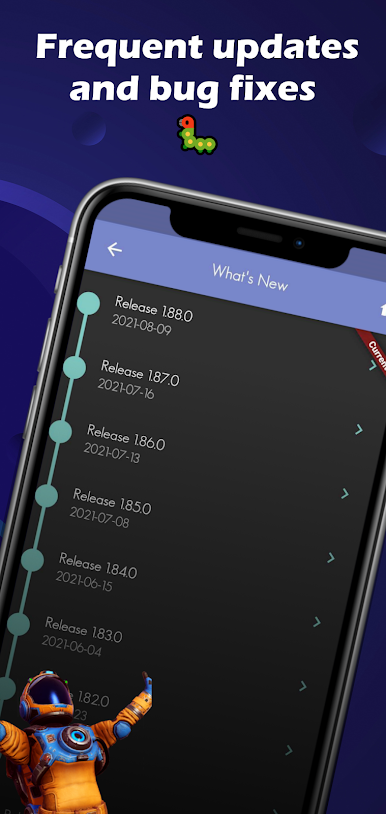
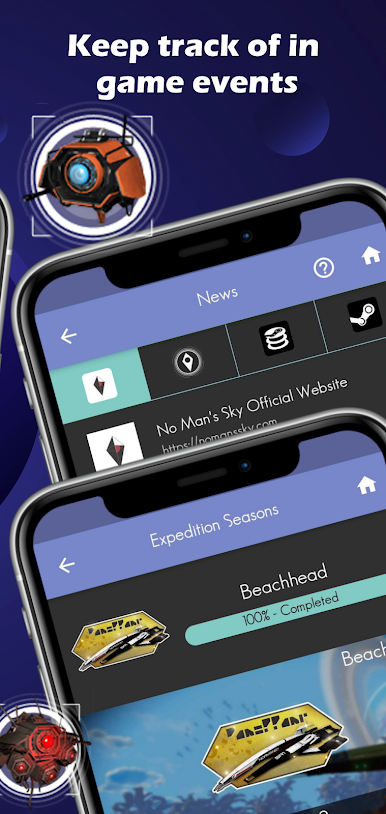
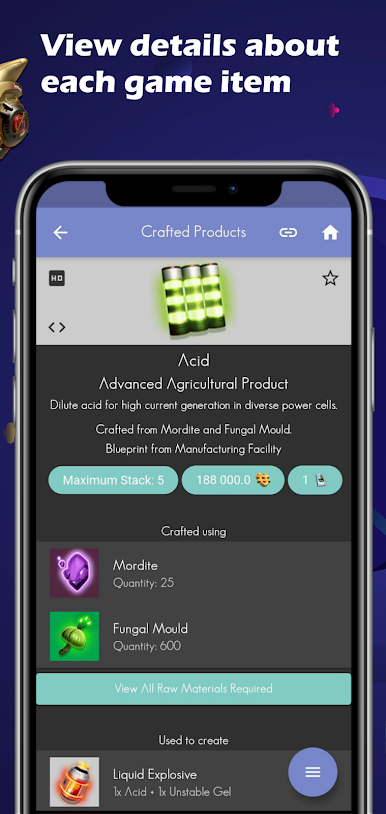
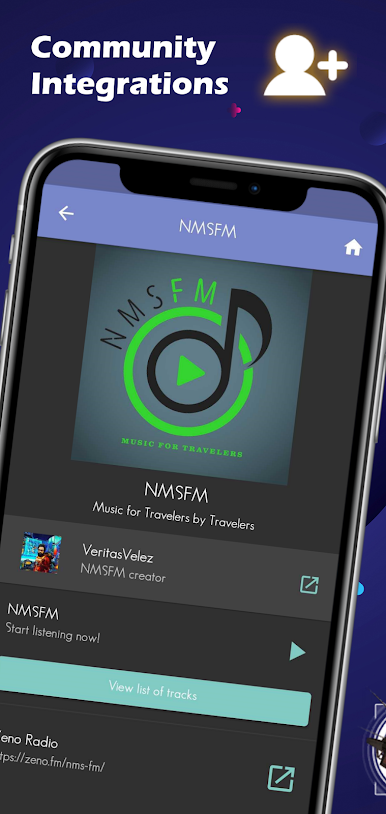
Spiele No Man's Sky Assistant auf dem PC. Der Einstieg ist einfach.
-
Lade BlueStacks herunter und installiere es auf deinem PC
-
Schließe die Google-Anmeldung ab, um auf den Play Store zuzugreifen, oder mache es später
-
Suche in der Suchleiste oben rechts nach No Man's Sky Assistant
-
Klicke hier, um No Man's Sky Assistant aus den Suchergebnissen zu installieren
-
Schließe die Google-Anmeldung ab (wenn du Schritt 2 übersprungen hast), um No Man's Sky Assistant zu installieren.
-
Klicke auf dem Startbildschirm auf das No Man's Sky Assistant Symbol, um mit dem Spielen zu beginnen

