


Lerne Esperanto mit Drops
Spiele auf dem PC mit BlueStacks - der Android-Gaming-Plattform, der über 500 Millionen Spieler vertrauen.

Seite geändert am: Dec 8, 2025
Run Drops: Learn Esperanto on PC or Mac
What’s better than using Drops: Learn Esperanto by Drops Languages? Well, try it on a big screen, on your PC or Mac, with BlueStacks to see the difference.
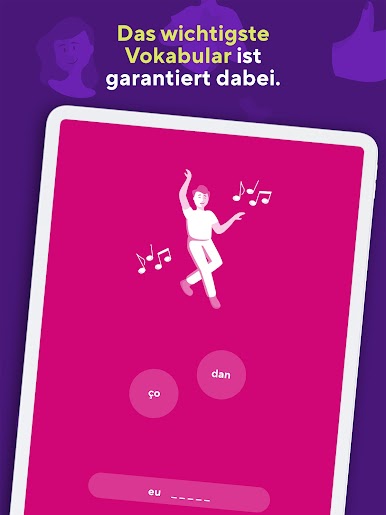
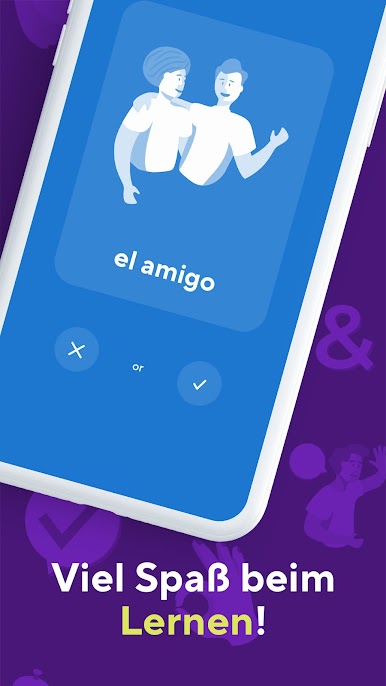
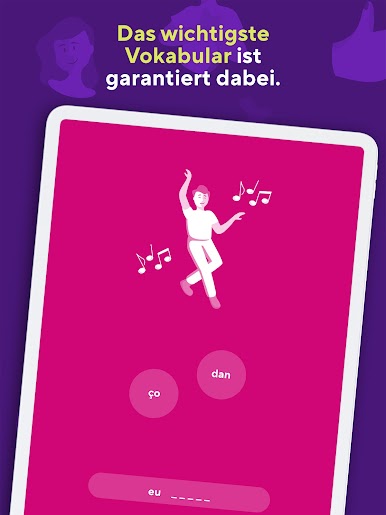
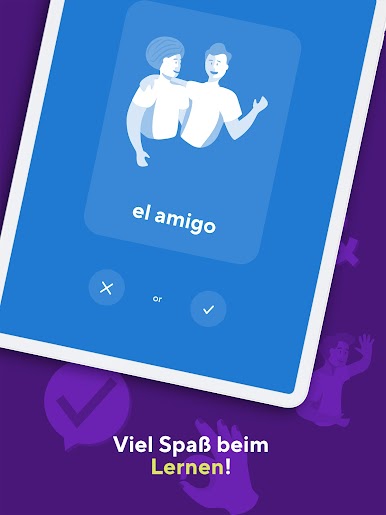
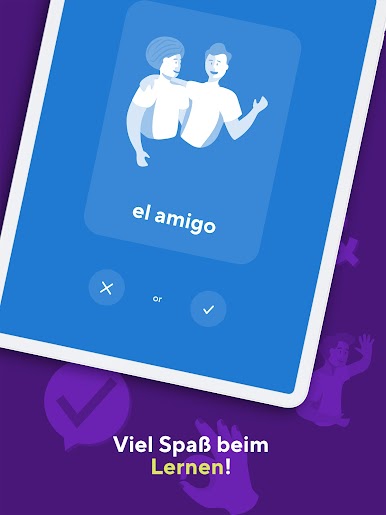
Drops: Learn Esperanto feels like a quick little word game that just happens to teach a language. It is all pictures and swipes, so there is almost no reading instructions or digging through menus. A person picks a topic like food or travel and then gets a five minute burst of mini puzzles. Match a picture to a word, drag letters into place, listen to clear audio, then do it again a few different ways so it sticks. It is fast and a bit snappy, the art is clean and colorful, and there is no heavy grammar lesson stopping the flow. It is mostly vocabulary, practical stuff that shows up in daily life.
The five minute timer is the trick. It sounds limiting, but it keeps the brain fresh and makes it easy to show up every day. There are gentle nudges to build a routine, and pronunciations sound natural, not robotic. On PC through BlueStacks, the mouse clicks replace the finger swipes just fine, and the bigger screen makes the icons and illustrations pop more. Sessions run smooth and do not feel fiddly with a trackpad either.
There is a lot available for free across many topics, with an optional subscription if someone wants longer, unlimited sessions. The whole thing feels lightweight, quick to open, easy to quit after a round, then weirdly tempting to start another.
Big screen. Bigger performance. Use BlueStacks on your PC or Mac to run your favorite apps.








Spiele Lerne Esperanto mit Drops auf dem PC. Der Einstieg ist einfach.
-
Lade BlueStacks herunter und installiere es auf deinem PC
-
Schließe die Google-Anmeldung ab, um auf den Play Store zuzugreifen, oder mache es später
-
Suche in der Suchleiste oben rechts nach Lerne Esperanto mit Drops
-
Klicke hier, um Lerne Esperanto mit Drops aus den Suchergebnissen zu installieren
-
Schließe die Google-Anmeldung ab (wenn du Schritt 2 übersprungen hast), um Lerne Esperanto mit Drops zu installieren.
-
Klicke auf dem Startbildschirm auf das Lerne Esperanto mit Drops Symbol, um mit dem Spielen zu beginnen

