


Drops: Lerne Spanisch!
Spiele auf dem PC mit BlueStacks - der Android-Gaming-Plattform, der über 500 Millionen Spieler vertrauen.

Seite geändert am: Dec 8, 2025
Run Drops: Learn Spanish. Speak Spanish. on PC or Mac
Upgrade your experience. Try Drops: Learn Spanish. Speak Spanish., the fantastic Education app from Language Drops, from the comfort of your laptop, PC, or Mac, only on BlueStacks.
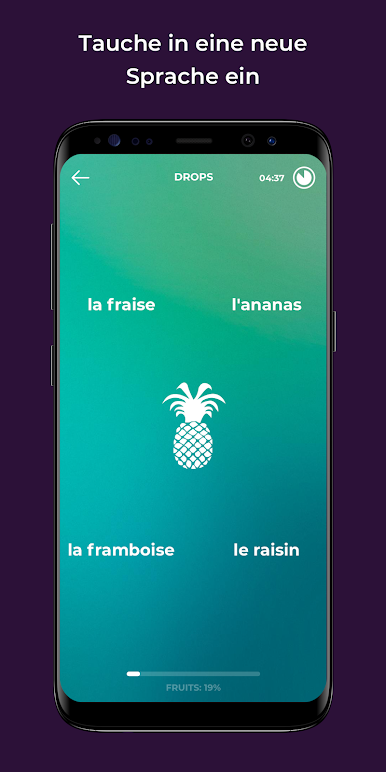
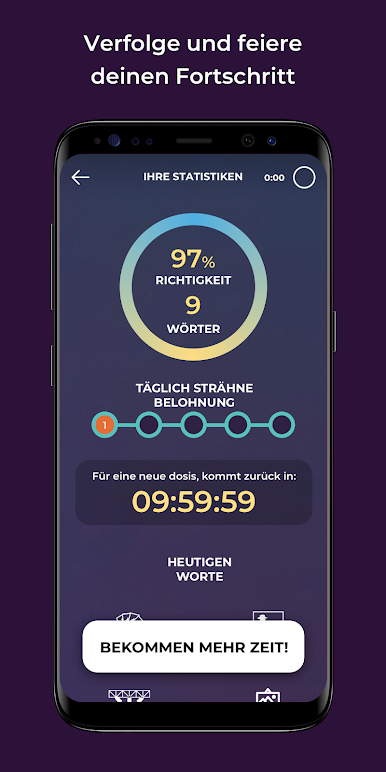
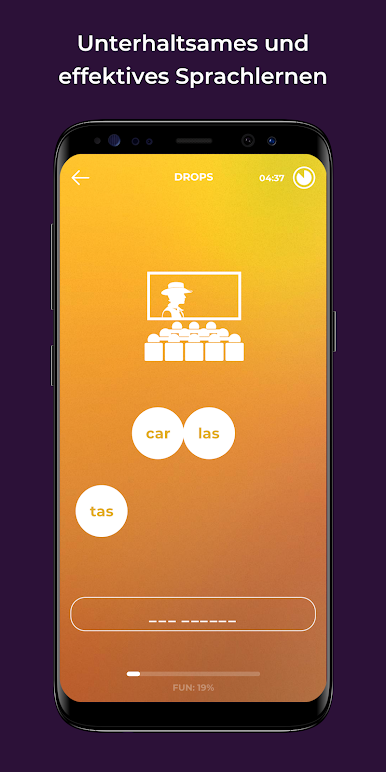
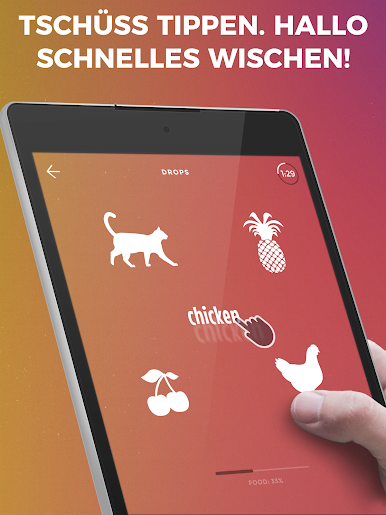
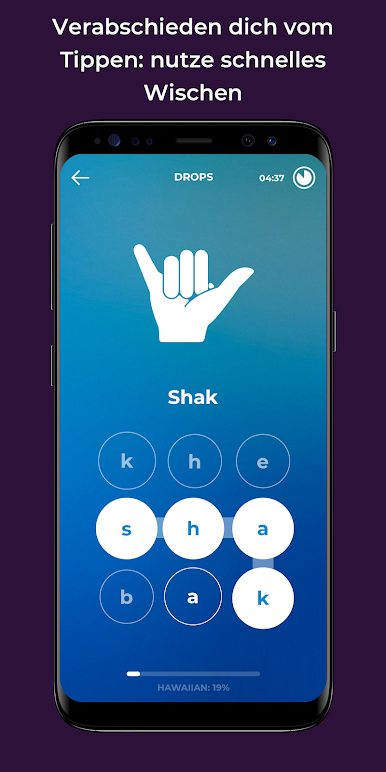
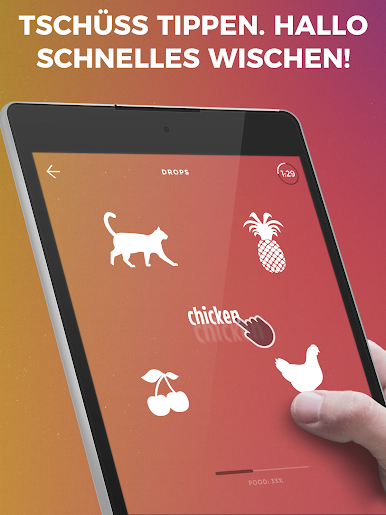
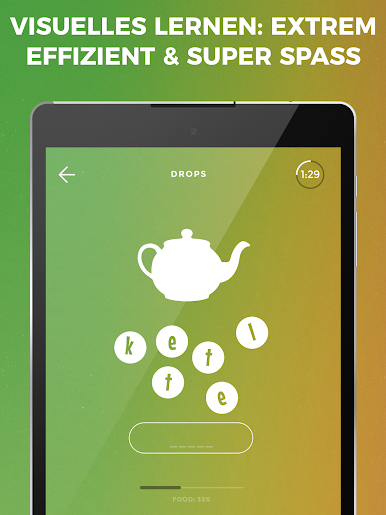
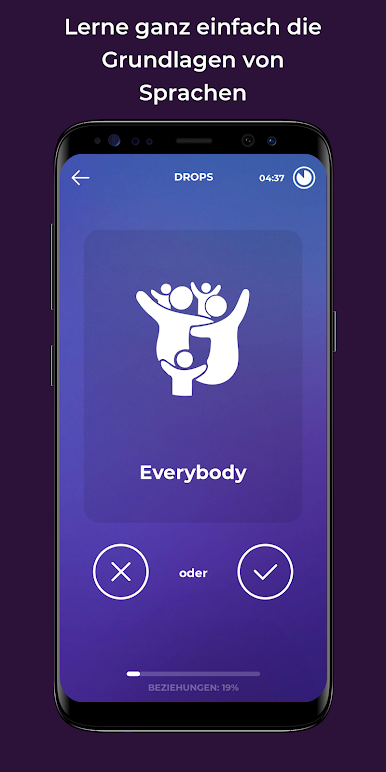
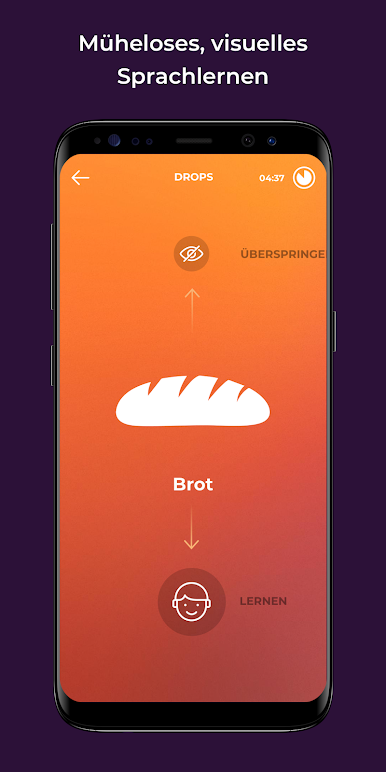
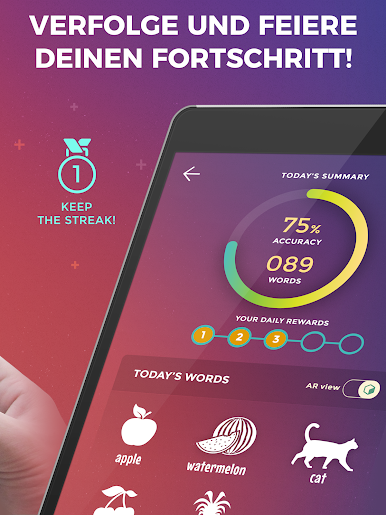
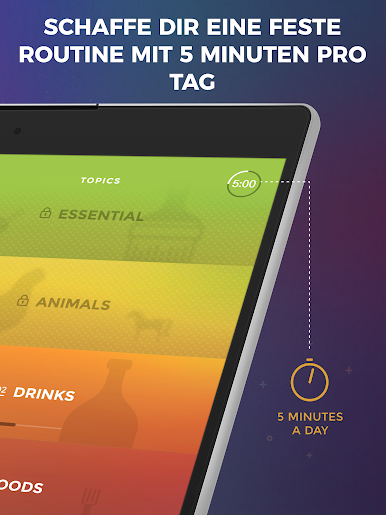
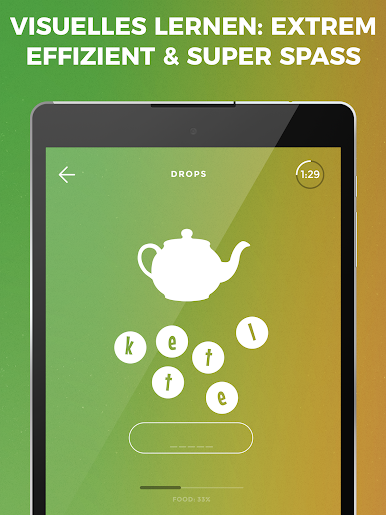
Drops is actually set up like a quick little game, making Spanish vocab way less boring than it usually is. There aren’t long grammar lessons—just helpful words paired with colorful pictures and fast-paced, swipey mini-games. Everything moves really quickly, but there isn’t pressure or anything, since most sessions are only five minutes. Some people might want longer, but it keeps it manageable and you can always come back later. Since the app uses pictures to show what words mean, there’s almost no reading instructions or switching from Spanish to English and back—just matching things up, hearing how they sound, and moving on.
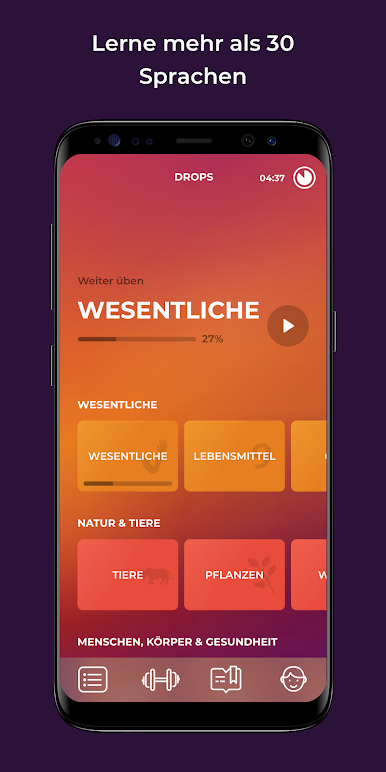
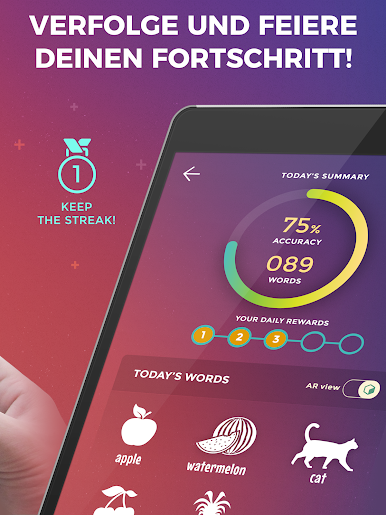
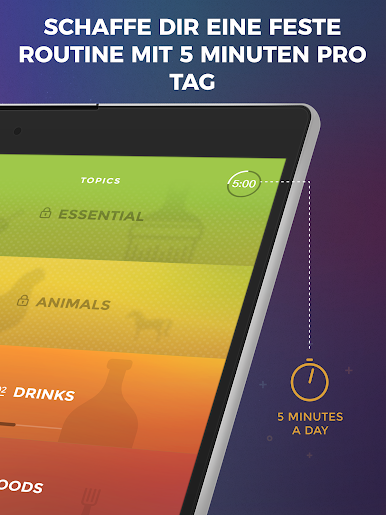
Using Drops feels really good on PC through BlueStacks too—way more space and less fumbling than a small phone, especially with the fast tapping and sliding. They’ve picked out really practical words, so you’re not learning random phrases you’ll never use. It honestly feels simple: open the app, pick a topic, and play through a handful of these mini-rounds, all with cheerful sounds and clear voices. Visual learners would probably get into this. For people who want to worry about grammar later or just want to add a few Spanish words each day, it doesn’t get overwhelming. Progress comes from repetition, not stress, and it’s easy to fit into a routine.
Big screen. Bigger performance. Use BlueStacks on your PC or Mac to run your favorite apps.


Spiele Drops: Lerne Spanisch! auf dem PC. Der Einstieg ist einfach.
-
Lade BlueStacks herunter und installiere es auf deinem PC
-
Schließe die Google-Anmeldung ab, um auf den Play Store zuzugreifen, oder mache es später
-
Suche in der Suchleiste oben rechts nach Drops: Lerne Spanisch!
-
Klicke hier, um Drops: Lerne Spanisch! aus den Suchergebnissen zu installieren
-
Schließe die Google-Anmeldung ab (wenn du Schritt 2 übersprungen hast), um Drops: Lerne Spanisch! zu installieren.
-
Klicke auf dem Startbildschirm auf das Drops: Lerne Spanisch! Symbol, um mit dem Spielen zu beginnen

