


Drops: учите шведский язык
Играйте на ПК с BlueStacks – игровой платформе для приложений на Android. Нас выбирают более 500 млн. игроков.

Страница изменена: Dec 8, 2025
Run Drops: Learn Swedish Language on PC or Mac
What’s better than using Drops: Learn Swedish Language by Drops Languages? Well, try it on a big screen, on your PC or Mac, with BlueStacks to see the difference.
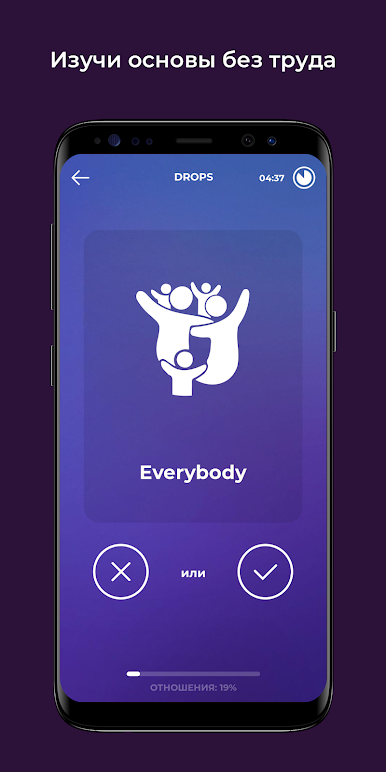
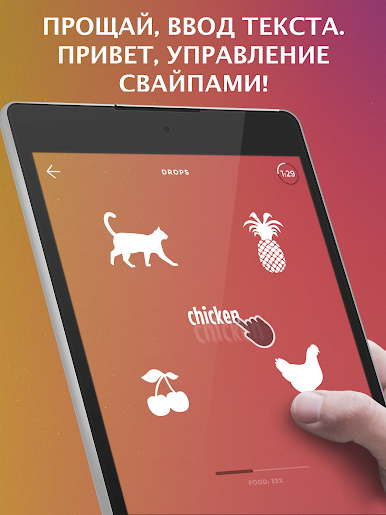
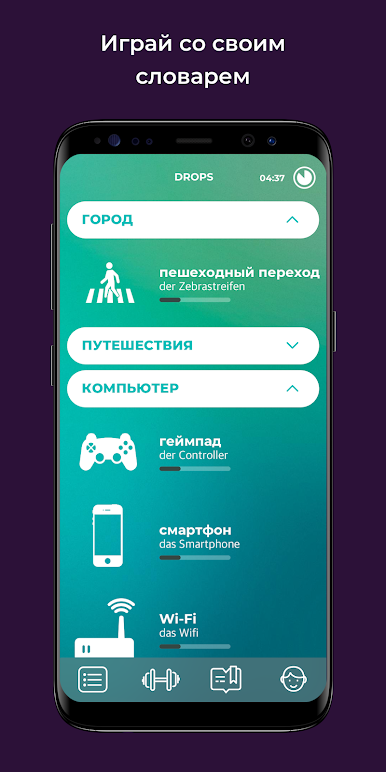
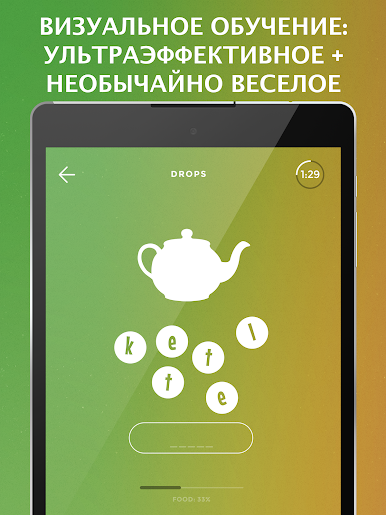
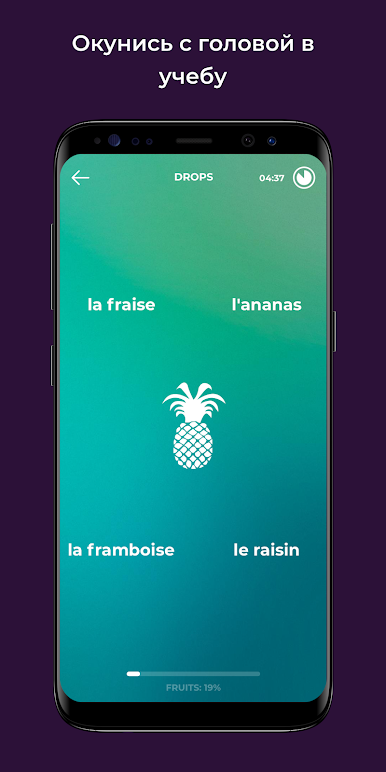
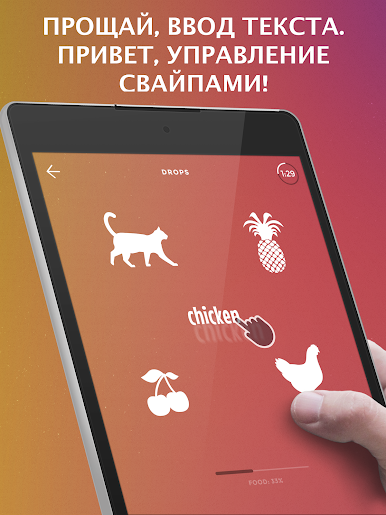
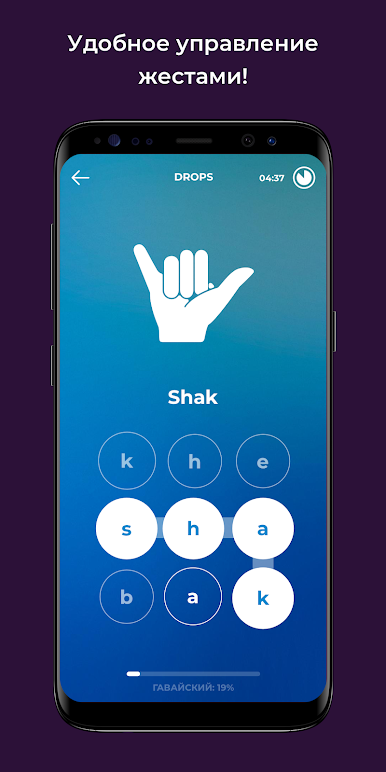
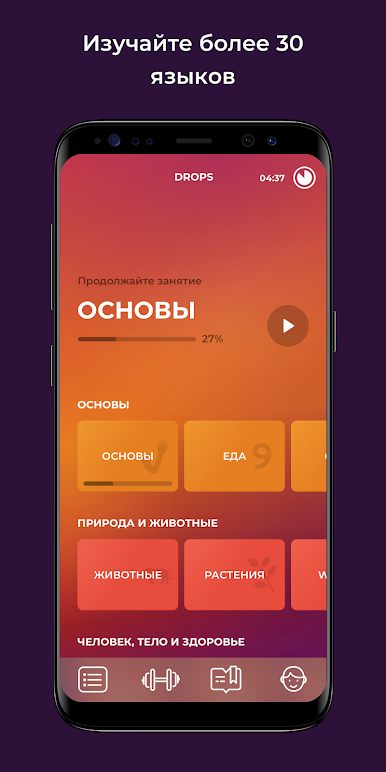
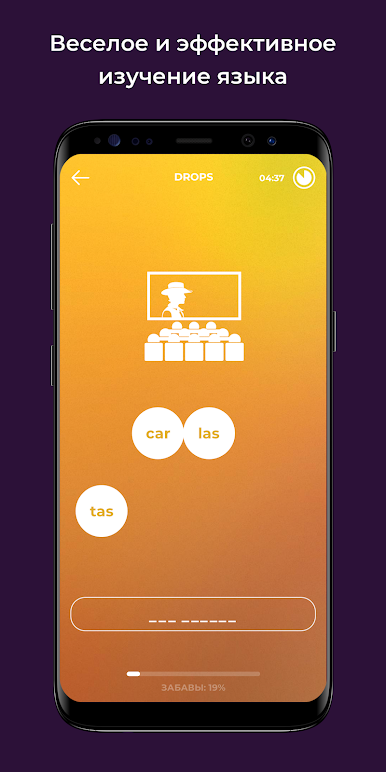
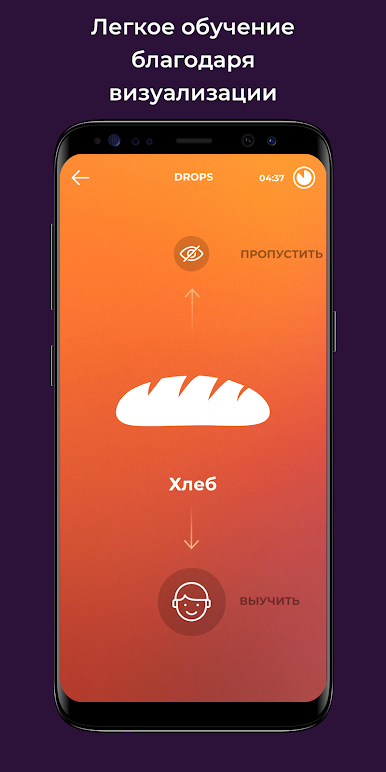
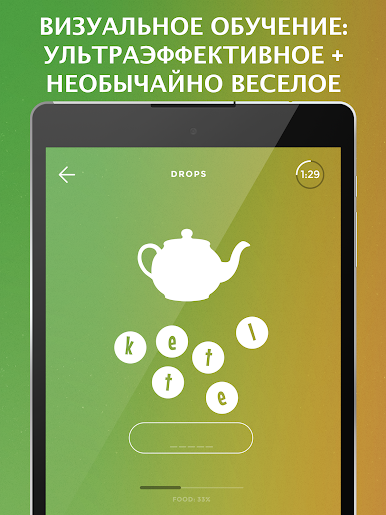
So this app, Drops: Learn Swedish, is actually kind of a clever way to start picking up vocabulary without it feeling like schoolwork. Instead of having to memorize long lists of words, it sort of turns the process into these quick little games where you’re swiping and tapping your way through new words and pictures. The graphics are bright and actually help you remember things, since nearly everything’s illustrated rather than just shown as text, so it feels a lot like playing a casual game more than drilling language. Plus, it completely skips any grammar headaches and just throws you useful words, so it stays fast and doesn’t get overwhelming.
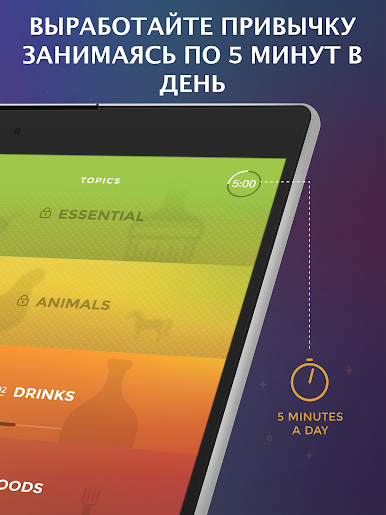
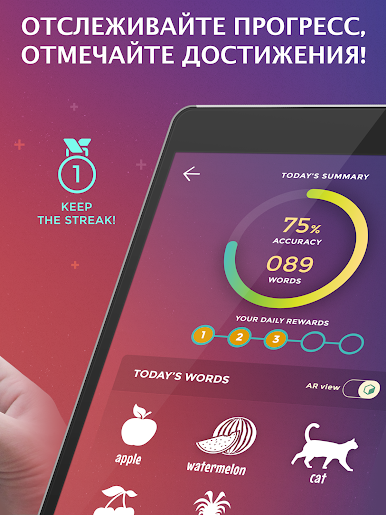
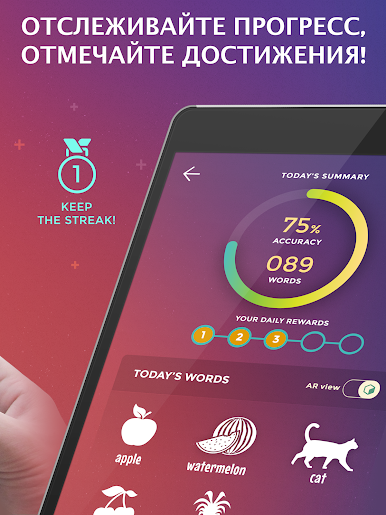
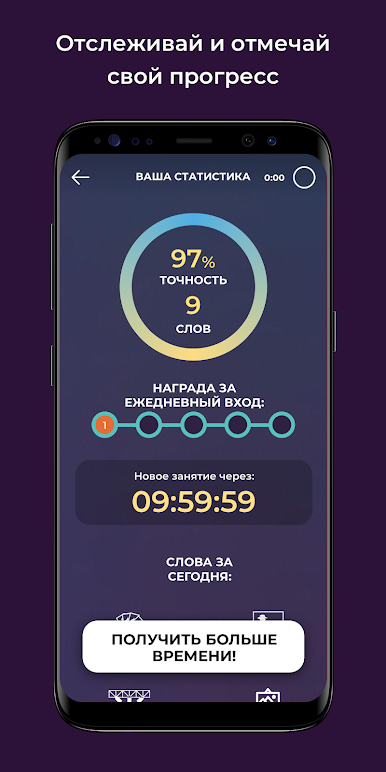
Something else that stands out: there’s a five-minute session idea, giving you these super short bursts to practice. You don’t need to worry about finding time—because, honestly, five minutes is so easy to fit in. And because it’s all about touch controls, if you’re running it on PC through BlueStacks, using a mouse or trackpad is just as quick, maybe even speedier than being on a phone. Everything’s audio-visual, so you hear words from native speakers, see them with matching pictures, and just start picking them up almost by accident. It’s free if you’re just learning casually, and the whole thing sort of encourages you to make a daily habit out of it without much effort. If someone likes playing language apps that are actually smooth and don’t pile on rules or explanations, this one has that easy-on-the-brain feel.
Eager to take your app experience to the next level? Start right away by downloading BlueStacks on your PC or Mac.

Играйте в игру Drops: учите шведский язык на ПК. Это легко и просто.
-
Скачайте и установите BlueStacks на ПК.
-
Войдите в аккаунт Google, чтобы получить доступ к Google Play, или сделайте это позже.
-
В поле поиска, которое находится в правой части экрана, введите название игры – Drops: учите шведский язык.
-
Среди результатов поиска найдите игру Drops: учите шведский язык и нажмите на кнопку "Установить".
-
Завершите авторизацию в Google (если вы пропустили этот шаг в начале) и установите игру Drops: учите шведский язык.
-
Нажмите на ярлык игры Drops: учите шведский язык на главном экране, чтобы начать играть.

