


Spots Connect
Spiele auf dem PC mit BlueStacks - der Android-Gaming-Plattform, der über 500 Millionen Spieler vertrauen.

Seite geändert am: Oct 31, 2025
Play Spots Connect on PC or Mac
Spots Connect brings the Puzzle genre to life, and throws up exciting challenges for gamers. Developed by Launchship Studios, this Android game is best experienced on BlueStacks, the World’s #1 app player for PC and Mac users.
About the Game
If you’re in the mood for a chill brain teaser, Spots Connect from Launchship Studios might be just what you need. It puts you right in the thick of a colorful puzzle world, where the goal is to connect matching spots in clever ways. With hundreds upon hundreds of levels and a laid-back vibe, it’s the kind of puzzle you can pick up to relax or really challenge yourself—totally up to you.
Game Features
-
Tons of Puzzles
There are over 4,000 handcrafted levels, so you’ll never run out of new challenges. Whether you’ve got five minutes or a whole afternoon, there’s always something to solve. -
Simple to Learn, Fun to Master
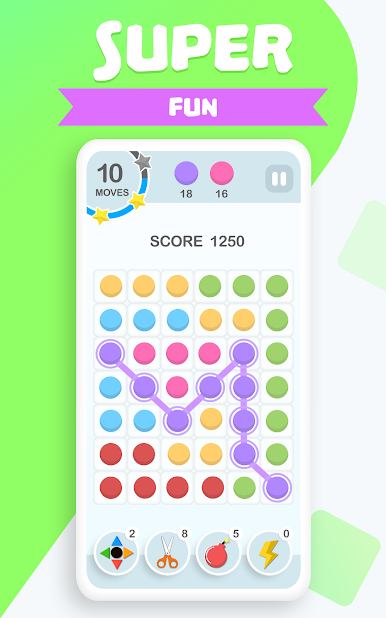
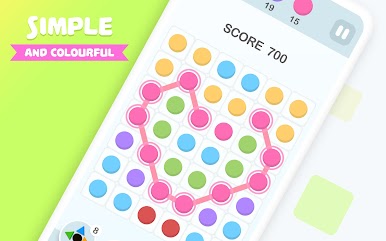
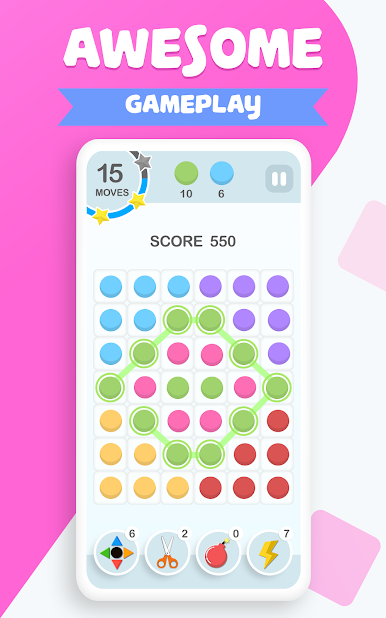
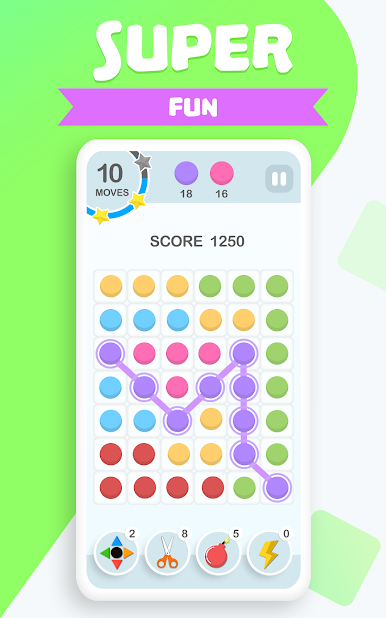
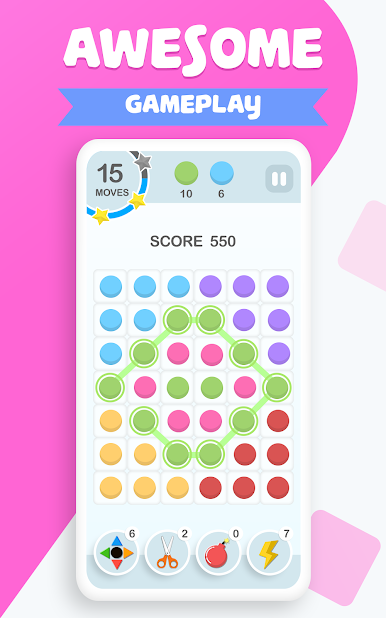
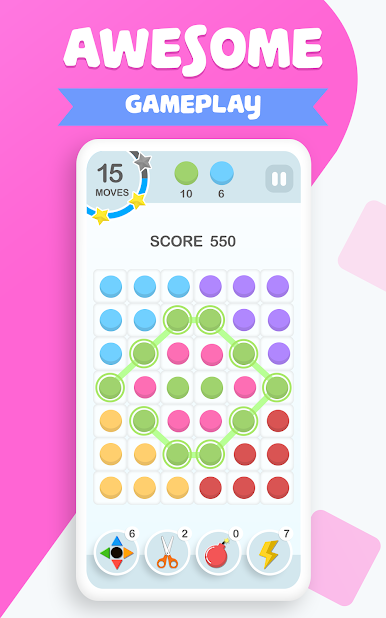
Just connect three or more spots of the same color in a single move. Easy, right? The tricky part comes when you try for those long, game-changing combos. -
Catchy Themes
Spice up your gameplay with 14 different themes—think snow, beaches, galaxies, and even Halloween. It keeps things feeling fresh, no matter how long you play. -
Daily Surprises
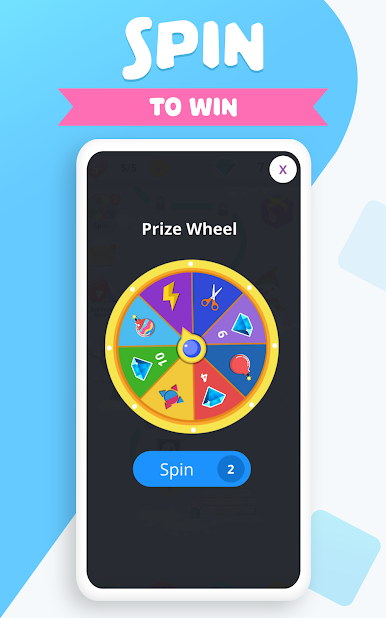
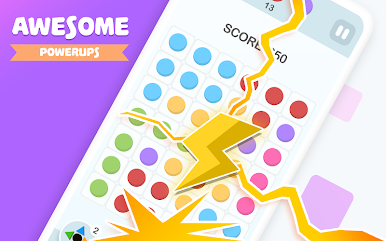
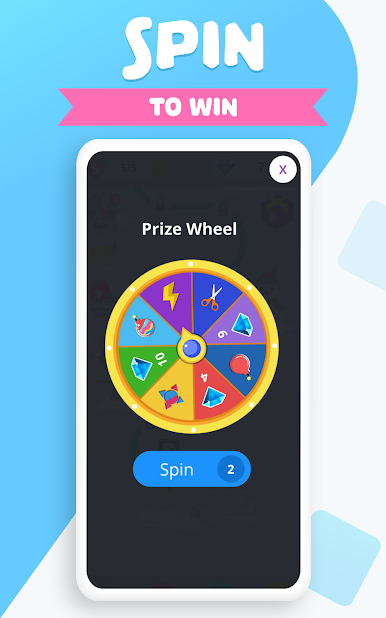
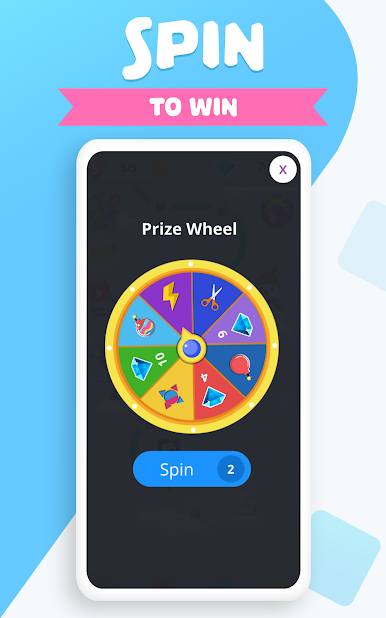
Spin a daily reward wheel and crack open special gift boxes every 15 levels. Diamonds, power-ups, and other boosters pop up often, so there’s always something new to help or challenge you. -
Offline Play
No Wi-Fi? No problem! Spots Connect works just fine offline, so you can keep playing wherever you are—on your phone or blowing up the action on a bigger screen with BlueStacks. -
Unique Puzzle Twists
It’s not just about matching. Some levels toss in glass and wooden blocks or tricky black magic dots that make you switch up your strategy on the fly. -
Different Modes to Mix Things Up
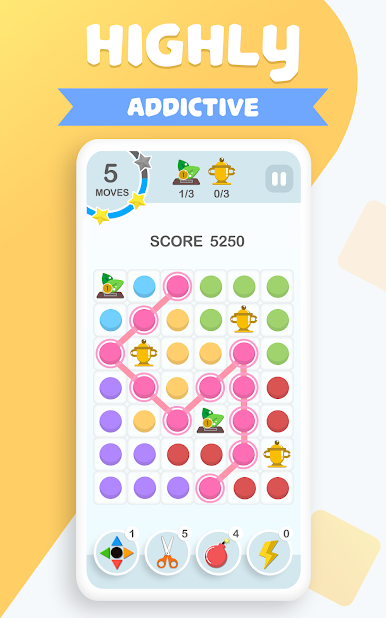
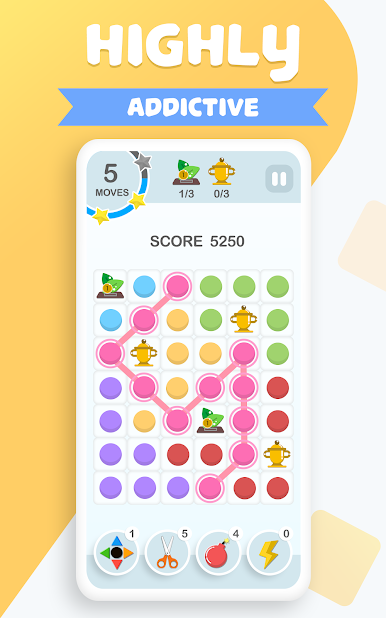
Feeling competitive or just want to relax? Try out varied game modes, including ones with time limits, restricted moves, and collectible properties. -
Rewards for Skillful Play
The more stars you collect, the more in-game goodies open up—so there’s real incentive if you love hunting high scores or perfect finishes. -
Smooth and Bright Design
The simple, vibrant graphics mean it’s easy on the eyes, no matter how long your puzzle streak lasts. -
Achievements & Leaderboards
Up for bragging rights? Compare scores with friends or shoot for achievements as you progress.
Make your gaming sessions memorable with precise controls that give you an edge in close combats and visuals that pop up, bringing every character to life.

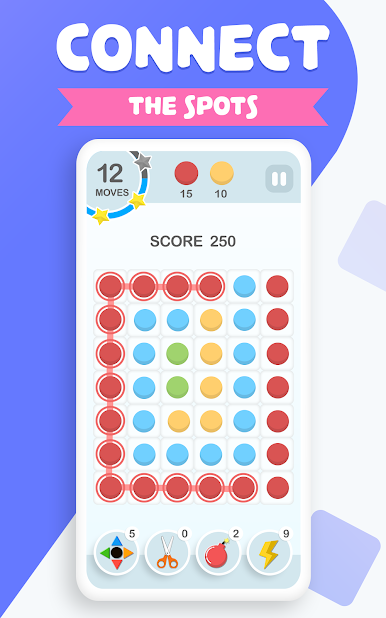
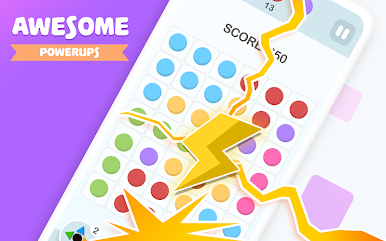
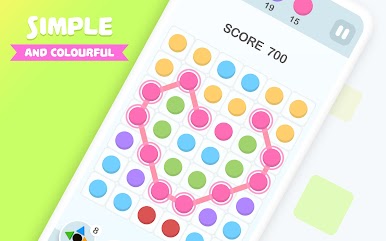
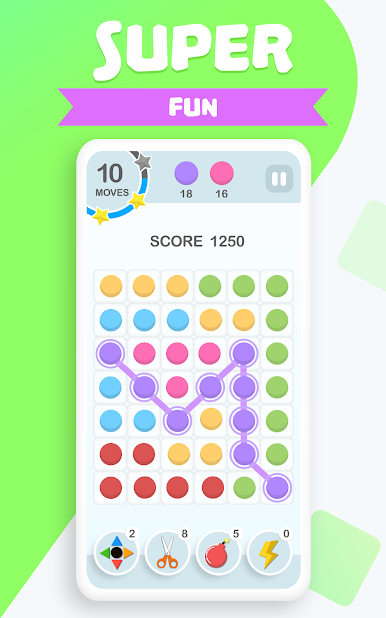
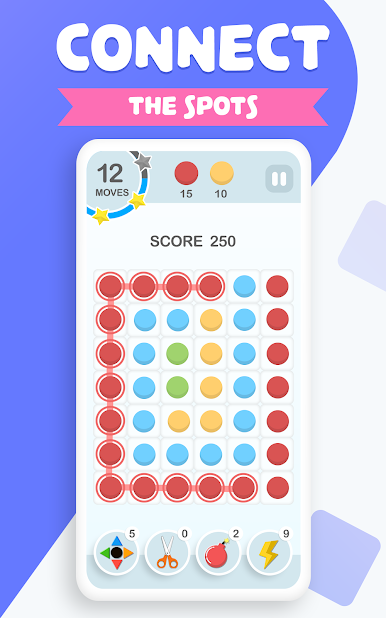
Spiele Spots Connect auf dem PC. Der Einstieg ist einfach.
-
Lade BlueStacks herunter und installiere es auf deinem PC
-
Schließe die Google-Anmeldung ab, um auf den Play Store zuzugreifen, oder mache es später
-
Suche in der Suchleiste oben rechts nach Spots Connect
-
Klicke hier, um Spots Connect aus den Suchergebnissen zu installieren
-
Schließe die Google-Anmeldung ab (wenn du Schritt 2 übersprungen hast), um Spots Connect zu installieren.
-
Klicke auf dem Startbildschirm auf das Spots Connect Symbol, um mit dem Spielen zu beginnen

