


LED Blinker Benachrichtigungen
Spiele auf dem PC mit BlueStacks - der Android-Gaming-Plattform, der über 500 Millionen Spieler vertrauen.

Seite geändert am: Nov 15, 2025
Run LED Blinker Notifications Pro - Manage your lights on PC or Mac
Why limit yourself to your small screen on the phone? Run LED Blinker Notifications Pro – Manage your lights, an app by Mario Ostwald, best experienced on your PC or Mac with BlueStacks, the world’s #1 Android emulator.
About the App
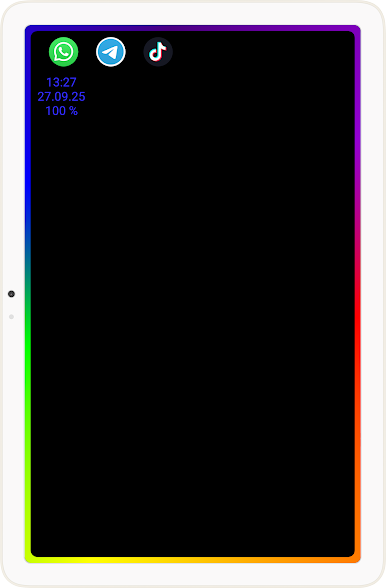
Ever wish you could tell what type of notification just popped up without unlocking your phone? LED Blinker Notifications Pro – Manage your lights, from Mario Ostwald, makes that pretty effortless. This handy tool lets you assign colorful, custom light alerts for all sorts of notifications—missed calls, messages, social updates, and more. Even if your phone doesn’t have a physical LED, the app makes clever use of your screen, so you’re always in the loop.
App Features
-
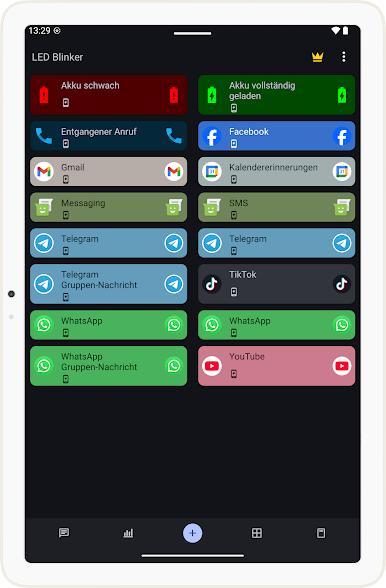
Custom Colors for Notifications
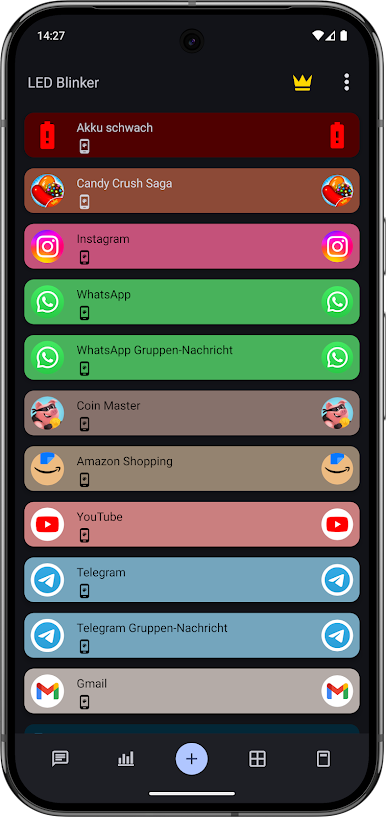
Pick specific colors for different contacts or apps—so, for instance, you’ll always know if your mom or your group chat is buzzin’ you by just glancing at the light. -
Supports Tons of Apps
Whether it’s calls, SMS, WhatsApp, Telegram, Signal, Facebook, or even things like battery status and email, you can add pretty much any app you want and set up notifications for it. -
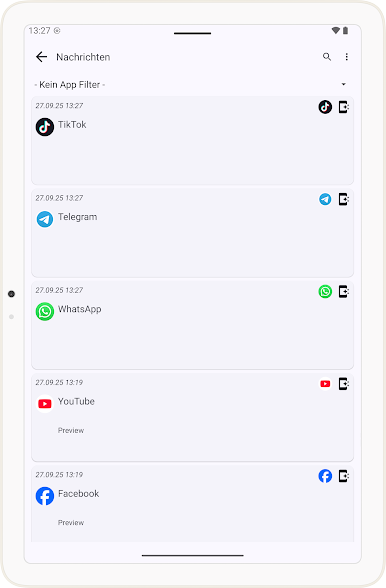
Flexible Notification Overviews
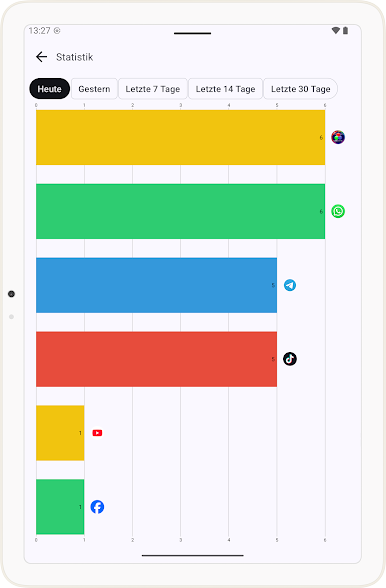
Quickly check all your recent notifications or see the last messages you received (yep, even the ones people thought they could delete!). -
Battery Friendly Modes
There’s a pocket mode designed to help save battery, plus you can set silent times—like when you’re sleeping or in a meeting—so you’re not disturbed by blinking lights. -
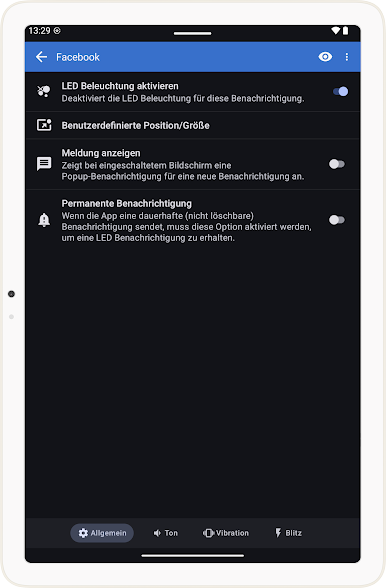
Lots of Personalization Options
Adjust blink speed, vibration, sound, and repeats for each app, and flip between dark and light themes to suit your style. -
Screen LED & Flashlight Alerts
No hardware LED on your phone? No problem. The app uses your phone’s screen as an LED, and you can even get the camera flashlight to blink for new messages if you’re somewhere really noisy. -
Smart Filters and Symbols
Want to only be notified for specific keywords? Set up smart filters. You can also swap in custom pictures instead of just color dots, which is kinda fun. -
Easy Data Backup
Switching phones or ROMs? Export and import your app settings so you don’t have to redo stuff every time. -
Quick Access Widgets
Add a widget to instantly turn notifications on or off, or to pause all that blinking in seconds. -
No Root Needed & Privacy-Friendly
No need to jump through technical hoops—just install and go. Plus, the app keeps your data safe and doesn’t need internet access. -
Works on PC with BlueStacks
If you’re running things from your desktop, you can also manage your notifications with BlueStacks.
Kind of a neat way to keep your notifications organized and colorful—without missing a beat.
Ready to experience LED Blinker Notifications Pro – Manage your lights on a bigger screen, in all its glory? Download BlueStacks now.

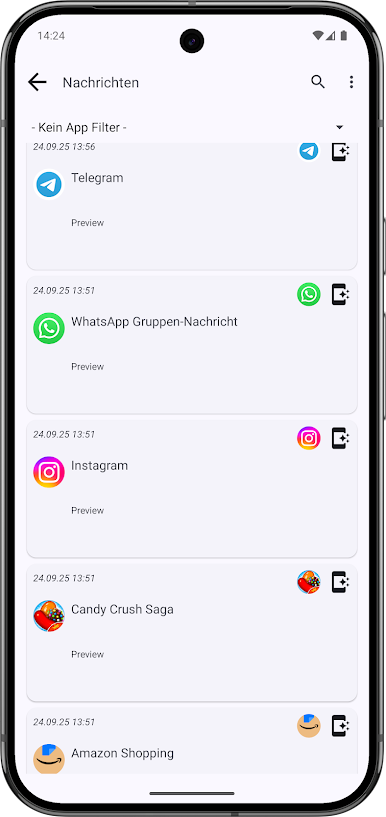
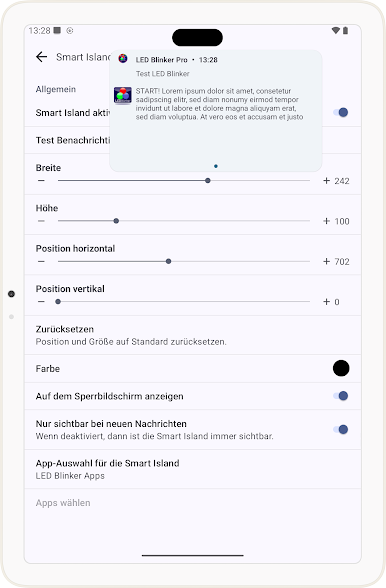
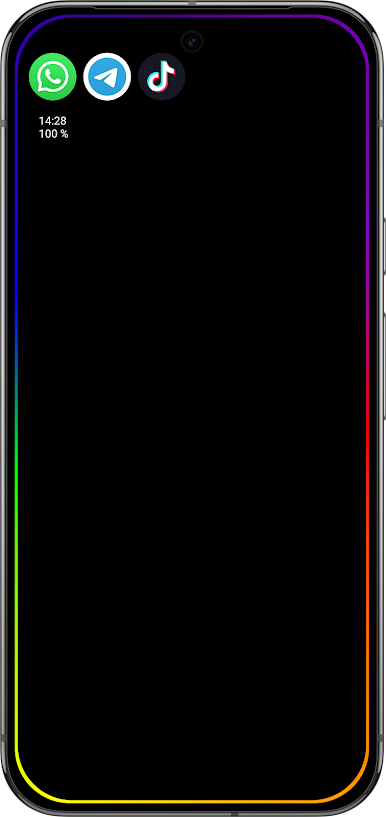
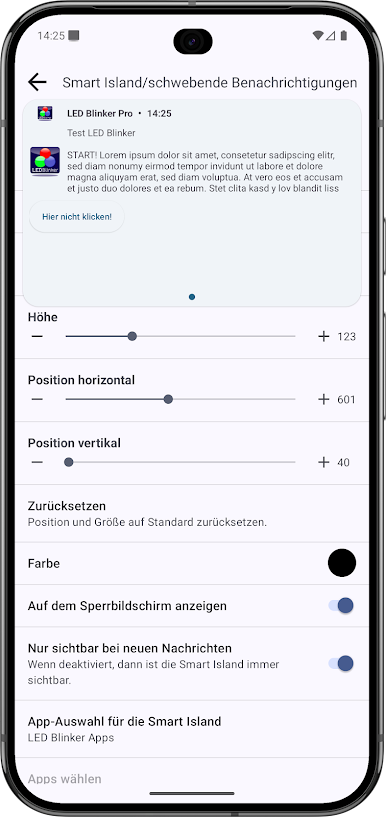
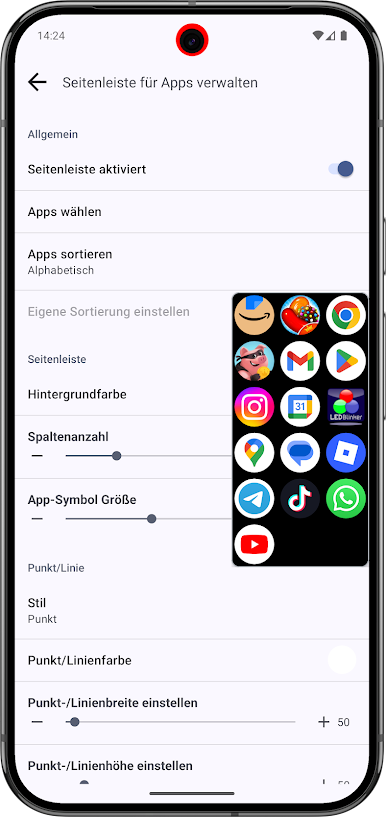
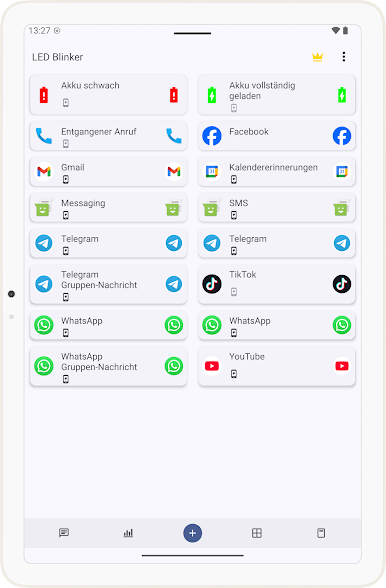
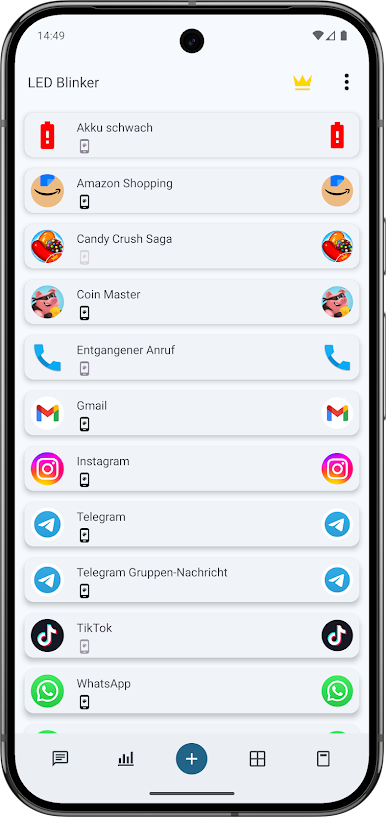
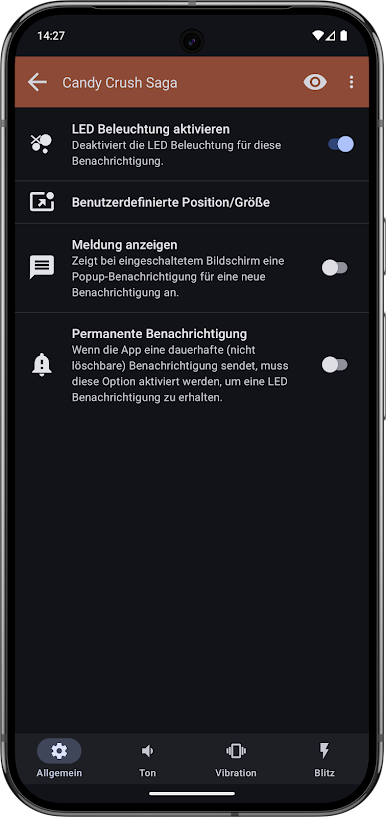
Spiele LED Blinker Benachrichtigungen auf dem PC. Der Einstieg ist einfach.
-
Lade BlueStacks herunter und installiere es auf deinem PC
-
Schließe die Google-Anmeldung ab, um auf den Play Store zuzugreifen, oder mache es später
-
Suche in der Suchleiste oben rechts nach LED Blinker Benachrichtigungen
-
Klicke hier, um LED Blinker Benachrichtigungen aus den Suchergebnissen zu installieren
-
Schließe die Google-Anmeldung ab (wenn du Schritt 2 übersprungen hast), um LED Blinker Benachrichtigungen zu installieren.
-
Klicke auf dem Startbildschirm auf das LED Blinker Benachrichtigungen Symbol, um mit dem Spielen zu beginnen

