


Shortcutter Quick Settings
500M + oyuncunun güvendiği Android Oyun Platformu, BlueStacks ile PC'de oynayın.

Sayfa Değiştirilme tarihi: Jul 29, 2020
Run Shortcutter Quick Settings on PC or Mac
What’s better than using Shortcutter Quick Settings by LeeDrOiD Apps? Well, try it on a big screen, on your PC or Mac, with BlueStacks to see the difference.
About the App
Ever feel like you’re always hunting around your phone for your favorite apps or settings? Shortcutter Quick Settings, created by LeeDrOiD Apps, wraps everything you need into one neat toolbox—even stuff you didn’t know you wanted until you saw it. Whether you’re a fan of tinkering with device shortcuts or just want to get things done faster, this Tools app gives you new ways to reach apps, contacts, websites, or settings—right at your fingertips. Simple or advanced, you get to shape your own shortcuts world.
App Features
-
Always-On Side Bar:
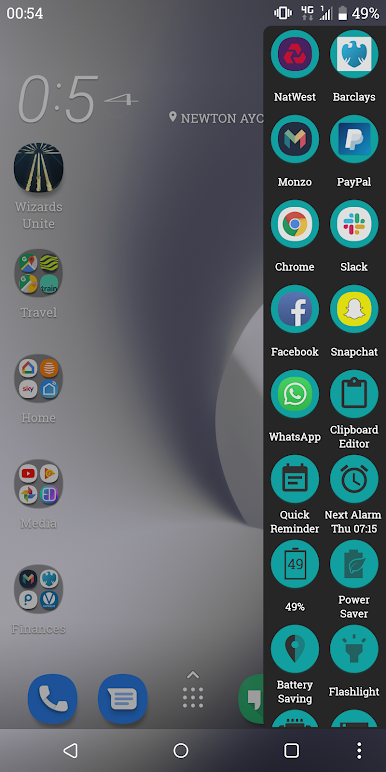
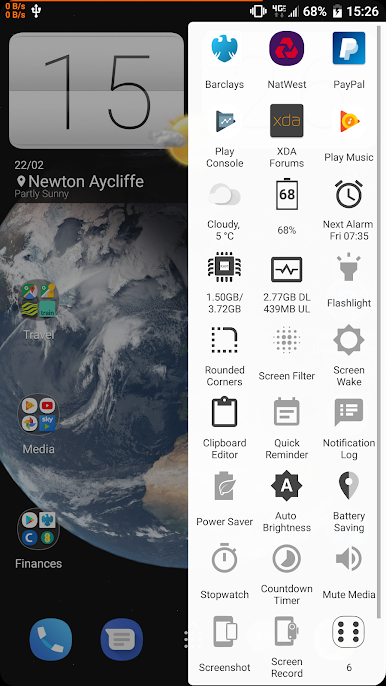
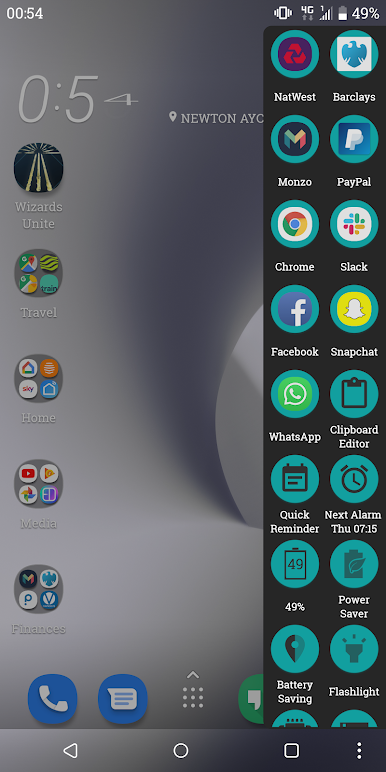
Slide out a floating side launcher whenever you need it. You can put it on either side or at the bottom of your screen, so your top shortcuts are always close by. Loads of customization options—change up the design, layout, and what’s included. -
Powerful Quick Settings Tiles:
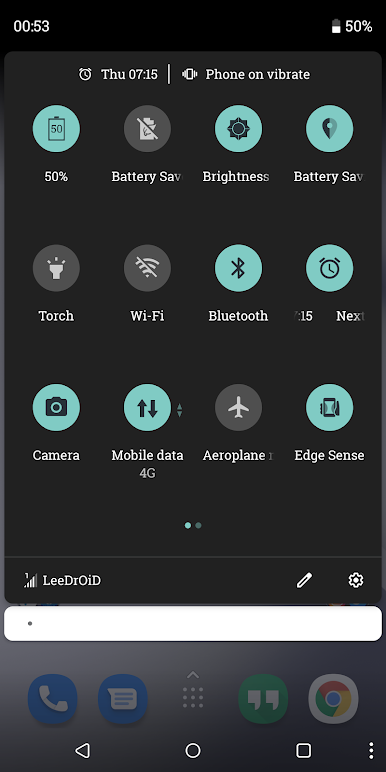
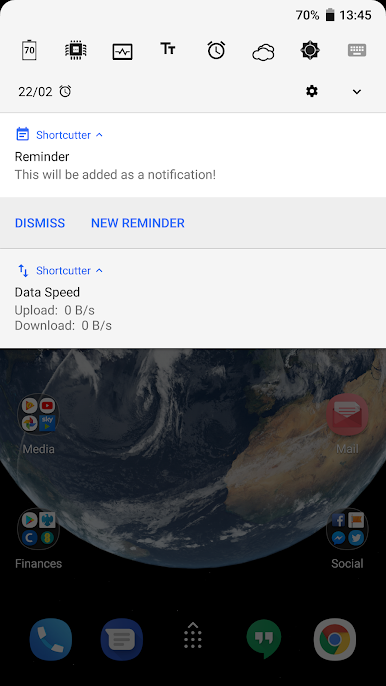
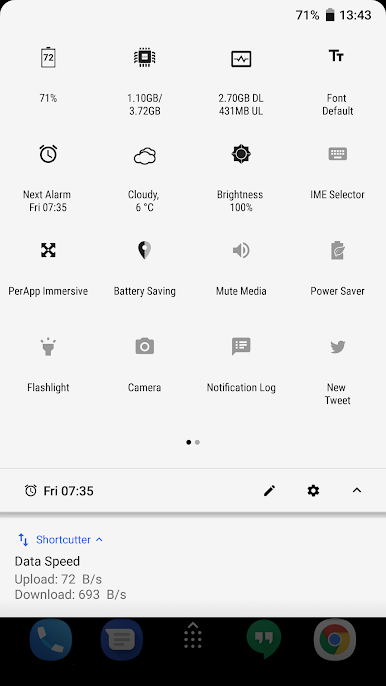
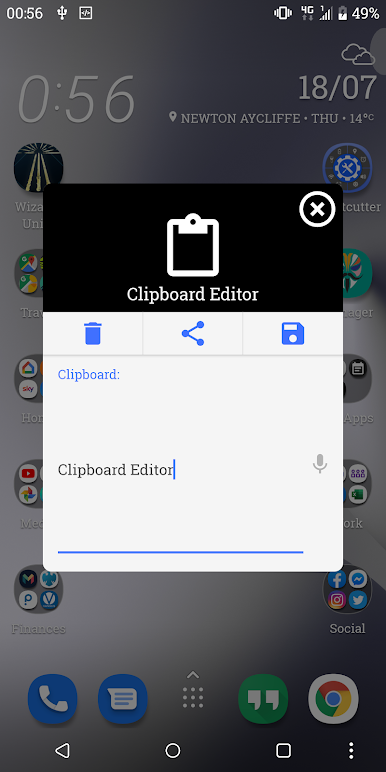
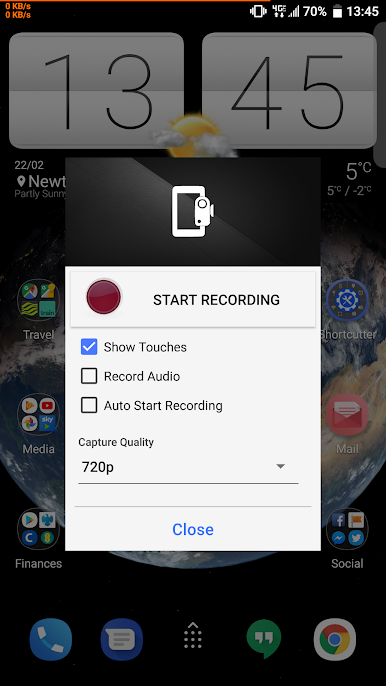
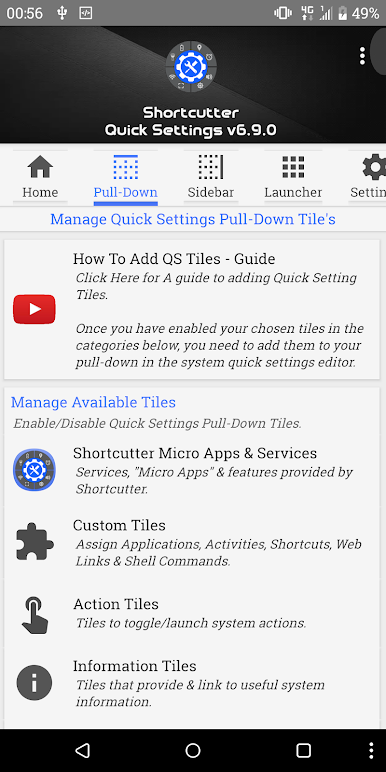
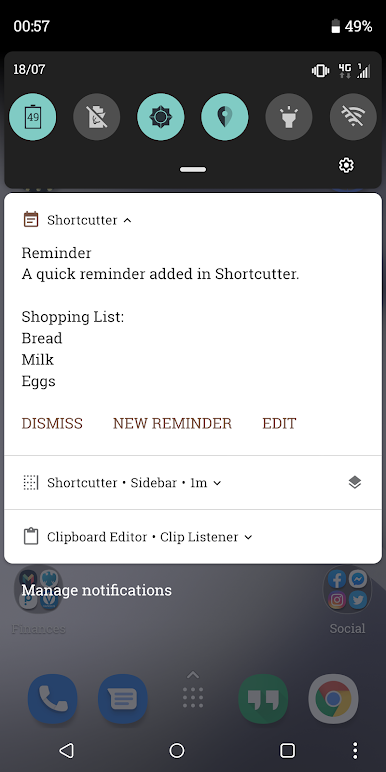
Tired of the default pull-down? Add tons of extra quick settings tiles for instant access to WiFi, BlueTooth, flashlight, screenshots, screen recording, and even a clipboard tool or file browser. Advanced and root users can unlock even more features. -
Supercharged Shortcuts:
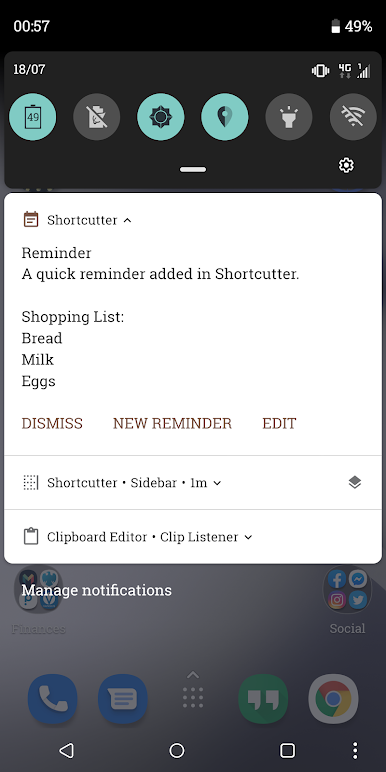
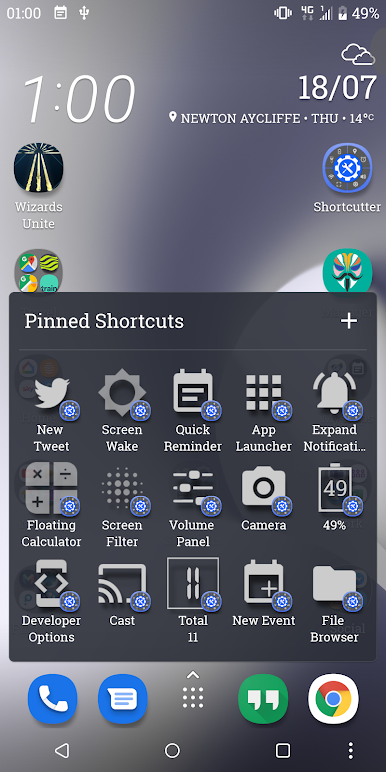
Create custom tiles for just about anything—apps, actions, contacts, even direct calls and web links. Handy for setting up reminders, toggling night mode, opening new emails or tweets, or managing data usage. -
Widgets & Exposed Shortcuts:
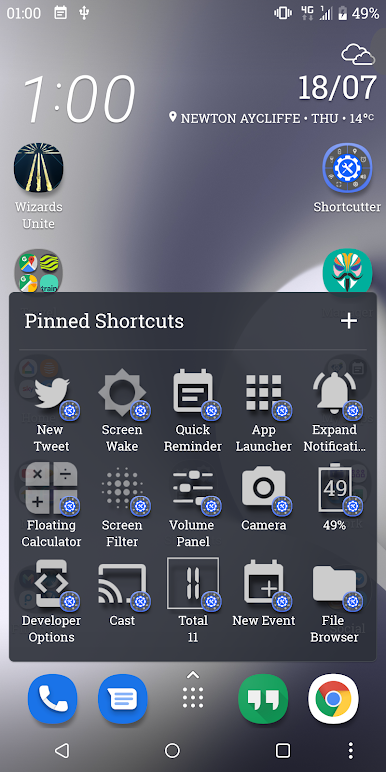
Stick your favorite shortcuts on your home screen for one-tap access, or tap straight into settings right from your app drawer. Super flexible, and surprisingly addictive once you start using them. -
Security and Admin Controls:
Lock down your new tiles for extra peace of mind or access powerful toggles like screen lock, advanced power menu, and hidden system settings. -
Deep Customization for Advanced Users:
If you’re comfortable with things like ADB or root permissions, unlock advanced settings, custom shell commands, immersive mode, and more. Nerds welcome. -
All-in-One Toolbox:
From toggling system settings and casting your screen, to launching your camera or tracking RAM usage—think of Shortcutter as the Swiss Army Knife for Android productivity. -
Runs Smoothly, Even on BlueStacks:
Prefer managing your shortcuts on a bigger screen? Shortcutter Quick Settings feels right at home on BlueStacks, for those moments you want Android-style quick access on your PC.
With Shortcutter Quick Settings, your device becomes a whole lot friendlier and way more efficient—just the way you want it.
Eager to take your app experience to the next level? Start right away by downloading BlueStacks on your PC or Mac.
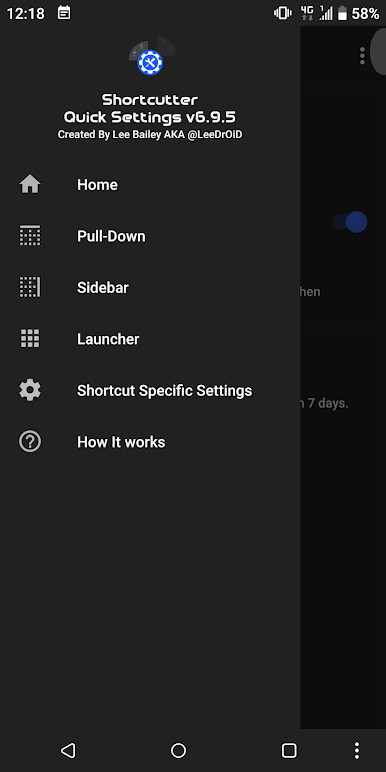
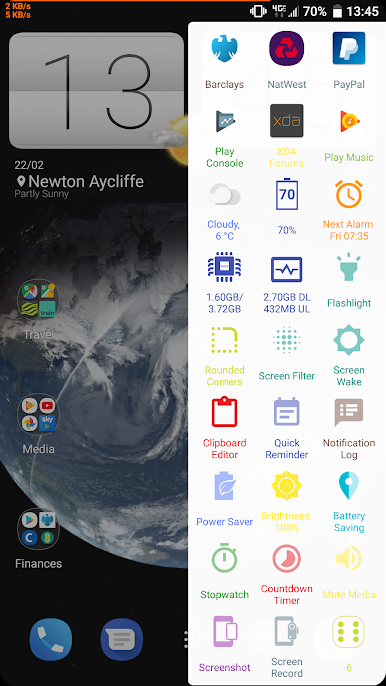
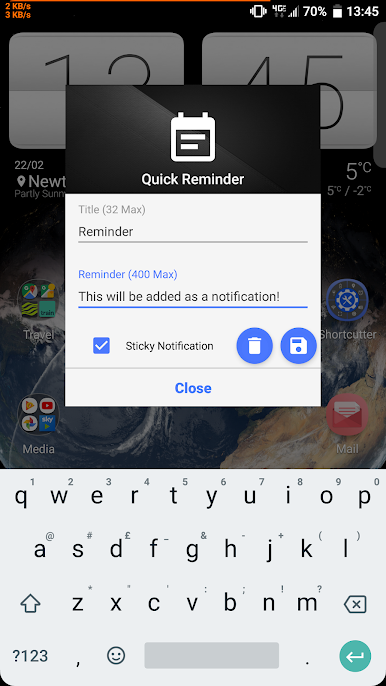

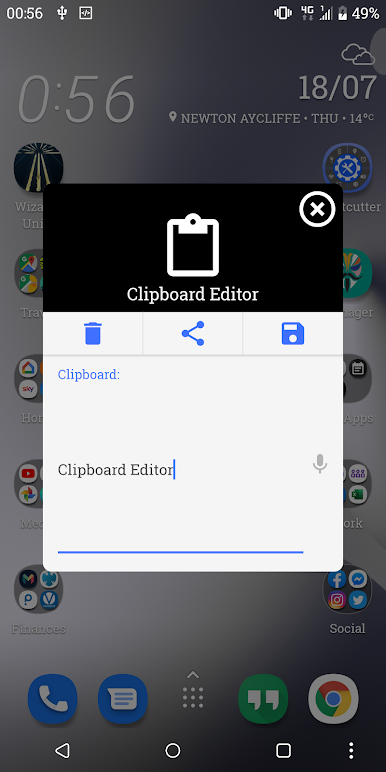


Shortcutter Quick Settings oyununu PC'de oyna. Başlamak çok kolay.
-
BlueStacks'i PC'nize İndirin ve Yükleyin
-
Play Store'a erişmek için Google girişi yapın ya da daha sonraya bırakın.
-
Sağ üst köşeye Shortcutter Quick Settings yazarak arayın.
-
Shortcutter Quick Settings uygulamasını arama sonuçlarından indirmek için tıklayın.
-
(iEğer Adım 2'yi atladıysanız) Shortcutter Quick Settings uygulamasını yüklemek için Google'a giriş yapın.
-
Oynatmaya başlatmak için ekrandaki Shortcutter Quick Settings ikonuna tıklayın.

