


Говорящий динозавр
Играйте на ПК с BlueStacks – игровой платформе для приложений на Android. Нас выбирают более 500 млн. игроков.

Страница изменена: Aug 2, 2026
Играй Говорящий динозавр На ПК
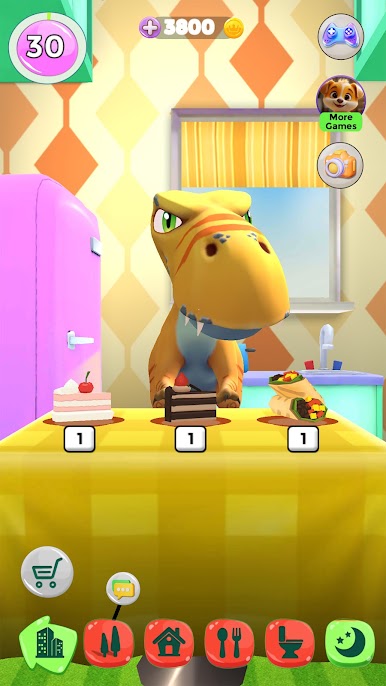
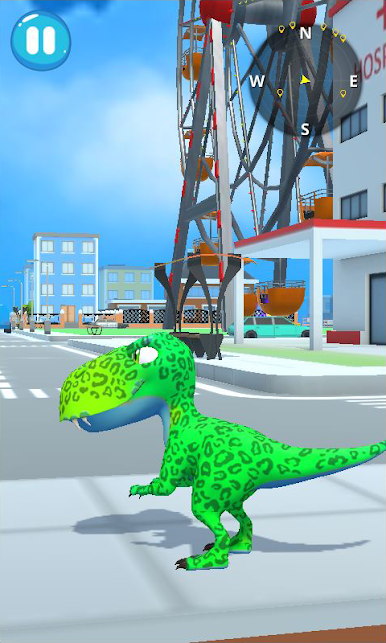
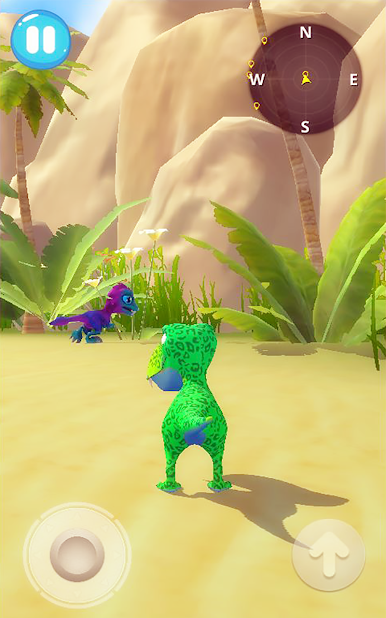
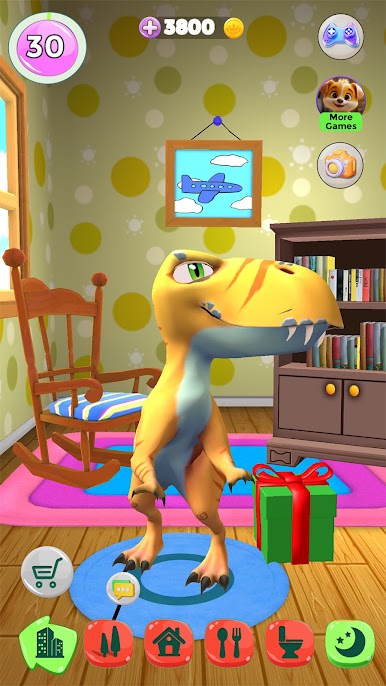
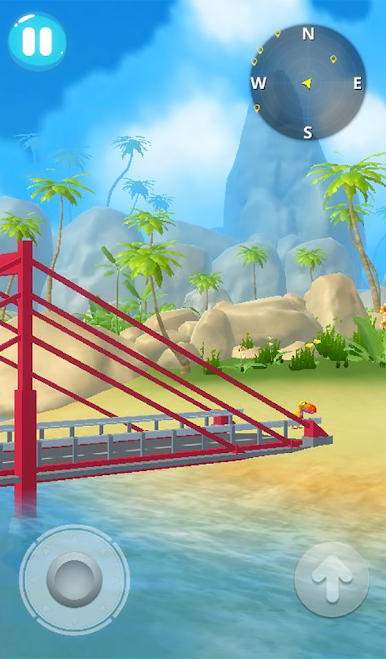
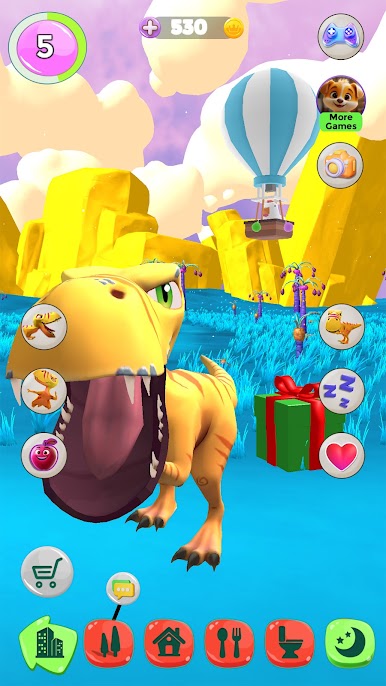
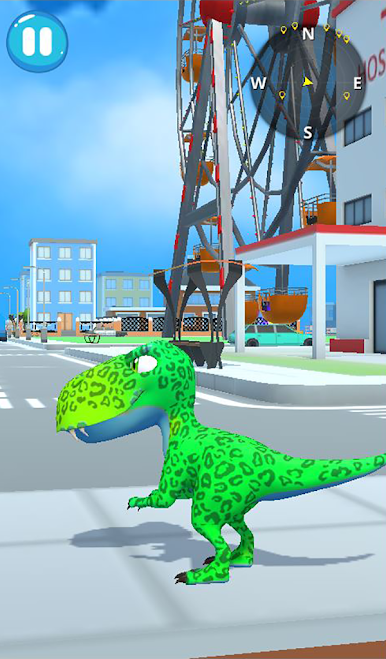
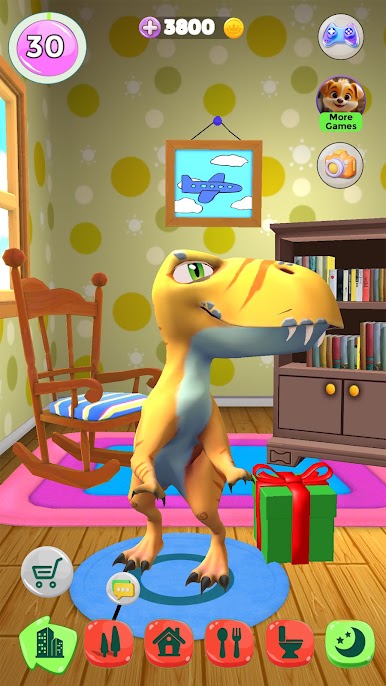
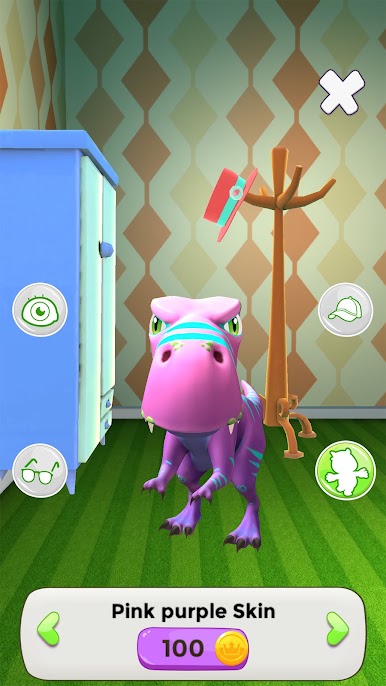
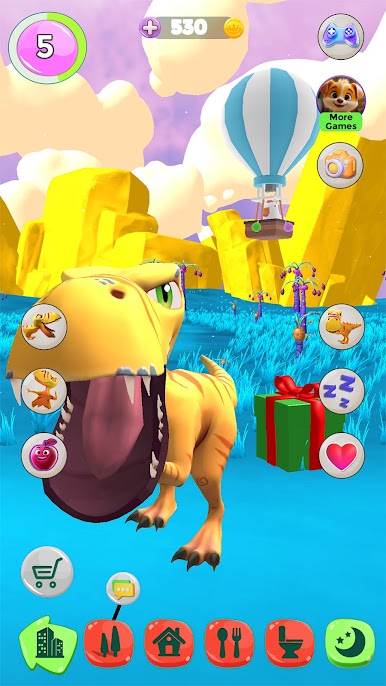
Talking Dinosaur здесь, чтобы принести смех, веселье и захватывающие приключения в ваш день! Этот очаровательный детеныш динозавра любит разговаривать, играть и исследовать мир вместе с вами. Скажите что-нибудь, и он повторит это в ответ забавным голосом динозавра — или даже удивит вас своими собственными глупыми фразами! Приручите Talking Dinosaur в качестве своего виртуального питомца и наблюдайте, как он вырастает из милого детеныша в суперкрутого взрослого динозавра. Настройте его внешний вид, украсьте его дом и откройте для себя все удивительные вещи, которые он может делать!
🦕 Что можно делать с Talking Dinosaur?
🌿 Поговорите с динозавром: скажите что-нибудь, и динозавр повторит это забавным, глупым голосом. Иногда он даже придумывает собственные шутки!
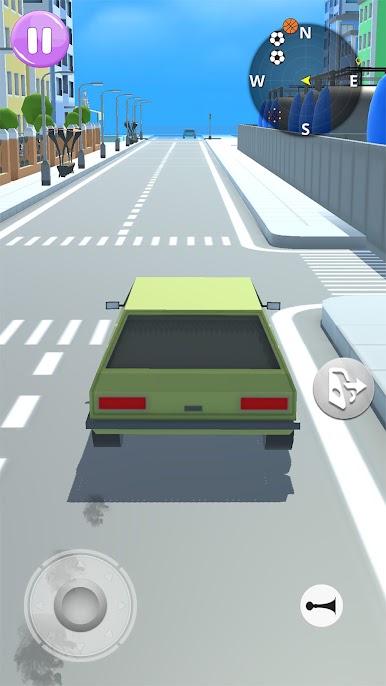
🎮 Играйте в веселые игры: зарабатывайте золотые монеты, играя в захватывающие мини-игры с Динозавром — приключения ждут!
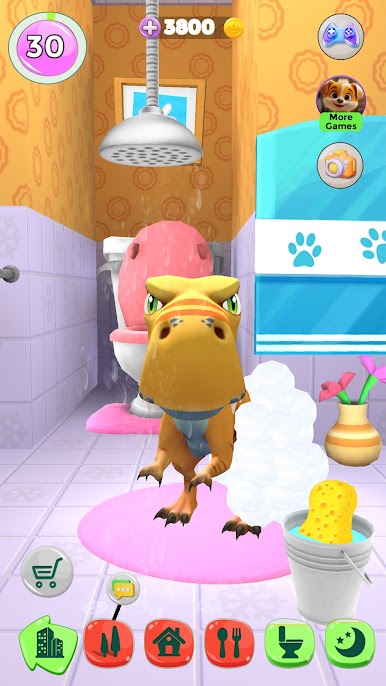
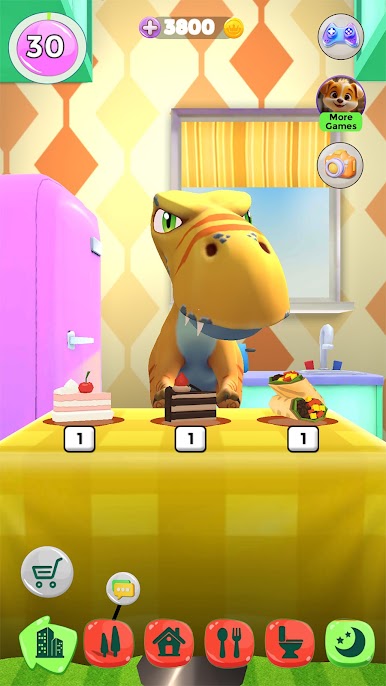
🍎 Кормите и ухаживайте: кормите Динозавра его любимыми закусками, укладывайте его спать и наблюдайте, как он растет сильным и счастливым.
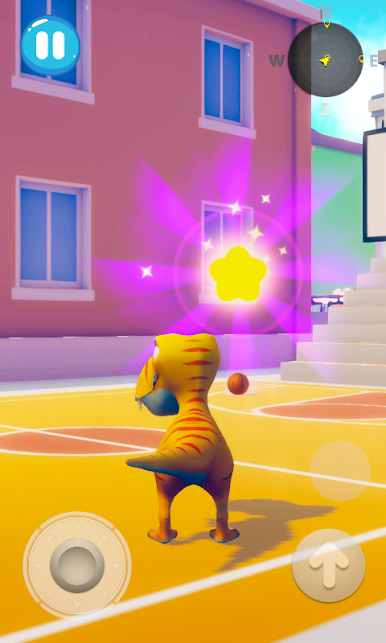
🦴 Играйте в апорт: бросайте мяч и смотрите, как игриво Динозавр приносит его обратно!
🌋 Забавные реакции: толкайте, щекочите или гладьте Динозавра и смотрите, как он реагирует смехом или удивлением.
🏡 Украшайте его дом: выбирайте мебель и украшения, чтобы создать самый крутой дом для своего Динозавра.
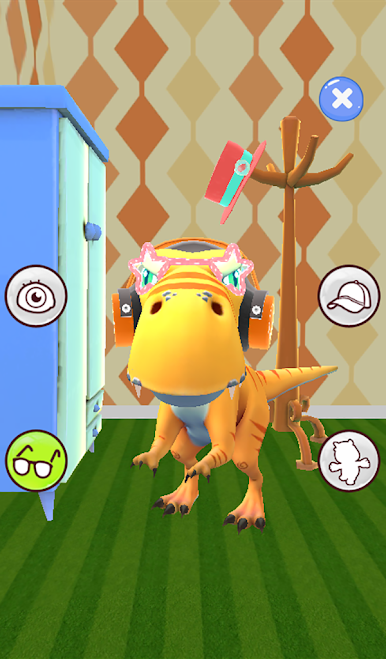
🥚 Настраивайте своего Динозавра: смешивайте и подбирайте цвета глаз, шкуры и аксессуары, чтобы сделать Динозавра по-настоящему уникальным.
🦖 Почему дети любят Talking Dinosaur
Talking Dinosaur — это не просто игра, это волшебное путешествие в мир динозавров! Детям нравится его веселый характер, забавный голос и бесконечные способы взаимодействия и настройки. Играете ли вы в игры, украшаете его дом или просто общаетесь, Dinosaur — идеальный доисторический компаньон для веселья и творчества.
Загрузите Talking Dinosaur прямо сейчас и начните свое приключение с самым игривым другом-динозавром! 🐾

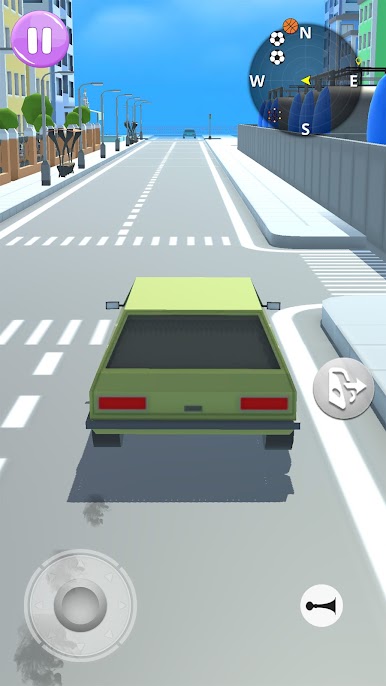
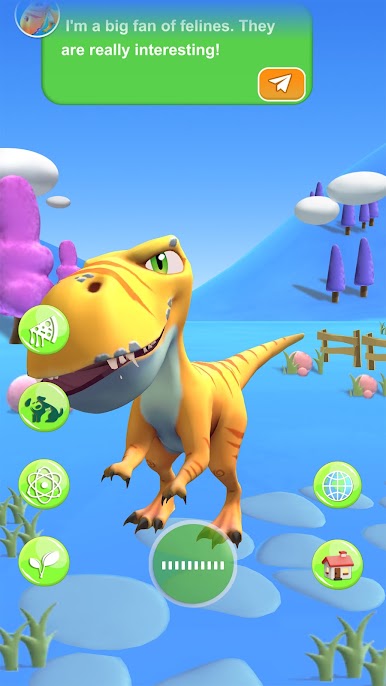
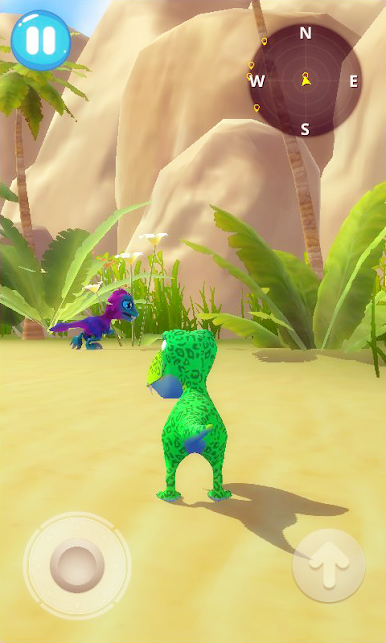
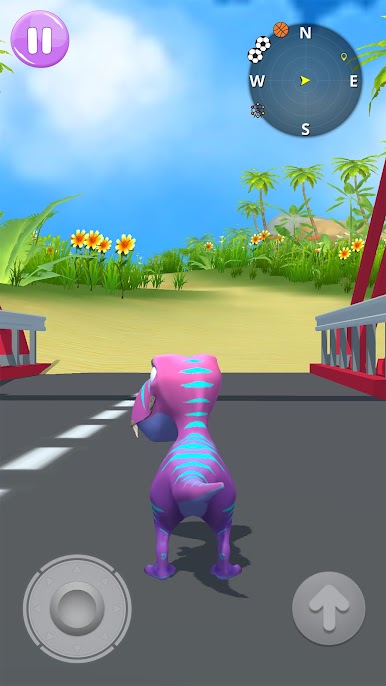
Играйте в игру Говорящий динозавр на ПК. Это легко и просто.
-
Скачайте и установите BlueStacks на ПК.
-
Войдите в аккаунт Google, чтобы получить доступ к Google Play, или сделайте это позже.
-
В поле поиска, которое находится в правой части экрана, введите название игры – Говорящий динозавр.
-
Среди результатов поиска найдите игру Говорящий динозавр и нажмите на кнопку "Установить".
-
Завершите авторизацию в Google (если вы пропустили этот шаг в начале) и установите игру Говорящий динозавр.
-
Нажмите на ярлык игры Говорящий динозавр на главном экране, чтобы начать играть.

