

ProfiMail Go - email client
Играйте на ПК с BlueStacks – игровой платформе для приложений на Android. Нас выбирают более 500 млн. игроков.

Страница изменена: Jul 18, 2024
Run ProfiMail Go - email client on PC or Mac
Get freedom from your phone’s obvious limitations. Use ProfiMail Go – email client, made by Lonely Cat Games, a Communication app on your PC or Mac with BlueStacks, and level up your experience.
About the App
Managing email on your phone or tablet doesn’t have to be a hassle. ProfiMail Go – email client from Lonely Cat Games gives you a clean, no-nonsense way to handle your messages, whether you’ve got one inbox or several. It’s designed to help you keep track of your conversations, find important info fast, and stay organized right from your Android device. If you want something reliable that doesn’t skimp on features, this might just be what you’re looking for.
App Features
-
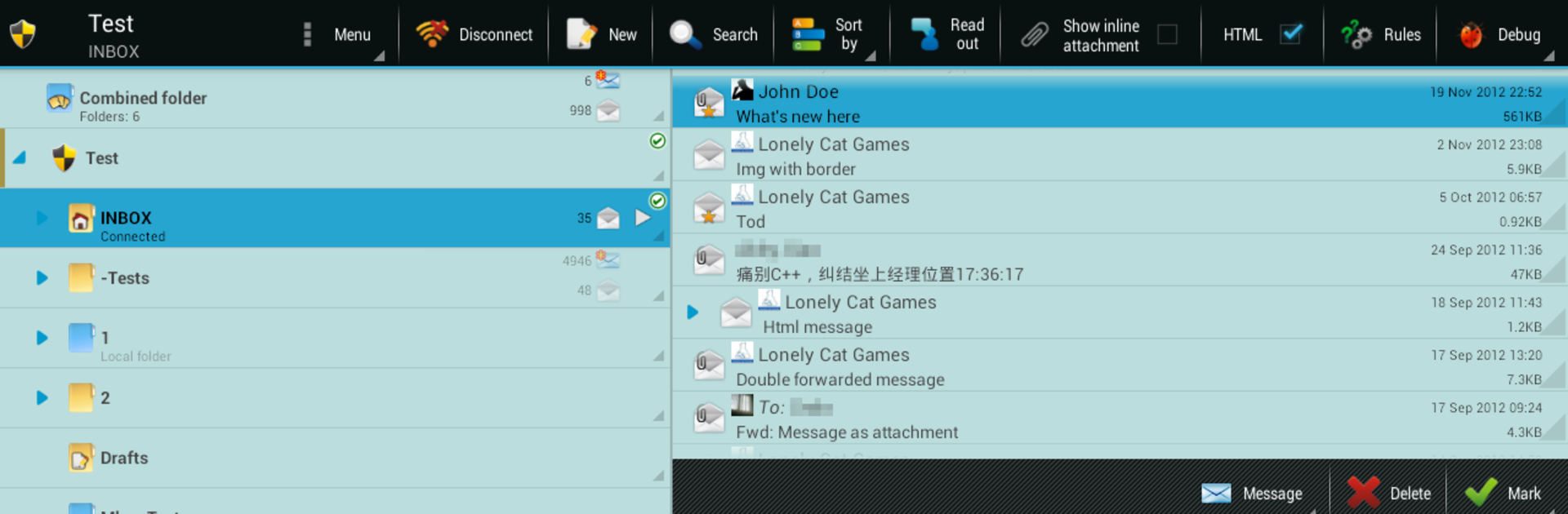
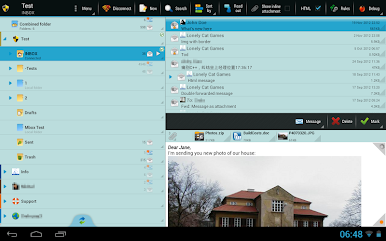
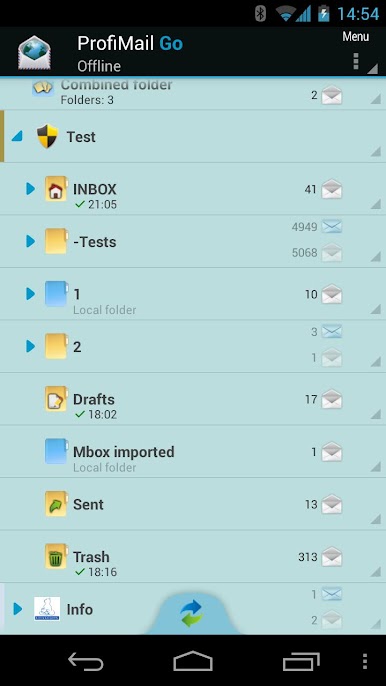
Folder Tree View
Need quick access to all your email folders? ProfiMail Go lets you see everything laid out in an easy-to-navigate tree structure—switching between folders is a breeze. -
Custom Signatures
Want that personal touch? Set up automatic or manual signatures so every email you send has your stamp on it. -
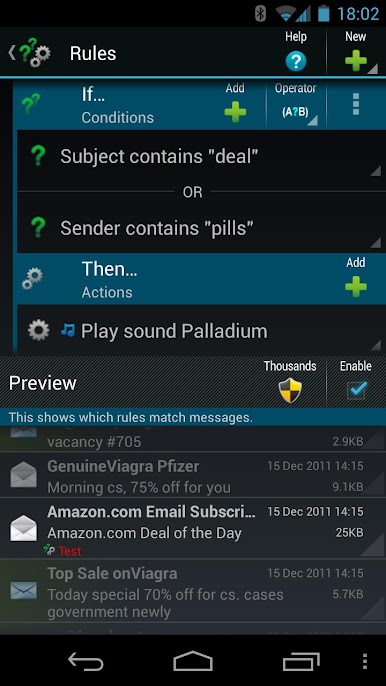
Smart Rules
Tired of sifting through junk? Set up rules that tell the app how to handle certain messages—like sorting, tagging, or archiving, all on autopilot. -
S/MIME Encryption
If privacy matters, you can send emails with encrypted protection and digital signatures to keep things secure. -
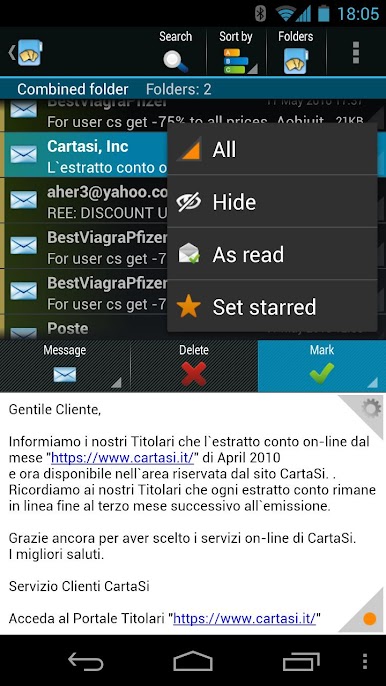
Unified Folder View
Check out emails from multiple folders all together, so you don’t have to keep jumping around to see what’s new. -
Conversation Threading
Keep related emails grouped together in a tree-style conversation, making it easy to follow the back-and-forth. -
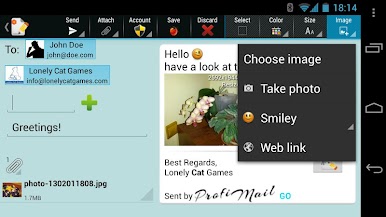
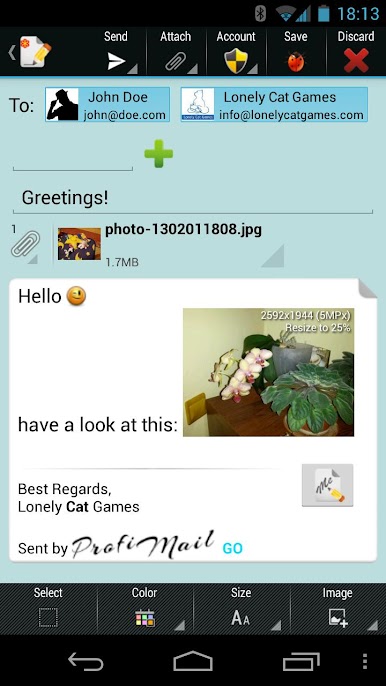
Rich Text Composer
Spice up your messages with colors, images, and even smileys. The composer lets you express yourself beyond basic text. -
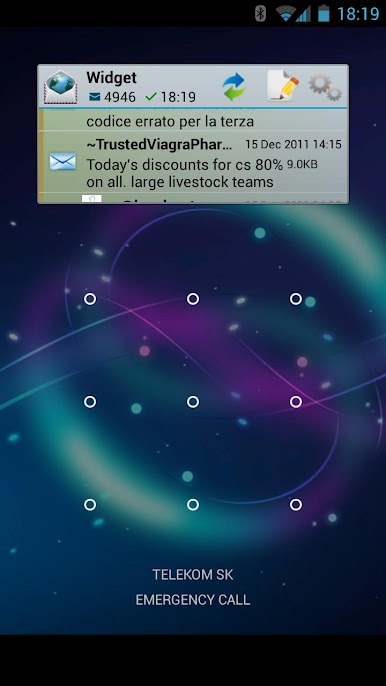
Handy Widget
Quickly glance at new emails—right from your home screen or lock screen—with a simple widget. -
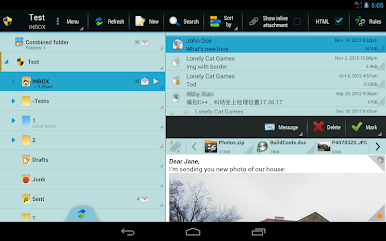
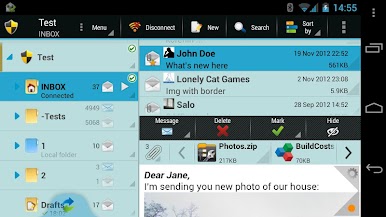
Multi-Pane Layout
Got a larger screen, maybe on a tablet or using BlueStacks? The app shows more information at once, making multitasking easier. -
Powerful Search
Lost an old email? Just use the full-text search to dig up anything stored on your device. -
Attachment Viewer
Attachments pop up in tidy lists with icons and thumbnails—see at a glance what’s been sent to you. -
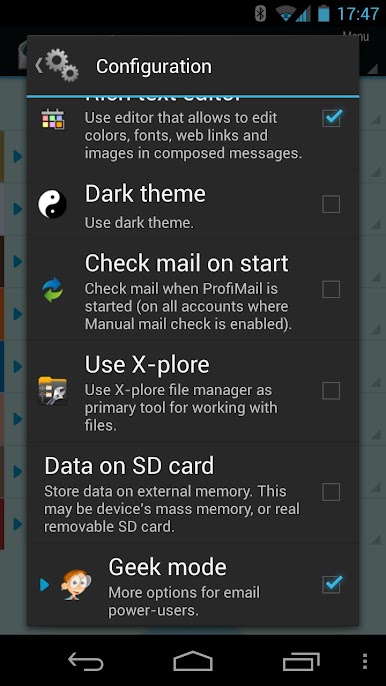
Integration with X-plore
Need to attach files? With seamless support for X-plore, Lonely Cat Games lets you work with your media and documents without hassle. -
Works in the Background
ProfiMail Go keeps fetching and sending emails even if you’re busy with other apps. -
Flexible Sync and Notifications
Choose exactly when and how your mail gets checked, what’s downloaded, and how you want to be notified. -
IMAP Push Mail
For those who need instant updates, the app keeps your inbox synced via IMAP IDLE. -
Connect With Android Features
Open links, call contacts, or share straight from email—it all just works with the stuff already on your device.
Big screen. Bigger performance. Use BlueStacks on your PC or Mac to run your favorite apps.
Играйте в игру ProfiMail Go - email client на ПК. Это легко и просто.
-
Скачайте и установите BlueStacks на ПК.
-
Войдите в аккаунт Google, чтобы получить доступ к Google Play, или сделайте это позже.
-
В поле поиска, которое находится в правой части экрана, введите название игры – ProfiMail Go - email client.
-
Среди результатов поиска найдите игру ProfiMail Go - email client и нажмите на кнопку "Установить".
-
Завершите авторизацию в Google (если вы пропустили этот шаг в начале) и установите игру ProfiMail Go - email client.
-
Нажмите на ярлык игры ProfiMail Go - email client на главном экране, чтобы начать играть.

