


DataEye | Control Mobile Data
Spiele auf dem PC mit BlueStacks - der Android-Gaming-Plattform, der über 500 Millionen Spieler vertrauen.

Seite geändert am: Sep 18, 2025
Run DataEye | Save Mobile Data on PC or Mac
Get freedom from your phone’s obvious limitations. Use DataEye | Save Mobile Data, made by LotusFlare Inc, a Tools app on your PC or Mac with BlueStacks, and level up your experience.
About the App
Ever check your phone and wonder where all your mobile data (and battery) just disappeared to? DataEye | Save Mobile Data is here to keep things in check. Built by LotusFlare Inc under the Tools genre, this app puts you back in control so you’re not left guessing about your data or stuck hunting for your charger.
App Features
-
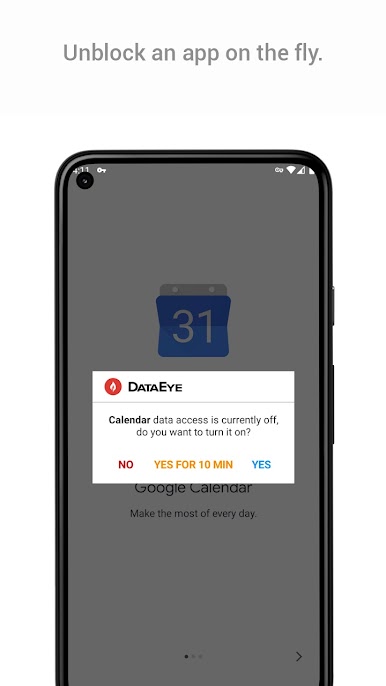
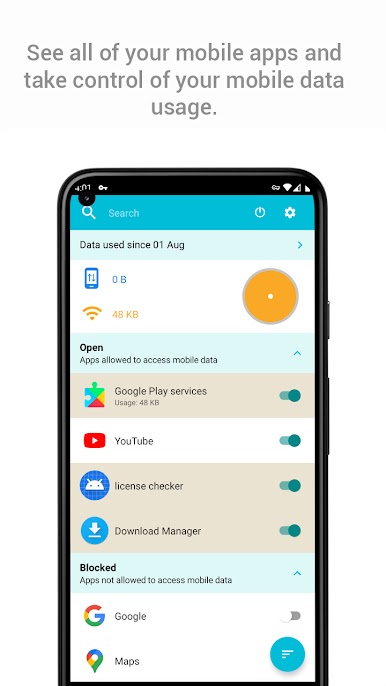
App-by-App Data Control
Pick and choose what gets to use your mobile data. Want to stop a certain app from sneaking online in the background? Flip a switch and relax—you’re in charge. -
Background Data Blocker
Some apps love to hog your data in the background. DataEye | Save Mobile Data helps you cut out that hidden drain, so you’re not surprised by a huge bill or a dying battery halfway through the day. -
Save Battery, Save Stress
With less data traffic running nonstop behind the scenes, your battery starts lasting a bit longer. Nice for those days when an outlet’s nowhere in sight. -
Global Data Management
Traveling or simply using a roaming data connection? The app makes it simple to keep tight control on what apps can connect, no matter where you are. -
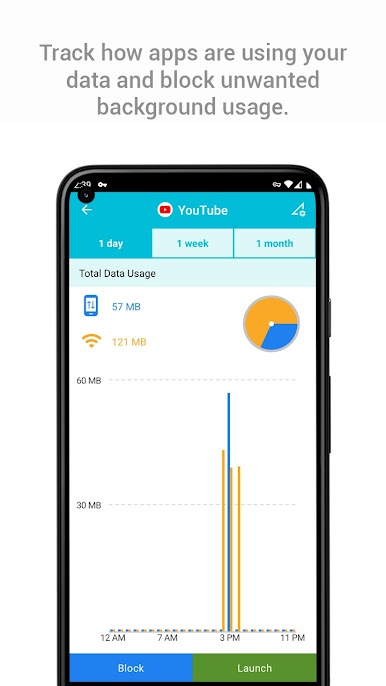
Quick Usage Insights
Get an easy-to-read look at where your data’s going. Spot which apps are a bit greedy and adjust things on the fly. -
Seamless Desktop Experience via BlueStacks
Want to check out your usage or tweak settings from a bigger screen? It works smoothly with BlueStacks so you can manage your mobile data straight from your computer if you’d like.
Big screen. Bigger performance. Use BlueStacks on your PC or Mac to run your favorite apps.

Spiele DataEye | Control Mobile Data auf dem PC. Der Einstieg ist einfach.
-
Lade BlueStacks herunter und installiere es auf deinem PC
-
Schließe die Google-Anmeldung ab, um auf den Play Store zuzugreifen, oder mache es später
-
Suche in der Suchleiste oben rechts nach DataEye | Control Mobile Data
-
Klicke hier, um DataEye | Control Mobile Data aus den Suchergebnissen zu installieren
-
Schließe die Google-Anmeldung ab (wenn du Schritt 2 übersprungen hast), um DataEye | Control Mobile Data zu installieren.
-
Klicke auf dem Startbildschirm auf das DataEye | Control Mobile Data Symbol, um mit dem Spielen zu beginnen

