


Loxone
500M + oyuncunun güvendiği Android Oyun Platformu, BlueStacks ile PC'de oynayın.

Sayfa Değiştirilme tarihi: Dec 17, 2025
Play Loxone on PC
Simplest operation:
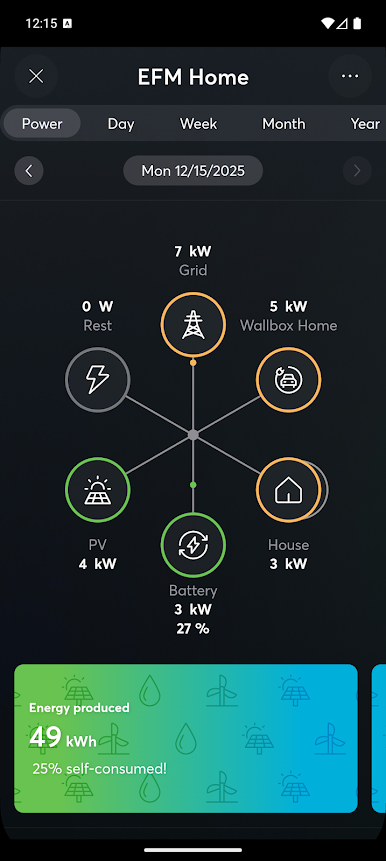
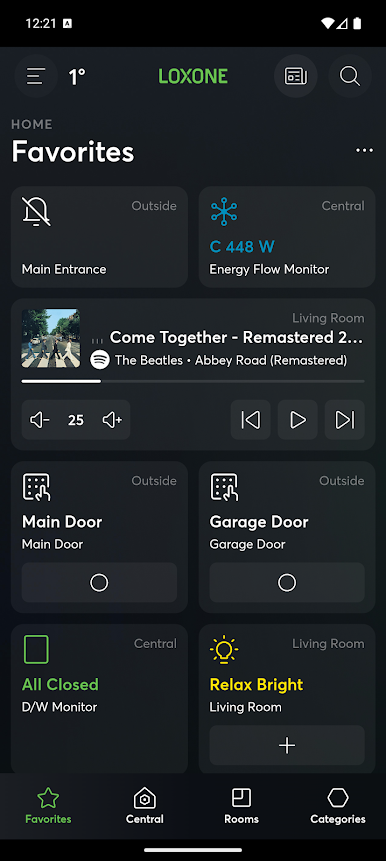
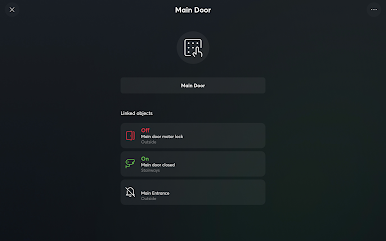
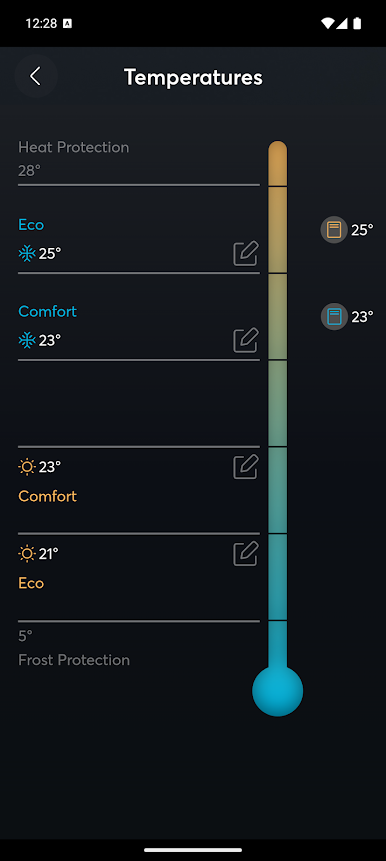
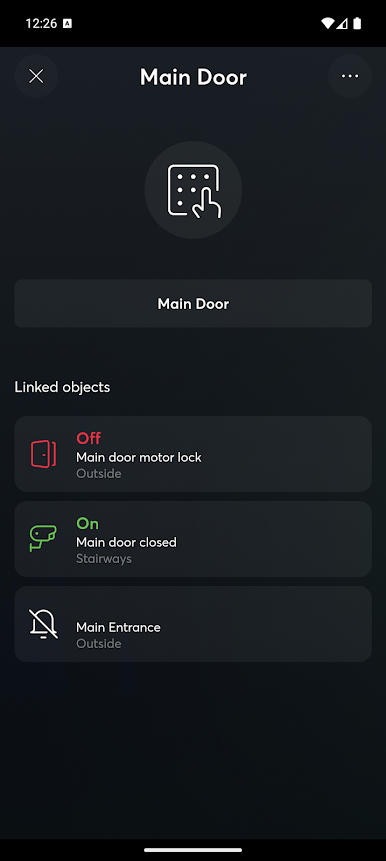
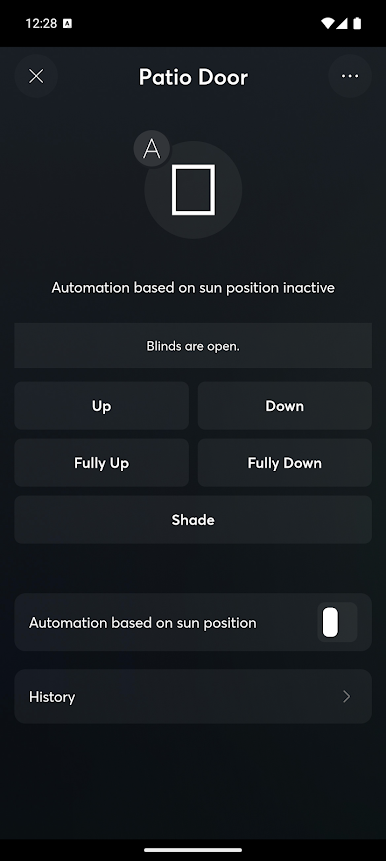
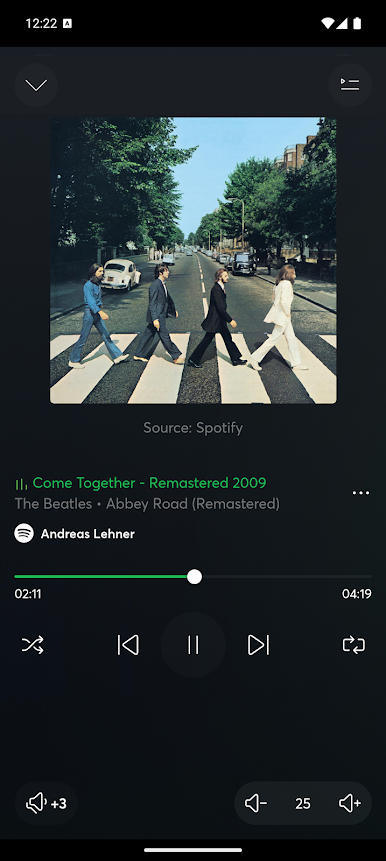
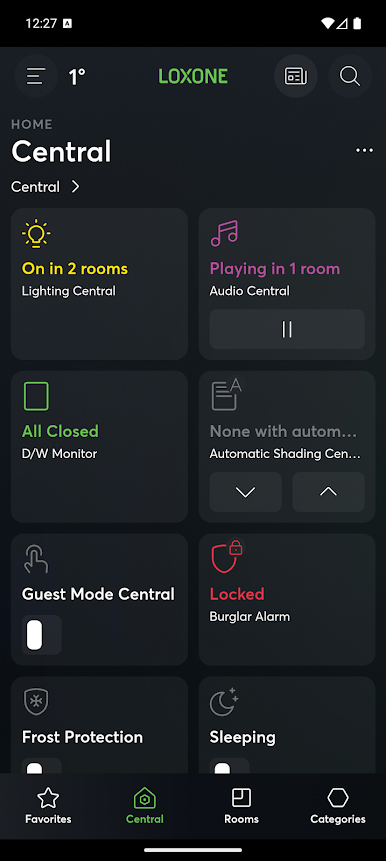
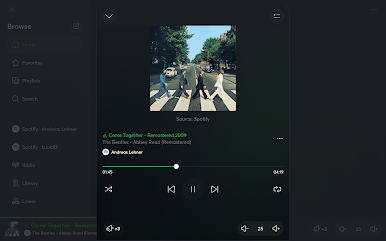
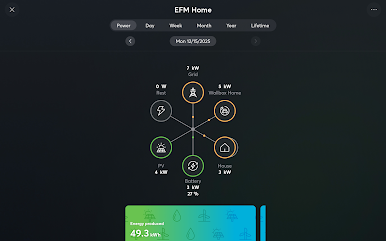
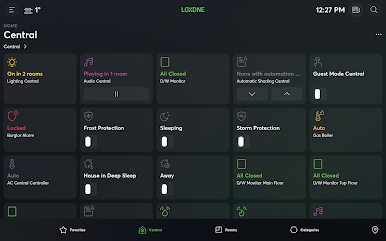
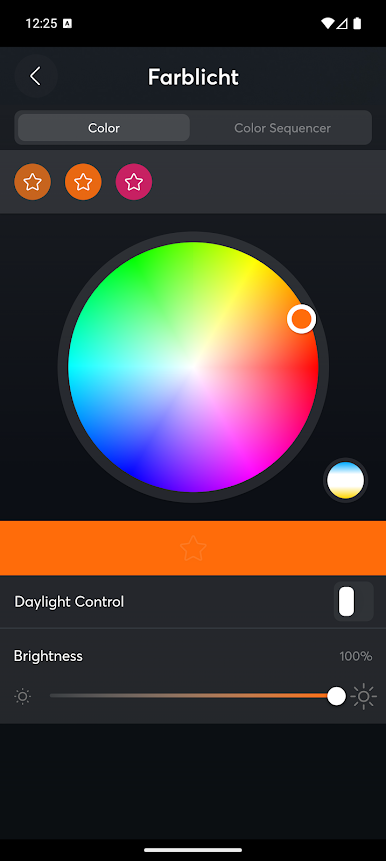
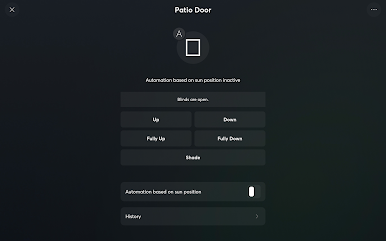
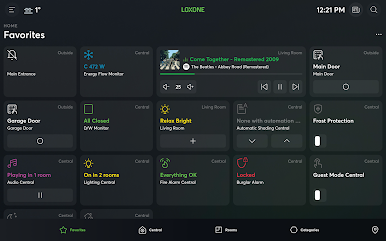
In the Loxone App you can quickly and easily select your favorites. This allows you to operate all important functions in the automated building with just a tap while being able to monitor information and notifications. The Loxone App transforms your smartphone, tablet or laptop into a free, convenient control center to give you peace of mind.
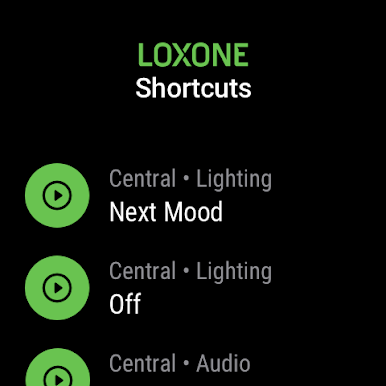
Wear OS:
Save Shortcuts right on your Wear OS Watch to quickly execute them from your wrist
Important notes:
The Loxone App is used in combination with a Loxone Miniserver. We recommend having a Loxone Partner install and configure the Miniserver as well as set up the Loxone App. In order to ensure external access to the Loxone App, the corresponding settings must also be made by a Loxone Partner.

Loxone oyununu PC'de oyna. Başlamak çok kolay.
-
BlueStacks'i PC'nize İndirin ve Yükleyin
-
Play Store'a erişmek için Google girişi yapın ya da daha sonraya bırakın.
-
Sağ üst köşeye Loxone yazarak arayın.
-
Loxone uygulamasını arama sonuçlarından indirmek için tıklayın.
-
(iEğer Adım 2'yi atladıysanız) Loxone uygulamasını yüklemek için Google'a giriş yapın.
-
Oynatmaya başlatmak için ekrandaki Loxone ikonuna tıklayın.

