

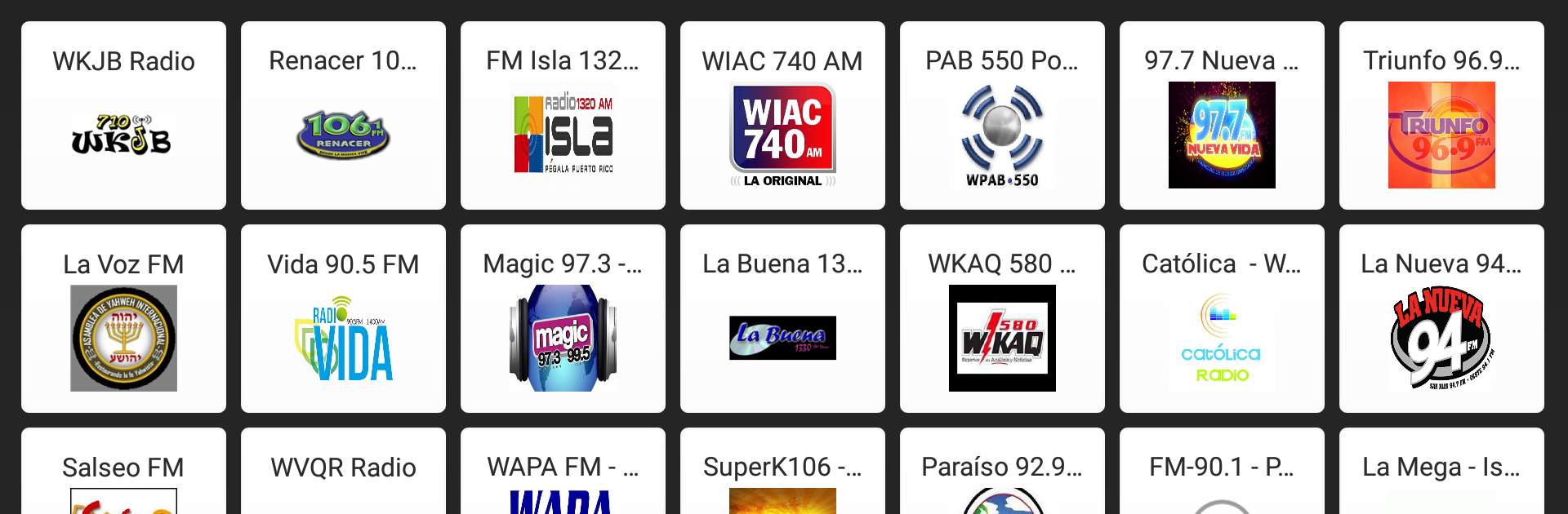
Puerto Rico Radio - FM AM
Spiele auf dem PC mit BlueStacks - der Android-Gaming-Plattform, der über 500 Millionen Spieler vertrauen.

Seite geändert am: Nov 25, 2025
Run Puerto Rico Radio - Puerto Rico FM AM Online on PC or Mac
Why limit yourself to your small screen on the phone? Run Puerto Rico Radio – Puerto Rico FM AM Online, an app by world radio, best experienced on your PC or Mac with BlueStacks, the world’s #1 Android emulator.
About the App
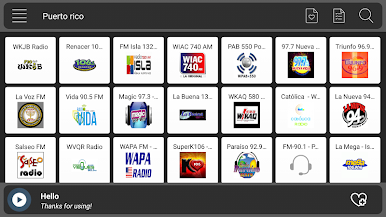
Missing those familiar Puerto Rican beats or craving a taste of home wherever you are? Puerto Rico Radio – Puerto Rico FM AM Online is your ticket to music, talk, and news from the island—all streaming straight to your device. Whether you’re at the gym, stuck in traffic, or just relaxing, you’ll have quick access to tons of local stations, no complicated setup needed.
App Features
-
All Your Favorite Stations
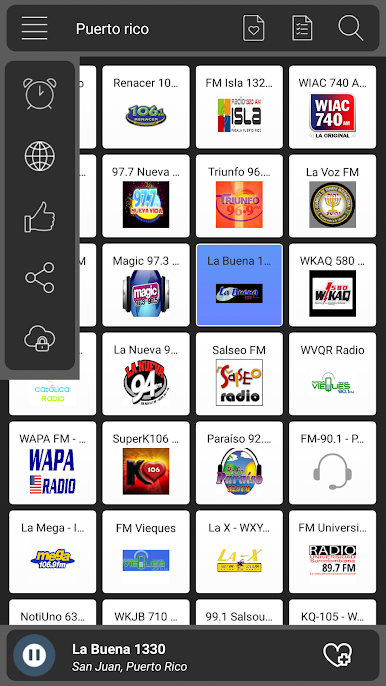
Flip between classics like Fidelity 95.7 FM, Zeta 93, Magic 97.3, and crowd favorites like Reggaeton Radio or NotiUno 630. You can browse by mood, genre, or just take a chance and stumble on something new. -
No Headphones Needed
Listen with just your phone or tablet—no extra gear required. As long as you’re connected to the internet, you’re good to go. -
Instant Play, No Waiting
One tap gets you right into the live stream. There’s no fussing with delays or lag, so the music starts flowing as soon as you want it. -
Sleek and Simple Design
Everything’s organized to make finding your station easy, even if you’re totally new to the app scene. No clutter, just a clean layout and fast navigation. -
Lightweight & Reliable
Puerto Rico Radio – Puerto Rico FM AM Online won’t hog storage or slow your device down. It’s designed to run smoothly, even during those marathon listening sessions. -
Free and Easy Access
There’s no paywall standing between you and your stations. Just open the app and tune in—it’s simple as that. -
Works Great Across Devices
You can keep enjoying all these features using BlueStacks as well, so catching Puerto Rican radio on your PC feels just as smooth.
Ready to experience Puerto Rico Radio – Puerto Rico FM AM Online on a bigger screen, in all its glory? Download BlueStacks now.
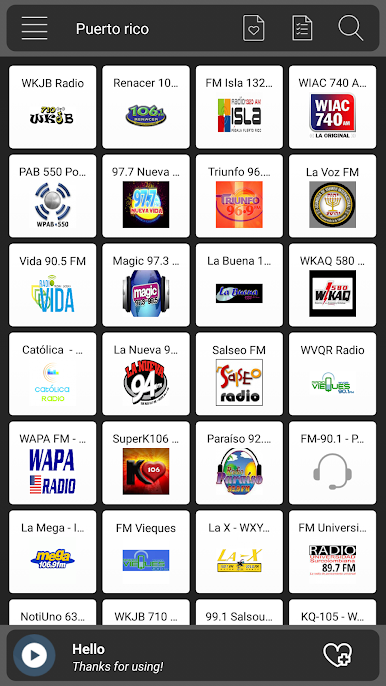
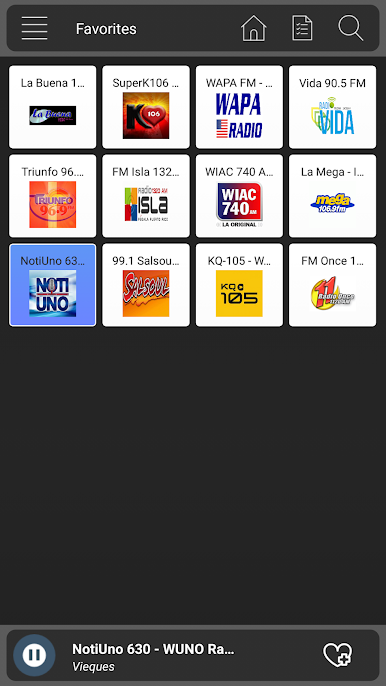
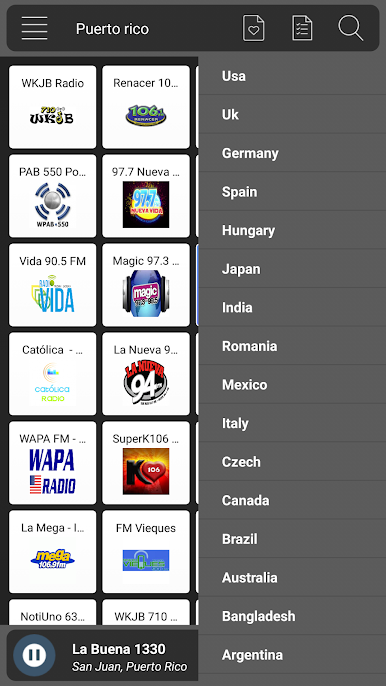
Spiele Puerto Rico Radio - FM AM auf dem PC. Der Einstieg ist einfach.
-
Lade BlueStacks herunter und installiere es auf deinem PC
-
Schließe die Google-Anmeldung ab, um auf den Play Store zuzugreifen, oder mache es später
-
Suche in der Suchleiste oben rechts nach Puerto Rico Radio - FM AM
-
Klicke hier, um Puerto Rico Radio - FM AM aus den Suchergebnissen zu installieren
-
Schließe die Google-Anmeldung ab (wenn du Schritt 2 übersprungen hast), um Puerto Rico Radio - FM AM zu installieren.
-
Klicke auf dem Startbildschirm auf das Puerto Rico Radio - FM AM Symbol, um mit dem Spielen zu beginnen

