


QRscanner: Barcode & QR app
Играйте на ПК с BlueStacks – игровой платформе для приложений на Android. Нас выбирают более 500 млн. игроков.

Страница изменена: Feb 3, 2025
Play QRscanner: Barcode & QR app on PC
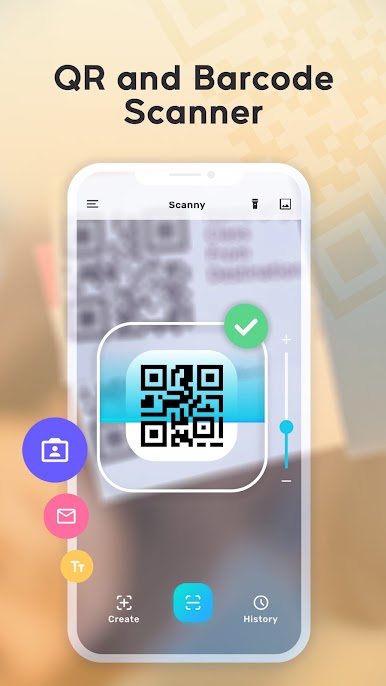
QRscannerapp makes scanning and creating QR codes and barcodes simple and efficient. Whether you’re accessing a website, checking product details, making a payment, or creating your own QR code, QRscannerapp ensures a smooth and dependable experience every time.
Why Choose QRscannerapp?
Fast Scanning: Quickly decode any QR code or barcode with minimal effort.
Auto-Zoom: Easily scan even hard-to-reach or tiny codes.
History Feature: Save and access all your scanned codes anytime.
Gallery Support: Scan codes directly from saved images.
Multi-Format Compatibility: Works with all types of QR and barcode formats.
Privacy Focused: Requires only camera permissions with no unnecessary data collection.
Offline Functionality: Scan and create codes without needing an internet connection.
Built-In Flashlight: Easily scan in low-light environments.
What QRscannerapp Can Do for You:
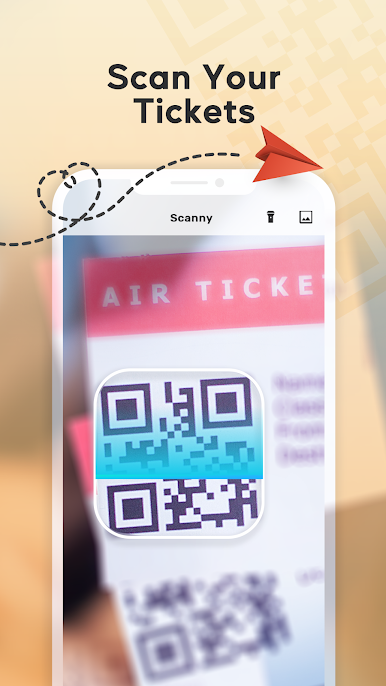
Convenient Scanning on the Go: Use it at airports, stores, restaurants, theaters, or while traveling to access WiFi, redeem coupons, or check product details.
Smart Price Scanner: Compare product prices online or scan coupons to unlock discounts.
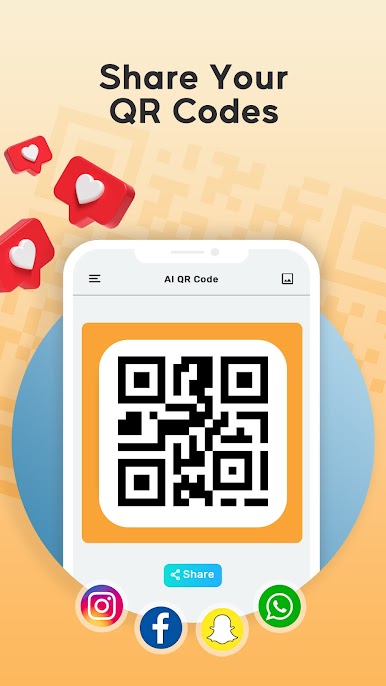
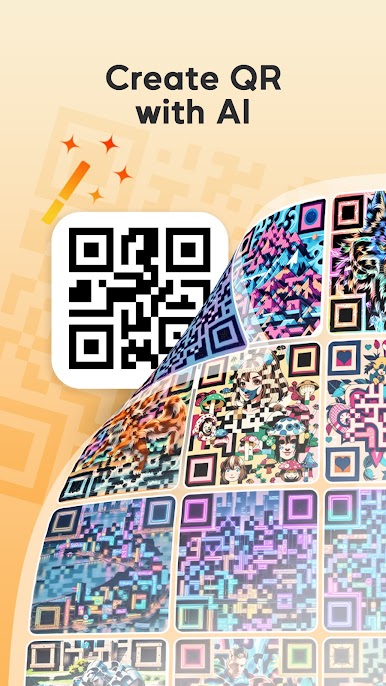
Code Creator: Easily generate, save, and share custom QR codes and barcodes.
Start using QRscannerapp today and simplify the way you interact with QR codes and barcodes. It’s quick, straightforward, and designed to meet your everyday needs!
Играйте в игру QRscanner: Barcode & QR app на ПК. Это легко и просто.
-
Скачайте и установите BlueStacks на ПК.
-
Войдите в аккаунт Google, чтобы получить доступ к Google Play, или сделайте это позже.
-
В поле поиска, которое находится в правой части экрана, введите название игры – QRscanner: Barcode & QR app.
-
Среди результатов поиска найдите игру QRscanner: Barcode & QR app и нажмите на кнопку "Установить".
-
Завершите авторизацию в Google (если вы пропустили этот шаг в начале) и установите игру QRscanner: Barcode & QR app.
-
Нажмите на ярлык игры QRscanner: Barcode & QR app на главном экране, чтобы начать играть.

