


Status Saver: Video Downloader
500M + oyuncunun güvendiği Android Oyun Platformu, BlueStacks ile PC'de oynayın.

Sayfa Değiştirilme tarihi: Aug 25, 2025
Play Status Saver: Video Downloader on PC
😏Well, this Status Saver: Video Downloader is exactly what you look for!
🥳Status Saver can help you?
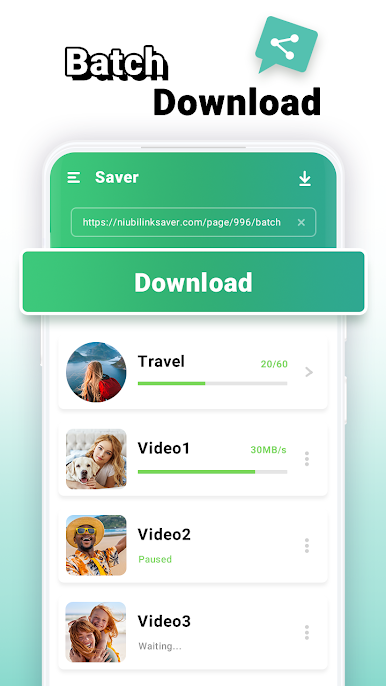
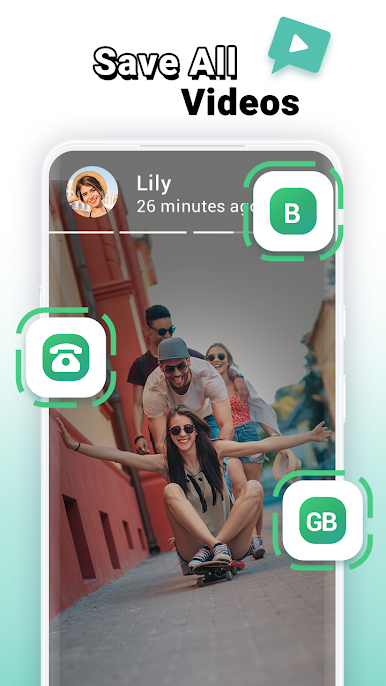
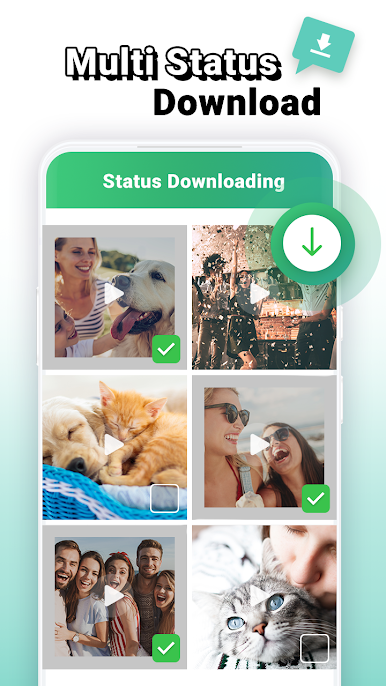
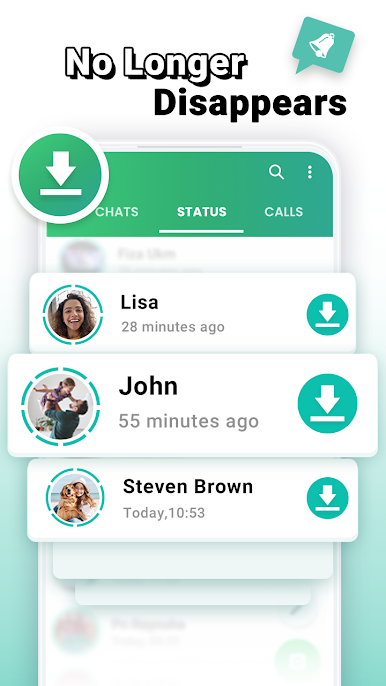
*Download and save status you like, don't need to bother other party
*Directly share and repost to your own status even without saving them
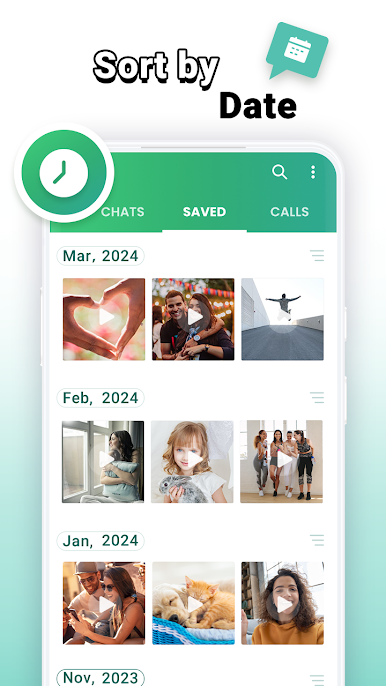
*Fast and easy to view status video offline with the built-in video-player
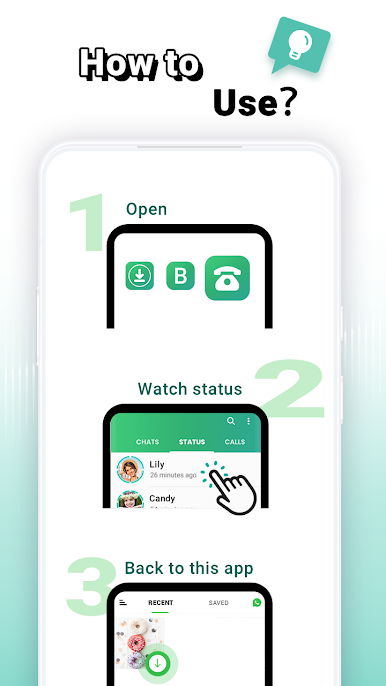
Easy steps to download status?
1- Open Status Saver App
2- View status and back to Video Downloader App
3- Click desired status and click save button
After above steps, all the status you downloaded will always be saved in your phone storage.
Other functions of Status Saver for Video?
-Dual Account
Log in same account to 2 devices or 2 accounts to one device
-Direct Chat
Directly chat with others without saving contact numbers
-Video editor
Split saved videos into short ones for Second creation
Disclaimer:
❗ Status Saver: Video Downloader App is an independent one and is not affiliated with any 3rd Party.
❗ Status Saver: Video Downloader App didn't use to clone or hack anything, it just displays downloaded videos and images from Internal Storage in App after user's permission.

Status Saver: Video Downloader oyununu PC'de oyna. Başlamak çok kolay.
-
BlueStacks'i PC'nize İndirin ve Yükleyin
-
Play Store'a erişmek için Google girişi yapın ya da daha sonraya bırakın.
-
Sağ üst köşeye Status Saver: Video Downloader yazarak arayın.
-
Status Saver: Video Downloader uygulamasını arama sonuçlarından indirmek için tıklayın.
-
(iEğer Adım 2'yi atladıysanız) Status Saver: Video Downloader uygulamasını yüklemek için Google'a giriş yapın.
-
Oynatmaya başlatmak için ekrandaki Status Saver: Video Downloader ikonuna tıklayın.

