


T-Cast TCL Android ТВ пульт M
Играйте на ПК с BlueStacks – игровой платформе для приложений на Android. Нас выбирают более 500 млн. игроков.

Страница изменена: Nov 6, 2025
Run MagiConnect – TCL Offical TV R on PC or Mac
Multitask effortlessly on your PC or Mac as you try out MagiConnect – TCL Offical TV R, a Video Players & Editors app by Shenzhen TCL New Technology Co., Limited on BlueStacks.
About the App
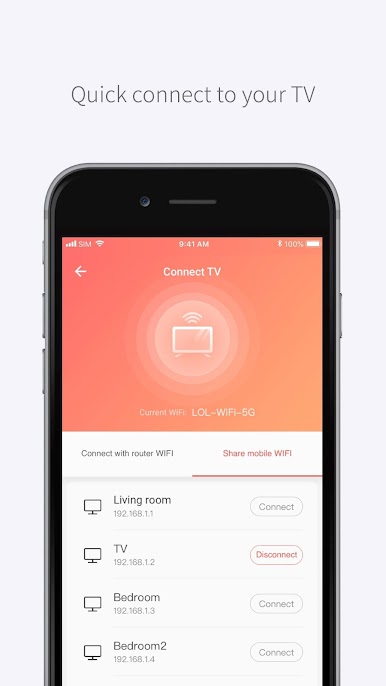
MagiConnect – TCL Offical TV R takes the hassle out of juggling remotes and lets you control your TCL Smart TV straight from your phone. Whether you want to browse your favorite apps, cast vacation photos, or just turn up the volume without getting off the couch, this app makes things simple. It’s designed by Shenzhen TCL New Technology Co., Limited for anyone who wants a smarter, more connected TV experience—and, honestly, who doesn’t?
App Features
-
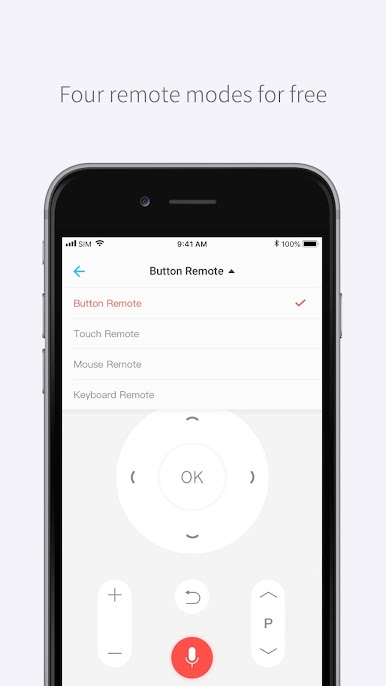
Versatile TV Remote
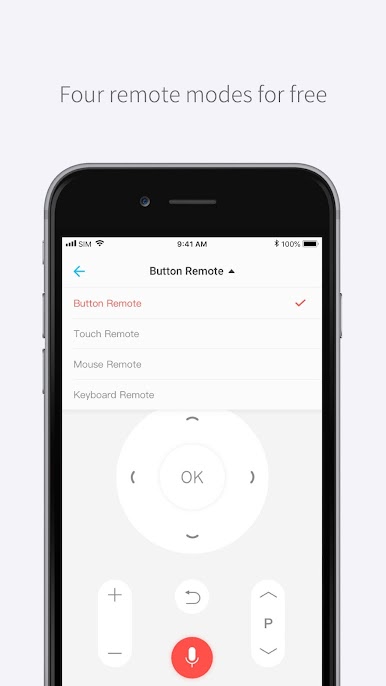
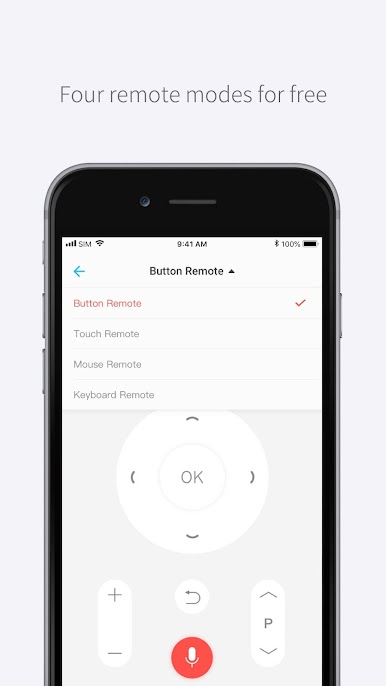
Skip the search for lost remotes. MagiConnect turns your phone into a multi-function remote, supporting everything from classic button mode, touch navigation, and even a mouse option (for compatible TVs). -
Easy Casting
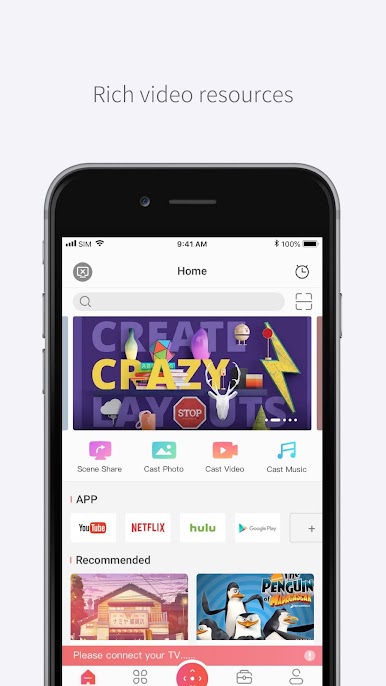
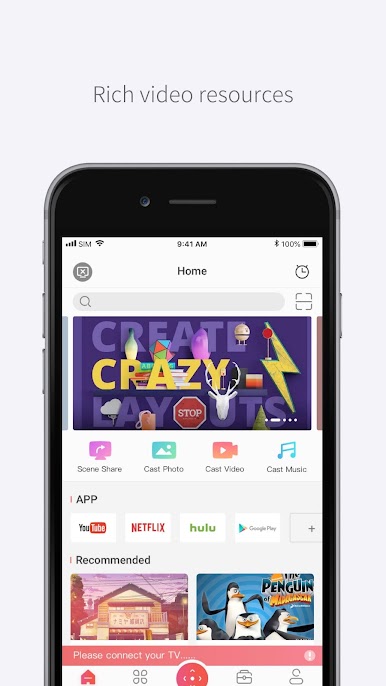
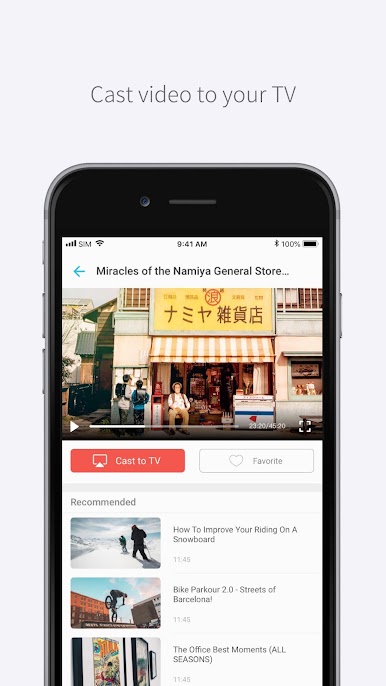
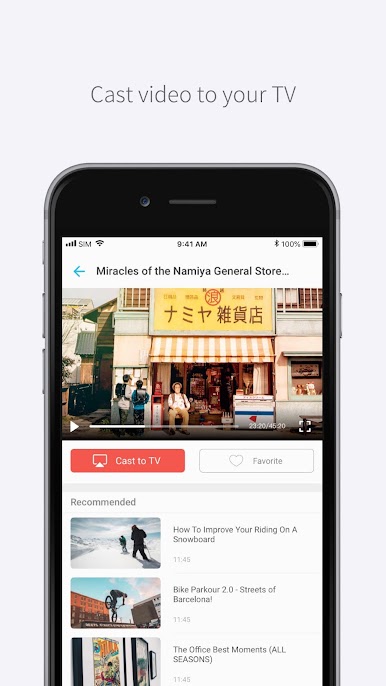
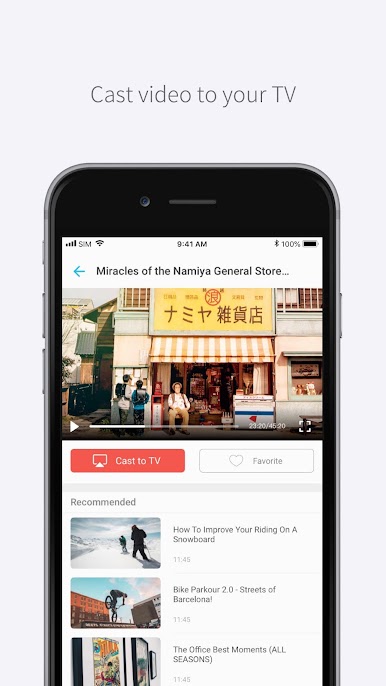
Want to show off photos, GIFs, or home videos? Just tap and beam your phone’s media right onto your TV, no complicated setup needed. -
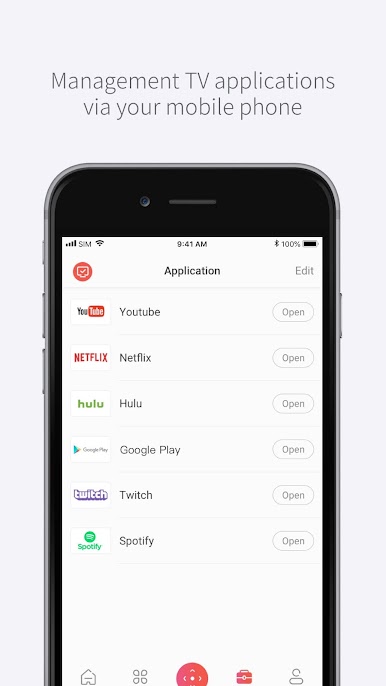
One-Tap App Launch
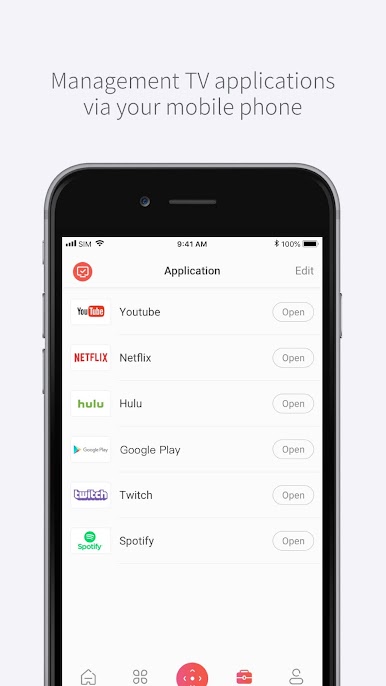
Quickly open your favorite TV apps directly from your phone, whether you’re in a binge-watching mood or popping in to check the news. -
Wide Device Support
Works not only with TCL Smart TVs, but also a range of brands and devices—think Chromecast, Amazon Fire Stick, Roku, Xbox, Hisense, and more. -
Screen Capture Sharing
Grab screenshots of whatever’s on your TV, then share them with friends or save them to your phone for later. -
Streaming Made Simple
Cast the latest shows, movies, or music to a bigger screen in just a couple taps—super handy when you’re using platforms like YouTube or Twitch. -
All-in-One Entertainment Hub
Use it with a huge range of supported TV models and streaming gadgets. There’s access to video content, music, and more—all organized in one spot.
If you’re looking to run MagiConnect – TCL Offical TV R on your PC, BlueStacks makes it easy to enjoy all these features with a bigger display and even easier control.
Switch to BlueStacks and make the most of your apps on your PC or Mac.

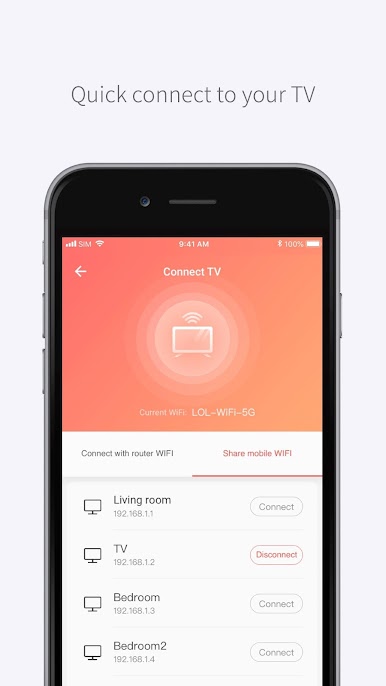
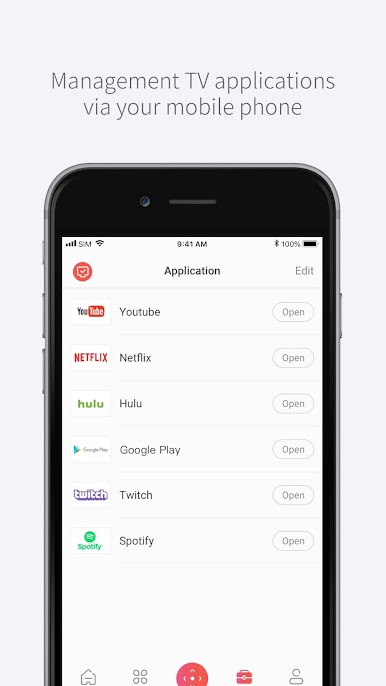
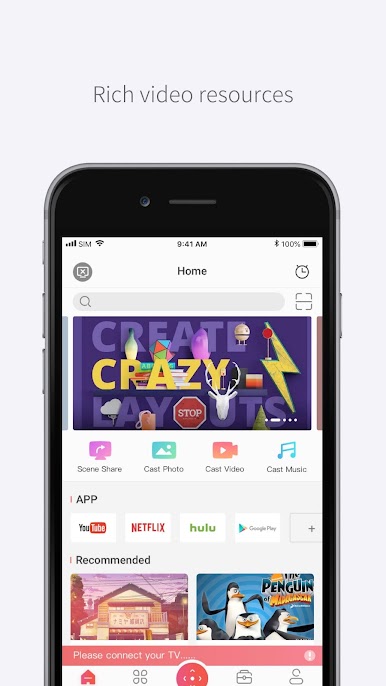
Играйте в игру T-Cast TCL Android ТВ пульт M на ПК. Это легко и просто.
-
Скачайте и установите BlueStacks на ПК.
-
Войдите в аккаунт Google, чтобы получить доступ к Google Play, или сделайте это позже.
-
В поле поиска, которое находится в правой части экрана, введите название игры – T-Cast TCL Android ТВ пульт M.
-
Среди результатов поиска найдите игру T-Cast TCL Android ТВ пульт M и нажмите на кнопку "Установить".
-
Завершите авторизацию в Google (если вы пропустили этот шаг в начале) и установите игру T-Cast TCL Android ТВ пульт M.
-
Нажмите на ярлык игры T-Cast TCL Android ТВ пульт M на главном экране, чтобы начать играть.

