

Kabuk Oyunu
500M + oyuncunun güvendiği Android Oyun Platformu, BlueStacks ile PC'de oynayın.

Sayfa Değiştirilme tarihi: Jun 25, 2018
Play Shell Game on PC or Mac
From the innovators and creators at Magma Mobile, Shell Game is another fun addition to the World of Casual games. Go beyond your mobile screen and play it bigger and better on your PC or Mac. An immersive experience awaits you.
About the Game
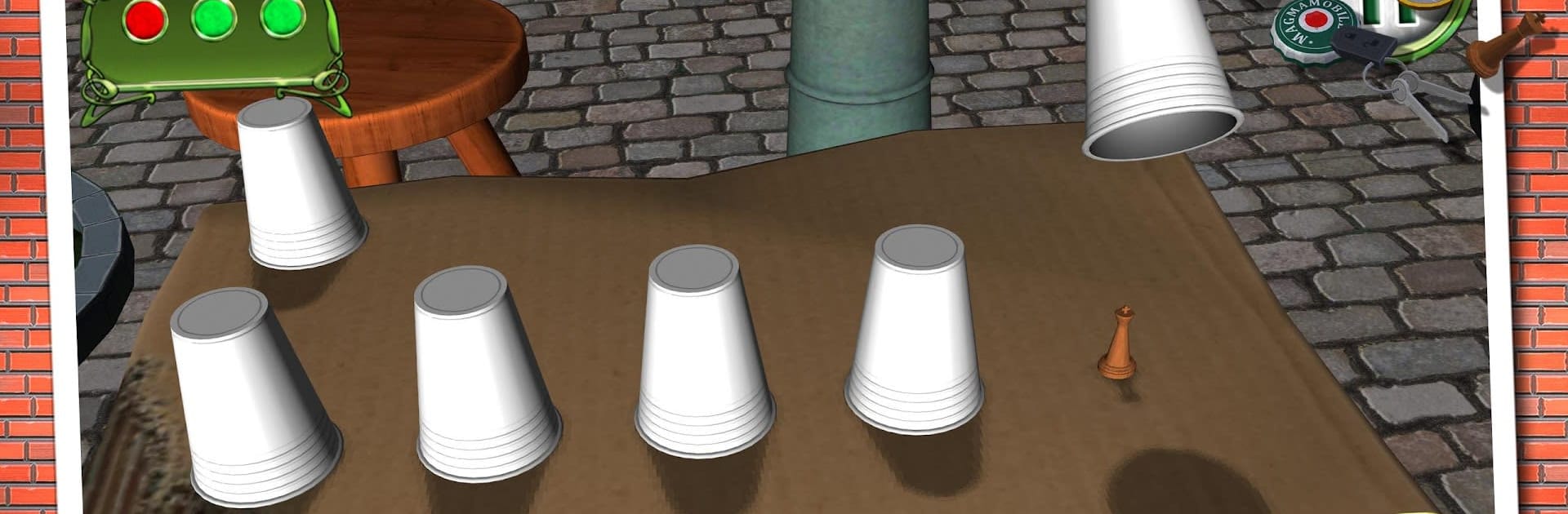
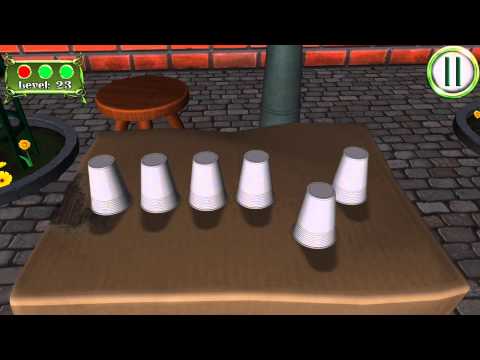
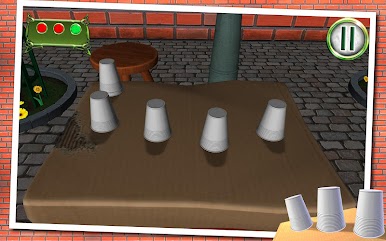
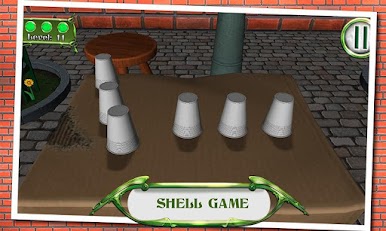
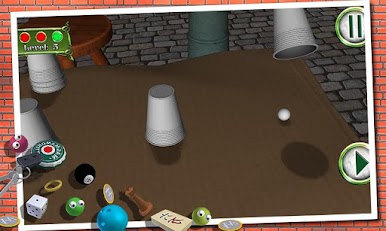
Ever get that itch to prove how sharp your eyes really are? Shell Game from Magma Mobile is all about testing your focus and keeping your wits about you. Imagine yourself strolling through lively Parisian streets, ready for a classic challenge that’s both straightforward and sneakily tricky. With a few taps, you’re trying to follow the hidden ball under shuffling cups—sounds simple until your concentration is truly put to the test.
Game Features
-
Classic Shell Challenge
Try your luck (and skill) at the timeless cup-and-ball game, brought to life with easy controls and an inviting casual vibe. -
Quick to Learn
No need for long tutorials—you’ll get the hang of Shell Game within seconds. But actually picking the right cup? Well, that’s another story. -
Sharpen Your Focus
As the cups zip and slide around, you’ll need keen observation and quick reactions to keep up. Every round cranks up the pressure a notch. -
Friendly Competition
Who can spot the ball every time? Challenge friends and climb international leaderboards to see if your eyes have what it takes. -
Parisian Backdrop
The game gives off laid-back Paris vibes, making the experience feel lively and atmospheric as you try to outsmart the shuffle. -
Smooth Experience on BlueStacks
If you want that bigger-screen edge for following the action, Shell Game plays really well on BlueStacks, adding a new twist to your usual play.
Start your journey now. Download the game on BlueStacks, invite your friends, and march on a new adventure.
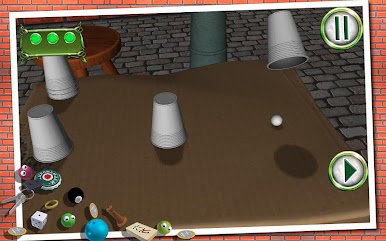
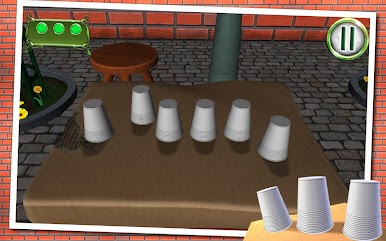
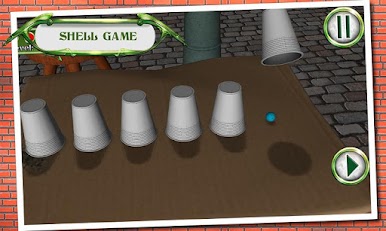
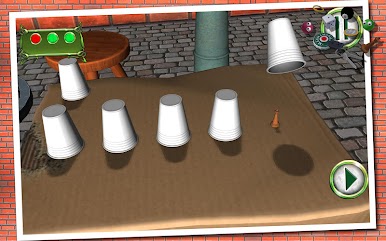
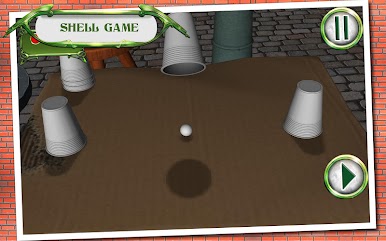
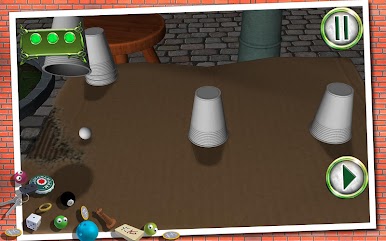
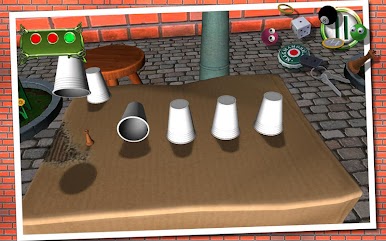
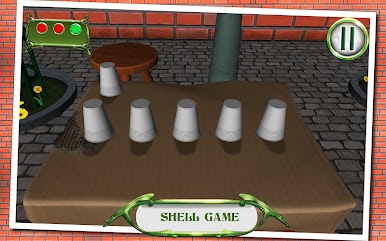
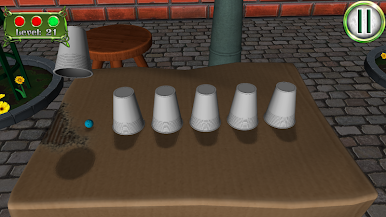
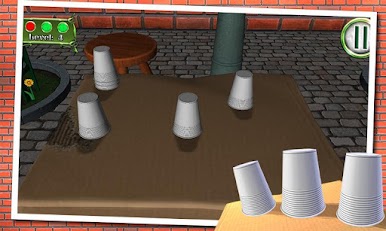
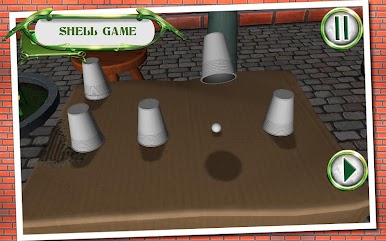
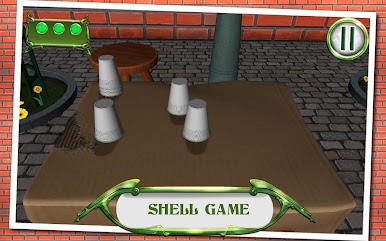
Kabuk Oyunu oyununu PC'de oyna. Başlamak çok kolay.
-
BlueStacks'i PC'nize İndirin ve Yükleyin
-
Play Store'a erişmek için Google girişi yapın ya da daha sonraya bırakın.
-
Sağ üst köşeye Kabuk Oyunu yazarak arayın.
-
Kabuk Oyunu uygulamasını arama sonuçlarından indirmek için tıklayın.
-
(iEğer Adım 2'yi atladıysanız) Kabuk Oyunu uygulamasını yüklemek için Google'a giriş yapın.
-
Oynatmaya başlatmak için ekrandaki Kabuk Oyunu ikonuna tıklayın.

