


İnternet radyo - PCRADIO
500M + oyuncunun güvendiği Android Oyun Platformu, BlueStacks ile PC'de oynayın.

Sayfa Değiştirilme tarihi: Nov 26, 2025
Run Radio Online - PCRADIO on PC or Mac
What’s better than using Radio Online – PCRADIO by PCRADIO? Well, try it on a big screen, on your PC or Mac, with BlueStacks to see the difference.
About the App
Looking for a simple way to listen to your favorite radio stations wherever you are? Radio Online – PCRADIO might be what you’ve been searching for. Whether you’re chilling at home, on a road trip, or hanging out with friends, this app by PCRADIO makes it easy to tune in to a huge selection of music and talk radio from all over. No fuss, just quick access to stations with great sound—even if your internet isn’t the fastest.
App Features
-
Big Variety of Stations
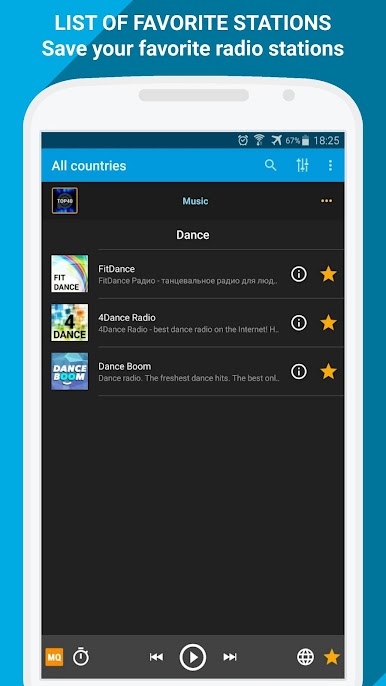
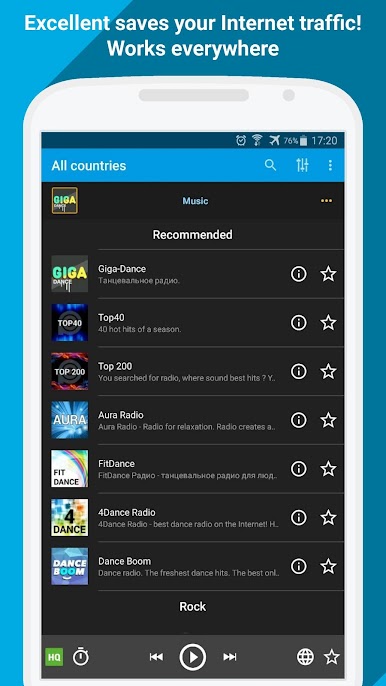
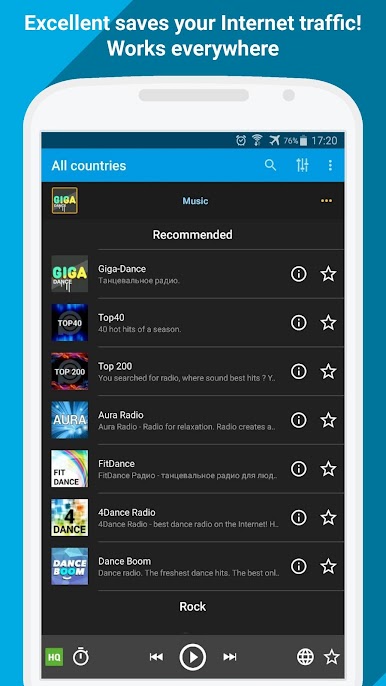
Thousands of stations covering music, news, talk, and more are right at your fingertips. There’s something for every taste, so you can change it up whenever the mood strikes. -
Works on Low-Speed Internet
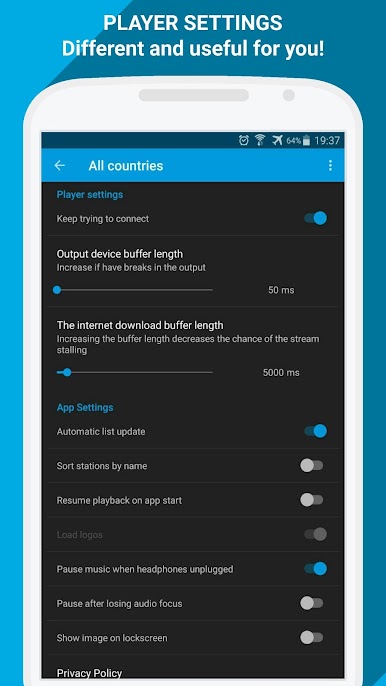
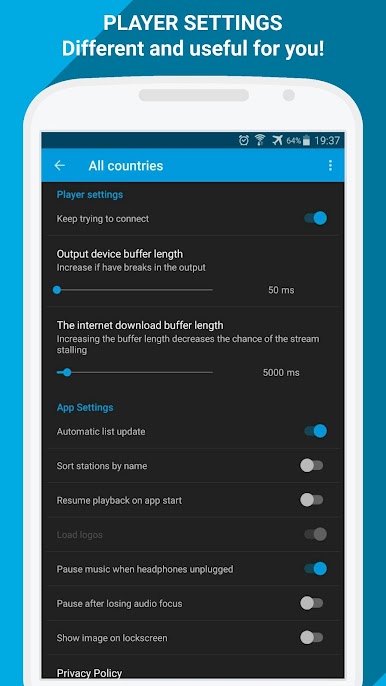
You don’t need lightning-fast Wi-Fi. Radio Online – PCRADIO streams smoothly, even if your connection is on the slower side. It’s got smart optimization, so your tunes keep playing with fewer interruptions. -
Energy Efficient
Worried about your phone battery draining? This app is designed to sip power, letting you listen much longer without having to hunt for a charger. -
Handy Controls
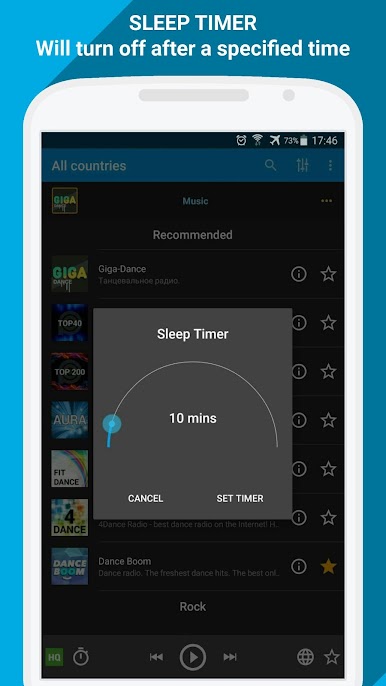
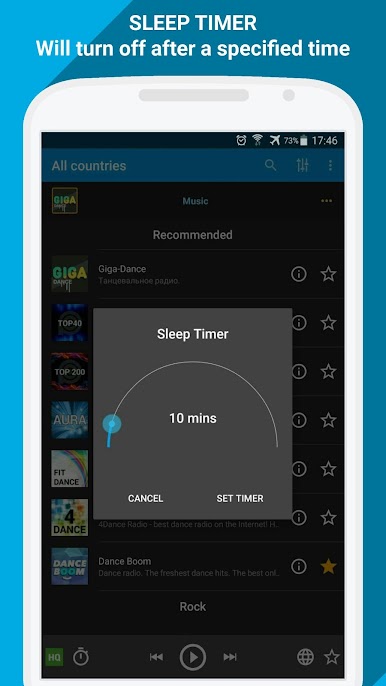
Skip tracks or stop the music straight from your headset—no need to pull your phone out every time. Super convenient if you’re on the move or have your hands full. -
Lightweight and Quick
No clunky menus or laggy loading. The app feels lightweight and gets you listening within seconds.
You can even enjoy all these features on your PC using BlueStacks—great for when you want to listen on a bigger screen or while working.
Ready to experience Radio Online – PCRADIO on a bigger screen, in all its glory? Download BlueStacks now.
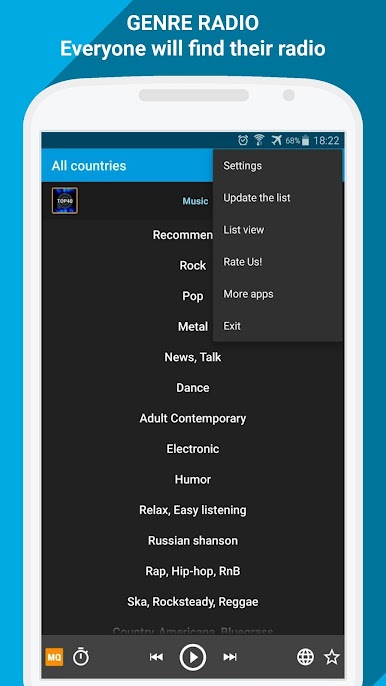
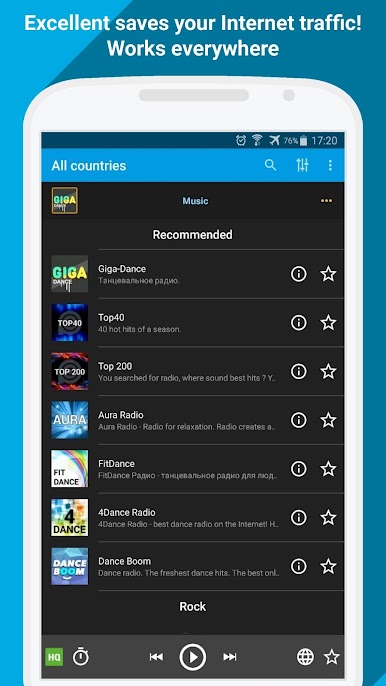
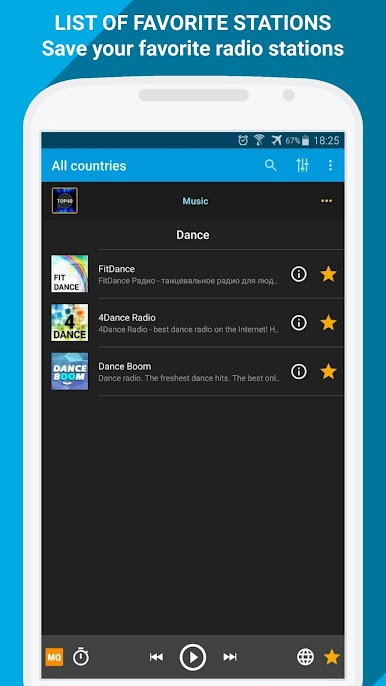
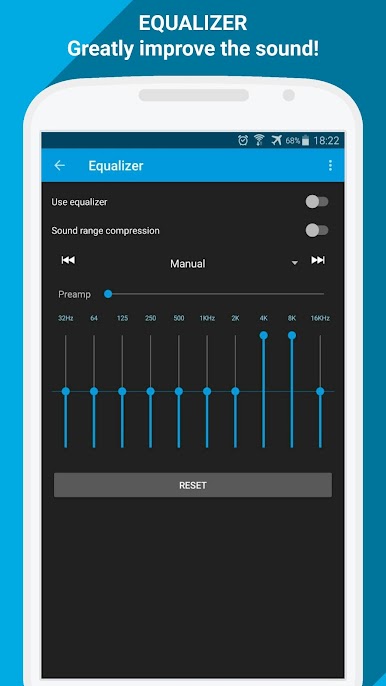
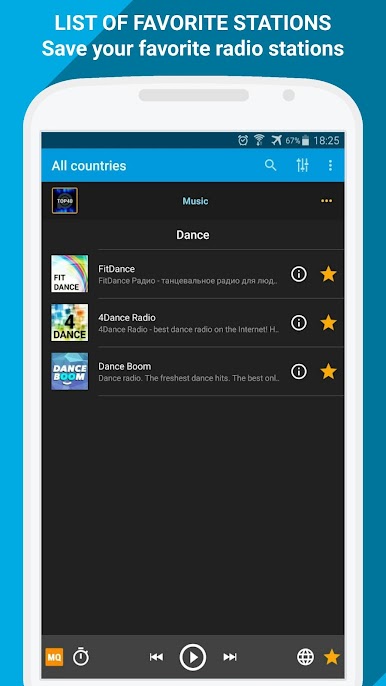
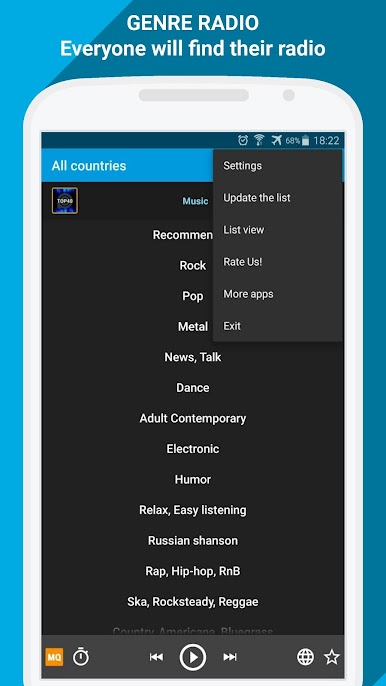
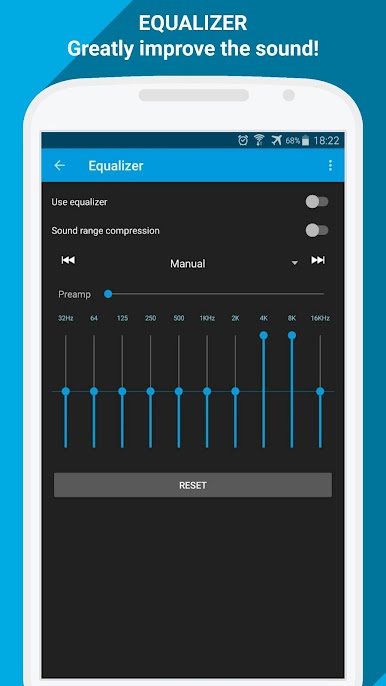
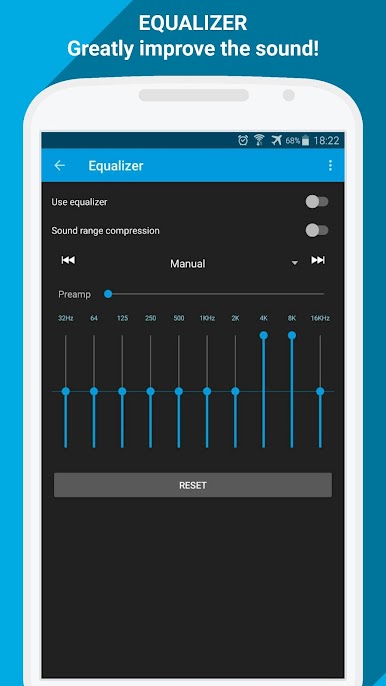
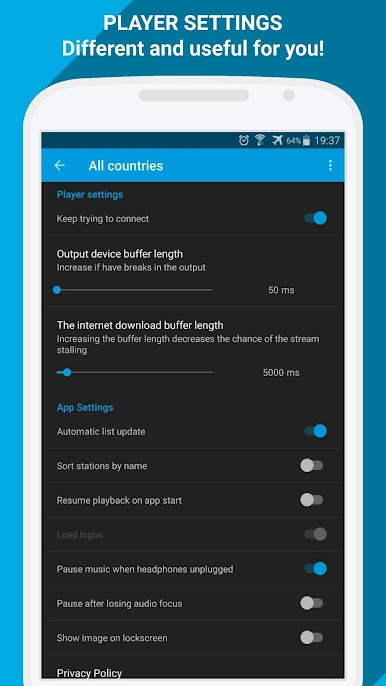
İnternet radyo - PCRADIO oyununu PC'de oyna. Başlamak çok kolay.
-
BlueStacks'i PC'nize İndirin ve Yükleyin
-
Play Store'a erişmek için Google girişi yapın ya da daha sonraya bırakın.
-
Sağ üst köşeye İnternet radyo - PCRADIO yazarak arayın.
-
İnternet radyo - PCRADIO uygulamasını arama sonuçlarından indirmek için tıklayın.
-
(iEğer Adım 2'yi atladıysanız) İnternet radyo - PCRADIO uygulamasını yüklemek için Google'a giriş yapın.
-
Oynatmaya başlatmak için ekrandaki İnternet radyo - PCRADIO ikonuna tıklayın.

