


Lernen Spanisch
Spiele auf dem PC mit BlueStacks - der Android-Gaming-Plattform, der über 500 Millionen Spieler vertrauen.

Seite geändert am: Dec 6, 2020
Run Learn Spanish on PC or Mac
What’s better than using Learn Spanish by MetaLanguage? Well, try it on a big screen, on your PC or Mac, with BlueStacks to see the difference.
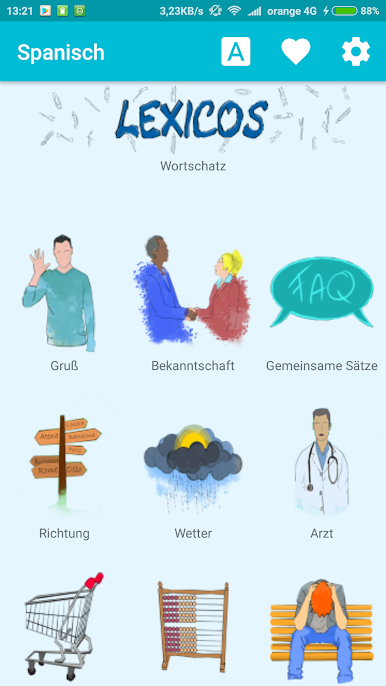
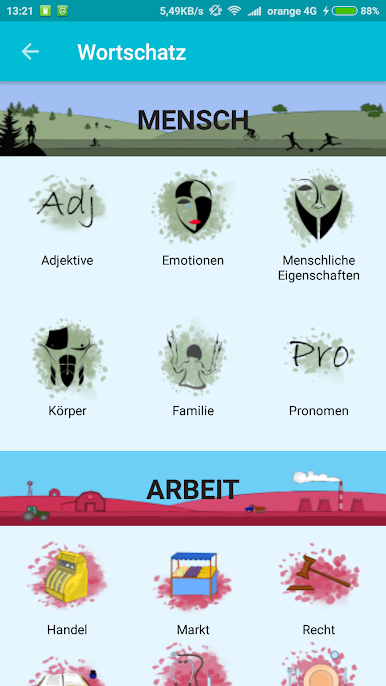
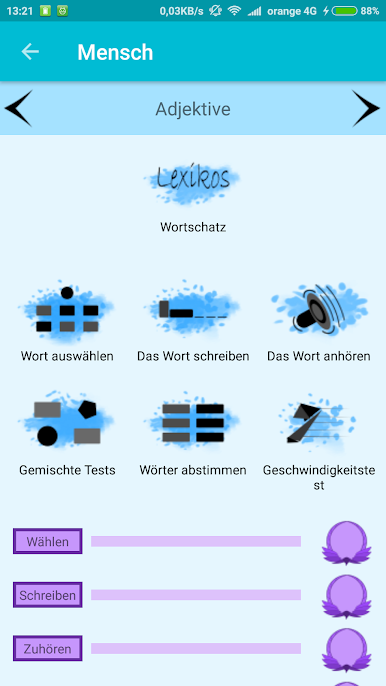
Learn Spanish feels more like a clean, no-fuss phrasebook than a heavy course, which is kind of the point. It gives short Spanish phrases with clear meanings that read like a native actually says them, not weird textbook lines. New learners can breeze through the basics without feeling lost, and anyone who already knows some Spanish can use it to brush up fast before a trip. The vibe is practical and direct, nothing bloated. It focuses on useful words and sentences you would actually say when traveling or chatting, so there is less theory and more real stuff.
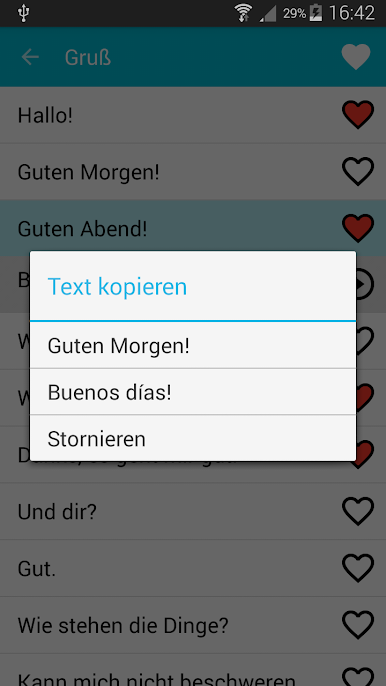
The favorites feature is the quiet hero here. Pick out the phrases that matter and pin them into one quick list, so your personal cheat sheet is always one tap away. Offline support is a big win too. They can keep everything handy on a plane, in a subway, or wherever signal drops. On PC with BlueStacks, it is strangely nice to scroll and click through phrases on a bigger screen, especially when building that favorites list or reviewing a bunch at once. It runs smooth, loads fast, and the simple layout makes sense right away. Someone who wants a straight path to everyday Spanish will probably enjoy how little setup it needs and how quickly it gets to the useful parts.
Ready to experience Learn Spanish on a bigger screen, in all its glory? Download BlueStacks now.
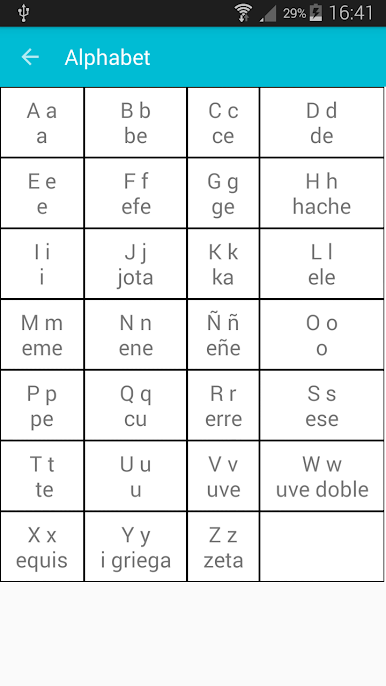
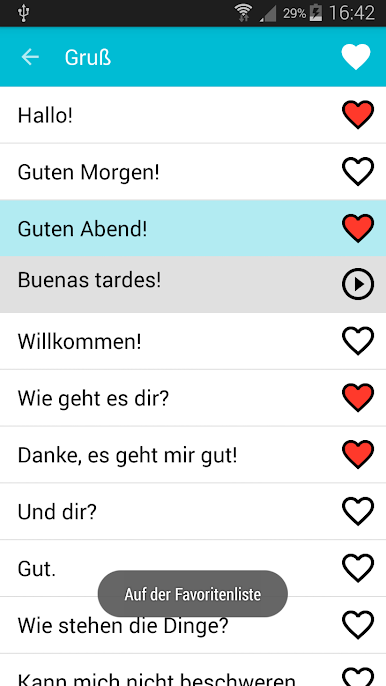
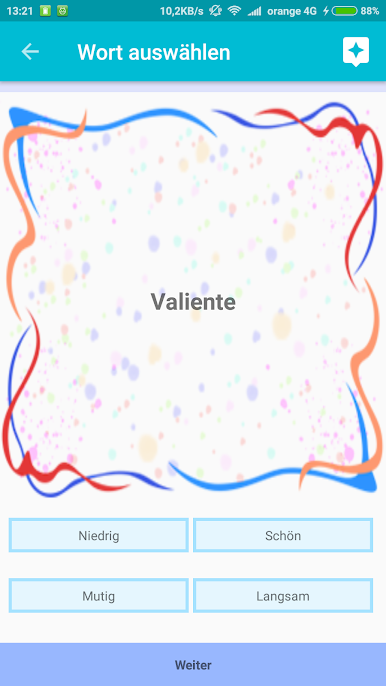
Spiele Lernen Spanisch auf dem PC. Der Einstieg ist einfach.
-
Lade BlueStacks herunter und installiere es auf deinem PC
-
Schließe die Google-Anmeldung ab, um auf den Play Store zuzugreifen, oder mache es später
-
Suche in der Suchleiste oben rechts nach Lernen Spanisch
-
Klicke hier, um Lernen Spanisch aus den Suchergebnissen zu installieren
-
Schließe die Google-Anmeldung ab (wenn du Schritt 2 übersprungen hast), um Lernen Spanisch zu installieren.
-
Klicke auf dem Startbildschirm auf das Lernen Spanisch Symbol, um mit dem Spielen zu beginnen

