


Priorities: Tägliche To-dos
Spiele auf dem PC mit BlueStacks - der Android-Gaming-Plattform, der über 500 Millionen Spieler vertrauen.

Seite geändert am: Jul 16, 2026
Spiele Priorities: Tägliche To-dos für PC
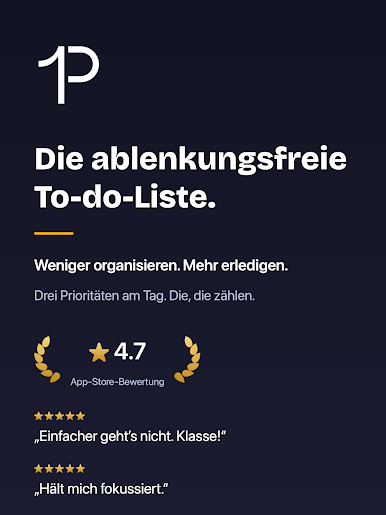
Produktivitäts-Anfänger über-organisieren ihre Aufgaben: Sie beschriften alles, kategorisieren alles, codieren alles farblich, markieren Favoriten, setzen Lesezeichen, bauen ordentliche Ordnerstrukturen und pflegen mehrere Listen. Das Ergebnis? Sie schauen sich diese Aufgaben nie wieder an.
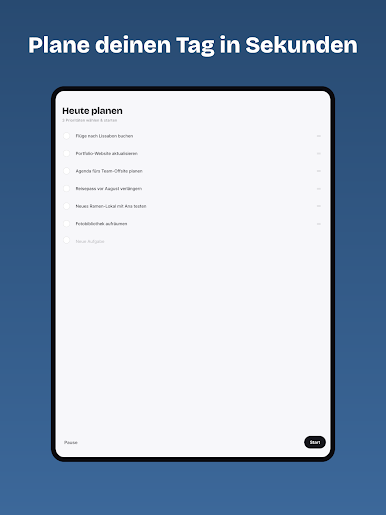
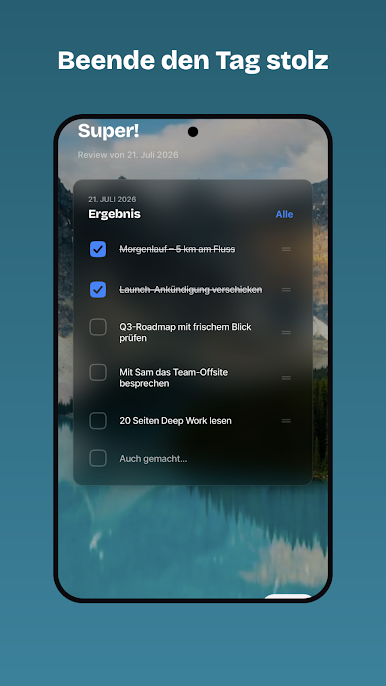
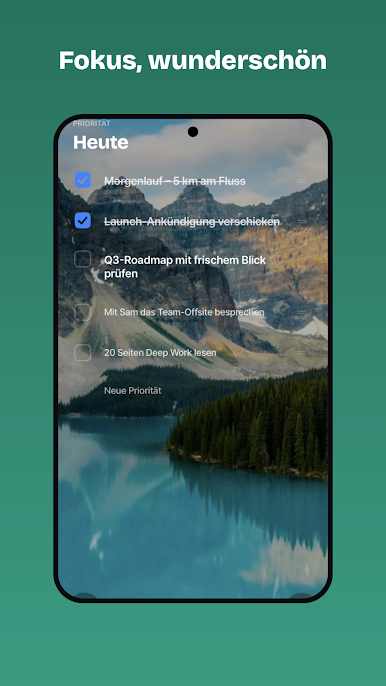
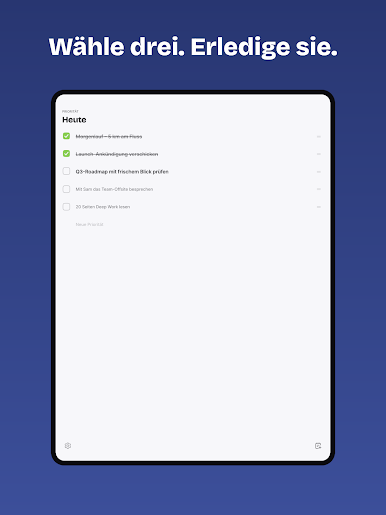
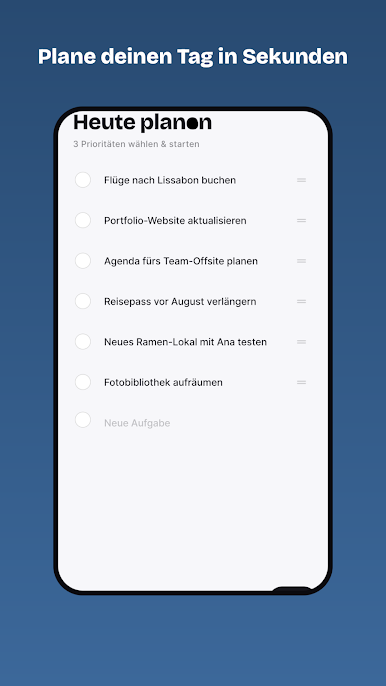
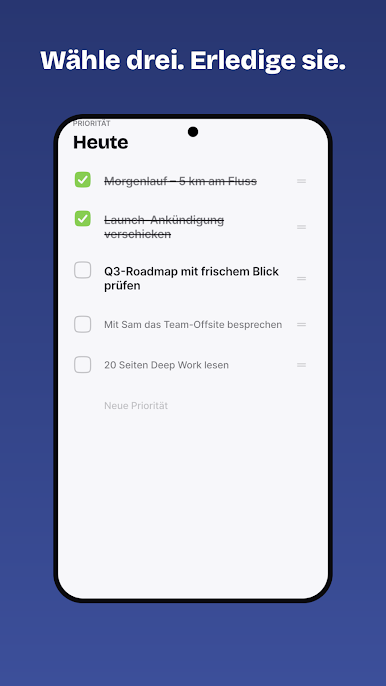
„Priorities“ ändert das. Jeden Tag wählst du bewusst die 3 bis 5 wirkungsvollsten Aufgaben, die dich deinen Zielen näherbringen. Dann setzt du sie konsequent um — und erledigst sie wirklich.
Wiederhole das lange genug, und du wirst so effektiv, wie man nur sein kann — und froh, dass du nicht mit dem Organisieren von Aufgaben prokrastiniert hast.
„Perfektion ist nicht dann erreicht, wenn es nichts mehr hinzuzufügen gibt, sondern wenn man nichts mehr weglassen kann.“
PRIORITIES PRO (optional)
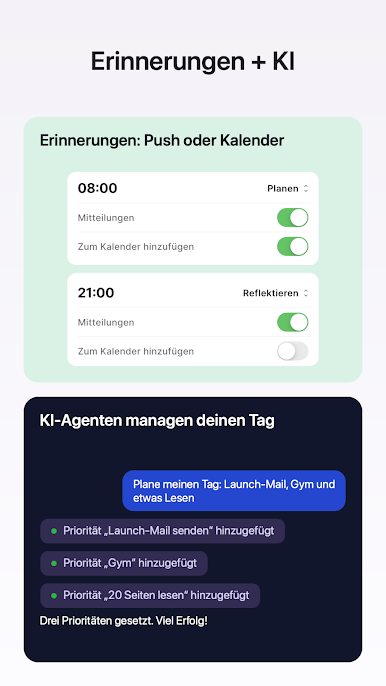
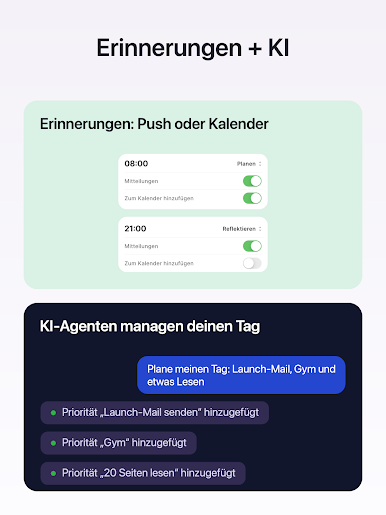
• Claude & KI-Assistenten verbinden — deine KI kann Prioritäten lesen, hinzufügen und abhaken (MCP + API-Schlüssel unter deiner Kontrolle, jederzeit widerrufbar)
• Dein Tag im Kalender — ein freier, nicht blockierender Termin mit deiner Checkliste, laufend aktualisiert, im Kalender deiner Wahl
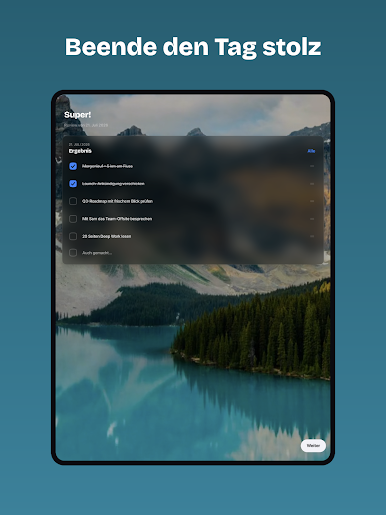
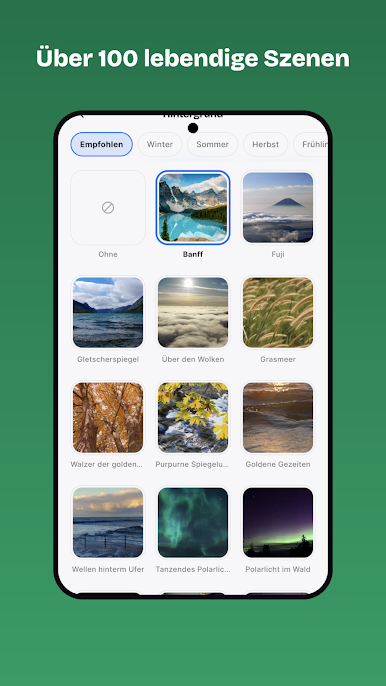
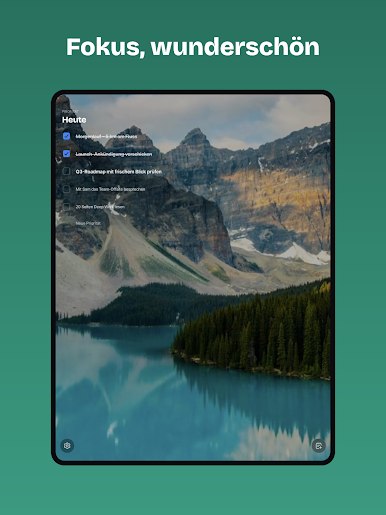
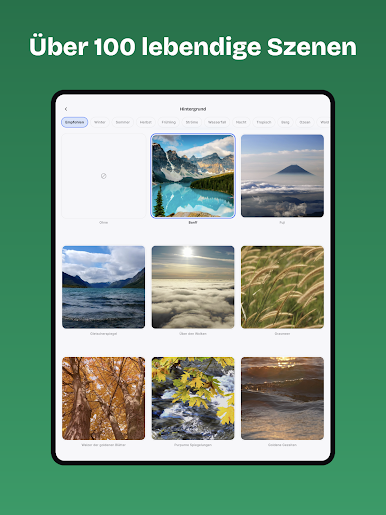
• Szenische Hintergründe — über 130 ruhige Naturszenen mit Tiefen-Parallaxe
• Eigene Akzentfarben und App-Icons
• Flexible Erinnerungen — deine Zeiten, so viele du brauchst
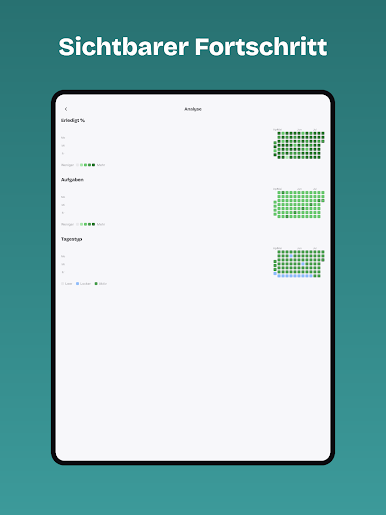
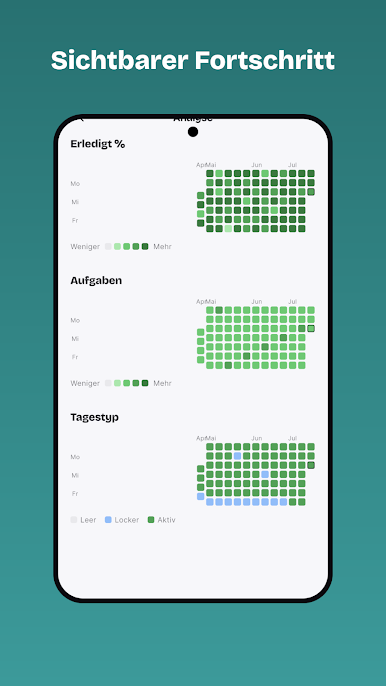
• Jahresübersicht über alles, was du geschafft hast
Priorities Pro ist ein optionales Abo (5,99 US-$/Jahr oder lokaler Gegenwert) mit 7 Tagen Gratis-Test; es verlängert sich automatisch, sofern es nicht in Google Play gekündigt wird.
Nutzungsbedingungen: https://www.mindfulsuite.com/terms
Datenschutz: https://www.mindfulsuite.com/privacy

Spiele Priorities: Tägliche To-dos auf dem PC. Der Einstieg ist einfach.
-
Lade BlueStacks herunter und installiere es auf deinem PC
-
Schließe die Google-Anmeldung ab, um auf den Play Store zuzugreifen, oder mache es später
-
Suche in der Suchleiste oben rechts nach Priorities: Tägliche To-dos
-
Klicke hier, um Priorities: Tägliche To-dos aus den Suchergebnissen zu installieren
-
Schließe die Google-Anmeldung ab (wenn du Schritt 2 übersprungen hast), um Priorities: Tägliche To-dos zu installieren.
-
Klicke auf dem Startbildschirm auf das Priorities: Tägliche To-dos Symbol, um mit dem Spielen zu beginnen

