


Planker – Daily Goal Planner
Играйте на ПК с BlueStacks – игровой платформе для приложений на Android. Нас выбирают более 500 млн. игроков.

Страница изменена: Oct 30, 2025
Play Planker : Plan & Goal Reminder on PC
" Planker " means the plan checker.
Check and remind your resolutions, goals, plans and to do daily.
Make your new year plans! make your new year resolution !
Many people also make a new resolution or commitment to establish annual goals in life, also develop a plan of life.
However, in many cases, such resolutions or commitments last few days and people give it up and forget.
In fact, we forget plans we set very often.
Now, let's set and manage your new resolutions or goals not to give it up.
Famous sayings and proverbs can also be seen on a daily basis.
[Main Features]
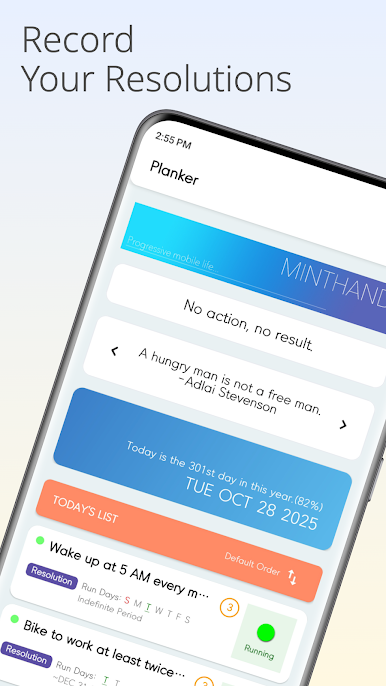
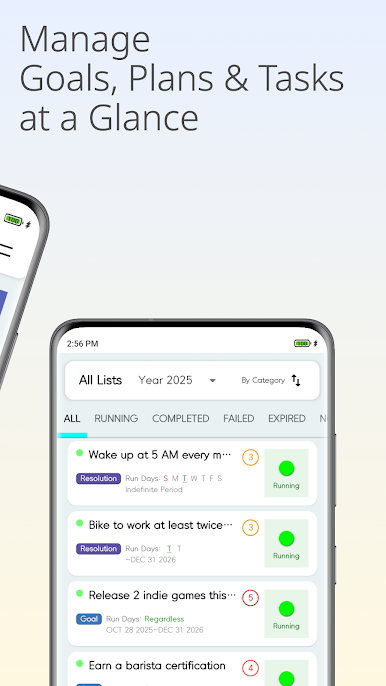
1. Goal management, resolution management, plan management, to-do management
It's simple and easy to manage.
Also, categories goal, resolution, a plan and a to-do list by choosing tags.
You can select days and importance.
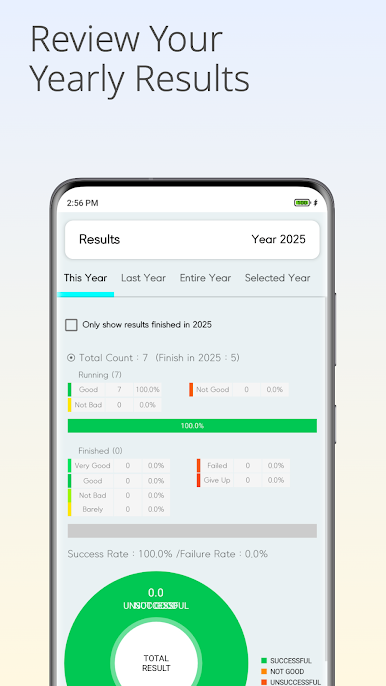
2. Statistics and Charts
You can see the statistics such as success and failure rates of all ongoing or achieved goals and plans.
In addition, you can easily check them because they are displayed in neat charts.
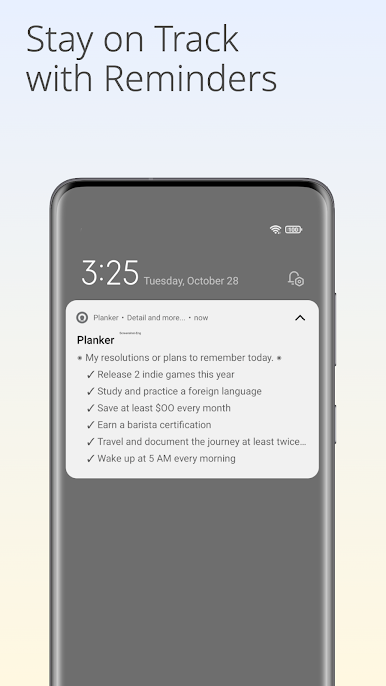
3. Notification
Tells you today's ongoing subjects at any time you want (up to three times in Setting).
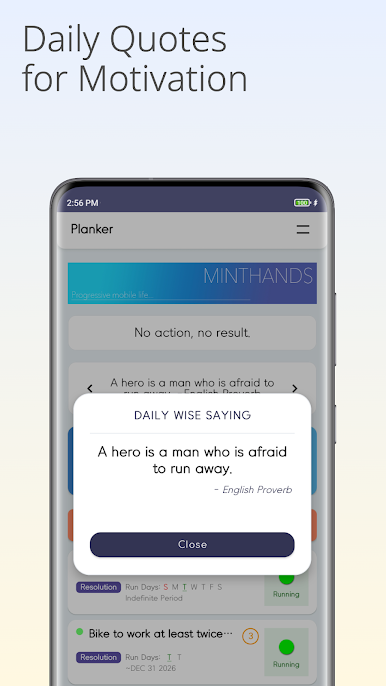
4. Quote or proverb of the day
Shows one quote of prominent persons of the time or proverb a day.
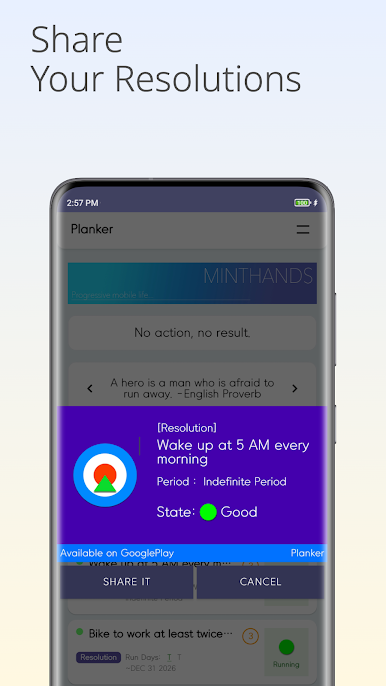
5. Share on Social Network Services
You can share your resolutions or plans with your friends. You won't be able give up because all your friends know your goals.
Why don't you successfully follow your plans and accomplish your goals with " Planker "?
Играйте в игру Planker – Daily Goal Planner на ПК. Это легко и просто.
-
Скачайте и установите BlueStacks на ПК.
-
Войдите в аккаунт Google, чтобы получить доступ к Google Play, или сделайте это позже.
-
В поле поиска, которое находится в правой части экрана, введите название игры – Planker – Daily Goal Planner.
-
Среди результатов поиска найдите игру Planker – Daily Goal Planner и нажмите на кнопку "Установить".
-
Завершите авторизацию в Google (если вы пропустили этот шаг в начале) и установите игру Planker – Daily Goal Planner.
-
Нажмите на ярлык игры Planker – Daily Goal Planner на главном экране, чтобы начать играть.

