


MiCollab for Mobile
Spiele auf dem PC mit BlueStacks - der Android-Gaming-Plattform, der über 500 Millionen Spieler vertrauen.

Seite geändert am: Dec 18, 2025
Run MiCollab for Mobile on PC or Mac
Let BlueStacks turn your PC, Mac, or laptop into the perfect home for MiCollab for Mobile, a fun Productivity app from Mitel Android.
About the App
Ever wish you could take your office phone with you, wherever your day takes you? MiCollab for Mobile, built by Mitel Android, brings your entire work communication setup right to your Android phone. Stay in the loop with your coworkers, handle calls, and get things done—all without being tied to your desk. If you’re looking for a smooth, all-in-one tool for workplace calls, messages, and contacts that fits into your on-the-go lifestyle, this one keeps work right at your fingertips.
App Features
-
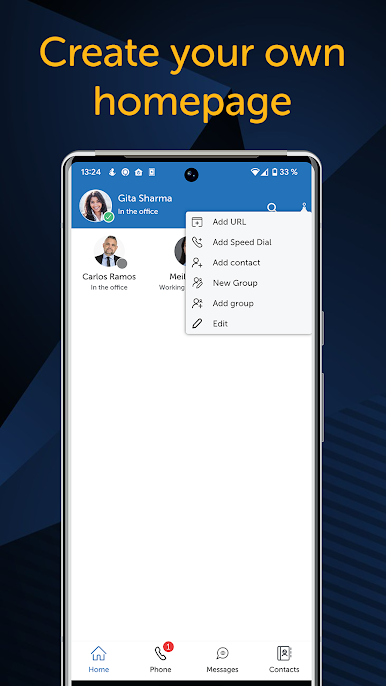
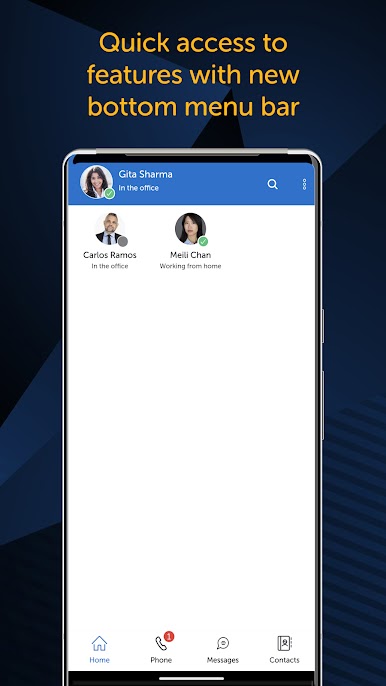
Customized Contacts & Favorites
Pick your must-reach team members, speed dial them, or tag favorite websites for quick access. Forget digging through endless lists—your VIPs are always just a tap away. -
Quick Corporate Directory Search
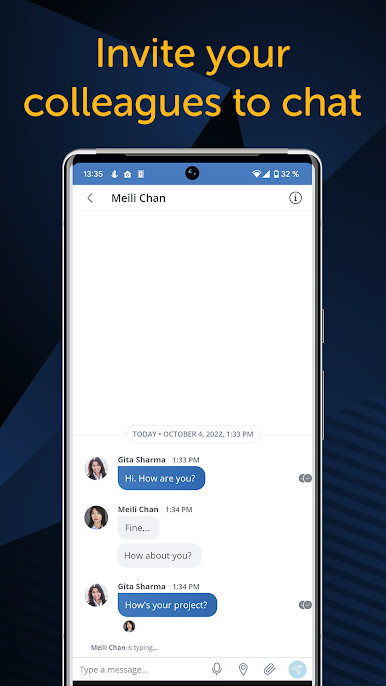
Need to track down someone at work? Search the entire company directory, spot who’s free, and reach out the way that suits the moment—call, instant message, video, or email—it’s all right there. -
Flexible Calling Options
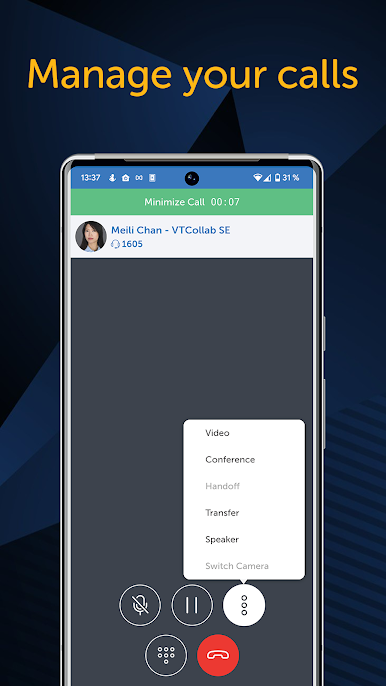
Make or receive calls via your work number, even when you’re nowhere near the office. Thanks to the SIP Softphone feature, you’re covered on Wi-Fi or 4G, and you can easily switch calls to your app whenever you need. -
Detailed Call History
Keep tabs on which work calls came in, went out, or got missed, so nothing slips through the cracks. Your full office extension log is easy to scroll through whenever you need it. -
Manage Voice Mail Visually
No more wading through endless messages. Check your office voice mail and pick which ones to hear or handle first—simple, flexible, and on your time. -
Smart Status & Call Routing
Let the app know your location or what time it is, and it’ll update your status or reroute your calls automatically. It’s like having a personal assistant managing your availability.
And if you ever want to try MiCollab for Mobile on your computer, BlueStacks has you covered.
BlueStacks gives you the much-needed freedom to experience your favorite apps on a bigger screen. Get it now.
Spiele MiCollab for Mobile auf dem PC. Der Einstieg ist einfach.
-
Lade BlueStacks herunter und installiere es auf deinem PC
-
Schließe die Google-Anmeldung ab, um auf den Play Store zuzugreifen, oder mache es später
-
Suche in der Suchleiste oben rechts nach MiCollab for Mobile
-
Klicke hier, um MiCollab for Mobile aus den Suchergebnissen zu installieren
-
Schließe die Google-Anmeldung ab (wenn du Schritt 2 übersprungen hast), um MiCollab for Mobile zu installieren.
-
Klicke auf dem Startbildschirm auf das MiCollab for Mobile Symbol, um mit dem Spielen zu beginnen

