


My Data Manager - Datennutzung
Spiele auf dem PC mit BlueStacks - der Android-Gaming-Plattform, der über 500 Millionen Spieler vertrauen.

Seite geändert am: Feb 19, 2025
Run My Data Manager: Data Usage on PC or Mac
Get freedom from your phone’s obvious limitations. Use My Data Manager: Data Usage, made by ST Advanced, a Tools app on your PC or Mac with BlueStacks, and level up your experience.
About the App
Meet your new best friend for managing mobile data: My Data Manager: Data Usage by ST Advanced! It’s a simple yet powerful tool that helps you track and manage your data use in real-time, ensuring you never go over your limits or get hit with surprise fees.
App Features
-
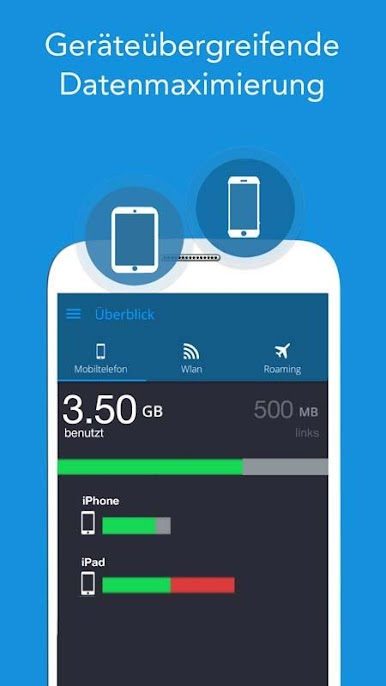
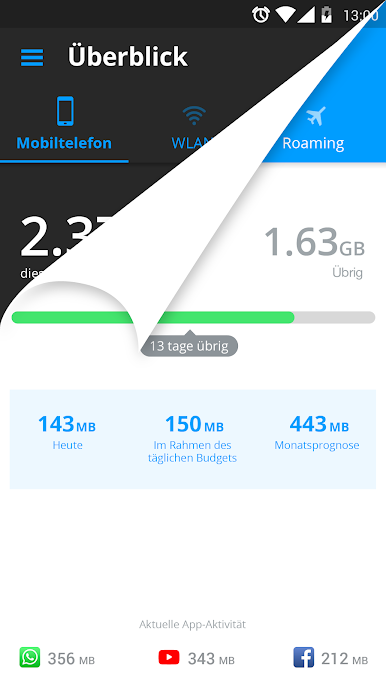
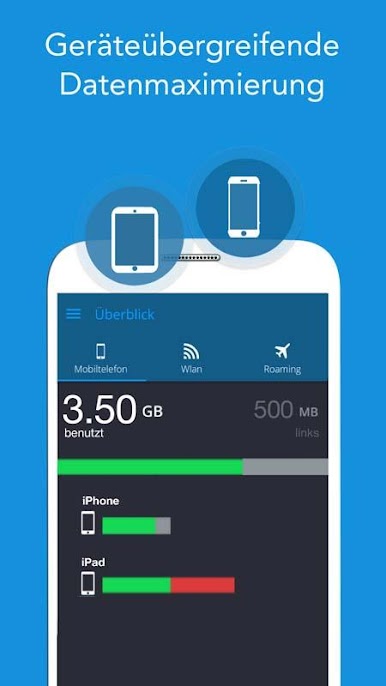
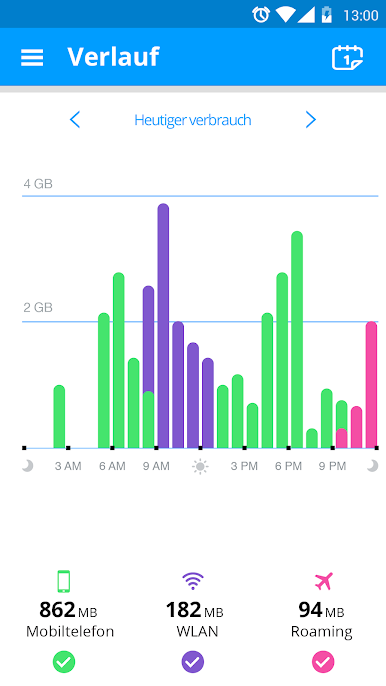
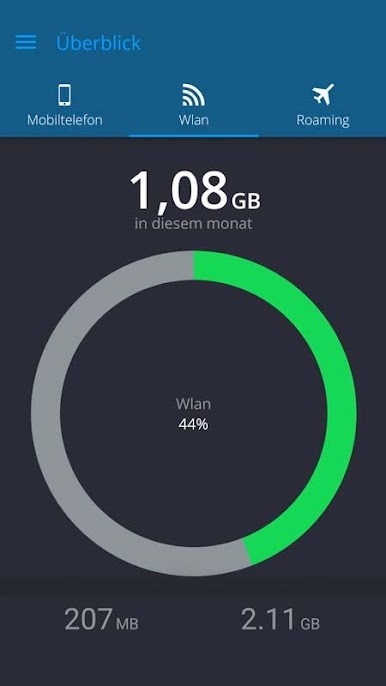
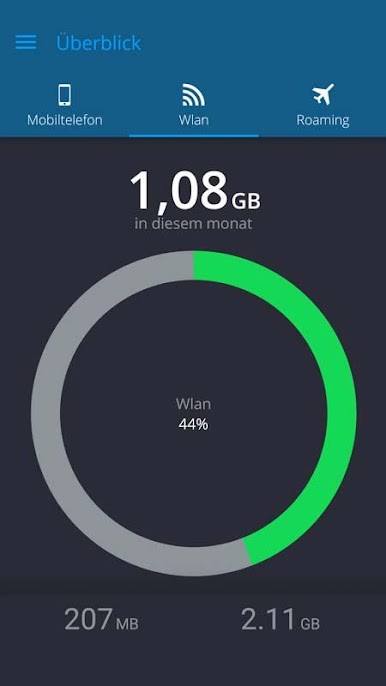
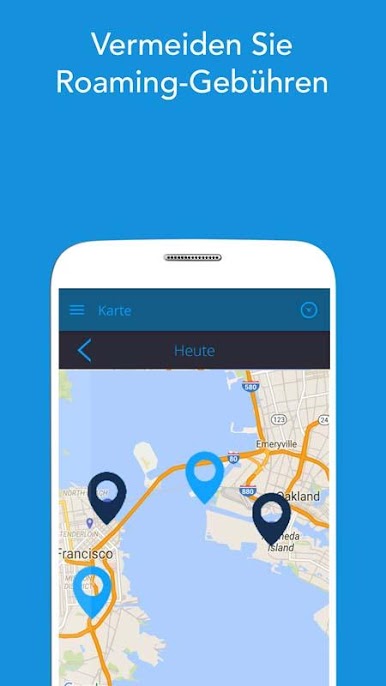
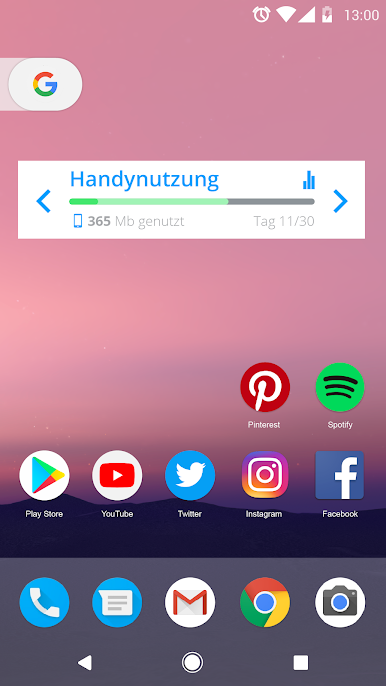
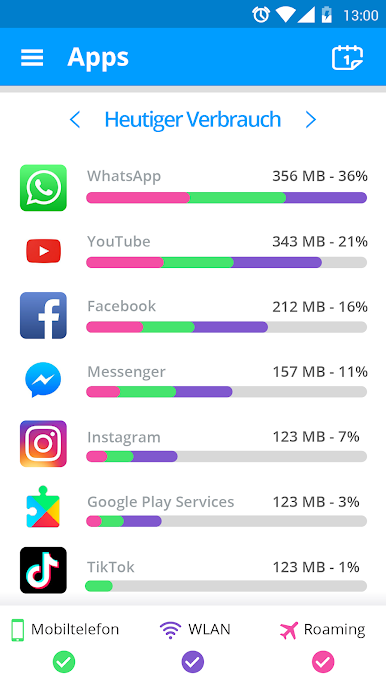
Real-Time Monitoring: Instantly see and track your data usage across mobile, Wi-Fi, and roaming interfaces. Wondering where all your data’s going? This app’s got the answers.
-
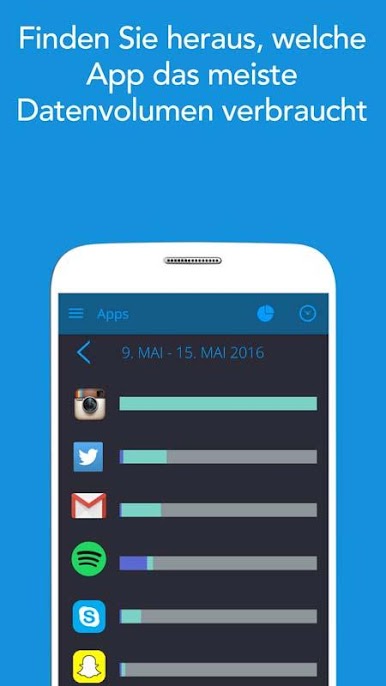
Data Tracker: Identify which apps are the biggest data hogs. Couples it with a handy alert system to warn you before hitting your limit.
-
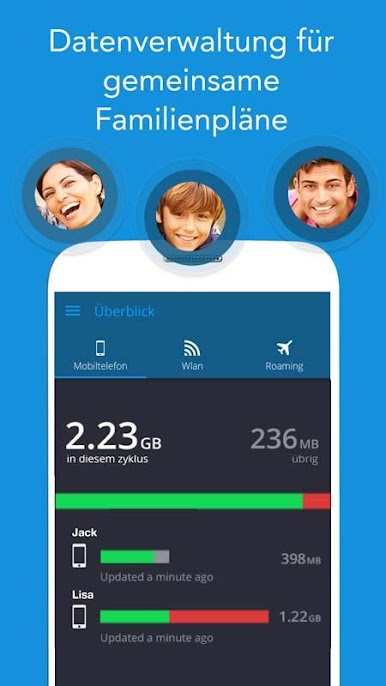
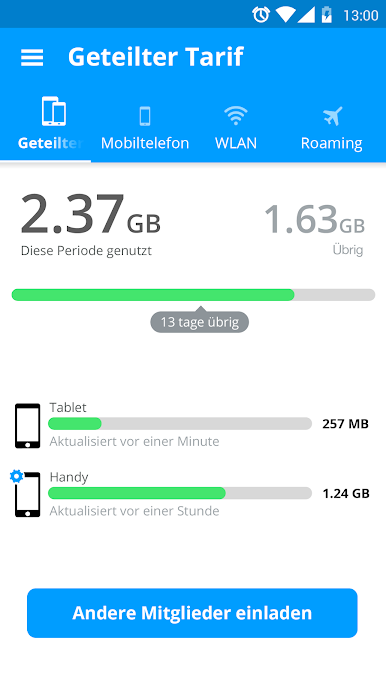
Family Management: Take control of data plans for the whole family, reducing unexpected expenses and helping everyone stay on track.
-
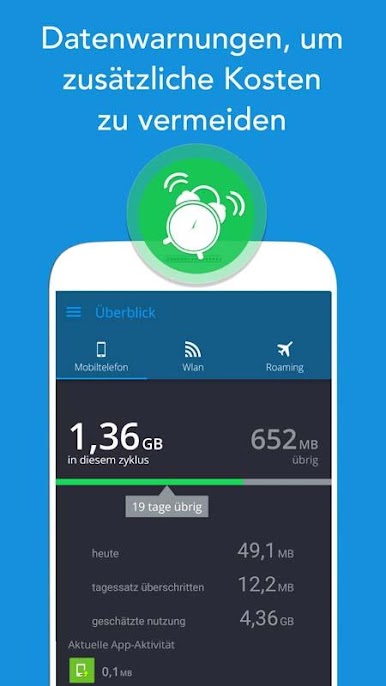
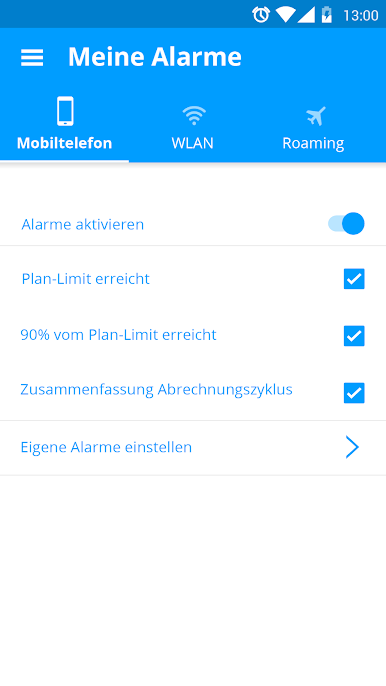
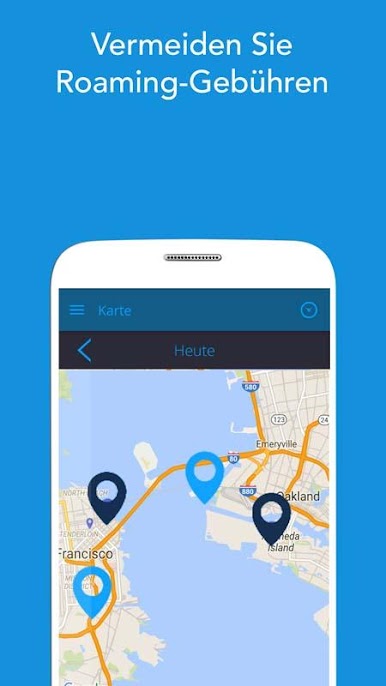
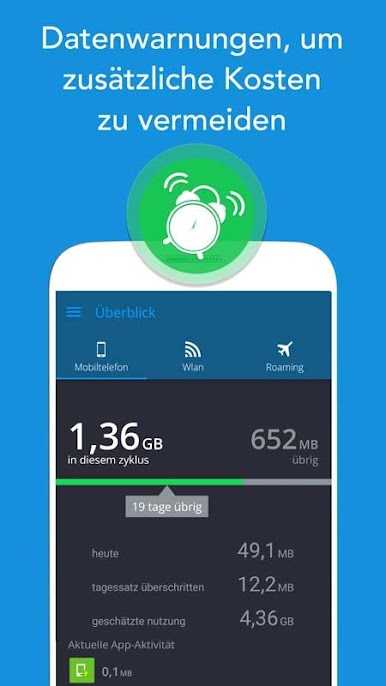
Cost Saving Alerts: Receive timely notifications to prevent overage fees and cut unnecessary costs on monthly bills.
Trusted globally by millions, manage your data comfortably even on BlueStacks and enjoy seamless tracking!
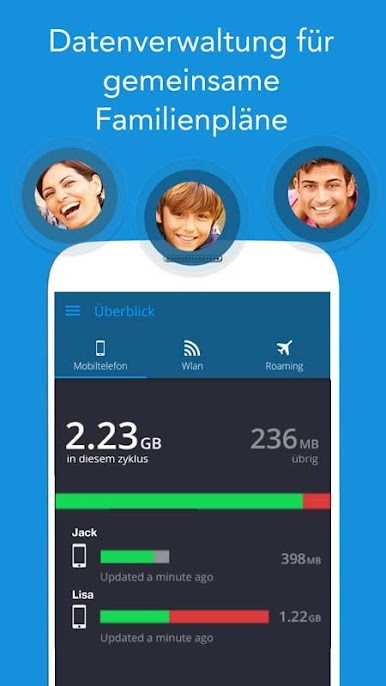
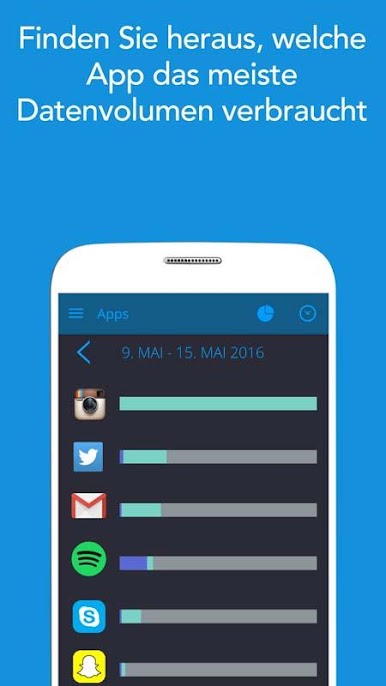
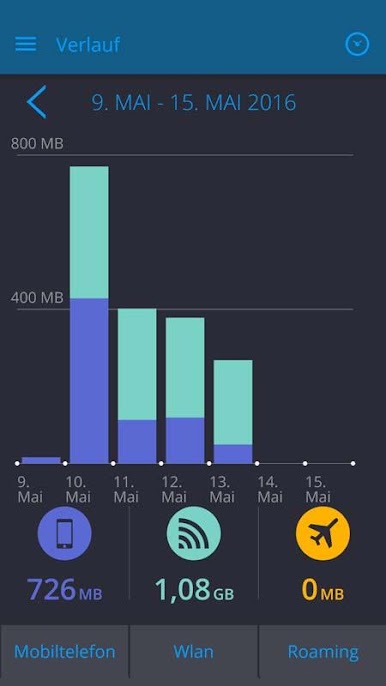
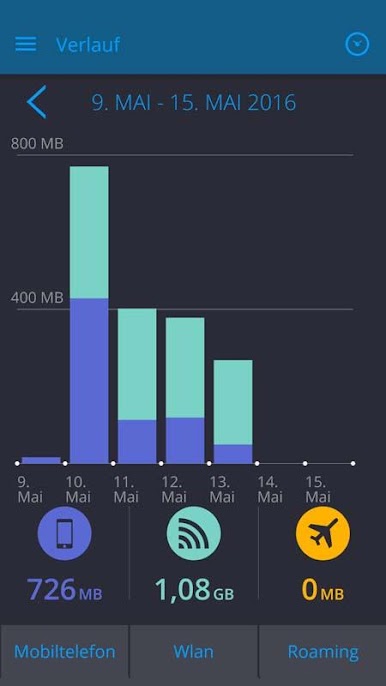
Spiele My Data Manager - Datennutzung auf dem PC. Der Einstieg ist einfach.
-
Lade BlueStacks herunter und installiere es auf deinem PC
-
Schließe die Google-Anmeldung ab, um auf den Play Store zuzugreifen, oder mache es später
-
Suche in der Suchleiste oben rechts nach My Data Manager - Datennutzung
-
Klicke hier, um My Data Manager - Datennutzung aus den Suchergebnissen zu installieren
-
Schließe die Google-Anmeldung ab (wenn du Schritt 2 übersprungen hast), um My Data Manager - Datennutzung zu installieren.
-
Klicke auf dem Startbildschirm auf das My Data Manager - Datennutzung Symbol, um mit dem Spielen zu beginnen

