


Fruit World
500M + oyuncunun güvendiği Android Oyun Platformu, BlueStacks ile PC'de oynayın.

Sayfa Değiştirilme tarihi: Dec 23, 2024
Play Fruits Burst Mania on PC or Mac
Fruits Burst Mania brings the Casual genre to life, and throws up exciting challenges for gamers. Developed by Mobileguru, this Android game is best experienced on BlueStacks, the World’s #1 app player for PC and Mac users.
About the Game
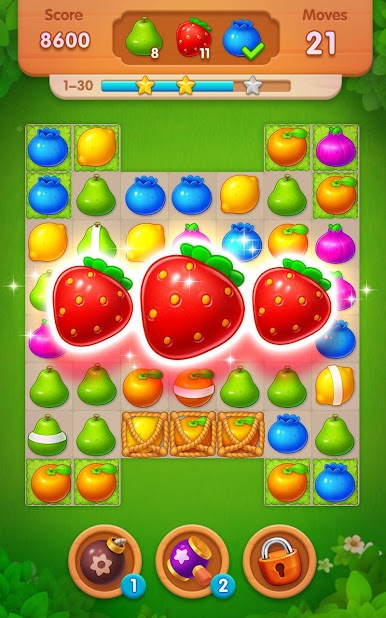
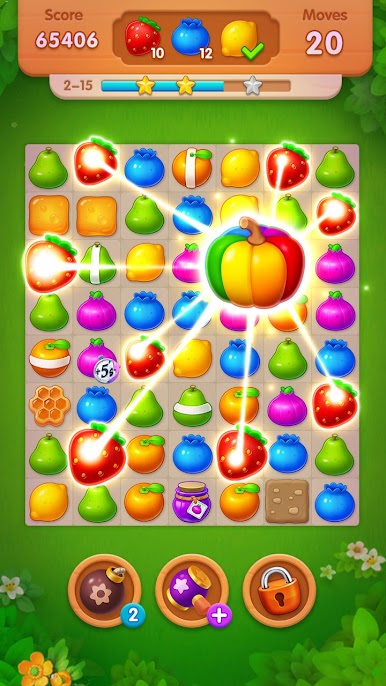
Fruits Burst Mania from Mobileguru is a bright, breezy Casual match-3 puzzler where colorful fruit fly across the board with every swipe. Each stage sets a clear goal—collect specific items, crack through blockers, or clear tricky tiles—then challenges you to pull off smart combos to get it done. It’s easy to learn, satisfying to master, and great for quick sessions. Prefer a bigger screen? It runs smoothly on BlueStacks as well.
Game Features
- Tons of stages to clear: Work through hundreds of hand-crafted levels that keep adding fresh twists as you move across a sunny island map.
- Goals that keep you thinking: Collect water drops and clovers, or clear specific tiles by matching fruit directly underneath them.
- Blockers with personality: Push past frozen ice, blooming flowers, and other obstacles that force you to plan a step or two ahead.
- Big matches, bigger blasts: Line up 4 or more fruits to create powerful specials, then combine them to trigger a spectacular Fruits Burst that wipes huge chunks of the board.
- Power-ups when you need them: Stuck on a clever setup? Use boosters to shuffle, slice, or smash your way out of a tight spot.
- Satisfying, snappy controls: Smooth swipe matching makes popping fruit feel quick, precise, and super tactile.
- Play anywhere: Free-to-play and friendly to offline sessions, so it’s easy to hop in whether you’ve got Wi‑Fi or not.
Make your gaming sessions memorable with precise controls that give you an edge in close combats and visuals that pop up, bringing every character to life.
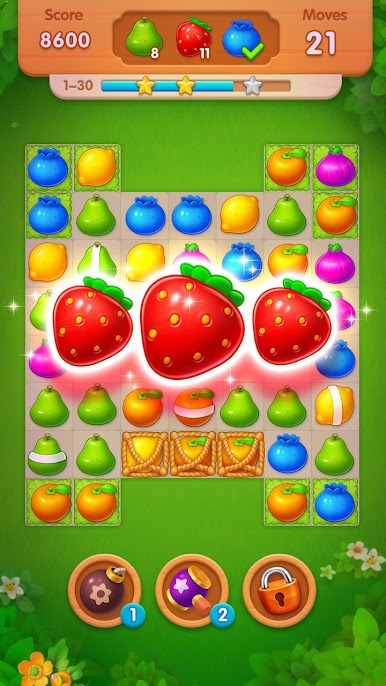

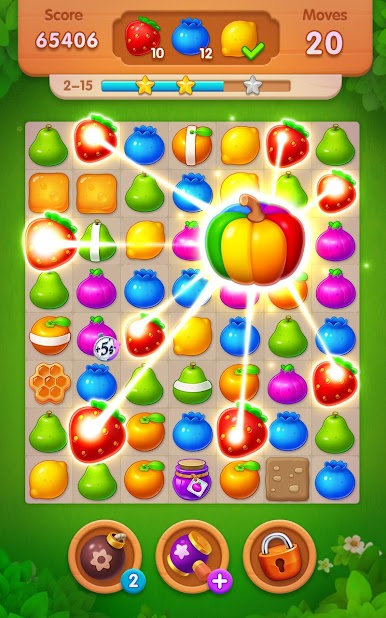

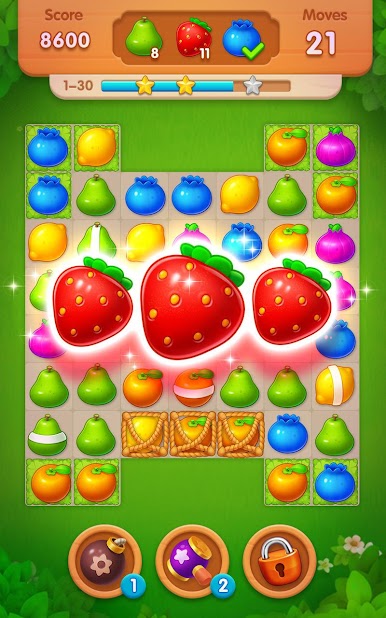



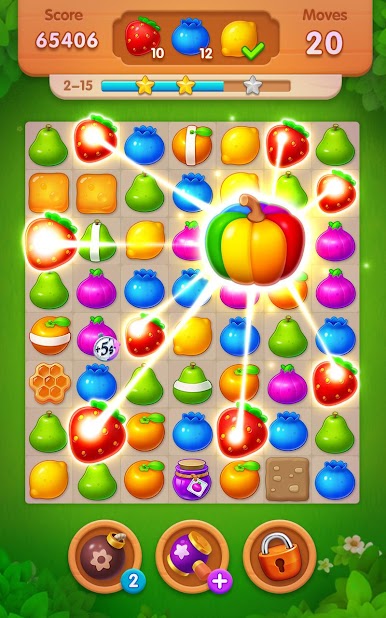

Fruit World oyununu PC'de oyna. Başlamak çok kolay.
-
BlueStacks'i PC'nize İndirin ve Yükleyin
-
Play Store'a erişmek için Google girişi yapın ya da daha sonraya bırakın.
-
Sağ üst köşeye Fruit World yazarak arayın.
-
Fruit World uygulamasını arama sonuçlarından indirmek için tıklayın.
-
(iEğer Adım 2'yi atladıysanız) Fruit World uygulamasını yüklemek için Google'a giriş yapın.
-
Oynatmaya başlatmak için ekrandaki Fruit World ikonuna tıklayın.

