


Weather Rise Clock
Spiele auf dem PC mit BlueStacks - der Android-Gaming-Plattform, der über 500 Millionen Spieler vertrauen.

Seite geändert am: Nov 26, 2025
Play Weather Rise Clock 30+ Widgets on PC
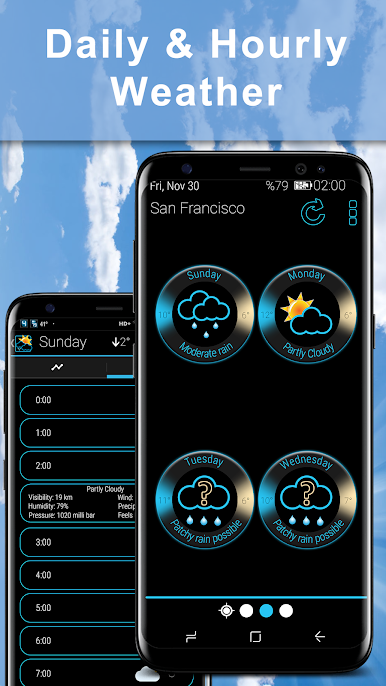
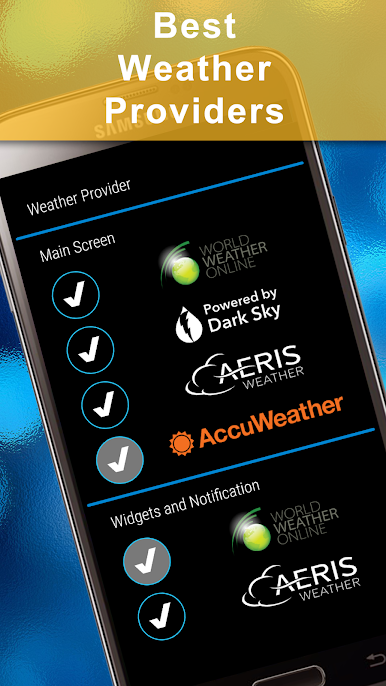
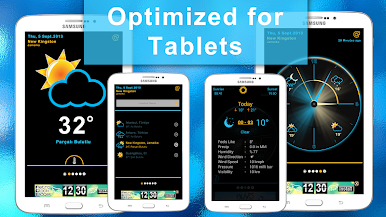
Stay ahead of the weather with Weather Rise Clock, one of the most customizable and visually appealing weather apps on Android. Enjoy accurate, reliable forecasts provided by trusted sources like Accuweather and World Weather Online, presented in a clean, stylish, and user-friendly interface.
🌤️ WEATHER FEATURES:
• Accurate weather forecasts powered by Accuweather and World Weather Online
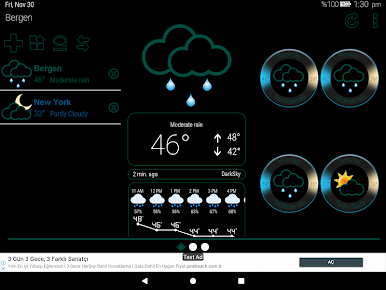
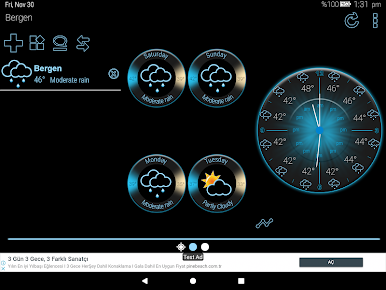
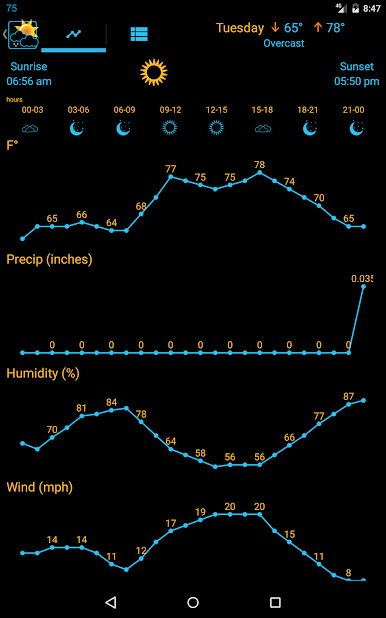
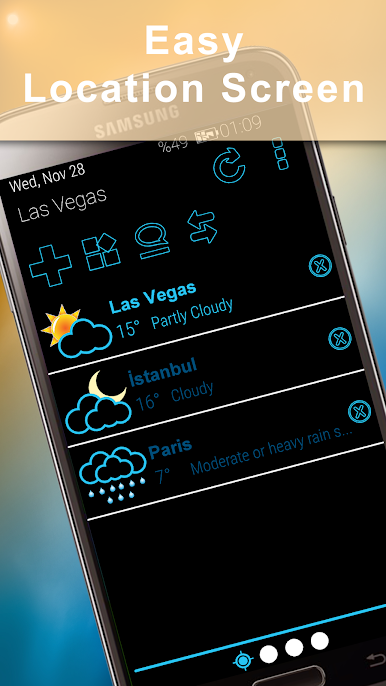
• Current weather conditions and forecasts for locations worldwide
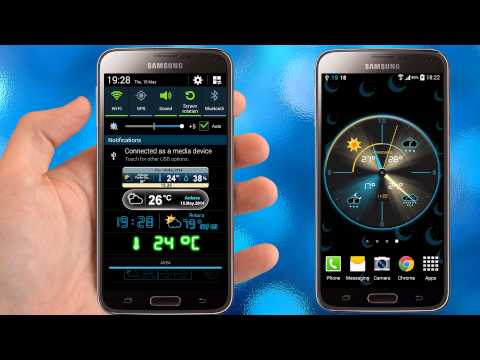
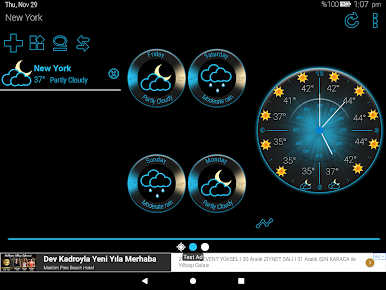
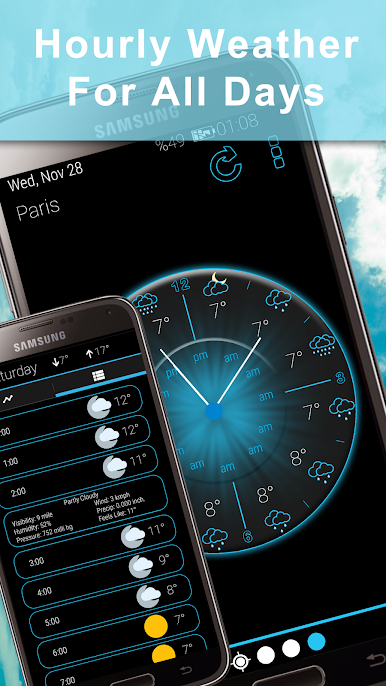
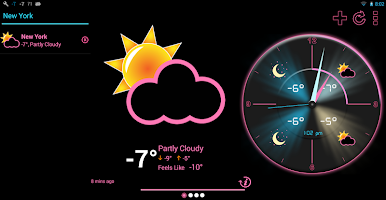
• Beautiful analog clock displaying weather forecasts for the next 12 hours
🎨 CUSTOMIZABLE WIDGETS & NOTIFICATIONS:
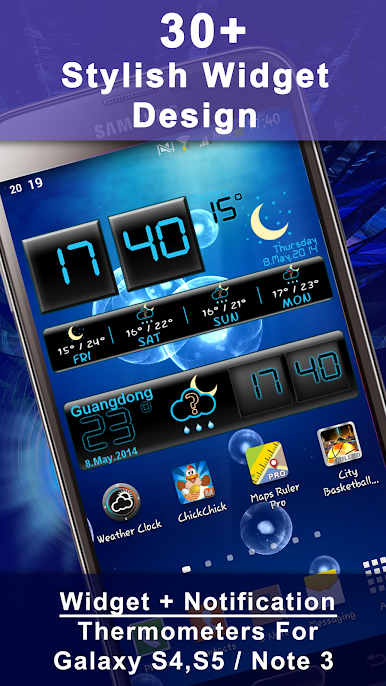
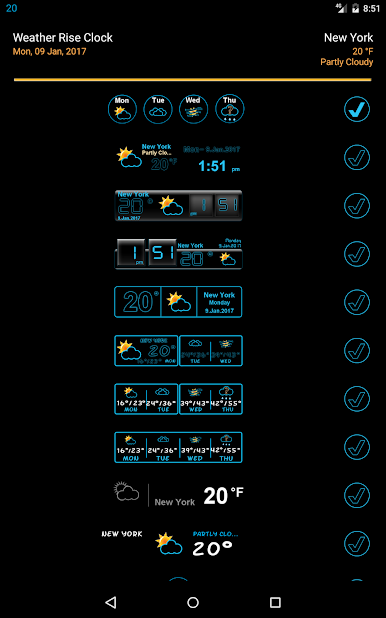
• 30+ stylish and fully customizable weather app widgets
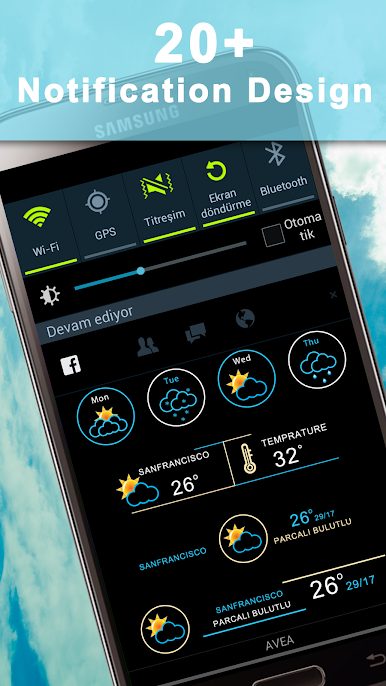
• 20+ notification styles to keep you updated on weather conditions
• Personalize your home screen and notification bar with ease
🌟 CLEAN, STYLISH DESIGN:
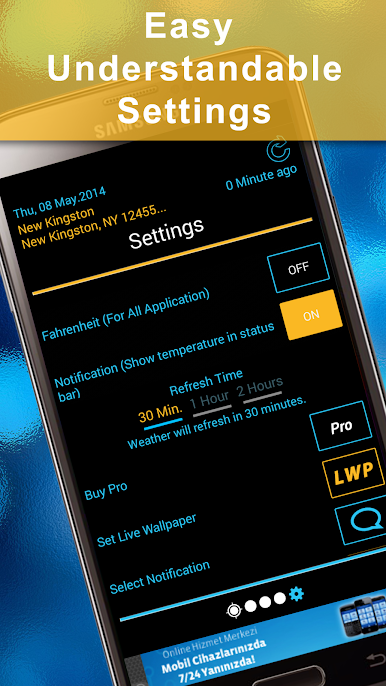
• Intuitive and visually appealing user interface
• Easy-to-read weather details and elegant graphics
• Optimized for performance and battery efficiency
Download Weather Rise Clock now and enhance your Android experience with personalized weather forecasts and beautiful clock widgets!
Spiele Weather Rise Clock auf dem PC. Der Einstieg ist einfach.
-
Lade BlueStacks herunter und installiere es auf deinem PC
-
Schließe die Google-Anmeldung ab, um auf den Play Store zuzugreifen, oder mache es später
-
Suche in der Suchleiste oben rechts nach Weather Rise Clock
-
Klicke hier, um Weather Rise Clock aus den Suchergebnissen zu installieren
-
Schließe die Google-Anmeldung ab (wenn du Schritt 2 übersprungen hast), um Weather Rise Clock zu installieren.
-
Klicke auf dem Startbildschirm auf das Weather Rise Clock Symbol, um mit dem Spielen zu beginnen

