


Chinese Writer
Spiele auf dem PC mit BlueStacks - der Android-Gaming-Plattform, der über 500 Millionen Spieler vertrauen.

Seite geändert am: Nov 26, 2024
Run Chinese Writer on PC or Mac
Multitask effortlessly on your PC or Mac as you try out Chinese Writer, a Education app by trainchinese on BlueStacks.
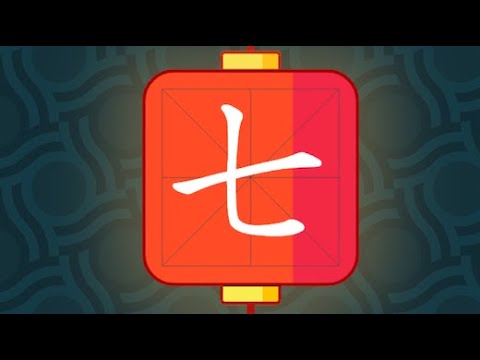
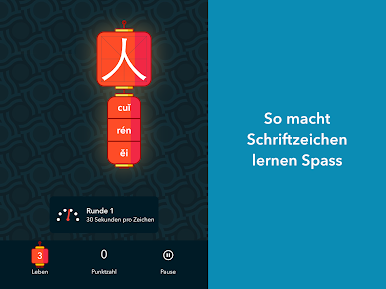
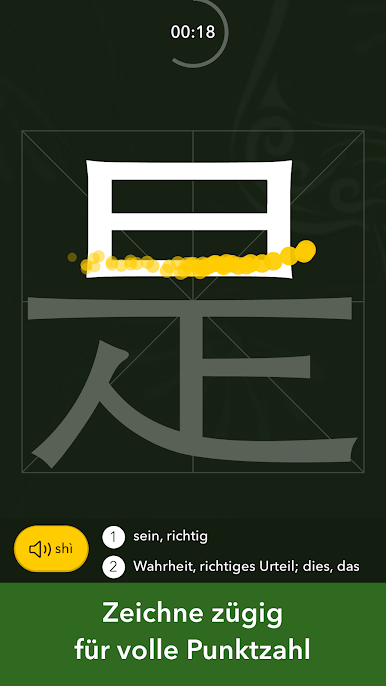
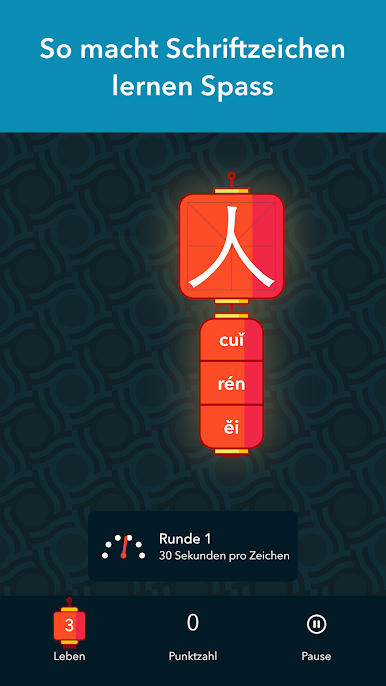
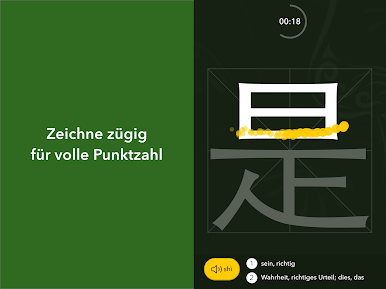
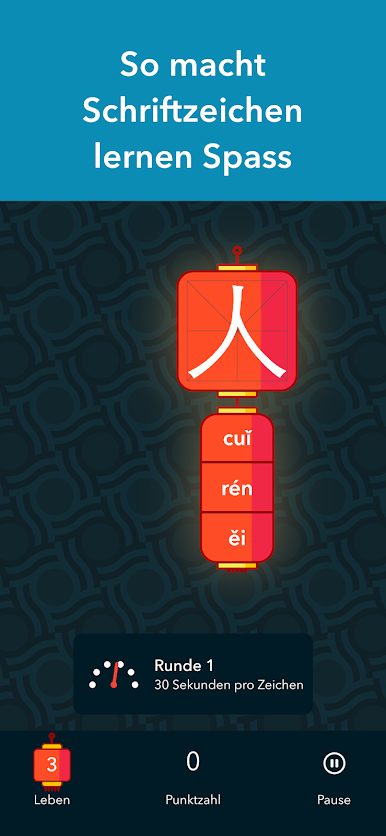
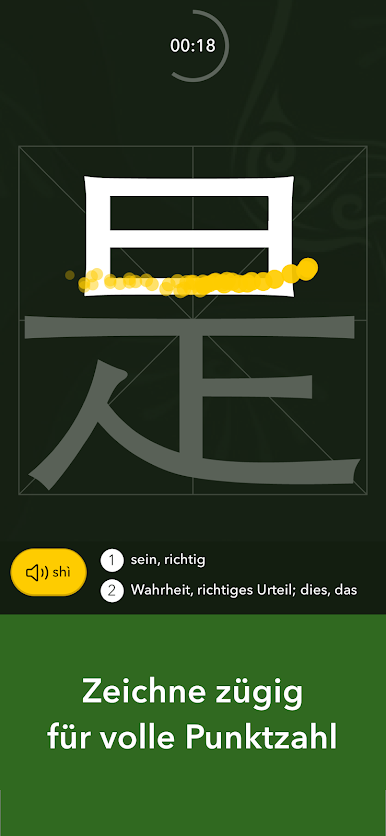
So, Chinese Writer is one of those apps that takes learning Chinese characters and makes it feel more like a game than a lesson. Basically, characters drop down from the top of the screen, and there’s this quick pressure to tap them before they hit the bottom, then you have to draw them out the right way to score points. Miss a few and the game’s over, but it never really feels punishing — just makes you want to try again. Mess up a character a lot? The app actually remembers and brings those up more often, which is surprisingly helpful if you keep mixing up the same strokes.
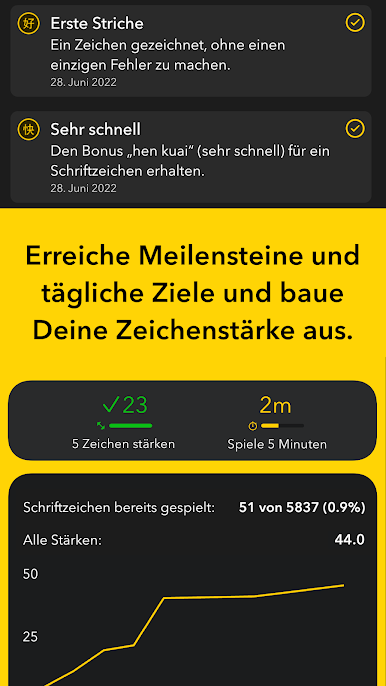
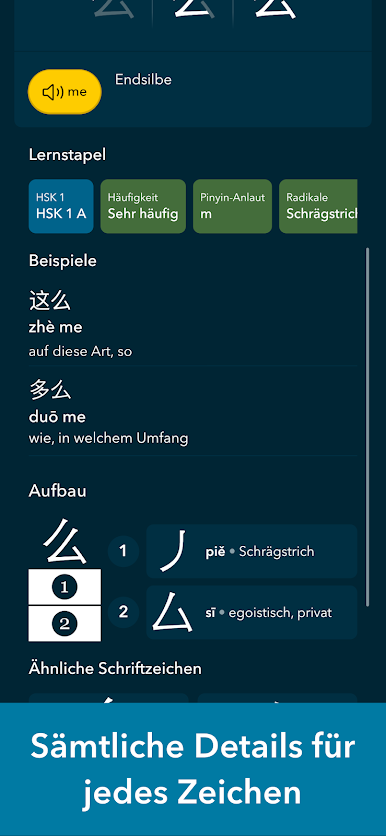
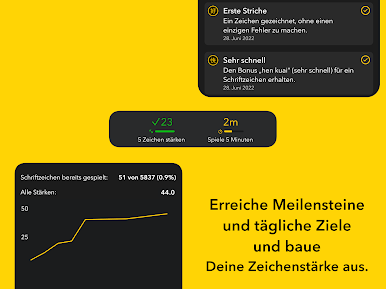
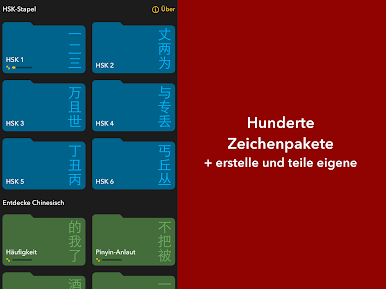
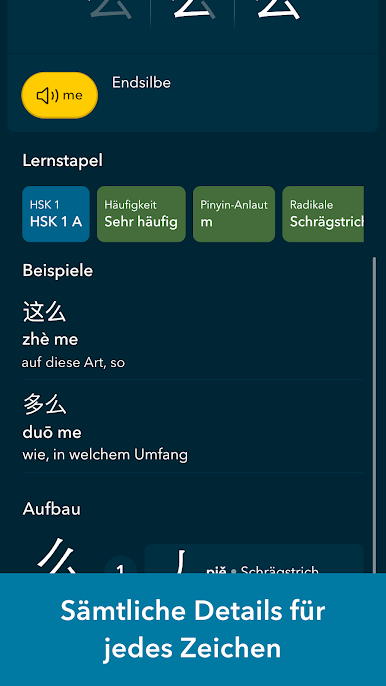
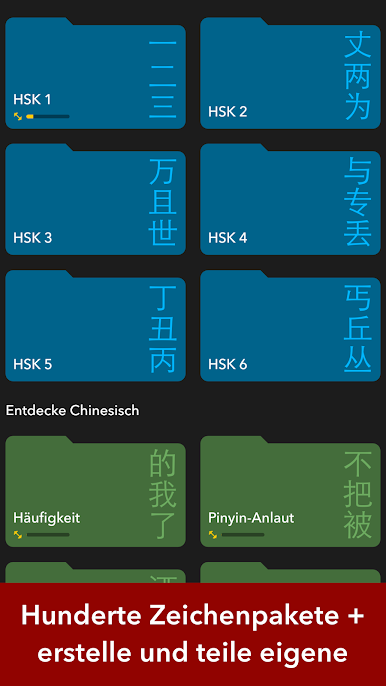
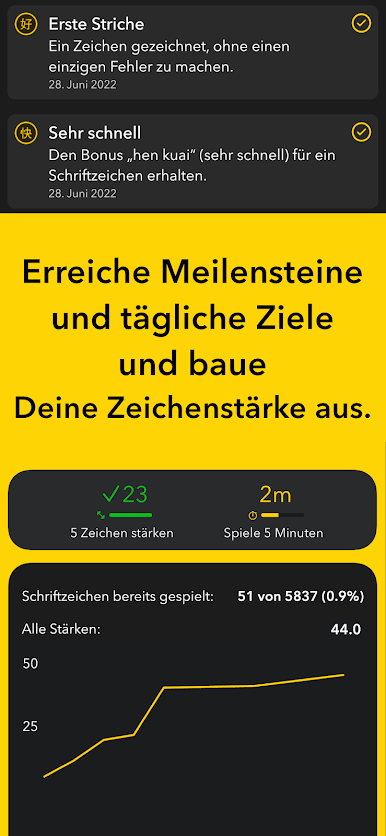
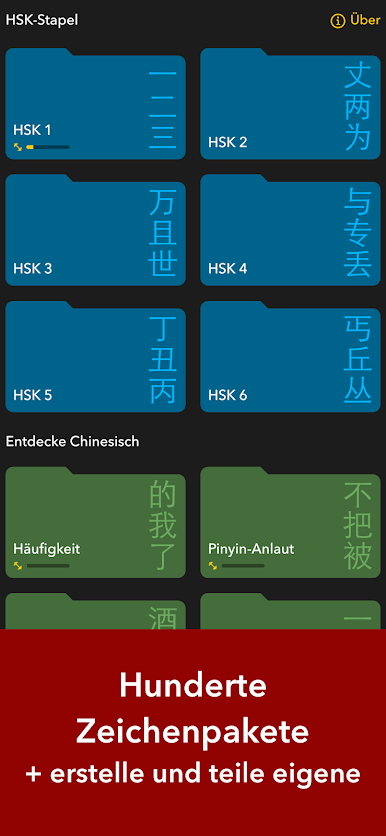
The whole thing’s laid out in levels based on HSK, so there’s a sense of progress whether you’re a complete beginner or far along. There are tons of characters to unlock, especially if you go beyond the free version, but honestly even sticking with the free characters gives you plenty to do. Features like stroke order diagrams and native audio help a lot if you want to get it right, and it’s easy to build your own custom character packs—search by pinyin, English, whatever works for you. What’s nice about running it in BlueStacks on PC is the bigger screen, which makes drawing strokes feel clearer somehow, especially if small phone screens usually mess with handwriting. All in all, it leans into being both a game and a study tool—players get to see their mistakes, review stuff at their own pace, and even share scores or packs with friends if they’re into that. Definitely feels handy for anyone wanting to learn Chinese characters, whether they’re just getting started or pretty far along.
Ready to experience Chinese Writer on a bigger screen, in all its glory? Download BlueStacks now.

Spiele Chinese Writer auf dem PC. Der Einstieg ist einfach.
-
Lade BlueStacks herunter und installiere es auf deinem PC
-
Schließe die Google-Anmeldung ab, um auf den Play Store zuzugreifen, oder mache es später
-
Suche in der Suchleiste oben rechts nach Chinese Writer
-
Klicke hier, um Chinese Writer aus den Suchergebnissen zu installieren
-
Schließe die Google-Anmeldung ab (wenn du Schritt 2 übersprungen hast), um Chinese Writer zu installieren.
-
Klicke auf dem Startbildschirm auf das Chinese Writer Symbol, um mit dem Spielen zu beginnen

