


Пасьянс Паук
Играйте на ПК с BlueStacks – игровой платформе для приложений на Android. Нас выбирают более 500 млн. игроков.

Страница изменена: Aug 11, 2026
Играй Пасьянс Паук На ПК
Что такое пасьянс Паук?
Пасьянс паук - одна из самых молодых разновидностей карточных пасьянсов. Считается, что он был создан в 1949 году. Свое название пасьянс получил благодаря цели игры - нужно собрать все карты в восемь стопок, столько же ног у настоящего паука.
В пасьянсе Паук есть три уровня сложности. Версия с одной мастью самая простая. Вариант с двумя мастями имеет средний уровень сложности и является самым популярным среди трех. В самой сложной версии используется четыре масти, она подходит продвинутым игрокам.
Пасьянс Паук 1 масть - самая простая версия игры, предназначенная для новичков или игроков, желающих сыграть на низком уровне сложности. В этом варианте пасьянса используется только одна масть, обычно черви. Вероятность победы составляет 60%.
Пасьянс Паук 2 масти - версия со средним уровнем сложности. В игре используется 2 масти (обычно черви и пики). Мы рекомендуем пару раз сыграть в эту версию, прежде чем переходить к самому сложному уровню. Вероятность выигрыша составляет около 20%.
Пасьянс Паук 4 масти - самая сложная версия игры, так как здесь используется все четыре масти стандартной колоды карт, и правильно разобрать карты без тщательного планирования довольно тяжело. Обычно вероятность выигрыша в этой игре составляет всего 8%, несмотря на то, что опытные игроки побеждают в 80-90% случаев.
Правила игры просты: Ваша цель - открыть все карты на игровом поле и расположить все карты одной масти в порядке убывания.
Упорядоченный набор карт начинается с Короля и заканчивается Тузом. Как только вы закончите собирать ряд, карты автоматически переместятся с игрового поля в свободную ячейку, чтобы вы могли сосредоточиться на оставшихся неразложенных картах.
Как только все возможные ходы закончатся, вы можете нажать на колоду (стопка карт, лежащих рубашкой вверх), чтобы раздать десять новых карт. Всего в колоде 50 карт.
Вы победите, как только правильно разложите все карты и отправите их в ячейки.
Основные возможности:
* Случайные и разрешимые расклады.
* Ежедневные задачи и интересный геймплей.
* Настраиваемый и простой интерфейс.
* Интуитивно понятное управление - нажимайте на карты или перетаскивайте их.
* Неограниченные отмены хода - мы все совершаем ошибки, даже когда играем.
* Три уровня сложности: одна масть (низкий), две масти (средний) и четыре масти (высокий).
* Достижения и статистика.

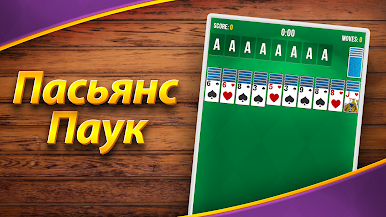


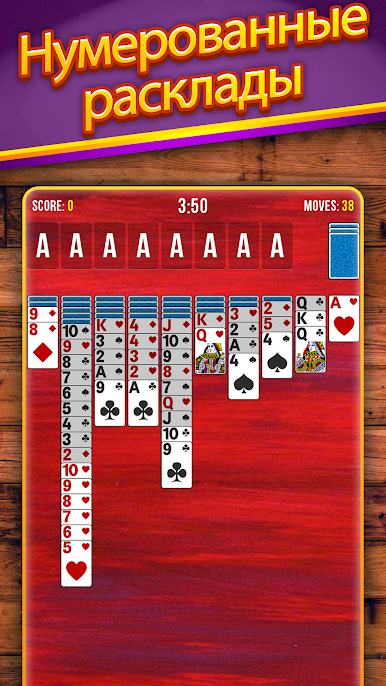
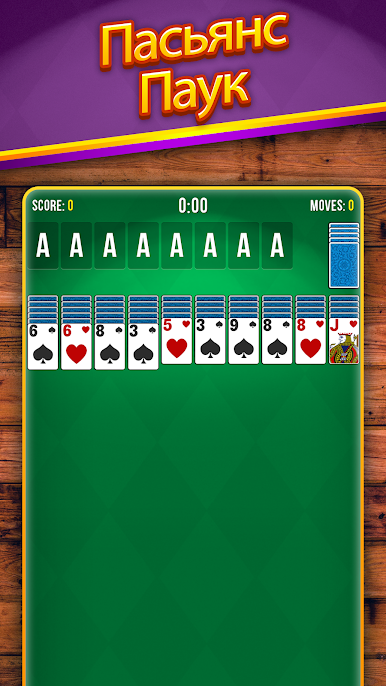
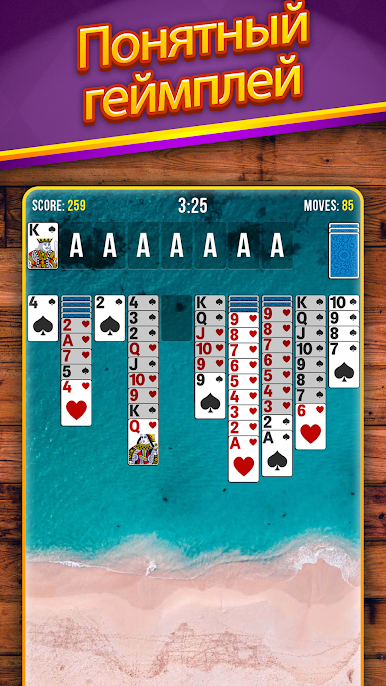

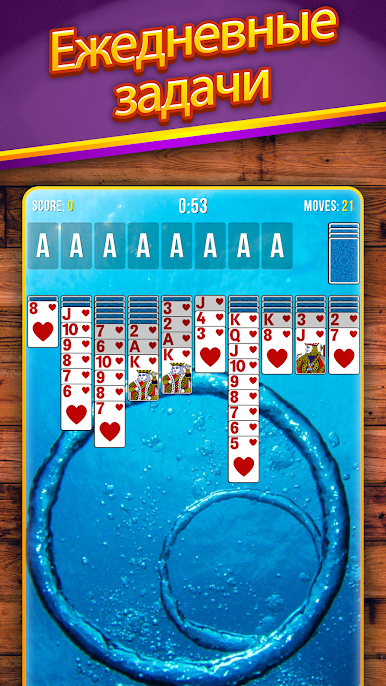
Играйте в игру Пасьянс Паук на ПК. Это легко и просто.
-
Скачайте и установите BlueStacks на ПК.
-
Войдите в аккаунт Google, чтобы получить доступ к Google Play, или сделайте это позже.
-
В поле поиска, которое находится в правой части экрана, введите название игры – Пасьянс Паук.
-
Среди результатов поиска найдите игру Пасьянс Паук и нажмите на кнопку "Установить".
-
Завершите авторизацию в Google (если вы пропустили этот шаг в начале) и установите игру Пасьянс Паук.
-
Нажмите на ярлык игры Пасьянс Паук на главном экране, чтобы начать играть.

