


Wordelicious - Fun Word Puzzle
500M + oyuncunun güvendiği Android Oyun Platformu, BlueStacks ile PC'de oynayın.

Sayfa Değiştirilme tarihi: Jul 17, 2025
Play Wordelicious - Play Word Search Food Puzzle Game on PC or Mac
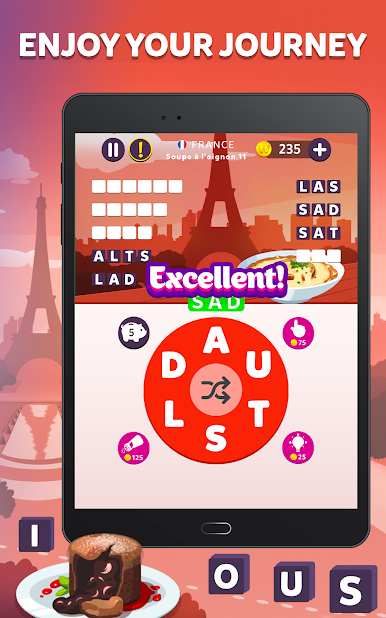
Explore a whole new adventure with Wordelicious – Play Word Search Food Puzzle Game, a Word game created by Murka Games Limited. Experience great gameplay with BlueStacks, the most popular gaming platform to play Android games on your PC or Mac.
About the Game
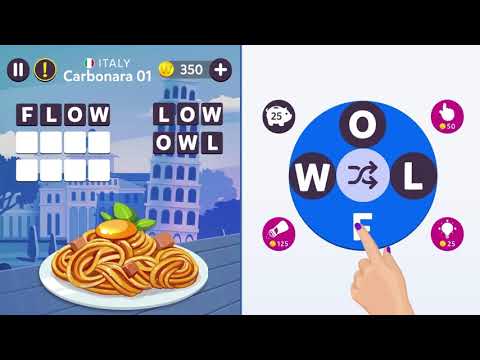
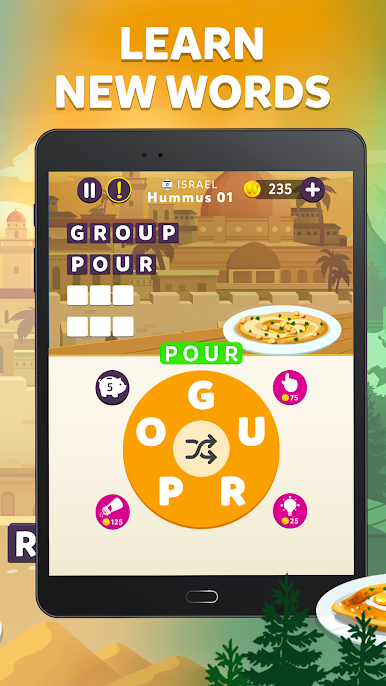
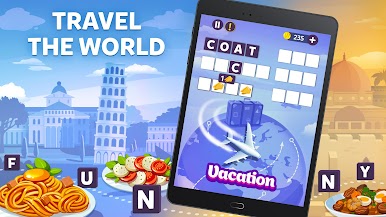
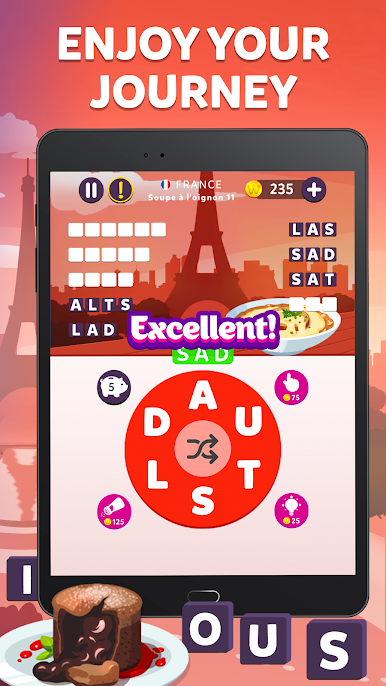
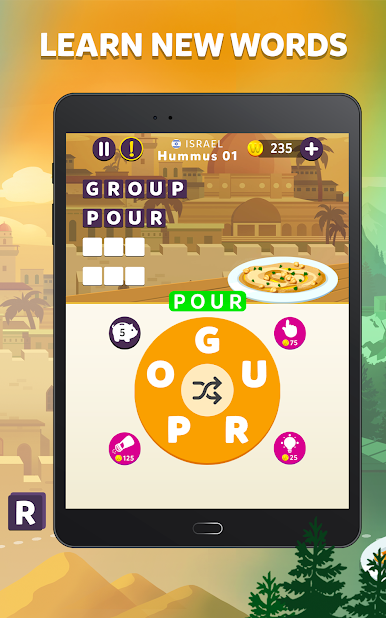
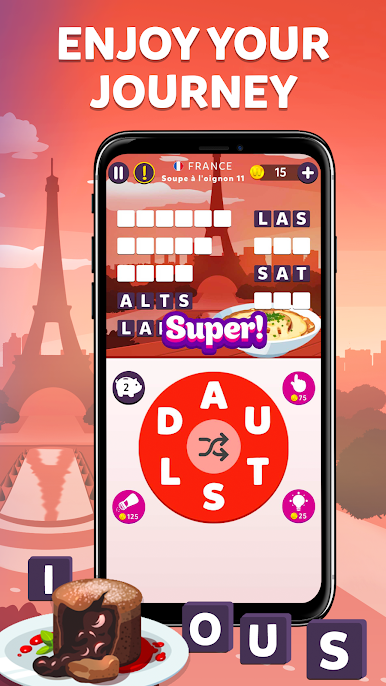
Wordelicious – Play Word Search Food Puzzle Game serves up a tasty blend of word search fun and global cuisine. Picture yourself solving word puzzles and uncovering delicious dishes from all over the world—sounds like a treat, right? Whether you’re a foodie, a word game buff, or just want something light for your next break, this one’s got you covered. Plus, you can easily play it on BlueStacks if you want to make your letters bigger and brighter.
Game Features
-
Food-Themed Word Puzzles
Every level challenges you to hunt for words connected to mouthwatering recipes and famous foods. It’s word search, but with a flavorful spin. -
Play Anywhere, Anytime
No Wi-Fi? No problem. Wordelicious works offline, so you can enjoy some food-filled puzzling on a road trip, at the airport, or just tucked in on the couch. -
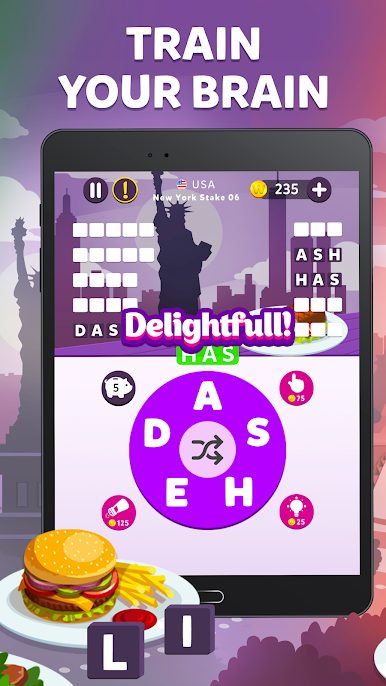
Brain-Boosting Challenges
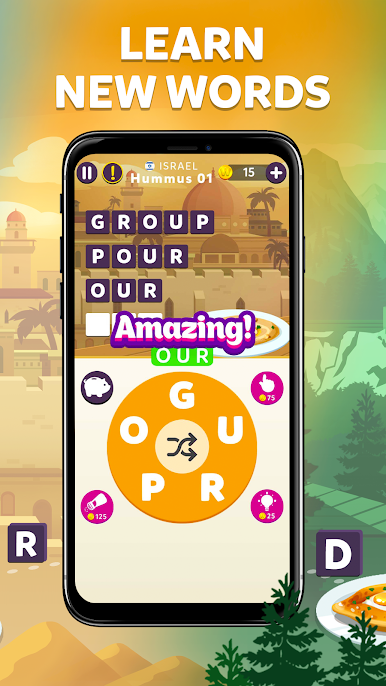
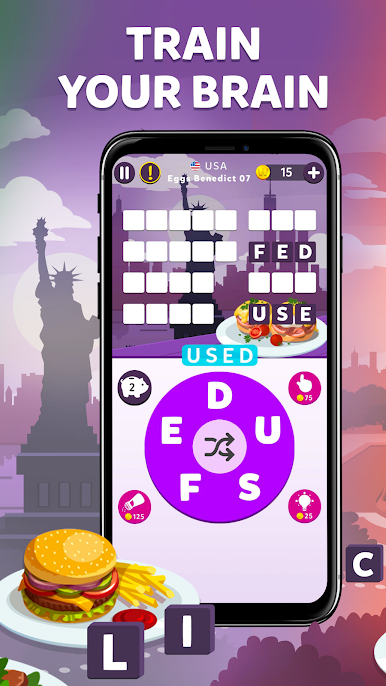
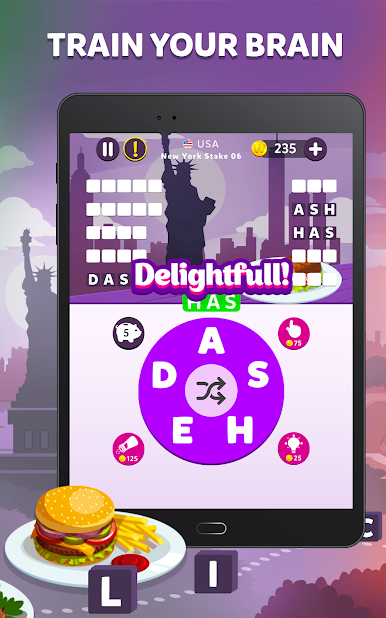
As you connect letters and build words, you’ll flex your vocabulary muscles and sharpen your mind. It’s sneaky smart—fun and learning all mixed together. -
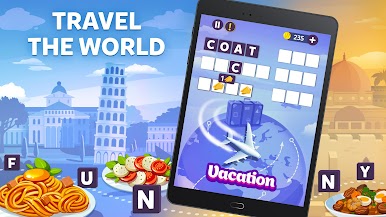
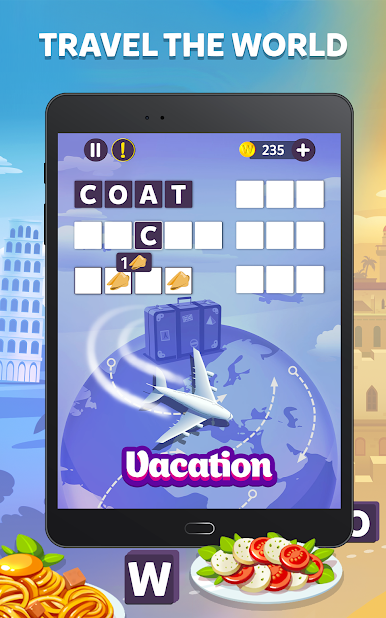
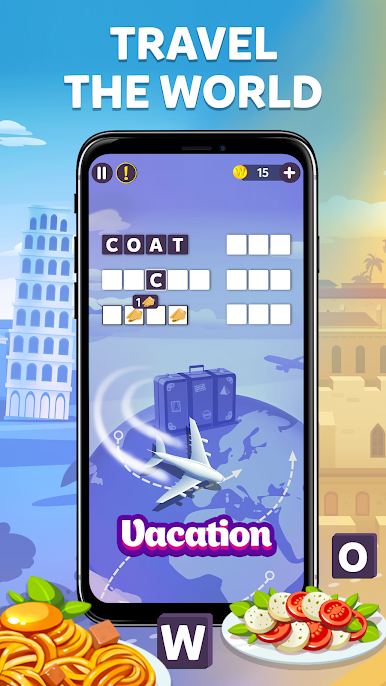
Global Culinary Journey
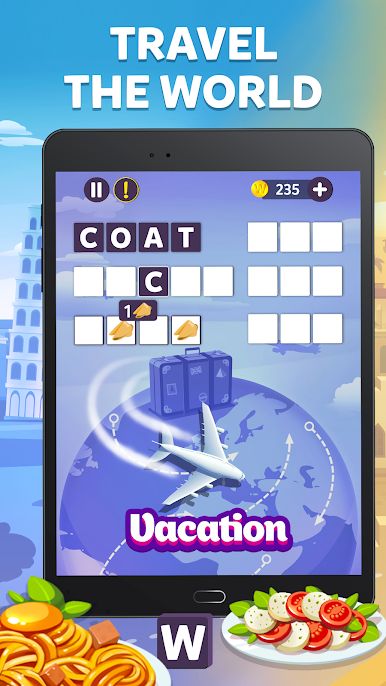
Each set of puzzles takes you to a new country. Solve word grids and discover local specialties—no passport needed. -
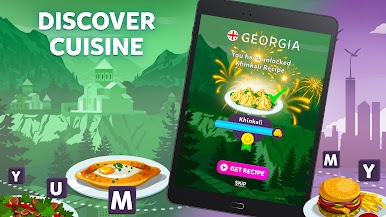
Unlock Real Recipes
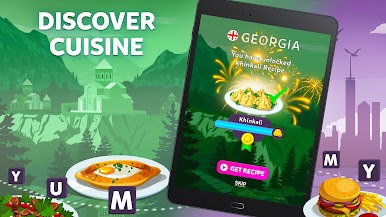
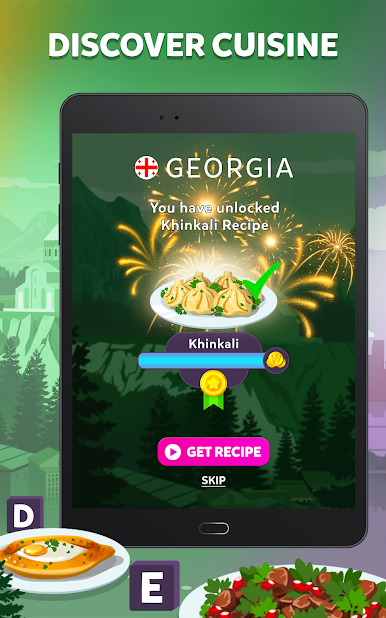
As you uncover new words and finish puzzles, you’ll get a peek at authentic recipes based on the foods you reveal. Gets the tummy rumbling and the mind working! -
Perfect for Quick Sessions
Whether you have two minutes or twenty, you can pick up and play. It’s great solo, but don’t be surprised if friends or family want in on the foodie fun.
Get ready for a buttery smooth, high-performance gaming action only on BlueStacks.


Wordelicious - Fun Word Puzzle oyununu PC'de oyna. Başlamak çok kolay.
-
BlueStacks'i PC'nize İndirin ve Yükleyin
-
Play Store'a erişmek için Google girişi yapın ya da daha sonraya bırakın.
-
Sağ üst köşeye Wordelicious - Fun Word Puzzle yazarak arayın.
-
Wordelicious - Fun Word Puzzle uygulamasını arama sonuçlarından indirmek için tıklayın.
-
(iEğer Adım 2'yi atladıysanız) Wordelicious - Fun Word Puzzle uygulamasını yüklemek için Google'a giriş yapın.
-
Oynatmaya başlatmak için ekrandaki Wordelicious - Fun Word Puzzle ikonuna tıklayın.

