


Папка Музыкальный и видеоплеер
Играйте на ПК с BlueStacks – игровой платформе для приложений на Android. Нас выбирают более 500 млн. игроков.

Страница изменена: Jul 30, 2024
Run Folder Music Player - Folder Player, Music Player. on PC or Mac
Get freedom from your phone’s obvious limitations. Use Folder Music Player – Folder Player, Music Player., made by Jeetendra Singh Gurjar, a Music & Audio app on your PC or Mac with BlueStacks, and level up your experience.
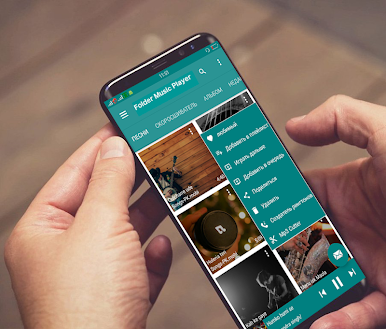
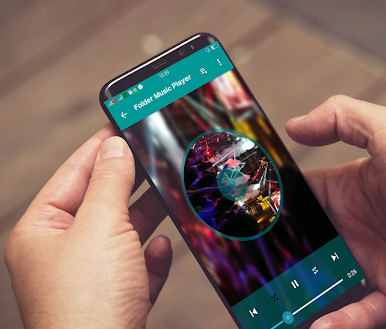
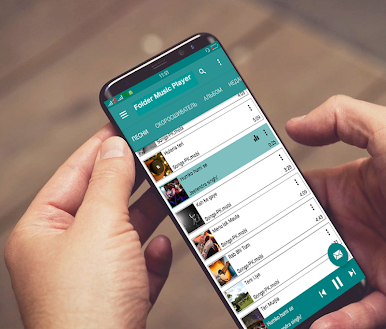
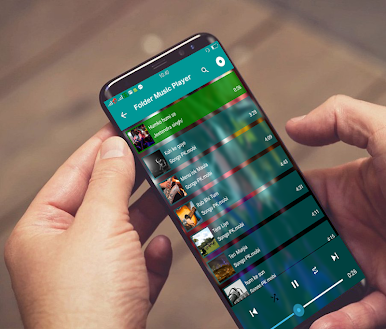
Folder Music Player is for people who like their music organized by actual folders, not hidden behind a bunch of tabs. It opens straight to the file view, so hitting play on a whole folder or drilling down to an album or artist just feels quick. No online stuff here, it only plays local files, which keeps it snappy and simple. On a PC with BlueStacks, the bigger screen makes browsing long directories and tweaking the equalizer less fiddly, and the controls sit nicely with a mouse.
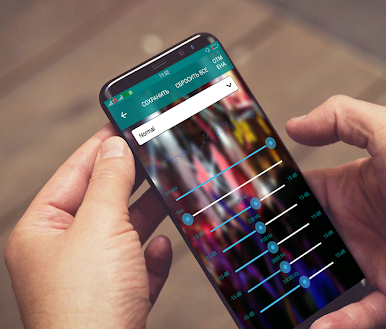
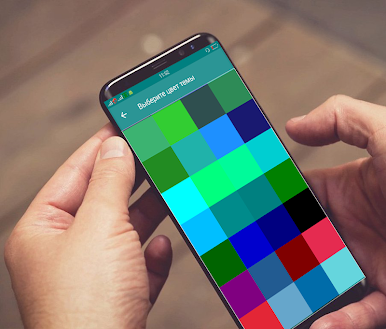
The equalizer has plenty of presets like Rock, Jazz, Dance, and more, plus manual tweaks if someone wants to fine tune. It handles a lot of formats, including mp3, flac, wav, aac, ogg, midi, and amr, so older tracks still work. Themes and skins are built in, and it even lets a person use a photo as the background, which gives the player a bit of personality. Playlists, favorites, albums, and sorting by title, artist, album, date added, or duration make it easy to clean up a messy library.
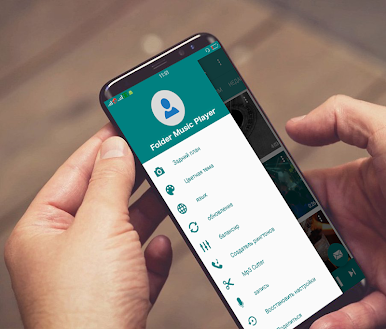
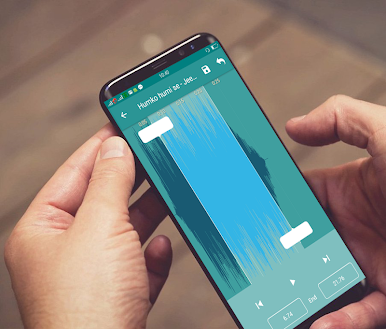
There are practical extras too. A ringtone and mp3 cutter for trimming a clip from a song, assigning ringtones to contacts, and a voice recorder that saves as mp3 for quick notes. Headphone button support does play, pause, and next with a double click. Notification controls cover the basics, and there is an option to delete tracks right from inside the app. It is strictly offline, so no streaming or downloading features, just a straight folder based player that does what it says.
Big screen. Bigger performance. Use BlueStacks on your PC or Mac to run your favorite apps.

Играйте в игру Папка Музыкальный и видеоплеер на ПК. Это легко и просто.
-
Скачайте и установите BlueStacks на ПК.
-
Войдите в аккаунт Google, чтобы получить доступ к Google Play, или сделайте это позже.
-
В поле поиска, которое находится в правой части экрана, введите название игры – Папка Музыкальный и видеоплеер.
-
Среди результатов поиска найдите игру Папка Музыкальный и видеоплеер и нажмите на кнопку "Установить".
-
Завершите авторизацию в Google (если вы пропустили этот шаг в начале) и установите игру Папка Музыкальный и видеоплеер.
-
Нажмите на ярлык игры Папка Музыкальный и видеоплеер на главном экране, чтобы начать играть.

