

myHWU
Spiele auf dem PC mit BlueStacks - der Android-Gaming-Plattform, der über 500 Millionen Spieler vertrauen.

Seite geändert am: Feb 8, 2024
Run myHWU on PC or Mac
Let BlueStacks turn your PC, Mac, or laptop into the perfect home for myHWU, a fun Education app from myday.
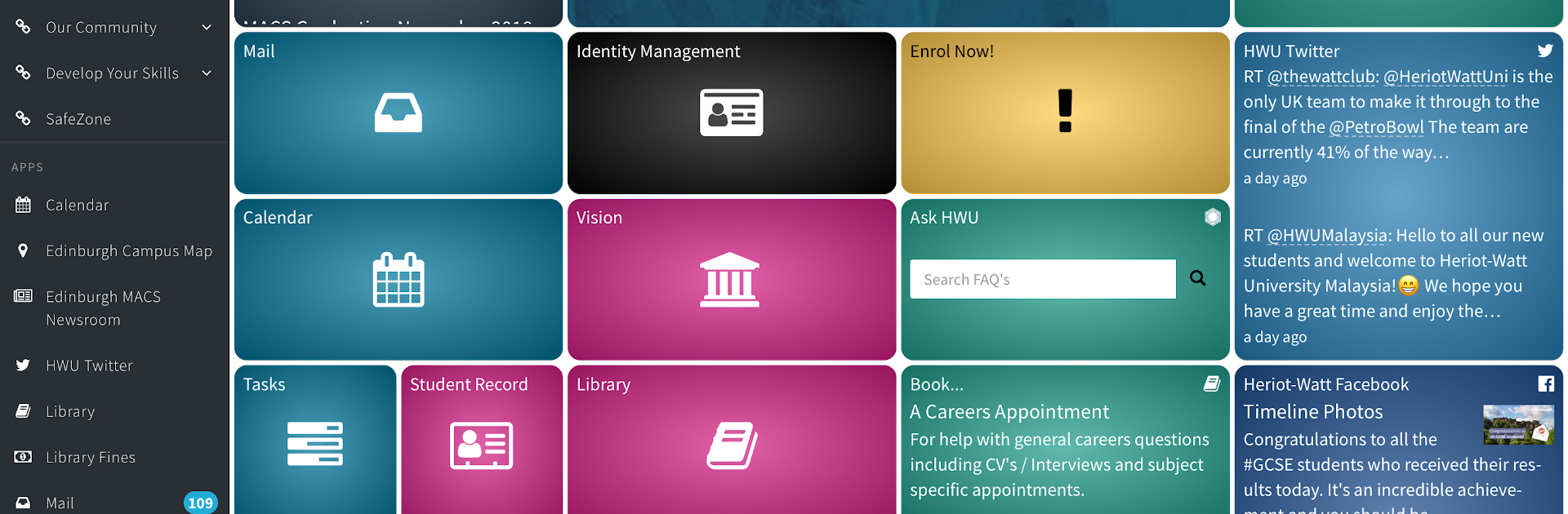
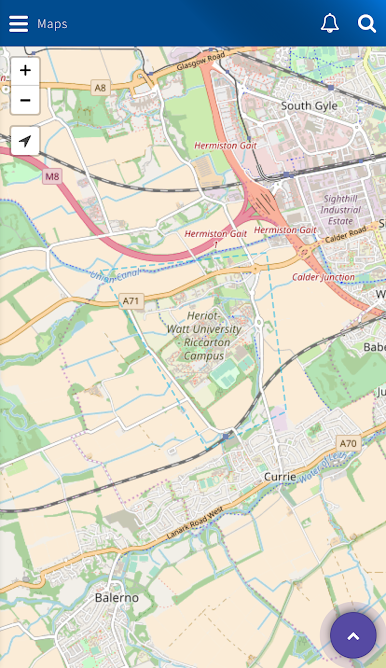
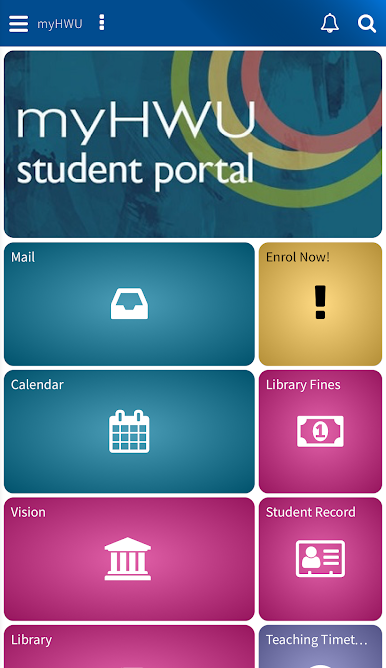
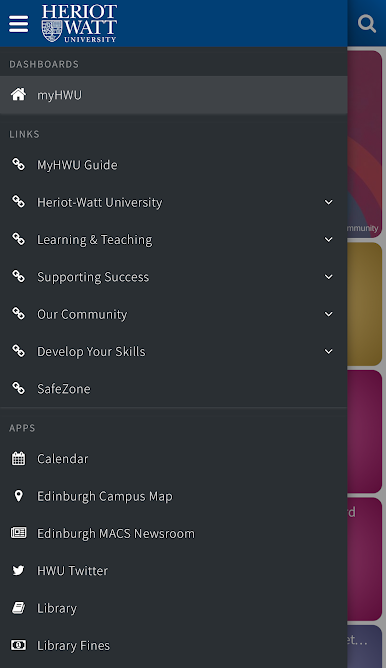
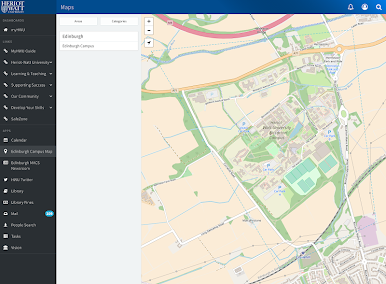
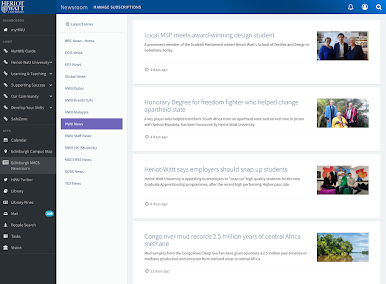
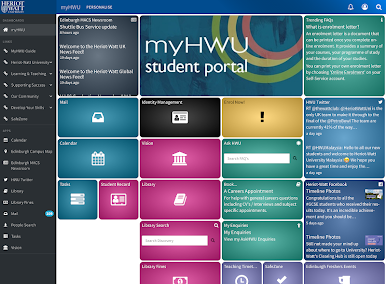
myHWU feels like a single hub for Heriot-Watt life, the kind that keeps a student from bouncing between a dozen tabs. It pulls the usual important stuff into one place and keeps it tidy. There is a light email view so messages are quick to scan, a simple day calendar that shows what is coming up, and course details from Vision without digging around. The Resource Booker is straightforward, pick a study room, pick a time, done. Campus maps list the main buildings and landmarks so a new student does not wander in circles, and the campus news feed keeps an eye on what is happening across the UK, Malaysia, and Dubai. There is LinkedIn Learning tucked in for quick lessons, and the library search gets to databases without wading through a big website. The dashboard is customisable and those changes sync, so tiles moved on one device show up the same everywhere.
On a PC with BlueStacks, it acts like a clean dashboard window. The bigger screen makes the calendar and maps easier to read, typing email is faster with a keyboard, and dragging tiles around to set up a personal layout feels less fiddly. Tailored content quietly pushes relevant notices and links to the front, which helps cut through noise and missed deadlines. Nothing fancy, just clear tools that behave the way a student expects.
Switch to BlueStacks and make the most of your apps on your PC or Mac.

Spiele myHWU auf dem PC. Der Einstieg ist einfach.
-
Lade BlueStacks herunter und installiere es auf deinem PC
-
Schließe die Google-Anmeldung ab, um auf den Play Store zuzugreifen, oder mache es später
-
Suche in der Suchleiste oben rechts nach myHWU
-
Klicke hier, um myHWU aus den Suchergebnissen zu installieren
-
Schließe die Google-Anmeldung ab (wenn du Schritt 2 übersprungen hast), um myHWU zu installieren.
-
Klicke auf dem Startbildschirm auf das myHWU Symbol, um mit dem Spielen zu beginnen

