


One Line Coloring
Spiele auf dem PC mit BlueStacks - der Android-Gaming-Plattform, der über 500 Millionen Spieler vertrauen.

Seite geändert am: Oct 7, 2025
Play Lineverse: One-Line Coloring on PC or Mac
Join millions to experience Lineverse: One-Line Coloring, an exciting Puzzle game from MythicOwl. With BlueStacks App Player, you are always a step ahead of your opponent, ready to outplay them with faster gameplay and better control with the mouse and keyboard on your PC or Mac.
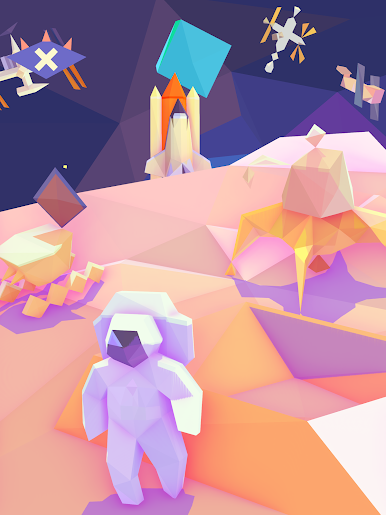
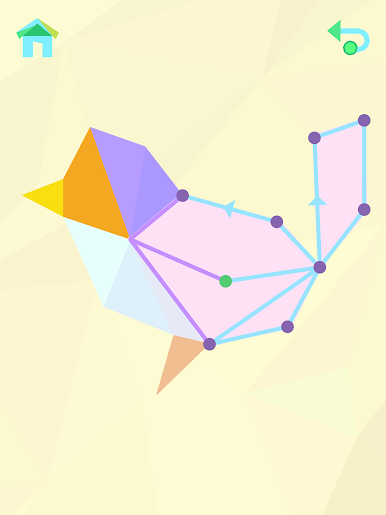
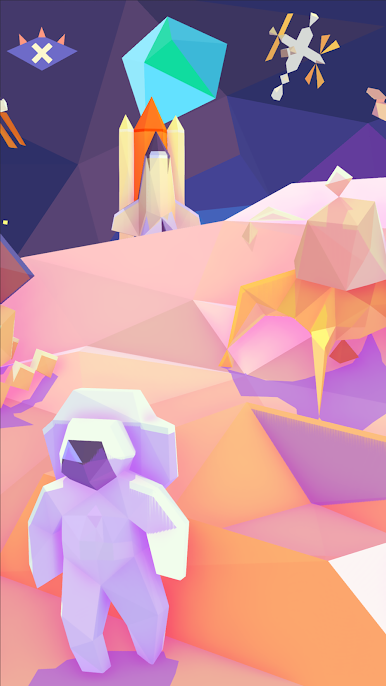
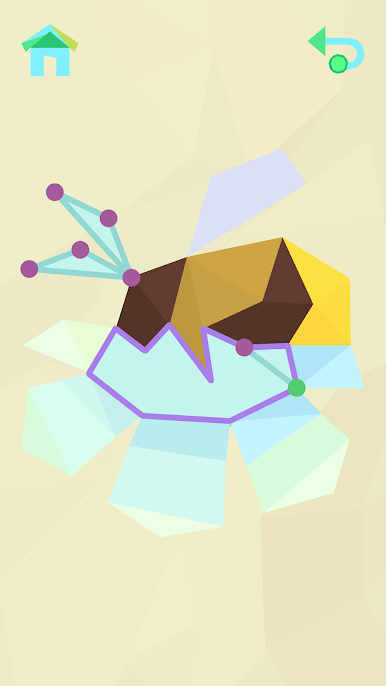
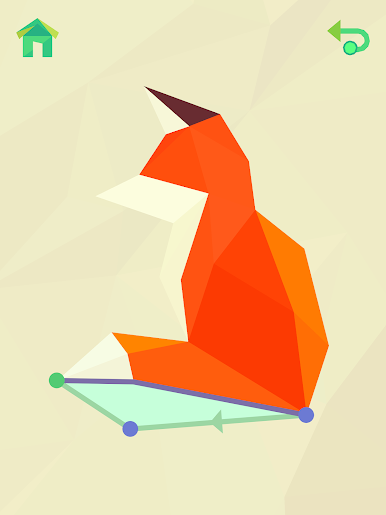
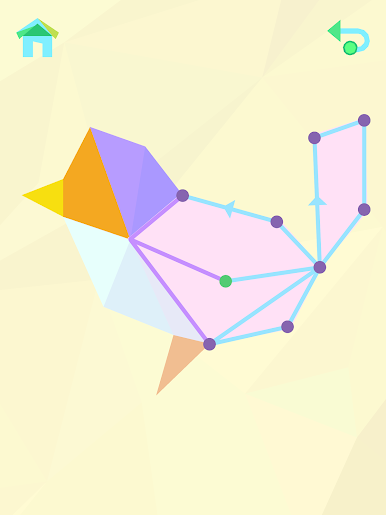
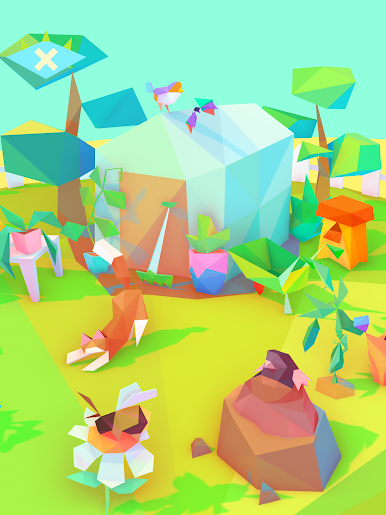
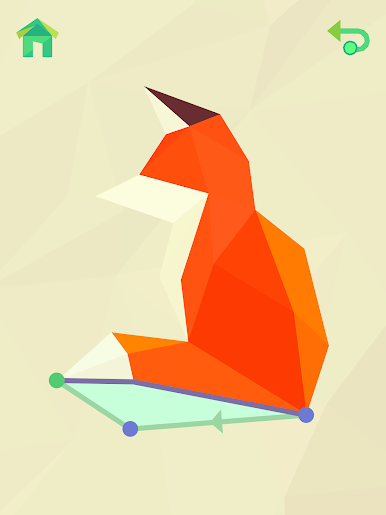
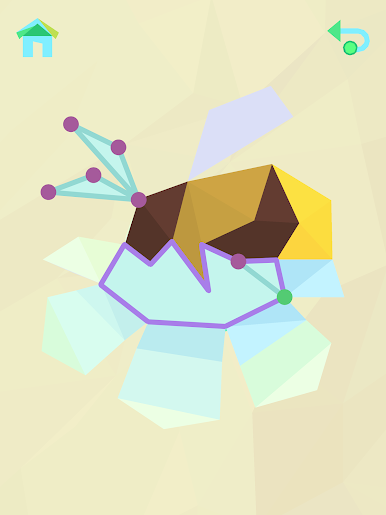
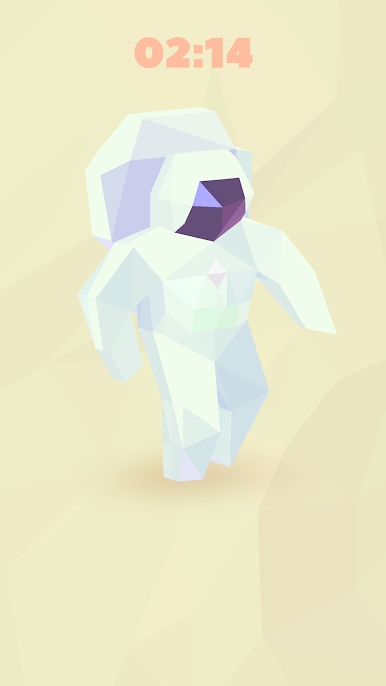
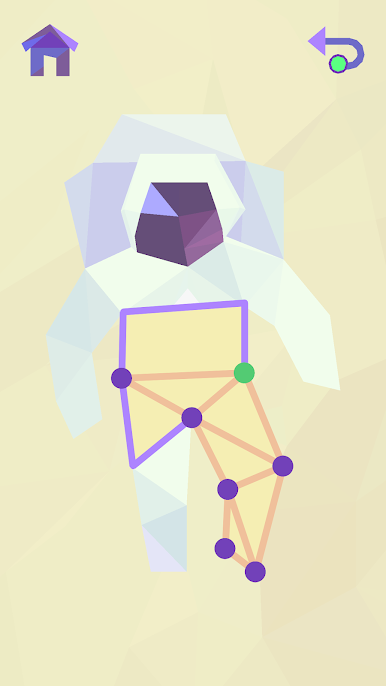
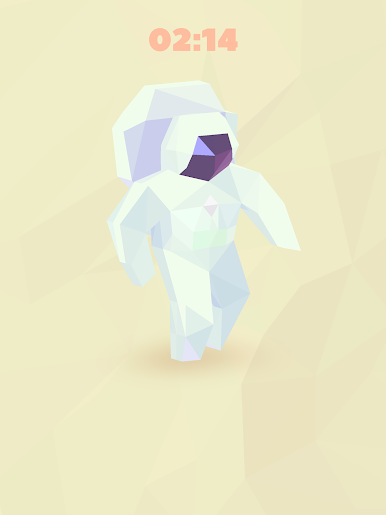
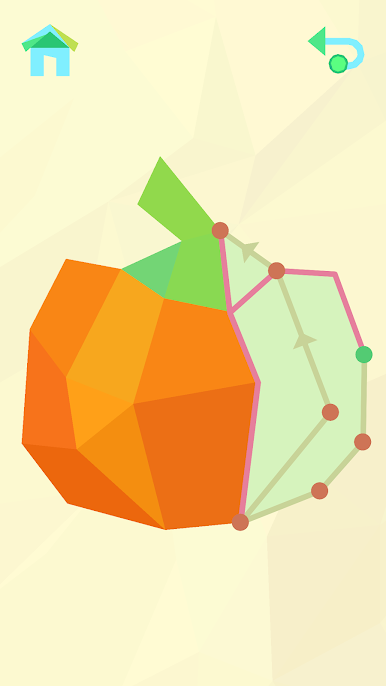
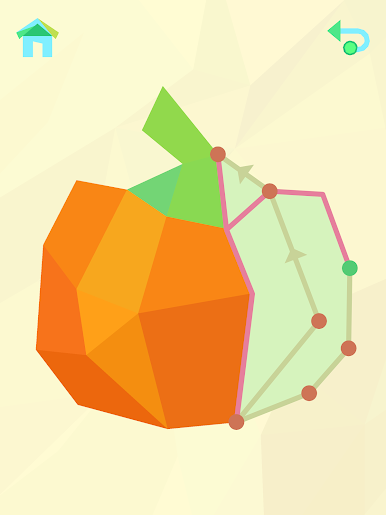
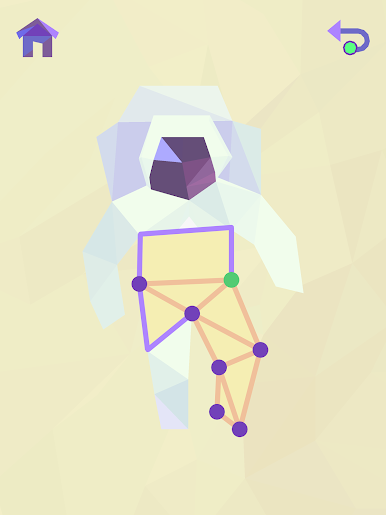
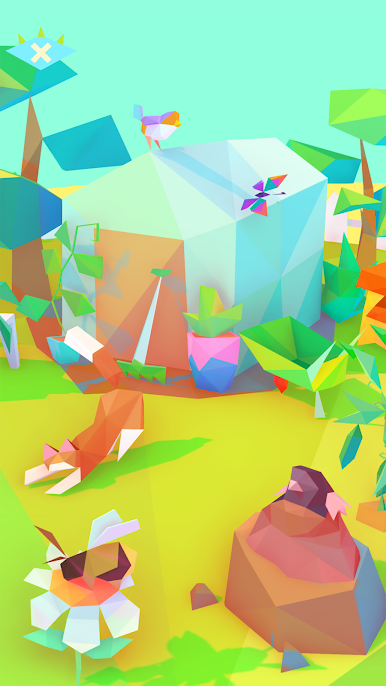
Lineverse: One-Line Coloring is a calm dot-to-dot puzzle where each stroke fills in a shape until the picture suddenly clicks in the head, oh, that was a lighthouse or a jellyfish. It starts with outlines made of little sections, and the job is to trace a single line through them so the color spreads across the object. Some are obvious from the first few moves, others only make sense right at the end, which is a nice little aha moment. Finished models slide into these small dioramas, like an island scene, a coral reef, a forest, even space, and the whole set slowly turns into a tiny moving display. The animation is soft, the colors lean pastel, and the whole thing feels unhurried rather than stressful.
There are a lot of models to collect, split into a handful of themes, and the difficulty shifts in a gentle way. Young kids can handle the simpler ones, but there is enough puzzle to keep an adult entertained when the brain needs a quiet task. On PC with BlueStacks, the mouse makes the line work feel clean, zooming is smooth, and it is easy to sit back and clear a bunch in a session. No tricky menus, just pick a scene and keep connecting pieces until the diorama looks alive.
Ready to top the leaderboard? We bet you do. Let precise controls and sharp visuals optimized on BlueStacks lead you to victory.

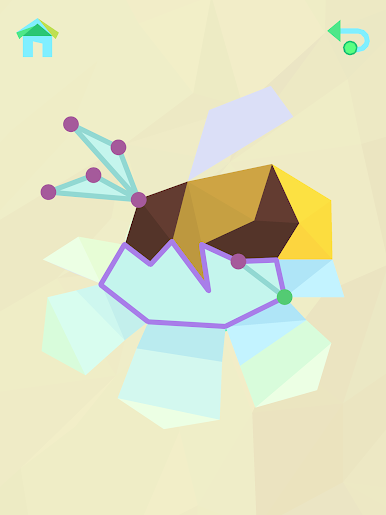
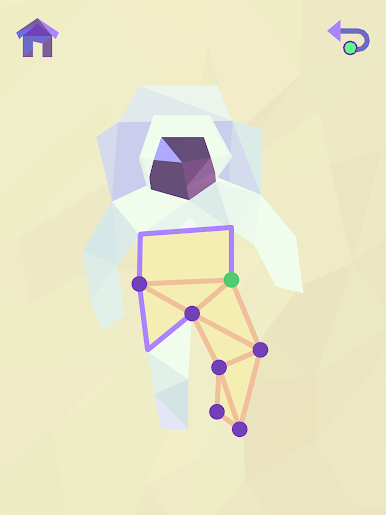
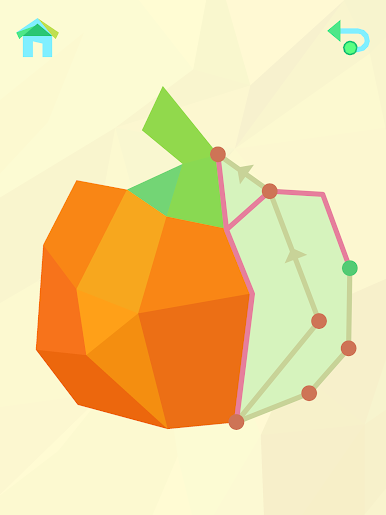
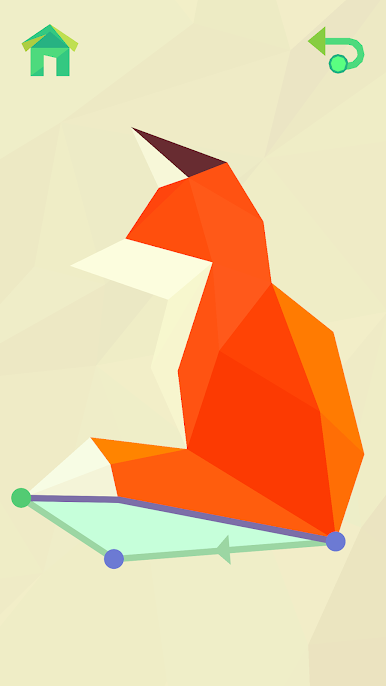
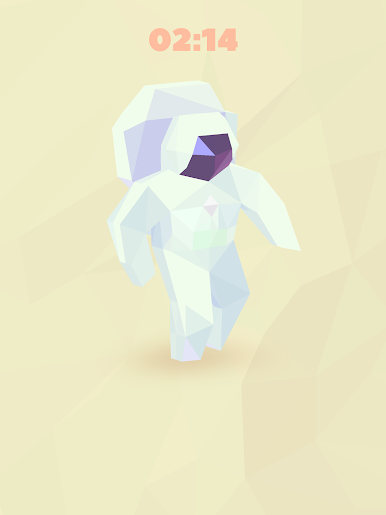
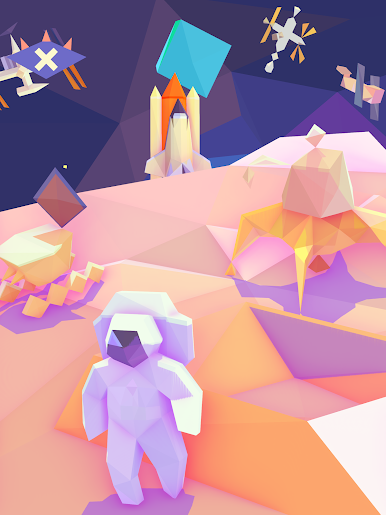
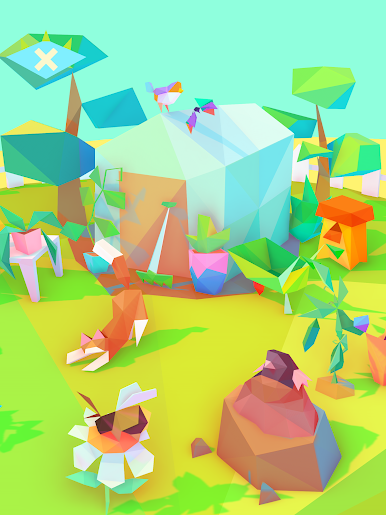
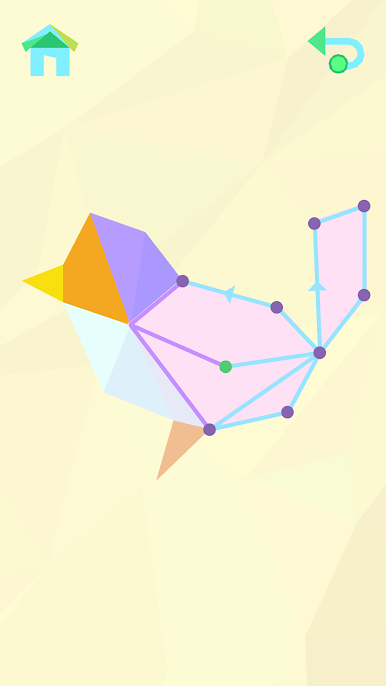
Spiele One Line Coloring auf dem PC. Der Einstieg ist einfach.
-
Lade BlueStacks herunter und installiere es auf deinem PC
-
Schließe die Google-Anmeldung ab, um auf den Play Store zuzugreifen, oder mache es später
-
Suche in der Suchleiste oben rechts nach One Line Coloring
-
Klicke hier, um One Line Coloring aus den Suchergebnissen zu installieren
-
Schließe die Google-Anmeldung ab (wenn du Schritt 2 übersprungen hast), um One Line Coloring zu installieren.
-
Klicke auf dem Startbildschirm auf das One Line Coloring Symbol, um mit dem Spielen zu beginnen

