


Помощник по морским флагам
Играйте на ПК с BlueStacks – игровой платформе для приложений на Android. Нас выбирают более 500 млн. игроков.

Страница изменена: Sep 6, 2024
Run Nautical Flags Helper on PC or Mac
Let BlueStacks turn your PC, Mac, or laptop into the perfect home for Nautical Flags Helper, a fun Communication app from Pirate Cats.
About the App
Ever spotted those colorful nautical flags and wondered what they mean? Nautical Flags Helper brings the world of maritime communication straight to your phone. Whether you’re a sailor, an enthusiast, or just curious about the secret language of the sea, this Communication app from Pirate Cats makes learning flag signals, semaphores, and Morse code genuinely enjoyable. Ready to brush up on flag meanings or put your knowledge to the test? It’s all here, laid out so you can pick up skills at your own pace.
App Features
-
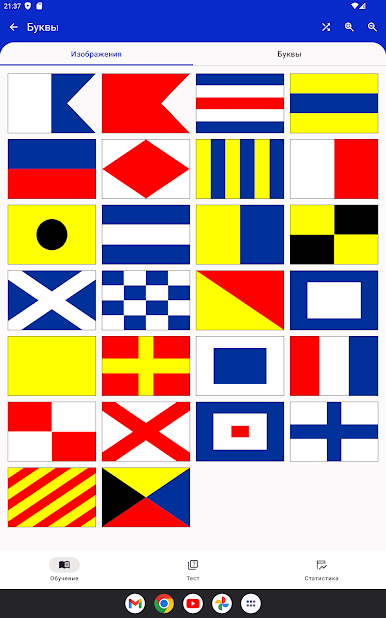
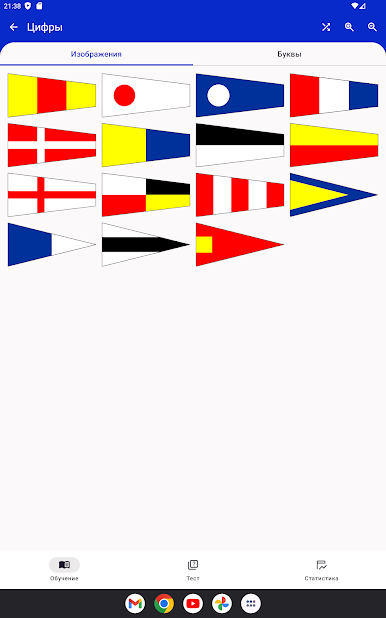
All the Flag Basics
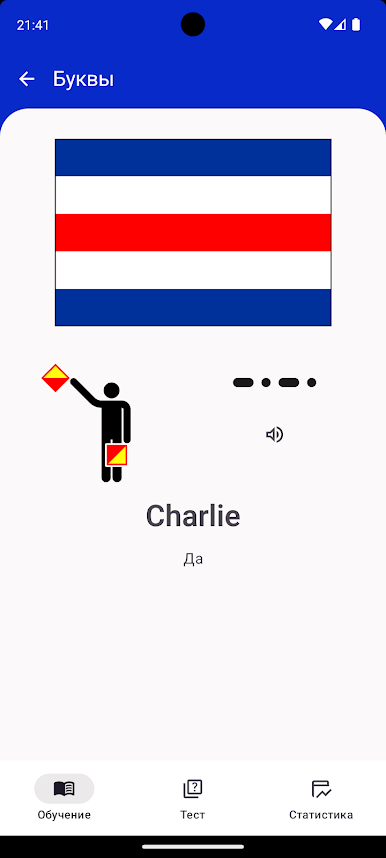
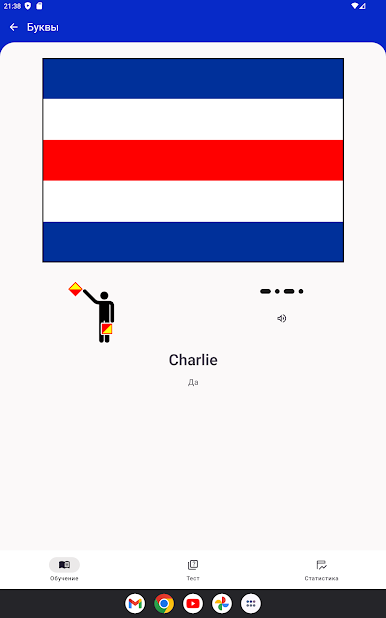
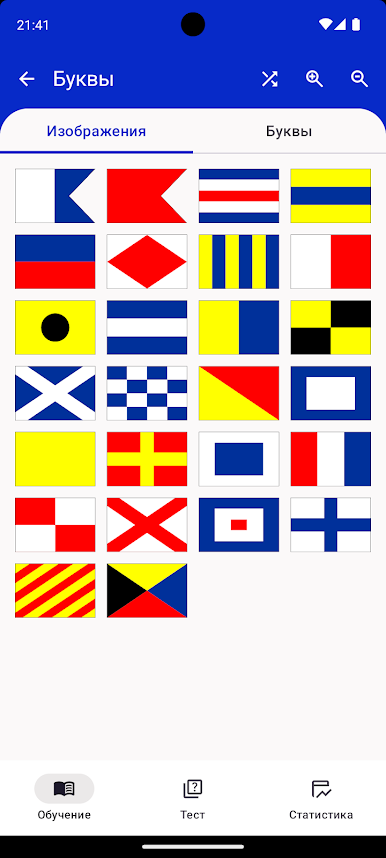
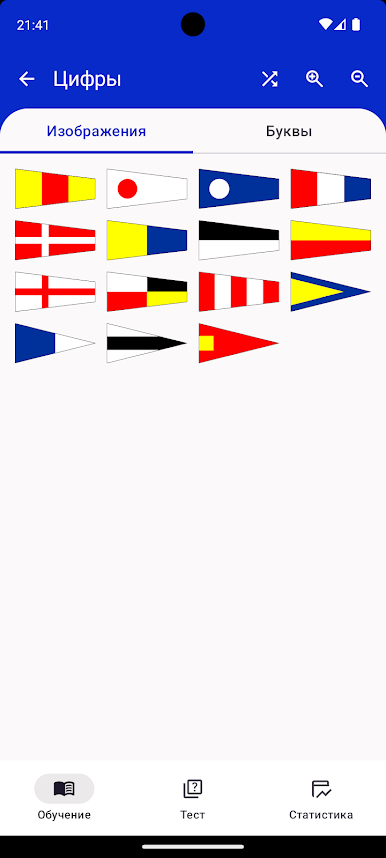
Get familiar with all the main flags—letters and numbers included. Each card shows off a flag’s design and meaning, so you’re never left guessing. -
Semaphore and Morse Too
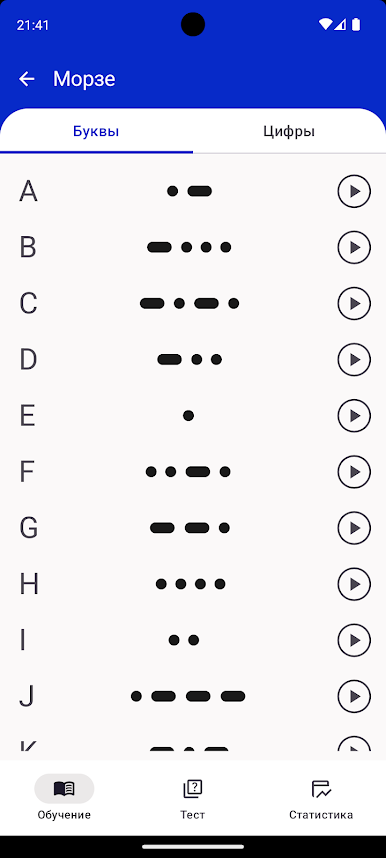
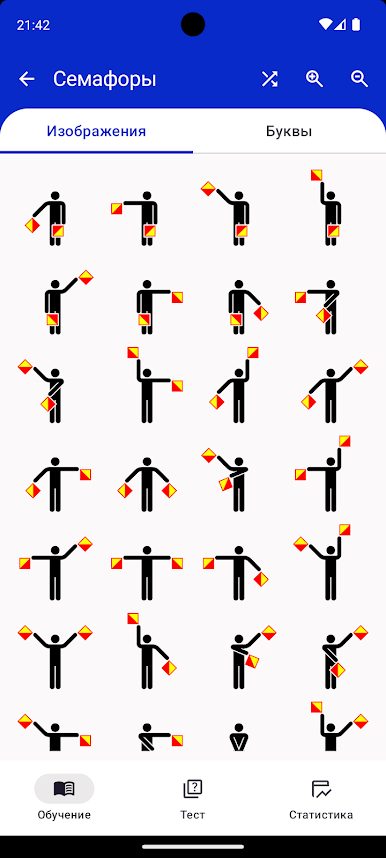
Not just flags! Each card brings you semaphore signals and Morse code, giving you multiple ways to recognize and remember each message. -
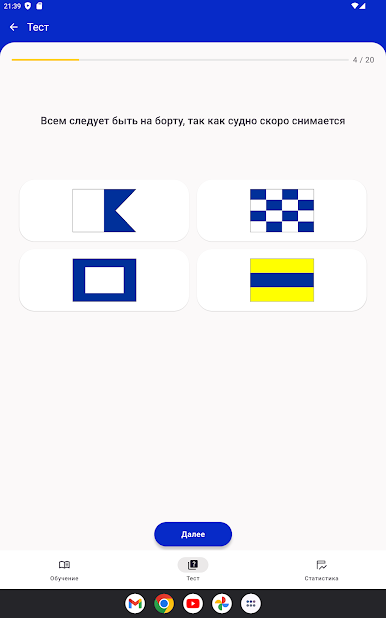
Quizzes to Challenge Yourself
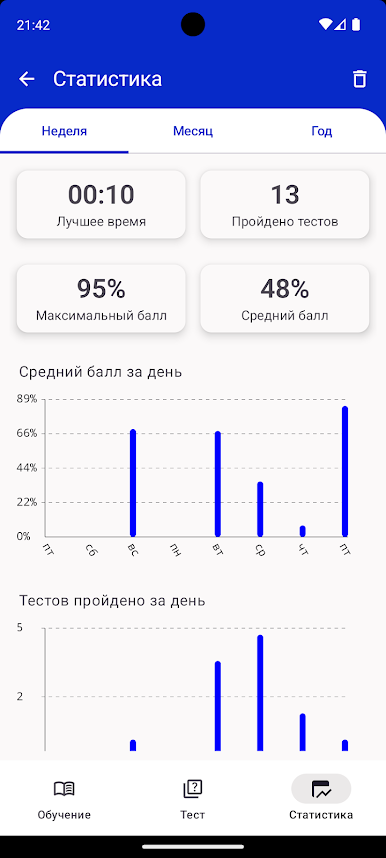
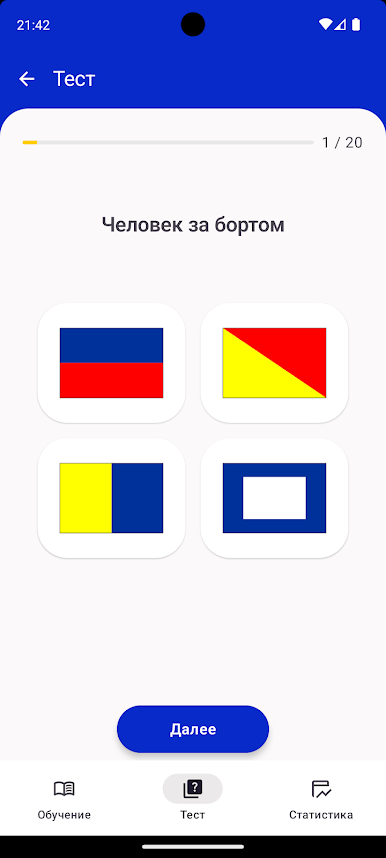
Think you’ve got it down? Jump into a quiz. Try as often as you want and keep track of your progress as you get better. -
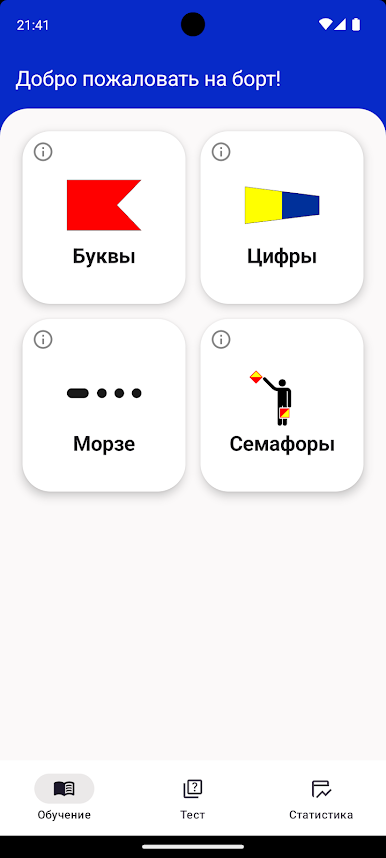
Easy to Navigate
Everything’s set up for quick reference or deeper study. Whether you have a few minutes or want to dive in for longer, you’ll find what you need fast. -
Works Great with BlueStacks
If you feel like studying on your PC, try using Nautical Flags Helper with BlueStacks to keep things comfy. -
Perfect for All Levels
Whether you’re prepping for a boating exam, out on the water, or just love a new challenge, the app adapts to your needs—no experience required.
Switch to BlueStacks and make the most of your apps on your PC or Mac.
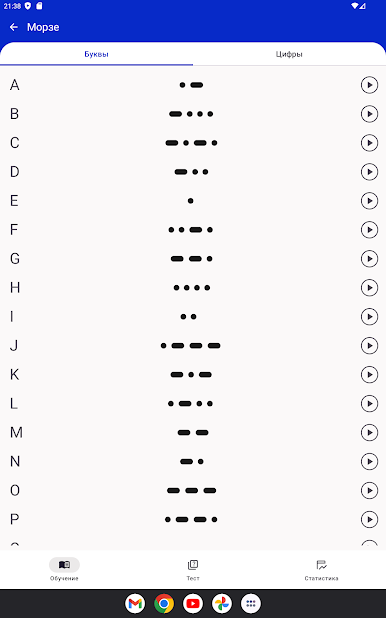
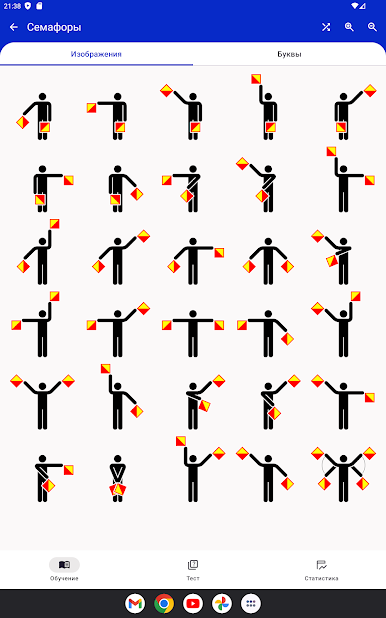
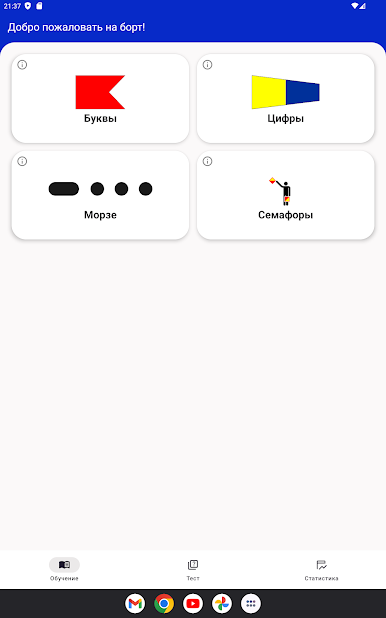
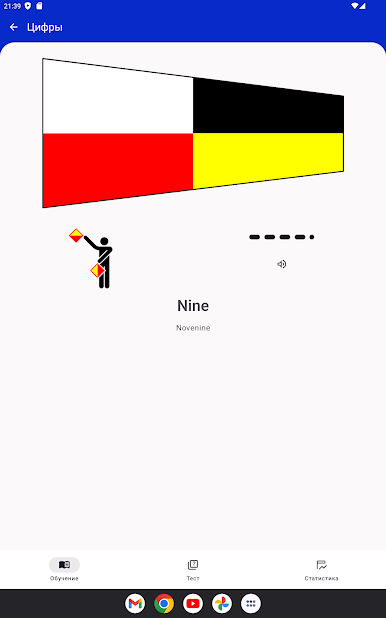
Играйте в игру Помощник по морским флагам на ПК. Это легко и просто.
-
Скачайте и установите BlueStacks на ПК.
-
Войдите в аккаунт Google, чтобы получить доступ к Google Play, или сделайте это позже.
-
В поле поиска, которое находится в правой части экрана, введите название игры – Помощник по морским флагам.
-
Среди результатов поиска найдите игру Помощник по морским флагам и нажмите на кнопку "Установить".
-
Завершите авторизацию в Google (если вы пропустили этот шаг в начале) и установите игру Помощник по морским флагам.
-
Нажмите на ярлык игры Помощник по морским флагам на главном экране, чтобы начать играть.

