

1001 TVs--Зеркальное отображен
Играйте на ПК с BlueStacks – игровой платформе для приложений на Android. Нас выбирают более 500 млн. игроков.

Страница изменена: Dec 4, 2025
Run Cast Screen on TV--1001 TVs on PC or Mac
Let BlueStacks turn your PC, Mac, or laptop into the perfect home for Cast Screen on TV–1001 TVs, a fun Tools app from Nero AG.
About the App
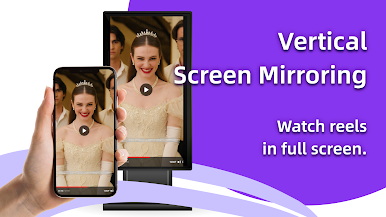
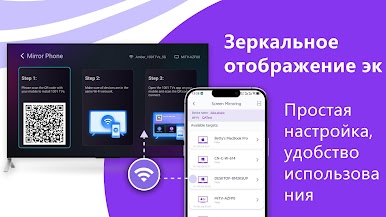
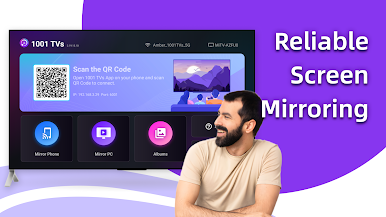
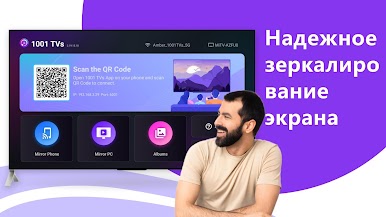
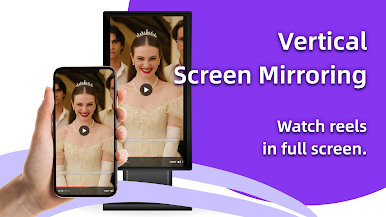
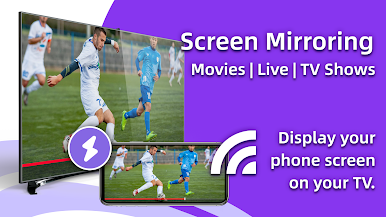
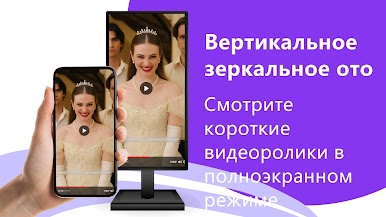
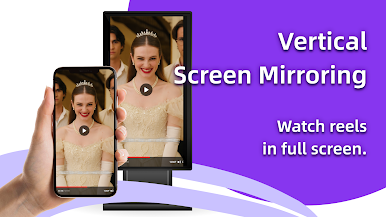
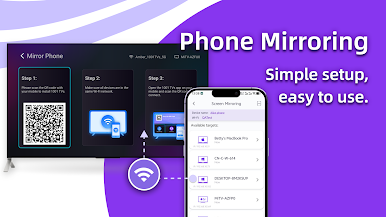
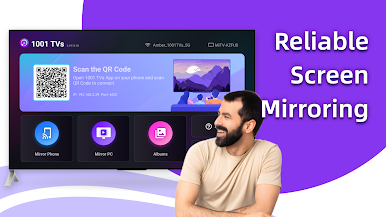
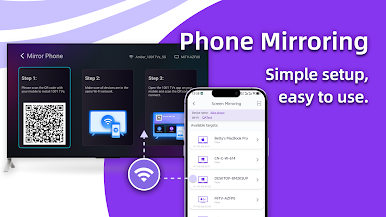
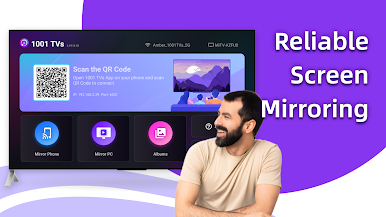
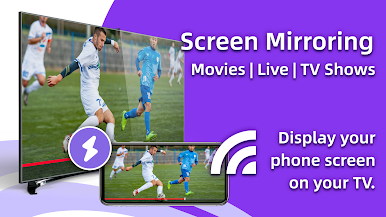
“Cast Screen on TV–1001 TVs” by Nero AG is your go-to Tools app for seamless screen mirroring. Transform your TV into a second screen by wirelessly transferring content from your phone or PC. Simply scan a QR code, and boom—watch your phone’s screen on the TV! Whether it’s easier than AirPlay and more stable than Miracast, expect a smooth experience.
App Features
Mirror Screen Effortlessly:
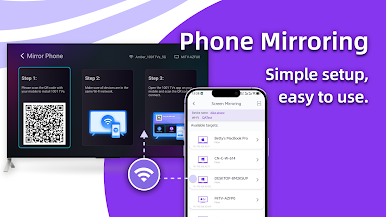
– View your mobile screen on the TV with just a scan.
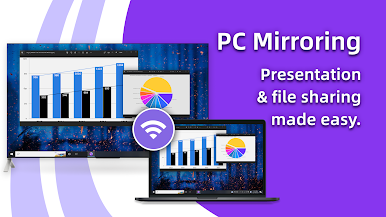
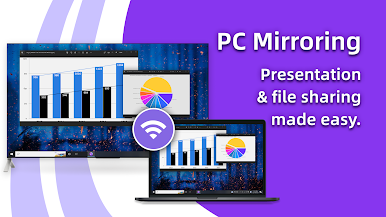
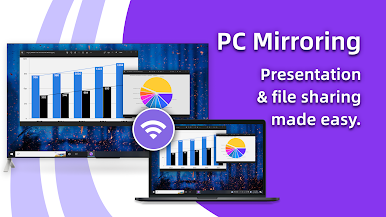
– Mirror from PC to TV for work or play.
Digital Album:
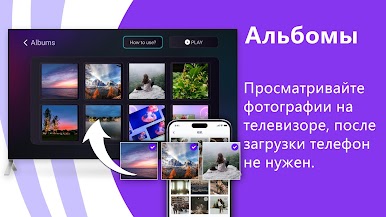
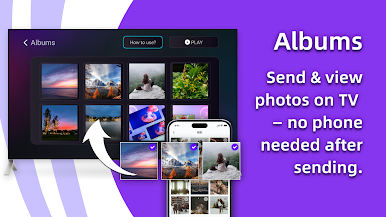
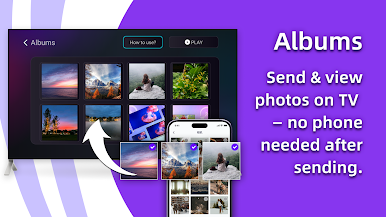
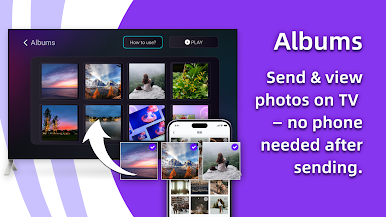
– Display photos as a slideshow on your TV.
– Enjoy viewing your galleries on a bigger screen.
What’s Special?
– Compatible with devices like Samsung, Sony, LG.
– Works with platforms like HBO, YouTube, and Zoom.
Entertainment & More:
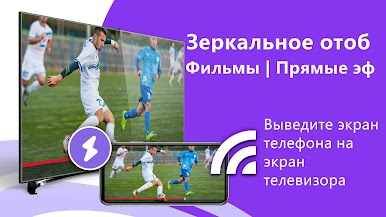
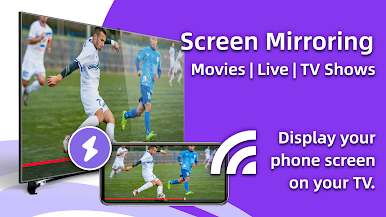
– Cast live streams, movies, and shows to the TV.
– Play games with a more immersive visual effect.
– Share live content effortlessly.
Enhance Everyday Activities:
– Project fitness apps, e-books, and news onto the TV.
– Fit for education, with clearer slides and notes.
– Present meetings with ease without cluttered cords.
BlueStacks Friendly:
– Enjoy enhanced functionalities with BlueStacks on your PC or Mac.
BlueStacks brings your apps to life on a bigger screen—seamless and straightforward.
Играйте в игру 1001 TVs--Зеркальное отображен на ПК. Это легко и просто.
-
Скачайте и установите BlueStacks на ПК.
-
Войдите в аккаунт Google, чтобы получить доступ к Google Play, или сделайте это позже.
-
В поле поиска, которое находится в правой части экрана, введите название игры – 1001 TVs--Зеркальное отображен.
-
Среди результатов поиска найдите игру 1001 TVs--Зеркальное отображен и нажмите на кнопку "Установить".
-
Завершите авторизацию в Google (если вы пропустили этот шаг в начале) и установите игру 1001 TVs--Зеркальное отображен.
-
Нажмите на ярлык игры 1001 TVs--Зеркальное отображен на главном экране, чтобы начать играть.

