


Captions for Photos
500M + oyuncunun güvendiği Android Oyun Platformu, BlueStacks ile PC'de oynayın.

Sayfa Değiştirilme tarihi: Oct 30, 2025
Run Captions for Photos on PC or Mac
Let BlueStacks turn your PC, Mac, or laptop into the perfect home for Captions for Photos, a fun Photography app from Battery Stats Saver.
About the App
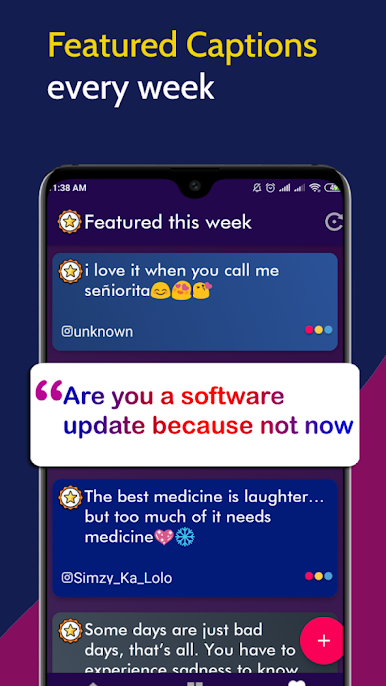
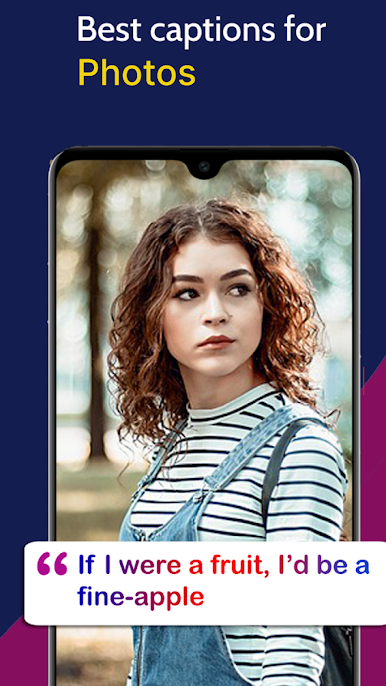
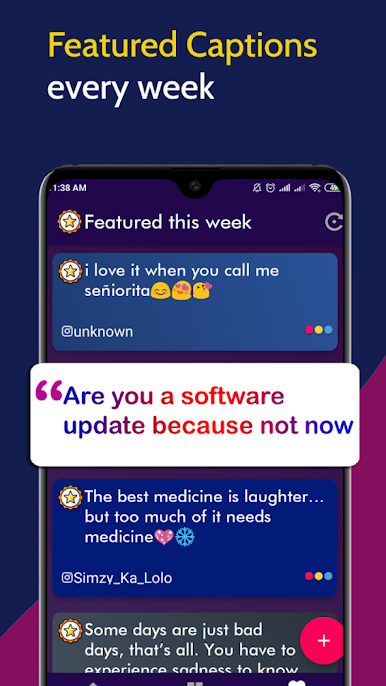
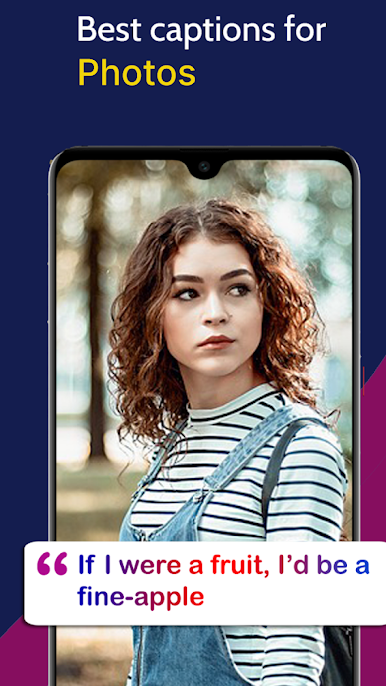
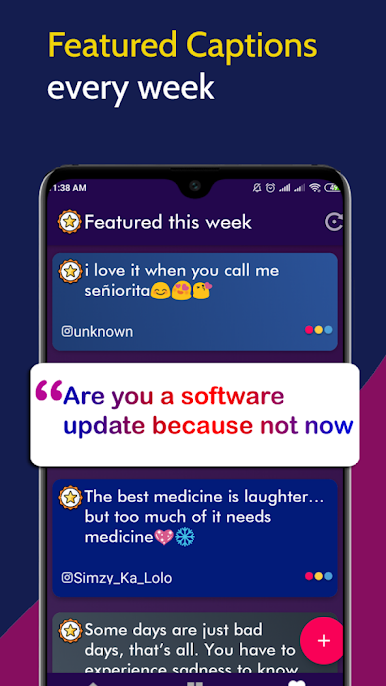
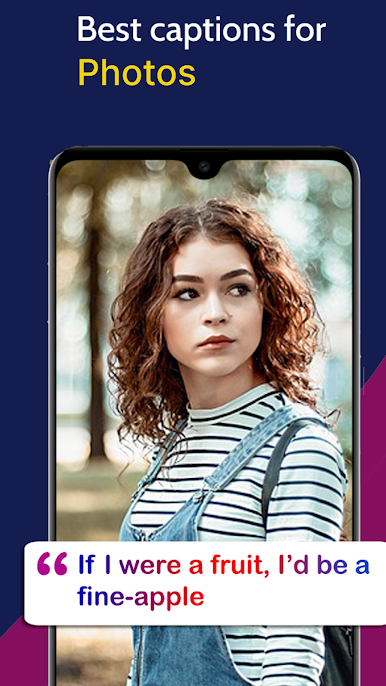
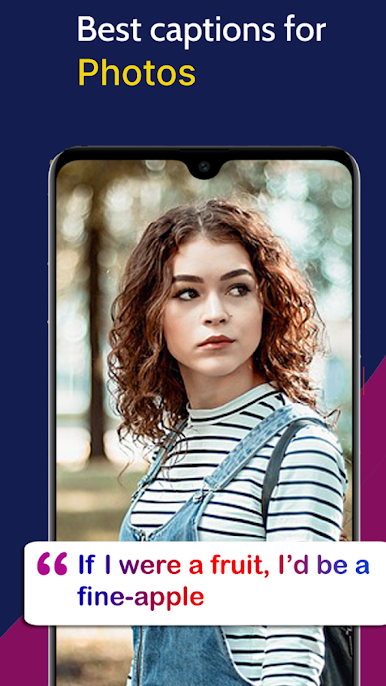
Ever get stuck trying to find the right words for your latest photo? Captions for Photos makes that struggle a thing of the past. This app, created by Battery Stats Saver, gives you quick access to a whole world of witty, funny, and touching captions just waiting for your next Instagram upload. Whether you’re posting a goofy selfie, a sunset shot, or some party snaps, you’ll always have a clever line ready to go.
App Features
-
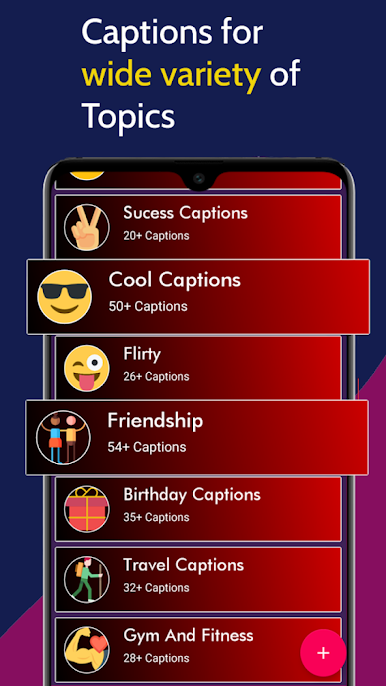
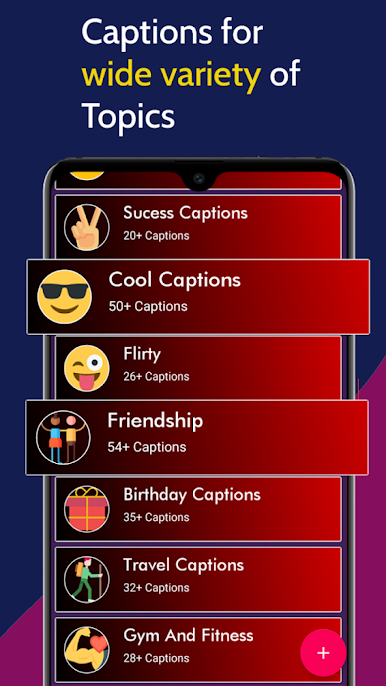
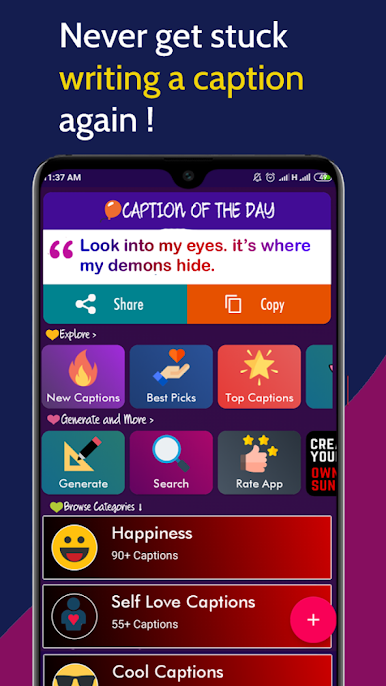
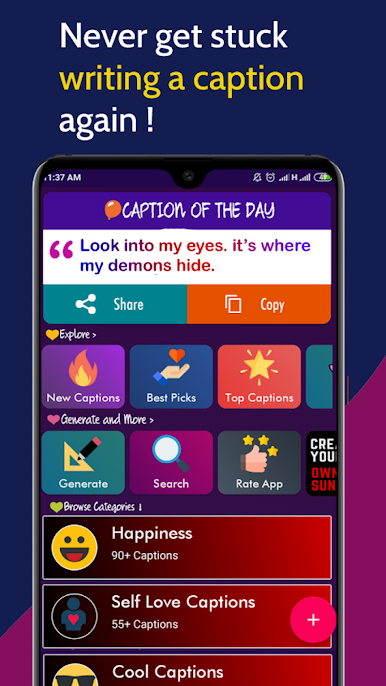
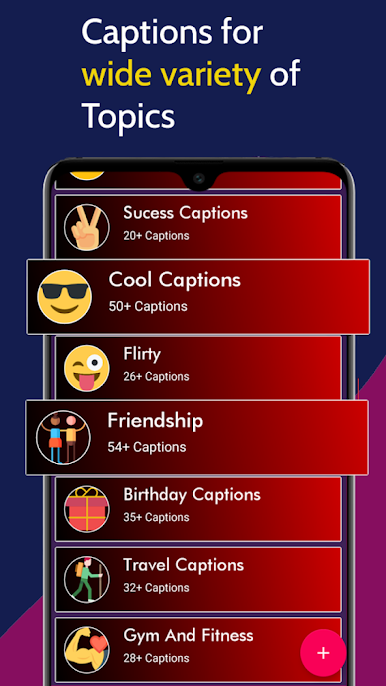
Loads of Categories
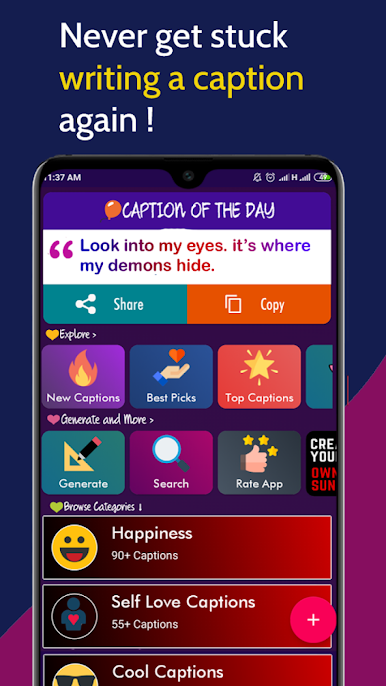
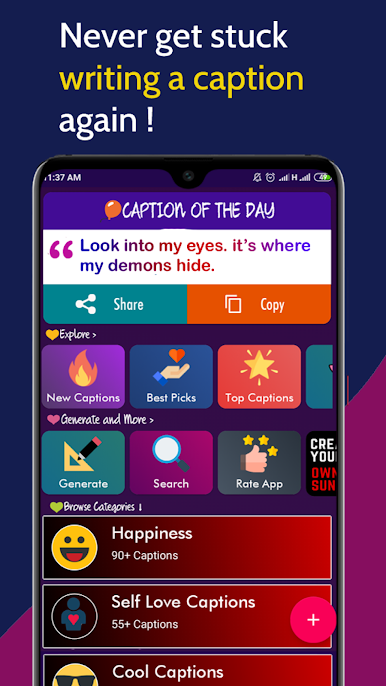
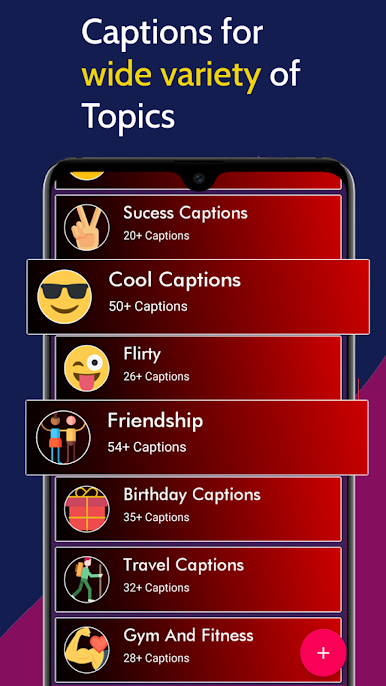
Got a mood or a moment? There’s a caption for it. Browse through happiness, love, funny, party, friendship, and plenty more – all organized so you can find exactly what you need. -
Create Your Own Captions
Feeling original? Whip up your own custom quotes with the built-in quote creator. Play with different fonts, add a little emoji flair, and write something that’s one-of-a-kind. -
Easy Copy & Share
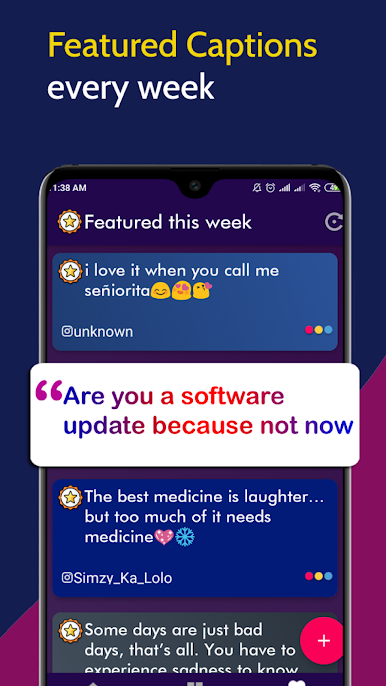
Spotted a caption you like? Just tap, copy, and paste it into your Instagram post or story. No more flipping between apps or scrambling for ideas. -
Offline Access
Don’t worry about losing inspiration when you’re off the grid. Captions for Photos works even when you’re not connected to Wi-Fi, so your creativity isn’t tied to your signal. -
Fresh Design Choices
You’ll find lots of great-looking fonts to give your words some style. From bold to playful, customize how your captions appear and match your vibe. -
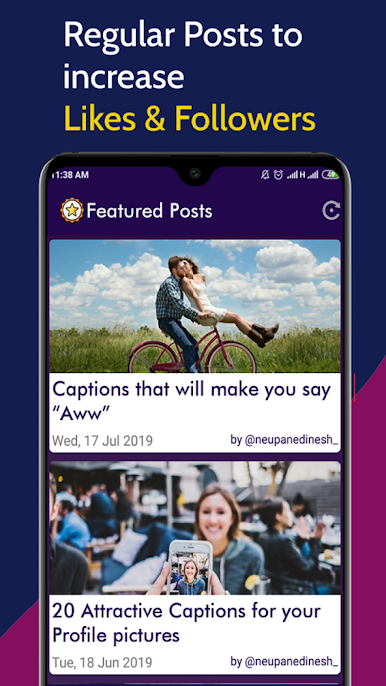
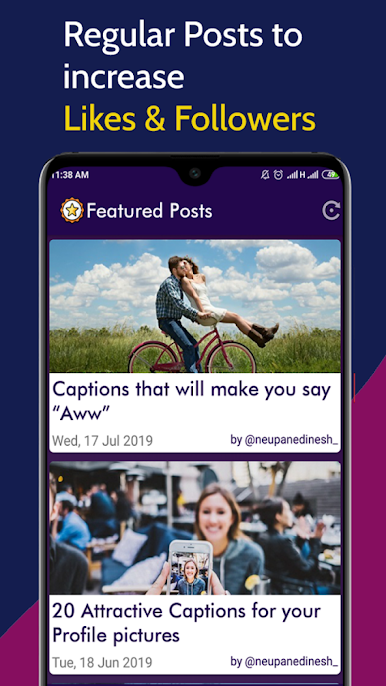
Huge Gallery
There’s a seriously big selection here. Scroll through an extensive library of Instagram captions, photo quotes, and status ideas for just about every kind of post.
For those who prefer typing on a bigger keyboard, running Captions for Photos with BlueStacks is super convenient, too. One less excuse for “just another boring caption.”
BlueStacks brings your apps to life on a bigger screen—seamless and straightforward.
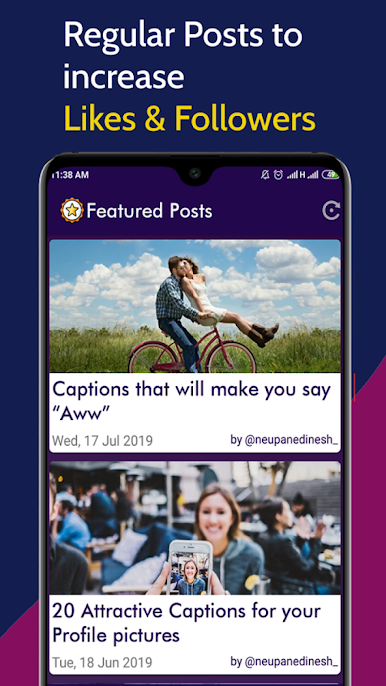
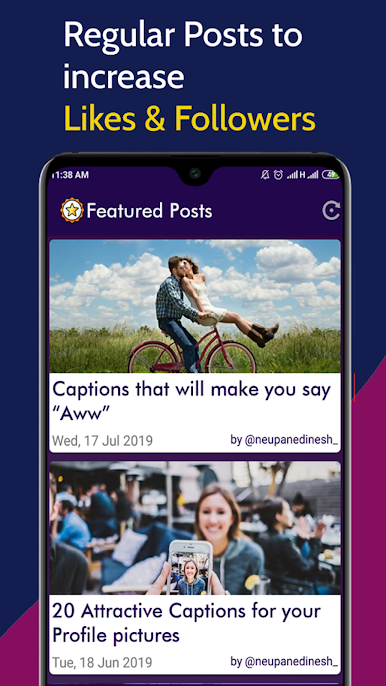
Captions for Photos oyununu PC'de oyna. Başlamak çok kolay.
-
BlueStacks'i PC'nize İndirin ve Yükleyin
-
Play Store'a erişmek için Google girişi yapın ya da daha sonraya bırakın.
-
Sağ üst köşeye Captions for Photos yazarak arayın.
-
Captions for Photos uygulamasını arama sonuçlarından indirmek için tıklayın.
-
(iEğer Adım 2'yi atladıysanız) Captions for Photos uygulamasını yüklemek için Google'a giriş yapın.
-
Oynatmaya başlatmak için ekrandaki Captions for Photos ikonuna tıklayın.

