

Neutron Audio Recorder
Играйте на ПК с BlueStacks – игровой платформе для приложений на Android. Нас выбирают более 500 млн. игроков.

Страница изменена: Nov 11, 2025
Run Neutron Audio Recorder | Voice and Music recording on PC or Mac
Let BlueStacks turn your PC, Mac, or laptop into the perfect home for Neutron Audio Recorder | Voice and Music recording, a fun Music & Audio app from Neutron Code Limited.
About the App
Looking for a seriously powerful tool to capture every sound, voice memo, or jam session in crisp detail? Neutron Audio Recorder | Voice and Music recording from Neutron Code Limited puts true studio-quality recording right on your mobile or PC. Whether it’s for work, creative projects, or just capturing inspiration before it’s gone, this app doesn’t just record—it’s packed with all the advanced editing and organizing tools you’d expect from the Music & Audio pros behind the well-known Neutron Music Player.
App Features
-
Smart Silence Skipping
Only want to catch the important stuff? The built-in silence detector skips dead air, giving you streamlined files even during marathon-length recordings. -
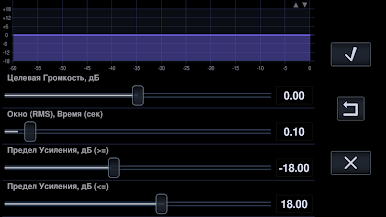
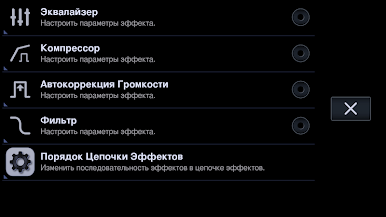
Extreme Audio Control
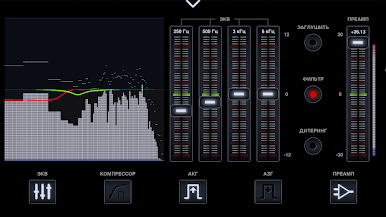
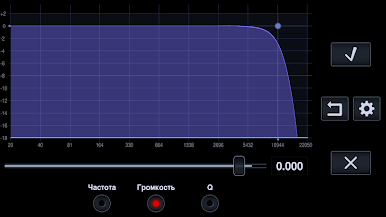
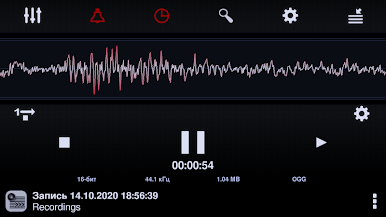
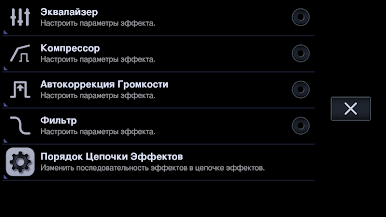
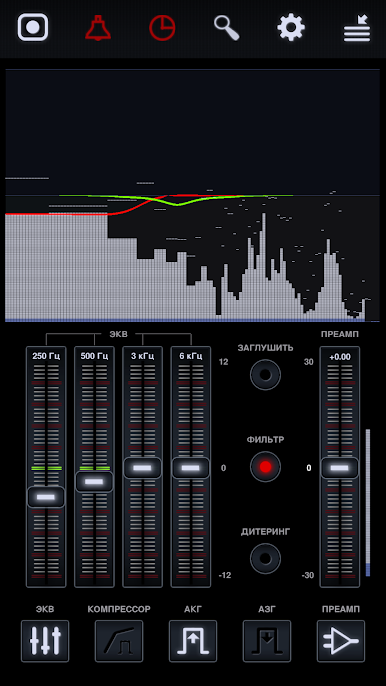
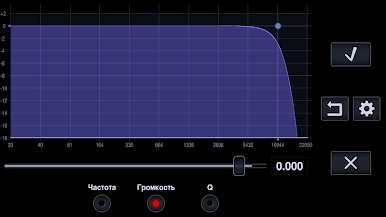
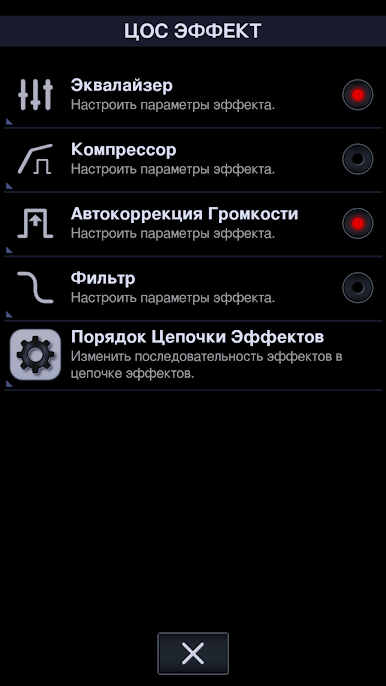
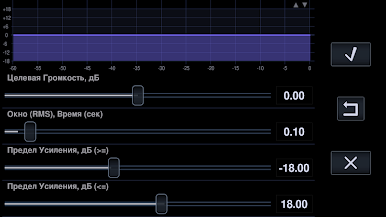
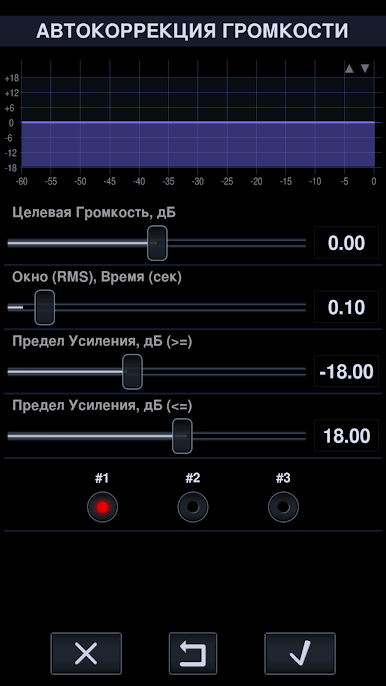
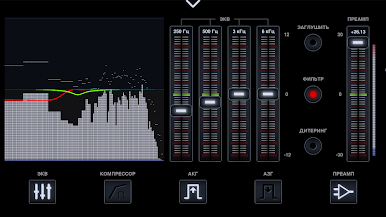
Tweak your audio with a parametric equalizer (up to 60 bands!), fully customizable filters, a compressor/limiter, and real-time gain correction—perfect for fine-tuning interviews, lectures, or music takes. -
Hi-Res Audio Power
If your device supports it, record in high-resolution formats like FLAC and WAV for stunning quality, or switch to space-saving options if you just need quick memos. -
Flexible Storage Options
Save files just about anywhere—internal storage, SD card, or directly to your network drives (SMB, SFTP) in real time. Handy if you want to back things up while you go. -
Sleek Visual Tools
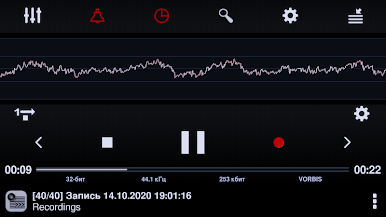
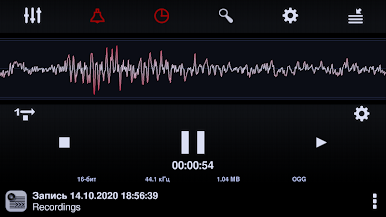
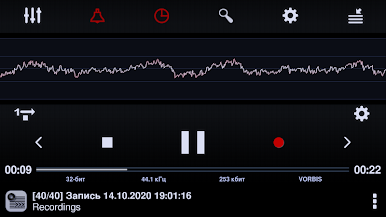
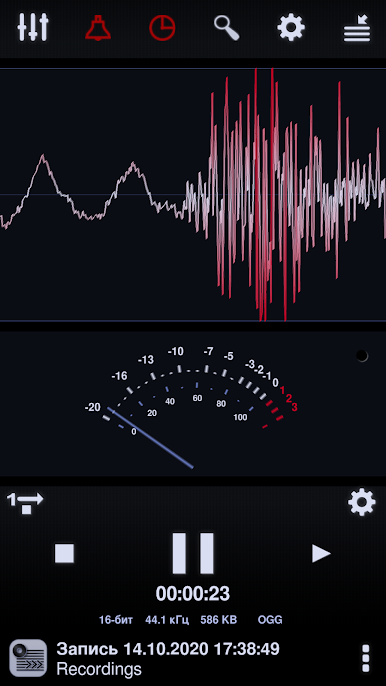
Want to see what your audio looks like? Spectrum, RMS, and waveform analyzers let you watch your recordings in action. -
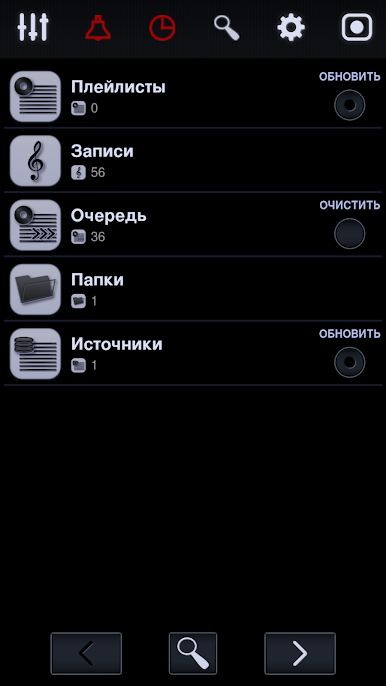
Media Library & Organization
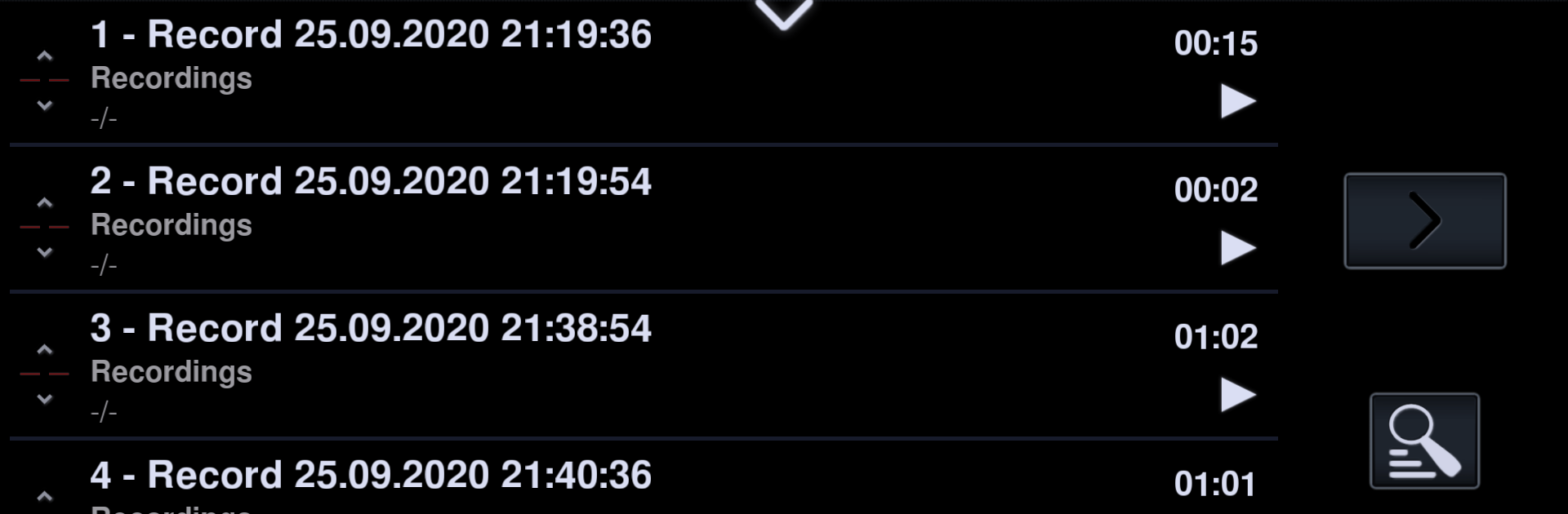
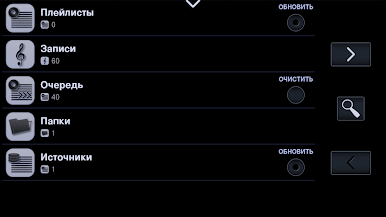
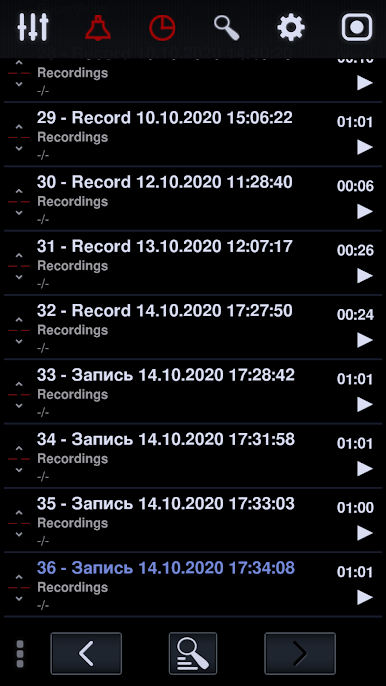
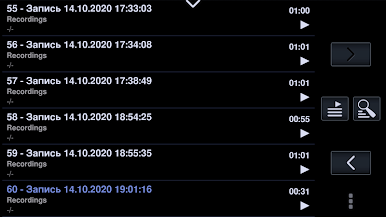
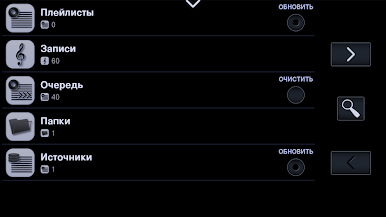
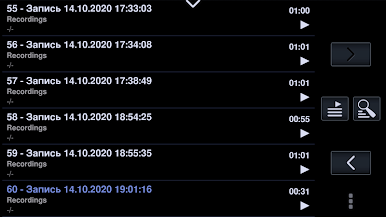
Organize all your recordings with playlists, tags, and handy grouping tools. Hunting for that specific track or memo is genuinely easy. -
Playback and Sharing
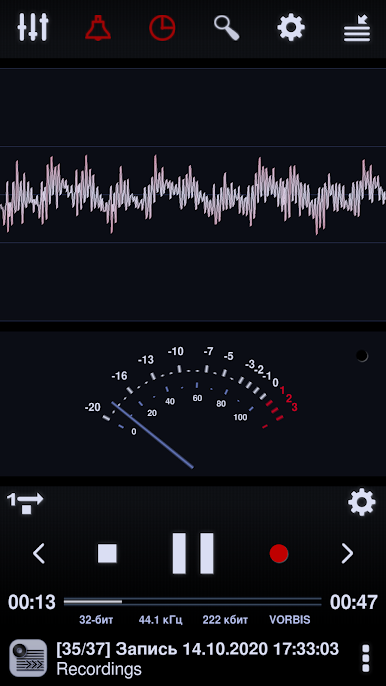
Play your recordings back however you like—shuffle, loop, or sequential order. Share files with other apps or devices with just a couple taps (especially smooth when running Neutron Audio Recorder on BlueStacks). -
USB & External Device Support
Got fancy mics or gear? Plug in via USB OTG and you’re set for multichannel, ultra-high quality session recording. -
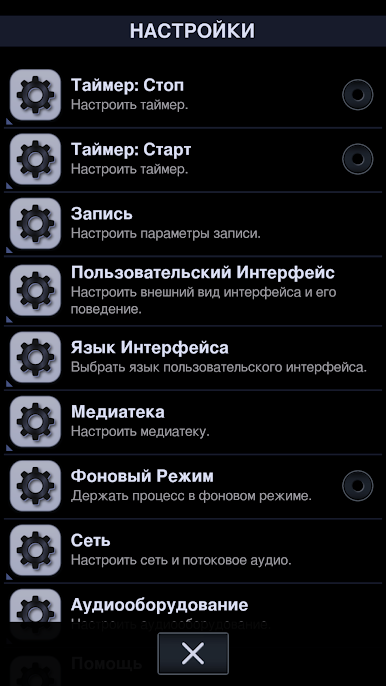
Custom Profiles & Settings
Save your favorite DSP and effect setups as profiles—swap between different recording needs in a snap. -
Multi-language Interface & Android Auto
Enjoy a user-friendly interface in a language that suits you, plus seamless support for Android Auto if you need hands-free operation on the move.
BlueStacks brings your apps to life on a bigger screen—seamless and straightforward.
Играйте в игру Neutron Audio Recorder на ПК. Это легко и просто.
-
Скачайте и установите BlueStacks на ПК.
-
Войдите в аккаунт Google, чтобы получить доступ к Google Play, или сделайте это позже.
-
В поле поиска, которое находится в правой части экрана, введите название игры – Neutron Audio Recorder.
-
Среди результатов поиска найдите игру Neutron Audio Recorder и нажмите на кнопку "Установить".
-
Завершите авторизацию в Google (если вы пропустили этот шаг в начале) и установите игру Neutron Audio Recorder.
-
Нажмите на ярлык игры Neutron Audio Recorder на главном экране, чтобы начать играть.

