


OPENLANE
Spiele auf dem PC mit BlueStacks - der Android-Gaming-Plattform, der über 500 Millionen Spieler vertrauen.

Seite geändert am: Dec 7, 2025
Play OPENLANE on PC
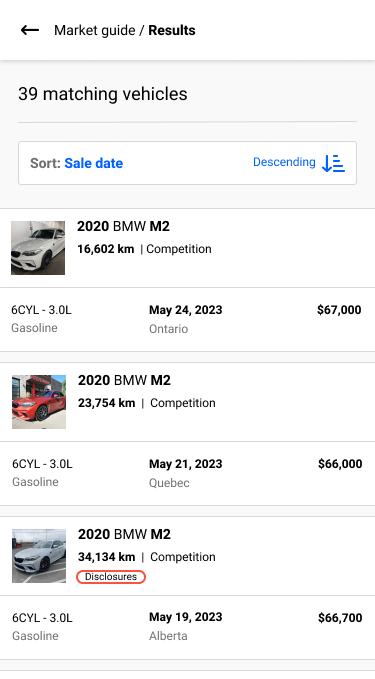
It’s now easier than ever to source and purchase your next vehicle, using the same auction formats you’re already accustomed to. Bid and buy the way you want, when you want.
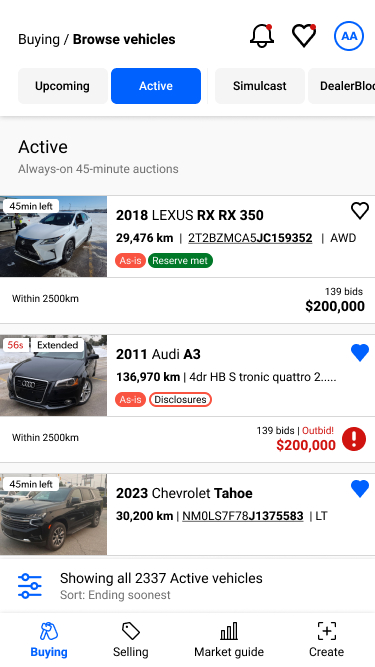
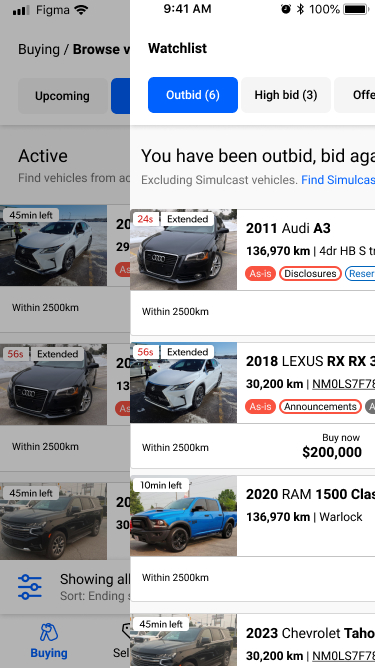
- 45 Minute Active Auctions
- Weekly Simulcast Sales with Live Auctioneers
- Bid/Buy DealerBlock Inventory
The OPENLANE app features:
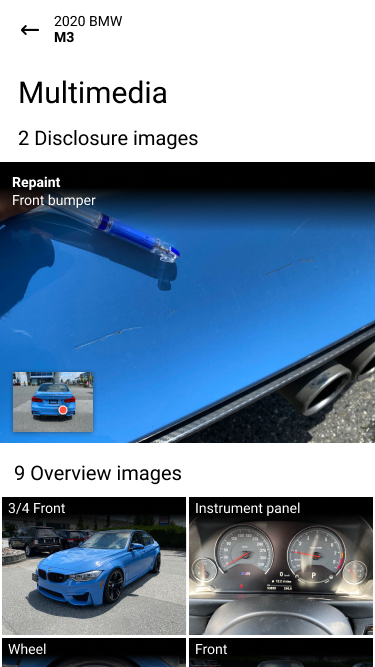
- Quickly inspect your vehicles and launch your own auctions, anytime
- Simple, intuitive, quick and accurate industry compliant appraisals
- Access the freshest franchise trades from thousands of dealers across Canada
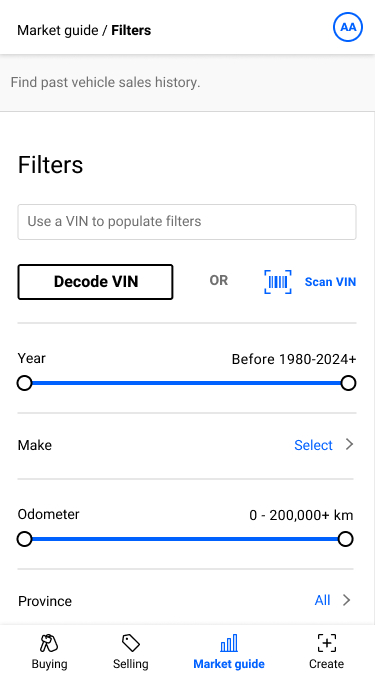
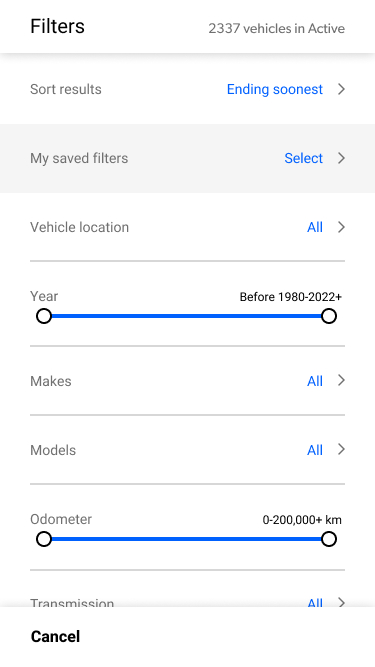
- Source vehicles faster with sticky filters, saved searches and universal watchlist
- Negotiate with other dealers to close more deals, faster
- Arrange payment and transportation all within the app
- Stay on top of your game with configurable email and mobile push notifications
- Manage all your previous purchases from the palm of your hand
- A full support team to ensure your success in your whole business
- Features to make wholesale easier, so you can be more successful
Spiele OPENLANE auf dem PC. Der Einstieg ist einfach.
-
Lade BlueStacks herunter und installiere es auf deinem PC
-
Schließe die Google-Anmeldung ab, um auf den Play Store zuzugreifen, oder mache es später
-
Suche in der Suchleiste oben rechts nach OPENLANE
-
Klicke hier, um OPENLANE aus den Suchergebnissen zu installieren
-
Schließe die Google-Anmeldung ab (wenn du Schritt 2 übersprungen hast), um OPENLANE zu installieren.
-
Klicke auf dem Startbildschirm auf das OPENLANE Symbol, um mit dem Spielen zu beginnen

