

NumWorks Graphing Calculator
Играйте на ПК с BlueStacks – игровой платформе для приложений на Android. Нас выбирают более 500 млн. игроков.

Страница изменена: Dec 11, 2025
Run NumWorks Graphing Calculator on PC or Mac
What’s better than using NumWorks Graphing Calculator by NumWorks? Well, try it on a big screen, on your PC or Mac, with BlueStacks to see the difference.
About the App
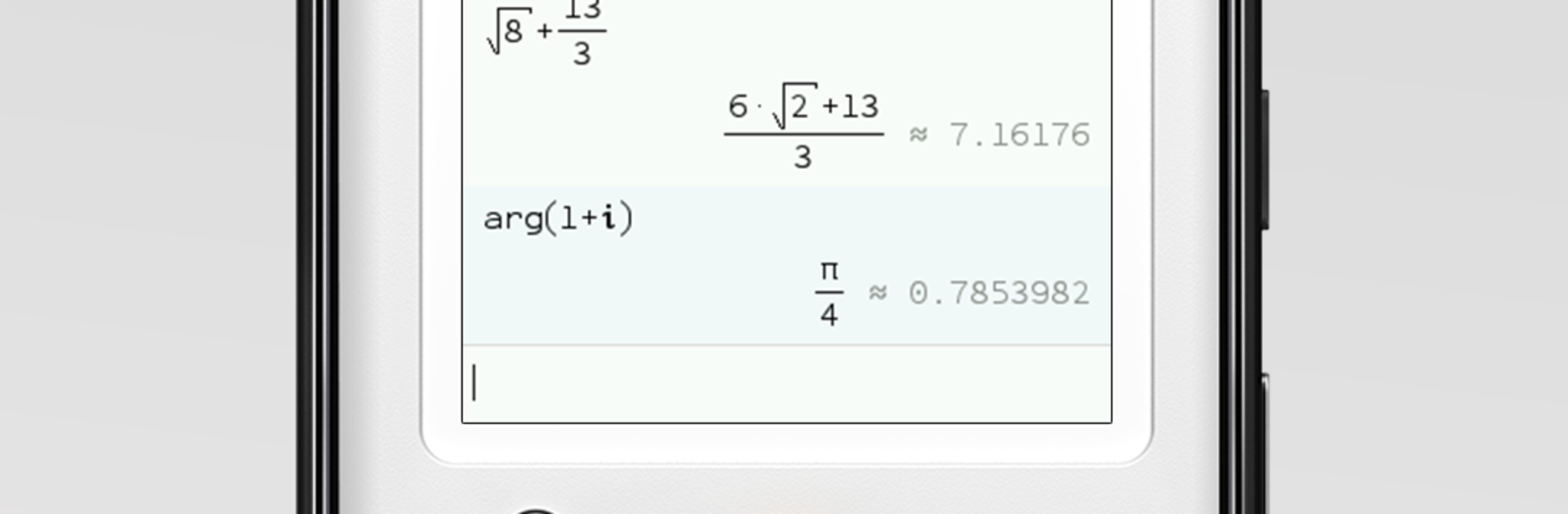
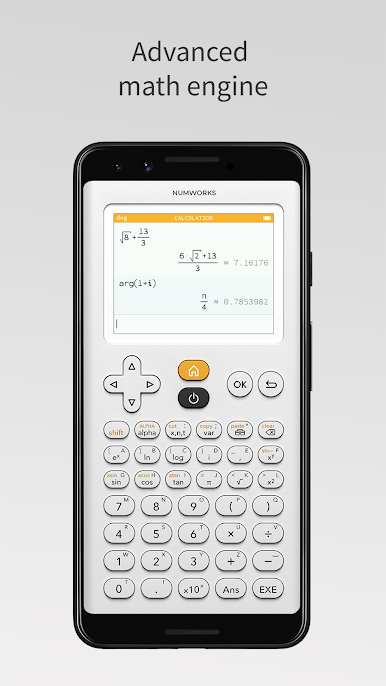
NumWorks Graphing Calculator brings the clean, friendly feel of the NumWorks handheld to your phone or tablet. It’s quick to pick up, easy to navigate, and great for class, homework, or a fast check when you’re on the go. Prefer a bigger screen? You can also run it on your computer with BlueStacks. Built by NumWorks in the Education genre, it focuses on clarity, speed, and the tools you actually need.
App Features
- Clean interface: A thoughtfully organized layout keeps everything simple, so you can find functions without digging through menus.
- Graphs made simple: Plot functions in seconds, trace values, inspect intersections, and zoom in for a closer look.
- Equation solver: Tackle equations and linear systems and verify your results without fuss.
- Statistics that make sense: Enter your data and compute key stats in a snap—perfect for labs, projects, and problem sets.
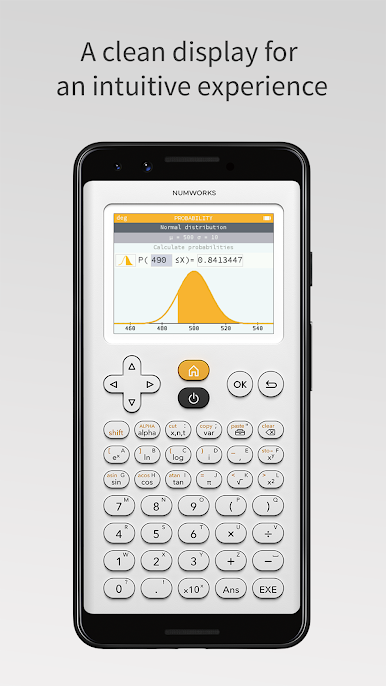
- Probability tools: Work with common distributions to calculate probabilities and explore outcomes.
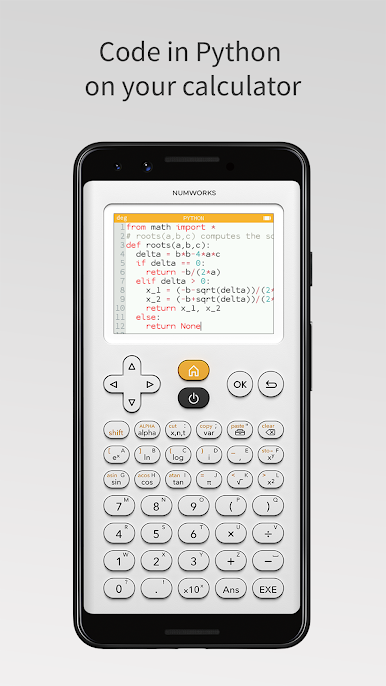
- Python built in: Write and run Python programs right inside the app—handy for simulations, small utilities, or just learning to code.
- Consistent with the handheld: If you use the physical NumWorks calculator, you’ll feel at home—the workflow and menus match up.
- Made with classrooms in mind: Developed with input from educators and a passionate community to support STEM learning.
- Frequent improvements: Expect regular updates from NumWorks that refine the experience and add useful capabilities.
Switch to BlueStacks and make the most of your apps on your PC or Mac.

Играйте в игру NumWorks Graphing Calculator на ПК. Это легко и просто.
-
Скачайте и установите BlueStacks на ПК.
-
Войдите в аккаунт Google, чтобы получить доступ к Google Play, или сделайте это позже.
-
В поле поиска, которое находится в правой части экрана, введите название игры – NumWorks Graphing Calculator.
-
Среди результатов поиска найдите игру NumWorks Graphing Calculator и нажмите на кнопку "Установить".
-
Завершите авторизацию в Google (если вы пропустили этот шаг в начале) и установите игру NumWorks Graphing Calculator.
-
Нажмите на ярлык игры NumWorks Graphing Calculator на главном экране, чтобы начать играть.

