


Barcode Scanner
Играйте на ПК с BlueStacks – игровой платформе для приложений на Android. Нас выбирают более 500 млн. игроков.

Страница изменена: Jan 1, 2025
Play Barcode Scanner on PC
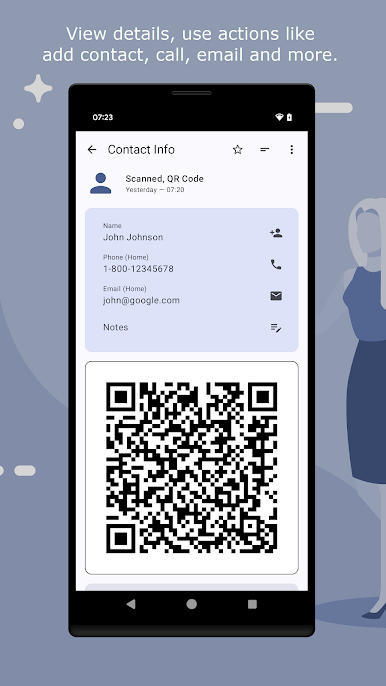
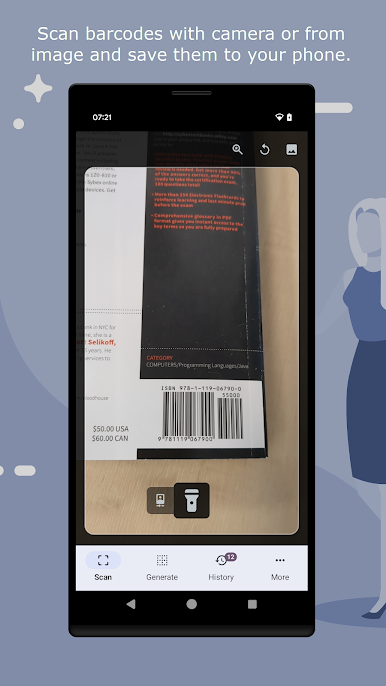
The scanner automatically recognise embedded data types such as text, phone, sms, e-mail, website, wifi, isbn, contact info, calendar event, geo location, product and ID / AAMVA driver license.
Activate continuous mode to keep scanning without opening the barcode when it's detected, use the built in flashlight action to make scanning in a dark environment easier.
Generator
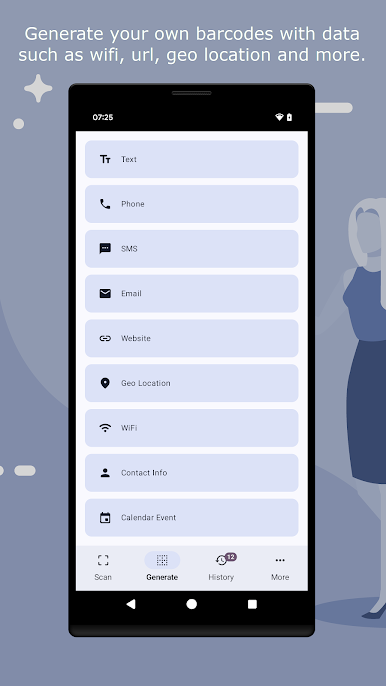
Generate your own QR Codes with the easy to use generator, supported data types are text, phone, sms, e-mail, website, geo location, wifi, contact info and calendar event. Import one of your contact and generate a barcode. Get your current GPS coordinates and generate a barcode.
Functions
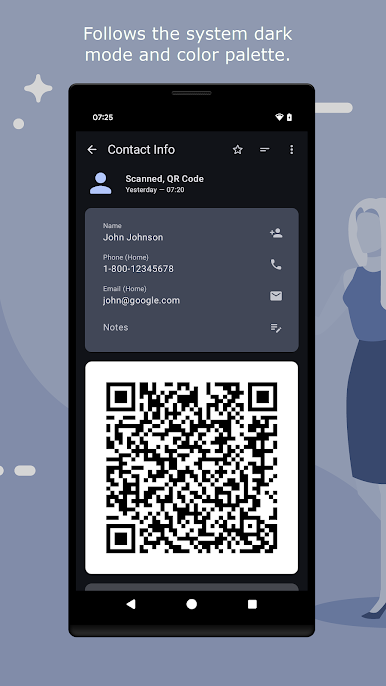
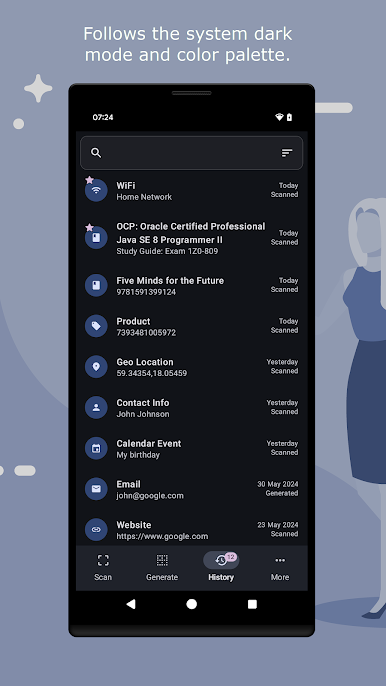
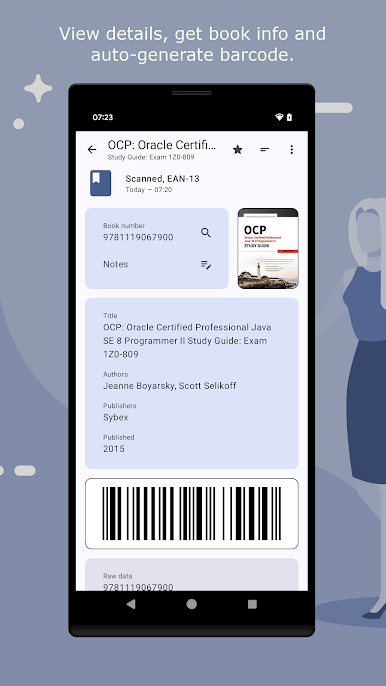
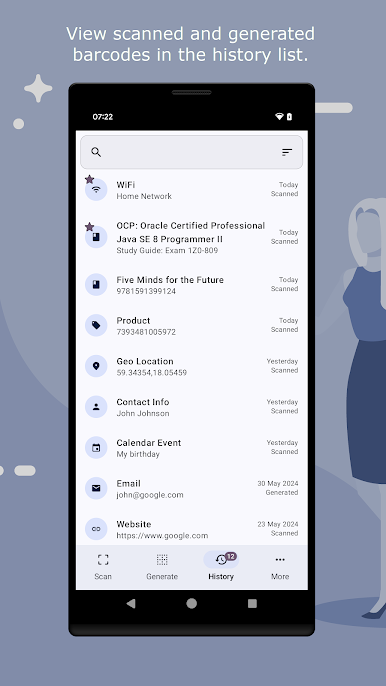
Barcode actions for ease of use, e.g. search, open website and more. View and search scanned or generated barcodes in the history section, favoritize the barcodes you find most important or add notes. View barcode data, both in a easy-to-read state and raw value. Automatically generate barcode containing the data for every barcode you scanned, export the barcode image to your file-system.
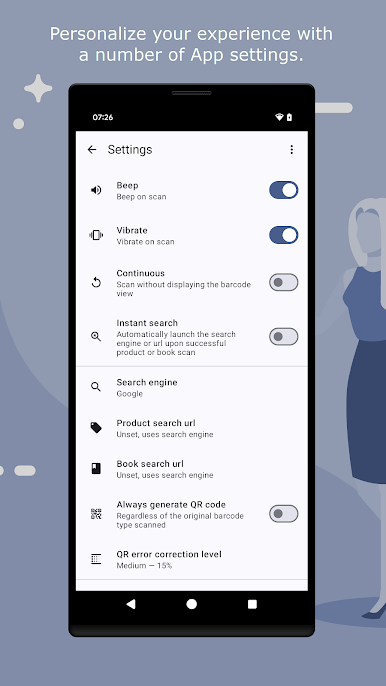
There are also many App settings available, which search engine to use, instant search, specific search url for products and books and more.
Играйте в игру Barcode Scanner на ПК. Это легко и просто.
-
Скачайте и установите BlueStacks на ПК.
-
Войдите в аккаунт Google, чтобы получить доступ к Google Play, или сделайте это позже.
-
В поле поиска, которое находится в правой части экрана, введите название игры – Barcode Scanner.
-
Среди результатов поиска найдите игру Barcode Scanner и нажмите на кнопку "Установить".
-
Завершите авторизацию в Google (если вы пропустили этот шаг в начале) и установите игру Barcode Scanner.
-
Нажмите на ярлык игры Barcode Scanner на главном экране, чтобы начать играть.

