

LogoLicious Add Your Logo App
Играйте на ПК с BlueStacks – игровой платформе для приложений на Android. Нас выбирают более 500 млн. игроков.

Страница изменена: Oct 31, 2024
Run LogoLicious Add Your Logo App on PC or Mac
Get freedom from your phone’s obvious limitations. Use LogoLicious Add Your Logo App, made by The Laughing Dutchmen, a Photography app on your PC or Mac with BlueStacks, and level up your experience.
About the App
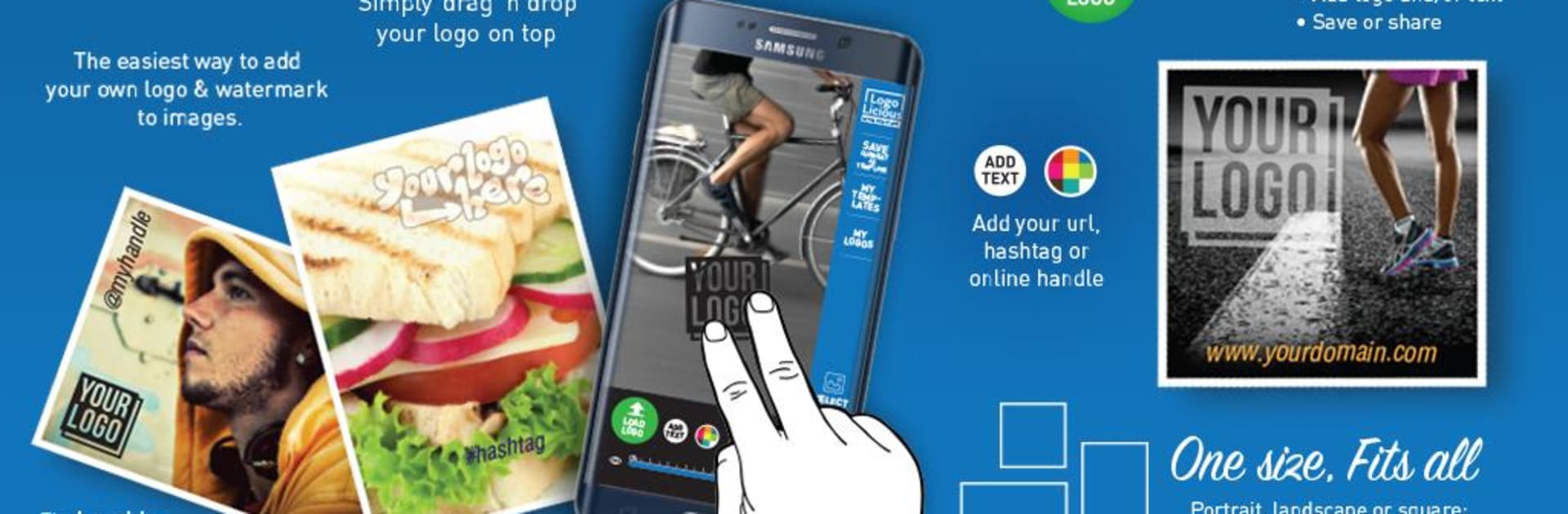
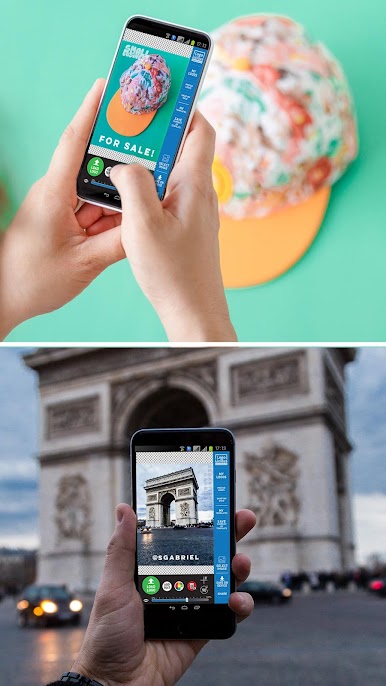
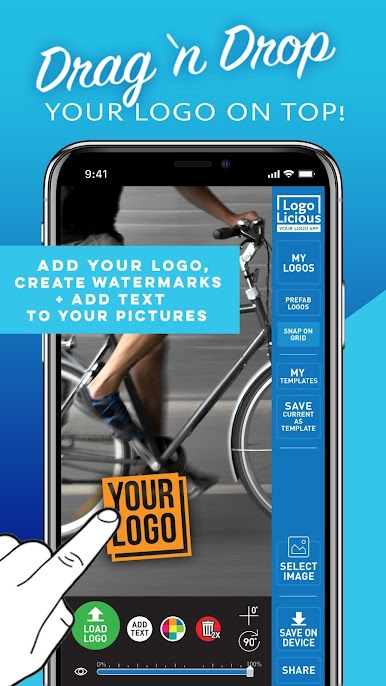
If you’re always sharing photos and want your own creative touch—think logos, watermarks, or a quick bit of text—LogoLicious Add Your Logo App makes it super easy. Made by The Laughing Dutchmen for small business owners, photographers, artists, and anyone who loves original content, this photography app lets you quickly stamp your brand in seconds. No fussing around—just pick your photo, pop on your logo, and you’re ready for the next post.
App Features
-
Simple Logo Placement
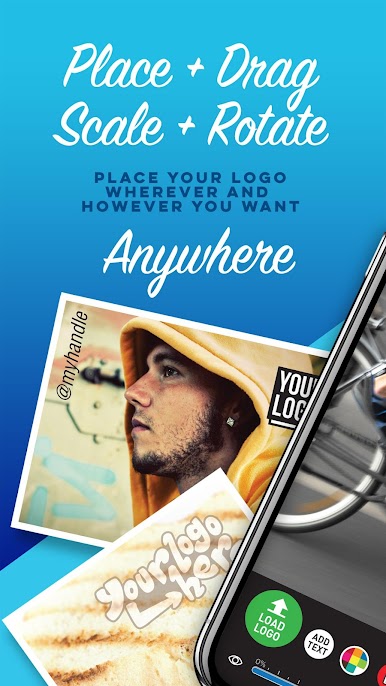
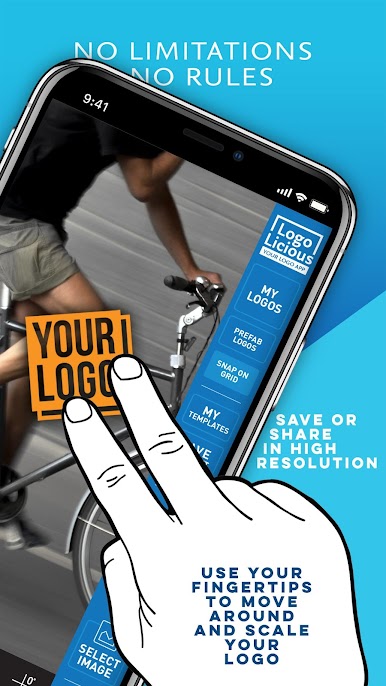
Drag and drop your logo or watermark onto any image. No size restrictions, and you can pinch, zoom, or rotate logos for the perfect fit. -
Supports Multiple Logo Types
Add PNG, GIF, or JPG files, and you can even drop more than one logo on the same picture if you need. -
Customization Galore
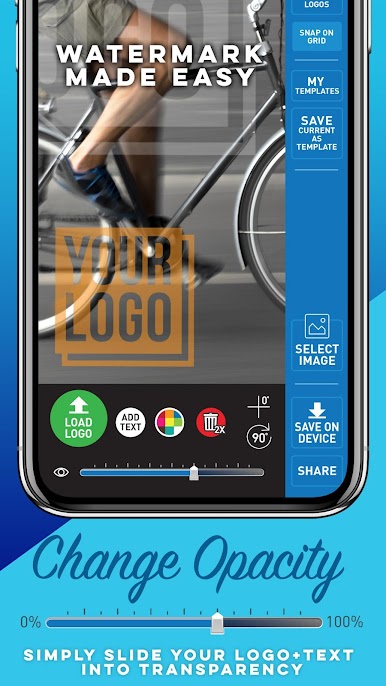
Adjust the transparency for subtle watermarks, slap on your hashtag or social handle, and pick from a bunch of fonts—or add your own TTF font to stand out. -
Template Saving
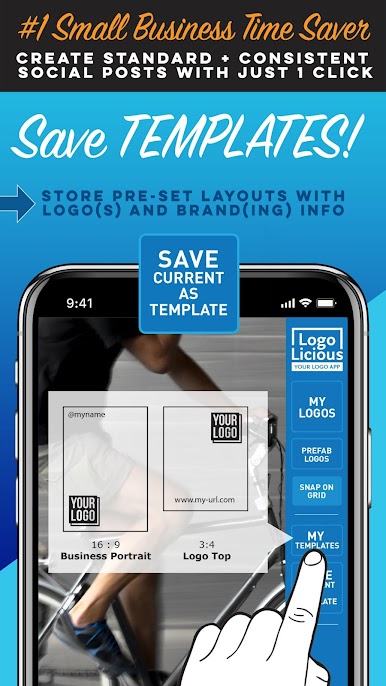
Don’t want to redo the same layout every time? Save your setup as a template, then reload it with one tap the next time you want to watermark more photos. -
No Ads, No Distractions
Enjoy editing in peace—there aren’t any annoying pop-ups or banner ads. Everything happens right in the app. -
Full-Resolution Photos
Keep your images sharp. LogoLicious makes sure nothing gets blurry or pixelated after you add your branding. -
Bulk Sharing & Fast Workflow
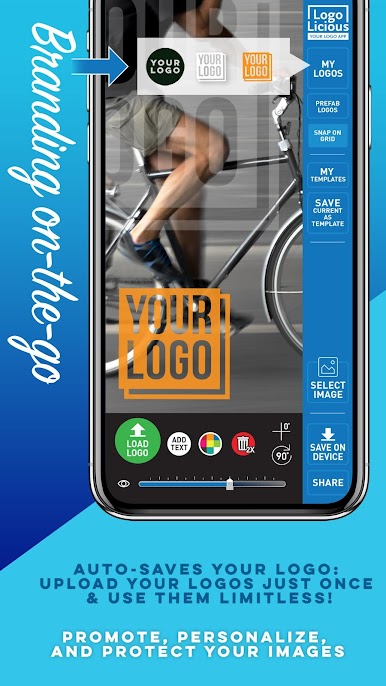
Grab photos right from your camera or gallery, make changes on the go, and share straight to your favorite social channels. Auto-save logos for speedy access later. -
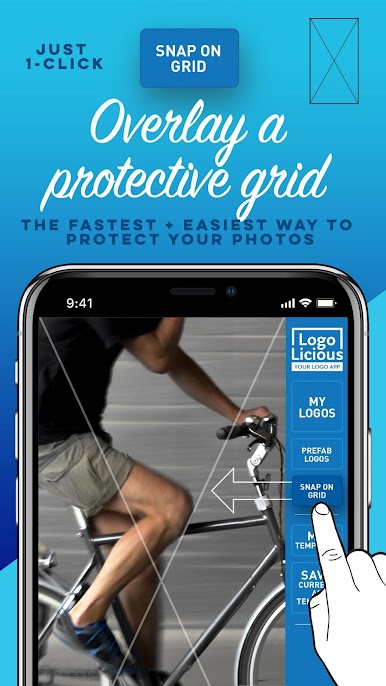
Protective X-Grid Overlay
Quickly drop a simple X grid atop your photos for extra copyright protection with one tap. -
Handy Editing Tools
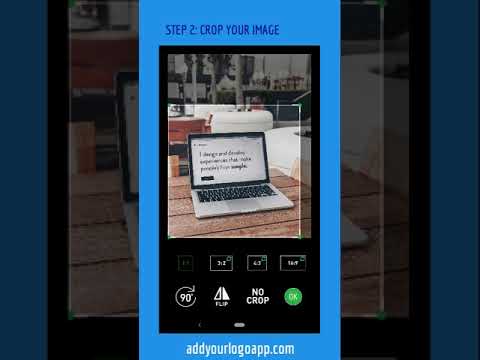
Crop, rename, and align your images just the way you want—plus, level out graphics or text with a quick tap. -
On-the-Go Experience
Designed for speed and convenience whether you’re in the studio, traveling, or multitasking. Works just as smoothly if you’re running the app through BlueStacks on your computer.
Big screen. Bigger performance. Use BlueStacks on your PC or Mac to run your favorite apps.
Играйте в игру LogoLicious Add Your Logo App на ПК. Это легко и просто.
-
Скачайте и установите BlueStacks на ПК.
-
Войдите в аккаунт Google, чтобы получить доступ к Google Play, или сделайте это позже.
-
В поле поиска, которое находится в правой части экрана, введите название игры – LogoLicious Add Your Logo App.
-
Среди результатов поиска найдите игру LogoLicious Add Your Logo App и нажмите на кнопку "Установить".
-
Завершите авторизацию в Google (если вы пропустили этот шаг в начале) и установите игру LogoLicious Add Your Logo App.
-
Нажмите на ярлык игры LogoLicious Add Your Logo App на главном экране, чтобы начать играть.

