

SUPER DRUM - Play Drum!
Spiele auf dem PC mit BlueStacks - der Android-Gaming-Plattform, der über 500 Millionen Spieler vertrauen.

Seite geändert am: Sep 15, 2023
Run SUPER DRUM - Play Drum! on PC or Mac
Why limit yourself to your small screen on the phone? Run SUPER DRUM – Play Drum!, an app by Opala Studios, best experienced on your PC or Mac with BlueStacks, the world’s #1 Android emulator.
About the App
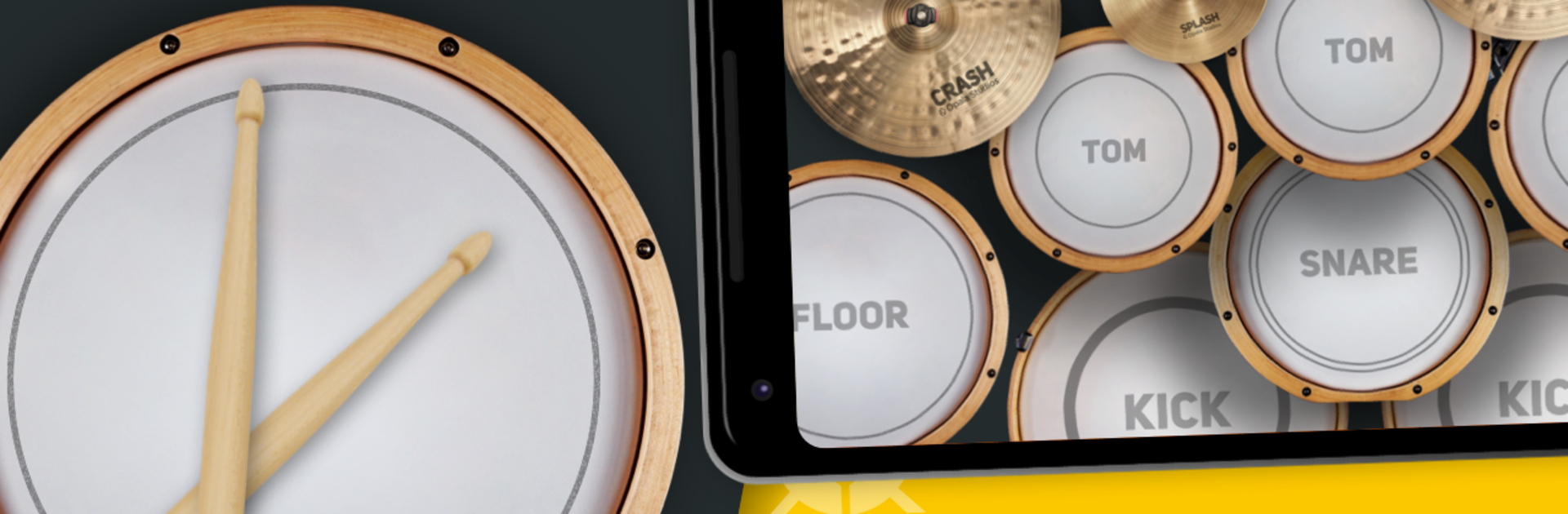
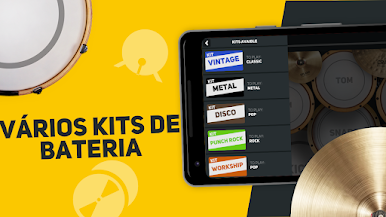
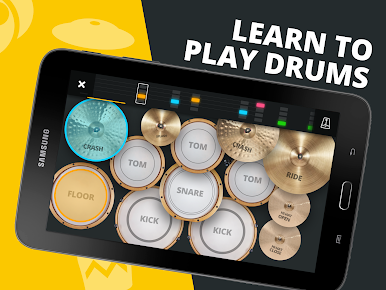
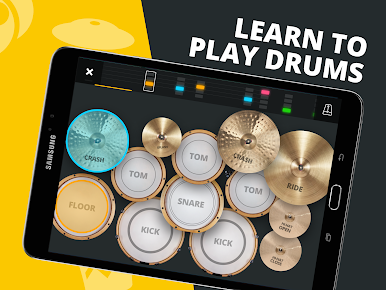
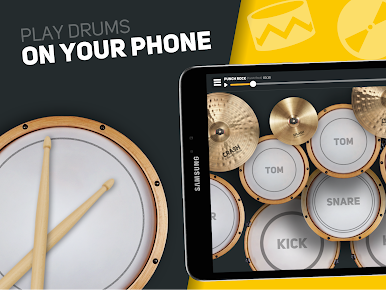
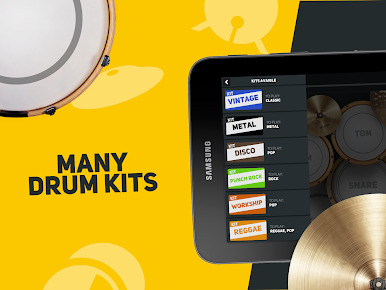
Ever wanted to jam on the drums without actually owning a drum set? SUPER DRUM – Play Drum! by Opala Studios brings the full drum kit experience right to your fingertips—no sticks or noise complaints required. This Music & Audio app feels surprisingly real, whether you’re just messing around, learning to keep a beat, or actually practicing your fills. With tons of music styles and practice tools stashed under the hood, it doesn’t matter if you’re a total beginner or you already know your paradiddles—there’s something here for everyone who loves that drummer life.
App Features
-
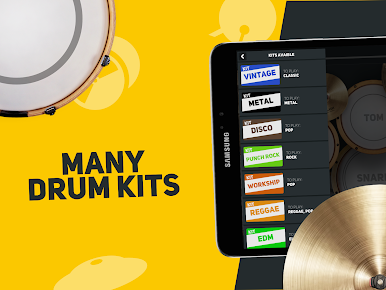
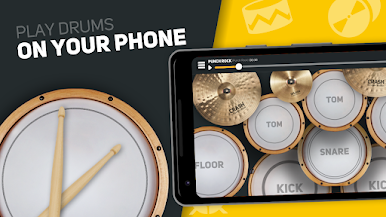
Super Realistic Drum Kit
Experience the feel of a real drum set right on your screen, with authentic sounds and layouts, so you can really let loose. -
Class Mode for All Levels
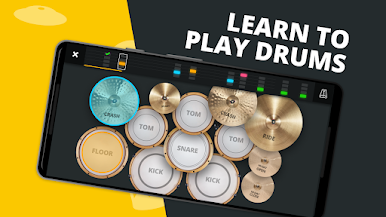
New to drumming? The class mode holds your hand with step-by-step lessons and interactive timelines so you can see exactly which part to tap next. -
Practice Tracks and Lessons
Dive into a collection of tracks and exercises designed to help you sharpen your skills, or just play along for fun. -
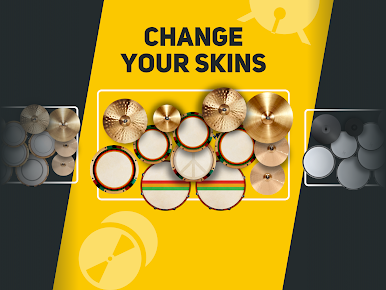
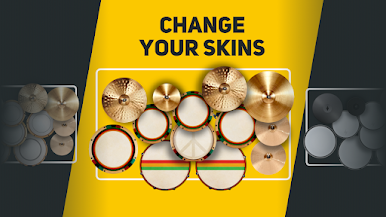
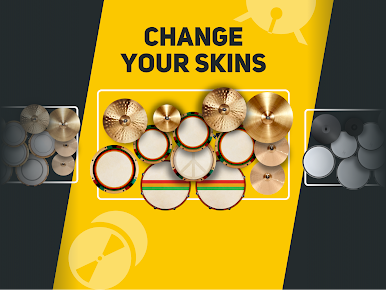
Customize Your Drum Kit
Switch up the look of your drums with different skins. Mirror mode makes left-handed playing a breeze. -
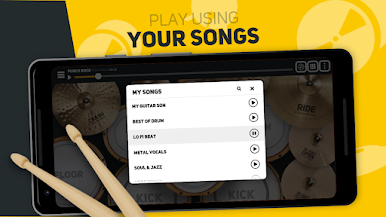
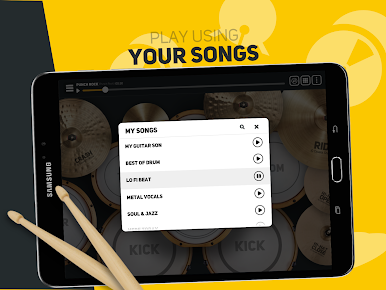
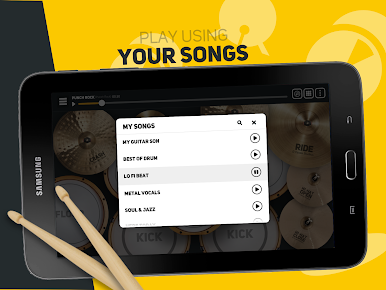
Play Along With Your Own Music
Load up your favorite songs and drum along—perfect for pretending you’re on stage with the band. -
Record & Share Your Beats
Put down your performance with the built-in recorder, then share your creations with friends. -
Studio-Quality Sound
Each tap triggers crisp audio that sounds just like the real thing, headphones recommended for full effect. -
Multitouch Support
Bash away with all ten fingers at once, just like you would on a real kit. -
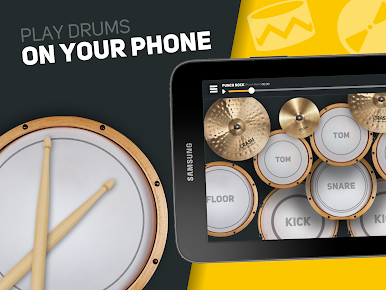
Works Across Devices
Whether you’re on your phone, tablet, or trying it out on BlueStacks, the HD visuals and responsive controls make for smooth drumming everywhere. -
Totally Free to Play
No paywalls keeping you from creating that next big groove—just open and start hitting those drums! -
Made by Real Musicians
Designed for folks who actually love music, every detail aims to keep things fun, approachable, and totally jam-worthy.
BlueStacks gives you the much-needed freedom to experience your favorite apps on a bigger screen. Get it now.

Spiele SUPER DRUM - Play Drum! auf dem PC. Der Einstieg ist einfach.
-
Lade BlueStacks herunter und installiere es auf deinem PC
-
Schließe die Google-Anmeldung ab, um auf den Play Store zuzugreifen, oder mache es später
-
Suche in der Suchleiste oben rechts nach SUPER DRUM - Play Drum!
-
Klicke hier, um SUPER DRUM - Play Drum! aus den Suchergebnissen zu installieren
-
Schließe die Google-Anmeldung ab (wenn du Schritt 2 übersprungen hast), um SUPER DRUM - Play Drum! zu installieren.
-
Klicke auf dem Startbildschirm auf das SUPER DRUM - Play Drum! Symbol, um mit dem Spielen zu beginnen

