


Distraction Icon Pack
Spiele auf dem PC mit BlueStacks - der Android-Gaming-Plattform, der über 500 Millionen Spieler vertrauen.

Seite geändert am: Dec 3, 2025
Play Distraction Icon Pack on PC
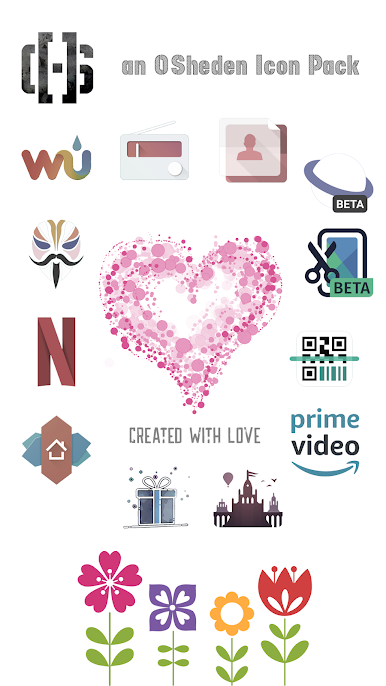
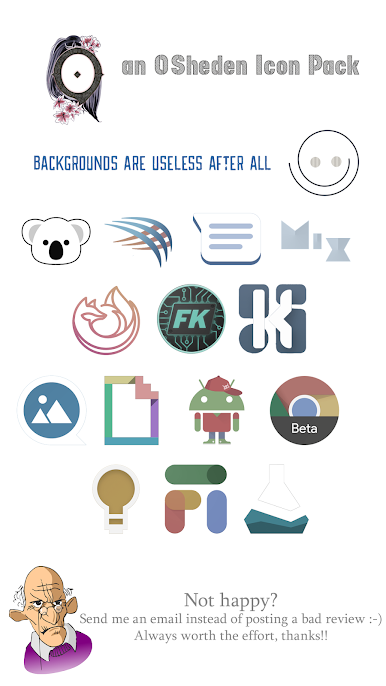
Download Distraction Free icon pack right now IF you like your Stock icons BUT you DON'T care about the useless graphics such as monochrome backgrounds!
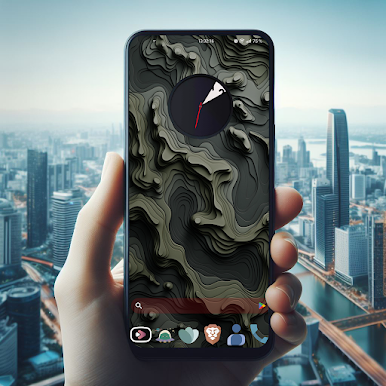
Distraction Free focuses on the essentials by removing useless parts of the stock icons and by giving a vintage spectrum of colors.
Your icons will be bigger with only essential elements! That's all what we care about :-)
I WILL ALWAYS BE THERE FOR YOU
- Thousands of icons are already supported
- Dozens of bonus icons
- Long Term Support
- Clock widget
- ALL icon requests are accepted and regular updates
- Responsive developer. Contact me if you have trouble using my icon pack!
There's a dedicated app for wallpapers: https://play.google.com/store/apps/details?id=com.osheden.wallpapers
LAUNCHER COMPATIBILITY
I use Candybar as a base to get a dashboard. Several launchers are mentioned as compatible but all compatible launchers are not listed.
Wondering which launcher to use to get the most out of your icon packs? Check out the comparison I did: https://github.com/OSHeden/wallpapers/wiki
Get in touch:
• Telegram: https://t.me/osheden_android_apps
• Email: osheden (@) gmail.com
• Instagram: https://www.instagram.com/osheden_icon_packs
• X: https://x.com/OSheden
THANK YOU FOR USING MY ICON PACKS AND SUPPORTING MY WORK
NEED HELP?
If you need help PLEASE contact me. I often need additional information so PLEASE do NOT use the review system to report a bug.
Note: do NOT install on your external storage.
SECURITY and PRIVACY
• Do not hesitate to read the privacy policy. Nothing is collected by default.
• All your emails will be removed if you request it.

Spiele Distraction Icon Pack auf dem PC. Der Einstieg ist einfach.
-
Lade BlueStacks herunter und installiere es auf deinem PC
-
Schließe die Google-Anmeldung ab, um auf den Play Store zuzugreifen, oder mache es später
-
Suche in der Suchleiste oben rechts nach Distraction Icon Pack
-
Klicke hier, um Distraction Icon Pack aus den Suchergebnissen zu installieren
-
Schließe die Google-Anmeldung ab (wenn du Schritt 2 übersprungen hast), um Distraction Icon Pack zu installieren.
-
Klicke auf dem Startbildschirm auf das Distraction Icon Pack Symbol, um mit dem Spielen zu beginnen

