


OMGuard HD
Spiele auf dem PC mit BlueStacks - der Android-Gaming-Plattform, der über 500 Millionen Spieler vertrauen.

Seite geändert am: Aug 18, 2020
Run OMGuard HD on PC or Mac
Why limit yourself to your small screen on the phone? Run OMGuard HD, an app by omguardec2, best experienced on your PC or Mac with BlueStacks, the world’s #1 Android emulator.
About the App
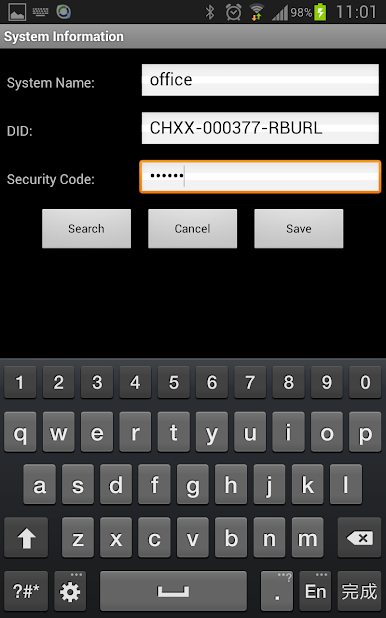
Looking for a simple way to keep an eye on what matters to you, wherever you are? OMGuard HD lets you monitor your security cameras from your phone or tablet—no fuss, just quick and easy access. Whether you’re checking in on your home, office, or pets, this app makes it a breeze to stay updated with sharp visuals and handy features.
App Features
-
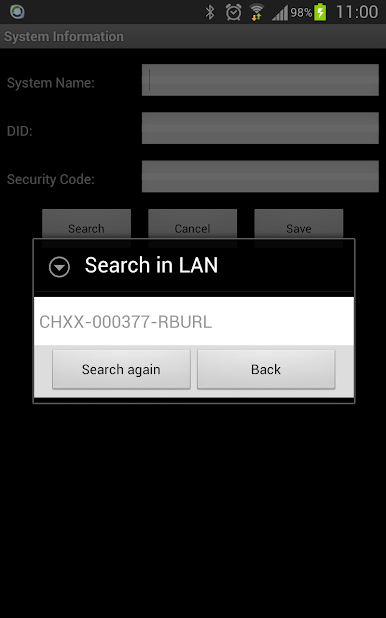
Smooth Wireless Setup
No more dealing with a mess of cables. Some camera models connect directly to your device, which makes installing everything seriously straightforward. -
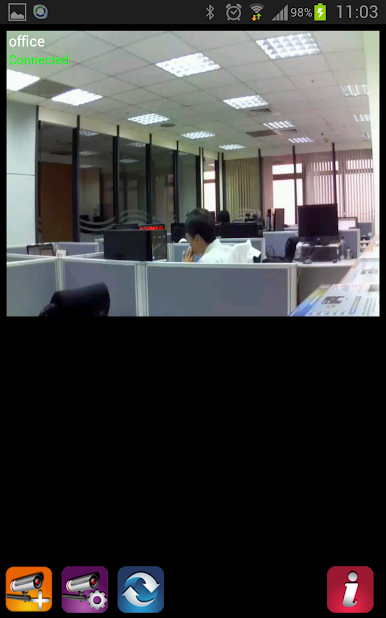
Live Video & Audio Streaming
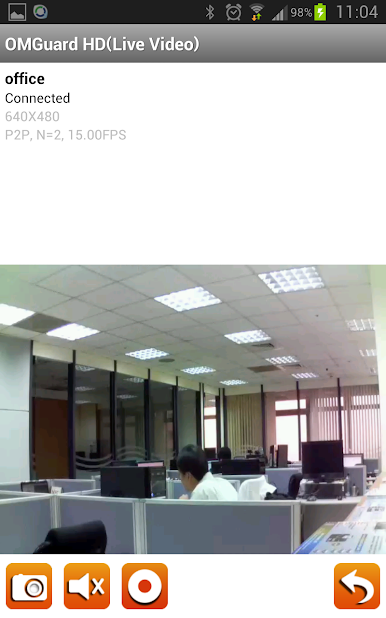
Peek in on your cameras in real time, whether you’re across town or just in another room. The HD feed delivers sharp images—plus, audio comes through loud and clear. -
Instant Notifications
Get notified right away when something important happens. You’ll know what’s up, whether or not the app is running in the background. -
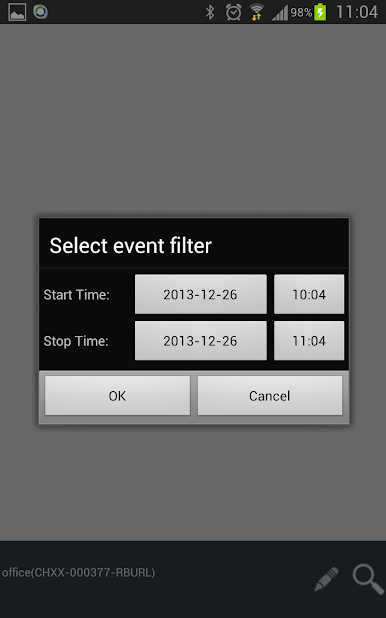
Flexible Playback Options
Scroll through your security footage anytime. Review past events, or zoom in with a pinch to catch the tiny details you missed. -
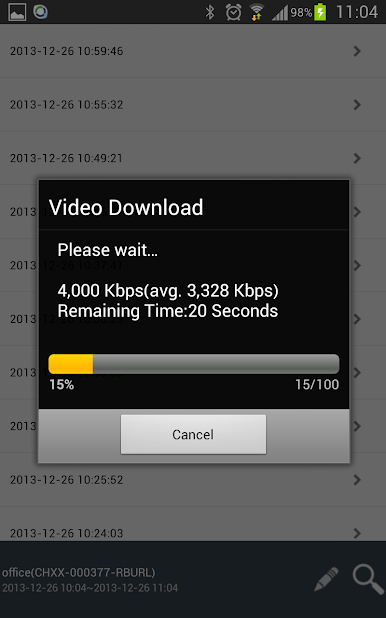
Easy File Downloads
Save any HD footage directly to your device. Handy when you want to keep a record or share clips later. -
Camera Pan & Tilt Controls
If your setup supports it, you can move your camera right from your phone for a better view—no need to physically touch the device. -
Works with Android 5.x and Up
OMGuard HD is good to go on newer and older Android versions, making compatibility one less thing to worry about. -
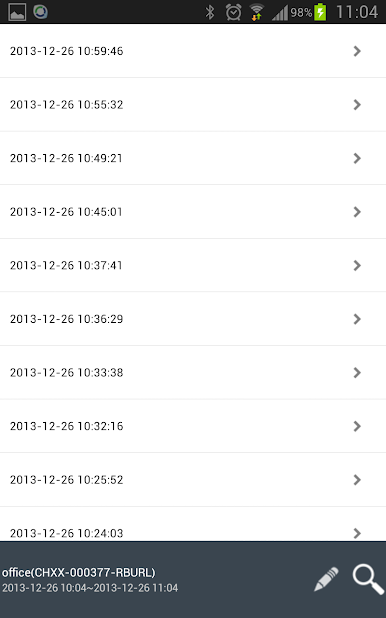
Handy Event List
Check out activity logs easily; you can quickly see and review all your recorded motion events right from your phone.
Using OMGuard HD on BlueStacks makes accessing your cameras on a bigger screen even more convenient, but the app’s flexibility shines whether you’re using a phone, tablet, or computer.
Ready to experience OMGuard HD on a bigger screen, in all its glory? Download BlueStacks now.
Spiele OMGuard HD auf dem PC. Der Einstieg ist einfach.
-
Lade BlueStacks herunter und installiere es auf deinem PC
-
Schließe die Google-Anmeldung ab, um auf den Play Store zuzugreifen, oder mache es später
-
Suche in der Suchleiste oben rechts nach OMGuard HD
-
Klicke hier, um OMGuard HD aus den Suchergebnissen zu installieren
-
Schließe die Google-Anmeldung ab (wenn du Schritt 2 übersprungen hast), um OMGuard HD zu installieren.
-
Klicke auf dem Startbildschirm auf das OMGuard HD Symbol, um mit dem Spielen zu beginnen

