


Minesweeper für Android
Spiele auf dem PC mit BlueStacks - der Android-Gaming-Plattform, der über 500 Millionen Spieler vertrauen.

Seite geändert am: Jul 7, 2025
Play Minesweeper for Android on PC or Mac
Step into the World of Minesweeper for Android, a thrilling Puzzle game from the house of Minesweeper by Panu Vuorinen. Play this Android game on BlueStacks App Player and experience immersive gaming on PC or Mac.
About the Game
Remember the simple thrill (and occasional frustration) of sweeping a board for hidden mines? Minesweeper for Android brings that classic Puzzle challenge right to your phone, making it easier than ever to chase your best score or just kill a few minutes during a break. Whether you’re a die-hard Minesweeper fan or just looking to exercise your mind, this game lets you play the way you want—fast, challenging, or laid-back, it’s all up to you.
Game Features
-
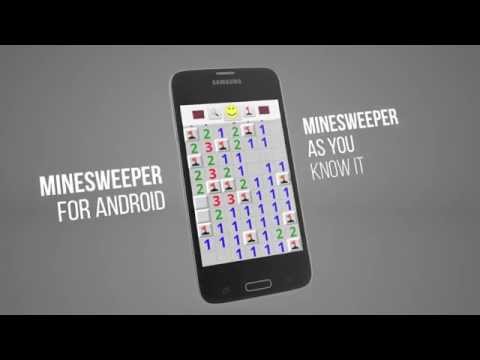
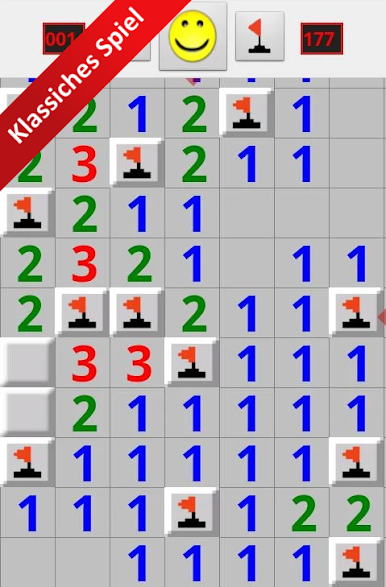
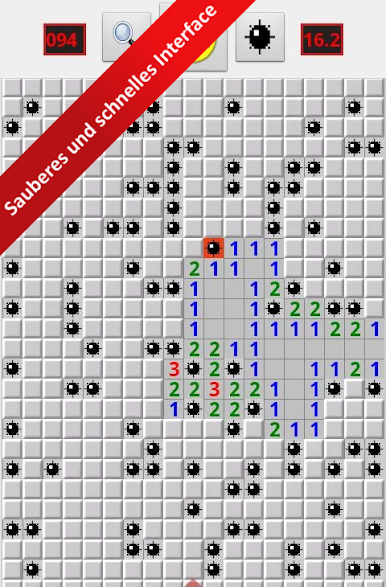
Classic Minesweeper Vibe
Stick to what you know and love—Minesweeper for Android keeps the familiar feel intact, just with a slick mobile interface. -
Adjustable Mine Count
Want more chaos or prefer it mellow? You can bump up or scale down the number of landmines on the board for a custom experience every time. -
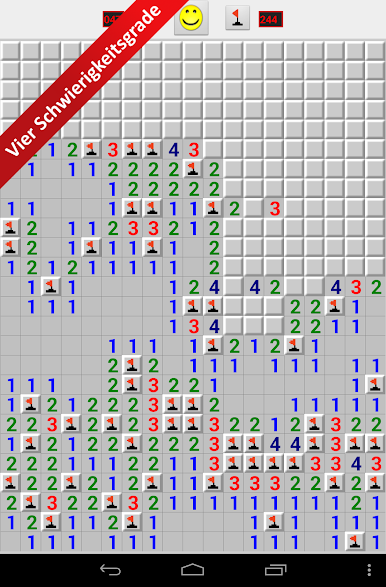
Multiple Difficulty Levels
Pick from beginner, easy, intermediate, expert, or set up a custom game if you’re feeling adventurous (or masochistic). -
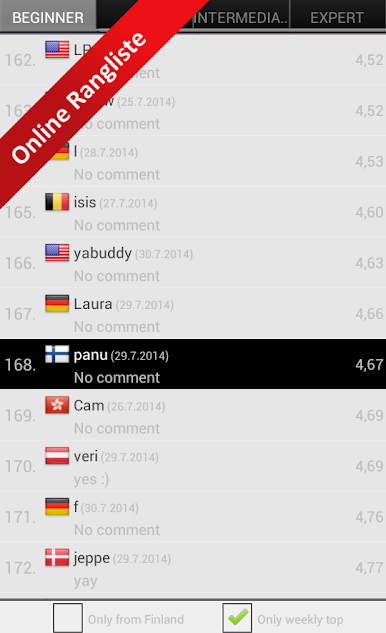
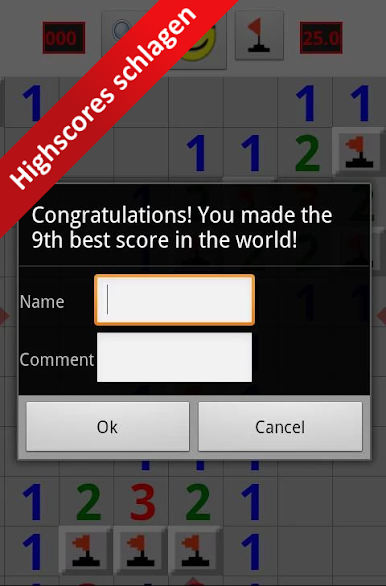
Global High Scores
Feeling competitive? Try to edge out strangers or friends by snagging a spot on the global weekly or all-time leaderboards. -
Designed for Accuracy and Speed
Controls are fine-tuned for quick moves and precise clicks—handy if you’re gunning for fast times. -
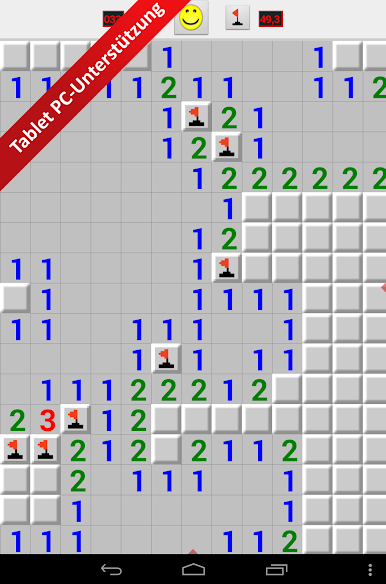
Tablet-Friendly Layout
If you prefer playing on a bigger screen, the game’s got solid support for tablets as well. -
Zoom Options
Zoom in or out as you like, so you can plan your moves or just get a better look before risking it all.
If you love a classic challenge or want to see how sharp your logical thinking is, give Minesweeper for Android a go—especially fun if you launch it through BlueStacks for a bigger screen and smoother controls.
Make your gaming sessions memorable with precise controls that give you an edge in close combats and visuals that pop up, bringing every character to life.
Spiele Minesweeper für Android auf dem PC. Der Einstieg ist einfach.
-
Lade BlueStacks herunter und installiere es auf deinem PC
-
Schließe die Google-Anmeldung ab, um auf den Play Store zuzugreifen, oder mache es später
-
Suche in der Suchleiste oben rechts nach Minesweeper für Android
-
Klicke hier, um Minesweeper für Android aus den Suchergebnissen zu installieren
-
Schließe die Google-Anmeldung ab (wenn du Schritt 2 übersprungen hast), um Minesweeper für Android zu installieren.
-
Klicke auf dem Startbildschirm auf das Minesweeper für Android Symbol, um mit dem Spielen zu beginnen

