


SSH button
Играйте на ПК с BlueStacks – игровой платформе для приложений на Android. Нас выбирают более 500 млн. игроков.

Страница изменена: May 22, 2025
Run SSH button on PC or Mac
Get freedom from your phone’s obvious limitations. Use SSH button, made by David Grootendorst, a Communication app on your PC or Mac with BlueStacks, and level up your experience.
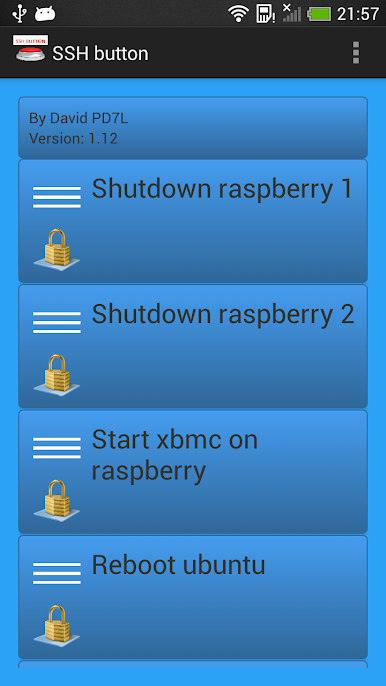
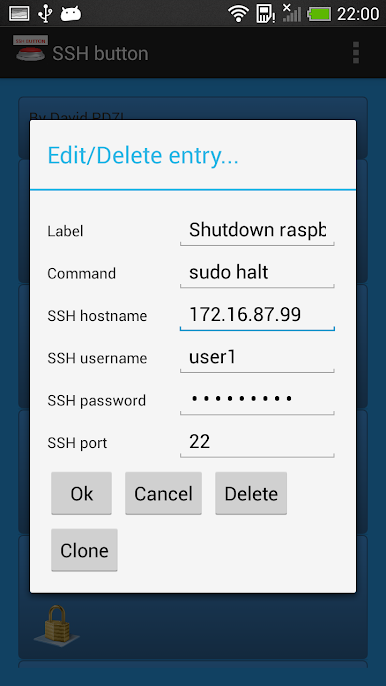
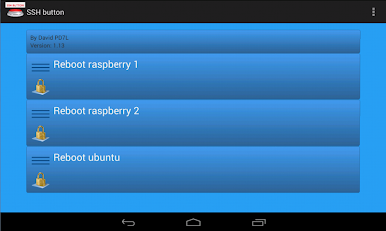
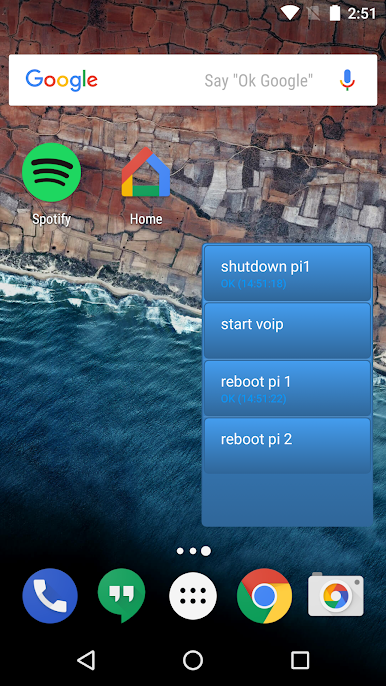
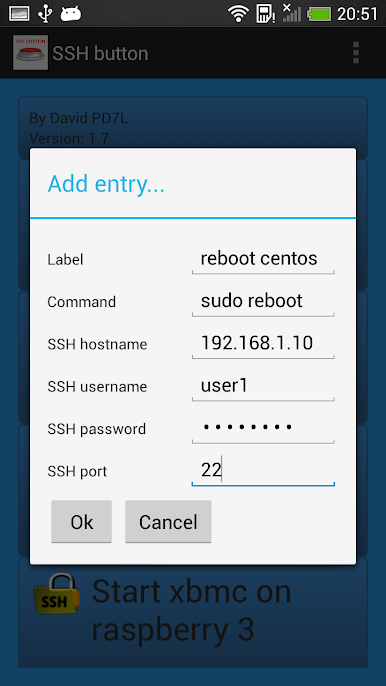
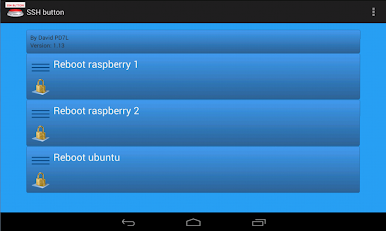
SSH button is basically a tiny control panel for servers. Instead of opening a terminal and typing the same stuff over and over, a user sets up buttons that run single SSH commands with one tap. Each button gets a label, the exact command, the host or IP, username, and either a password or a private key, plus the port if it is not the default. It feels simple and very direct, like lining up little switches for a Raspberry Pi, a home server, or anything Linux or Unix. Press the button, the command fires, and that is it.
What stands out is how focused it is. There is no full terminal view or clutter, it is just quick actions. It works best with commands that return right away, so think reboot, restart a service, start or stop an app, run a small script that exits cleanly. Long running commands or anything that waits for input will not play nice, since the app expects the connection to finish. Private key support is there, which is nice for people who do not want to store passwords. On a PC through BlueStacks, setting up a bunch of buttons feels easier, since typing paths and commands on a keyboard is faster, and the bigger screen makes a grid of buttons feel like a proper remote board. It is a neat tool for anyone who wants quick, repeatable server actions without fuss.
Big screen. Bigger performance. Use BlueStacks on your PC or Mac to run your favorite apps.
Играйте в игру SSH button на ПК. Это легко и просто.
-
Скачайте и установите BlueStacks на ПК.
-
Войдите в аккаунт Google, чтобы получить доступ к Google Play, или сделайте это позже.
-
В поле поиска, которое находится в правой части экрана, введите название игры – SSH button.
-
Среди результатов поиска найдите игру SSH button и нажмите на кнопку "Установить".
-
Завершите авторизацию в Google (если вы пропустили этот шаг в начале) и установите игру SSH button.
-
Нажмите на ярлык игры SSH button на главном экране, чтобы начать играть.

