


Metin Tarayıcı [OCR]
500M + oyuncunun güvendiği Android Oyun Platformu, BlueStacks ile PC'de oynayın.

Sayfa Değiştirilme tarihi: Dec 4, 2025
Run Text Scanner [OCR] on PC or Mac
What’s better than using Text Scanner [OCR] by Peace? Well, try it on a big screen, on your PC or Mac, with BlueStacks to see the difference.
About the App
Ever wish you could just grab words straight off a photo instead of typing everything out? Text Scanner [OCR] makes it amazingly simple to pull text from images in just a snap. Whether you’re working through paperwork, jotting down notes from a meeting, or need to grab a phone number from a flyer, this Productivity app by Peace is all about making your day easier—no more squinting or spending ages copying things by hand.
App Features
-
Super Fast Text Recognition
Don’t want to wait? Text Scanner [OCR] reads images and pulls the text in record time, so you’re not stuck twiddling your thumbs. -
Top-Notch Accuracy
The app is sharp when it comes to picking out even tricky or handwritten words, so you don’t have to worry about errors sneaking in. -
Works with Your Photos
Already took a picture? No problem—scan text from any photo in your album, not just new ones from your camera. -
Multi-Language Support
Handle work and projects in over 50 languages. Text Scanner [OCR] can pick up a whole lot more than just English, including handwritten notes. -
Instant Actions with Text
Got a phone number or URL in your picture? You can call, visit websites, copy, save to Google Drive or Keep, send by email, share with others, and more—all right after scanning. -
Simple Permissions
Just the camera, that’s it. The app keeps things simple and respects your privacy.
If you’re someone who juggles tasks on a desktop, you might also enjoy how smoothly Text Scanner [OCR] runs on BlueStacks for a little extra flexibility.
Big screen. Bigger performance. Use BlueStacks on your PC or Mac to run your favorite apps.
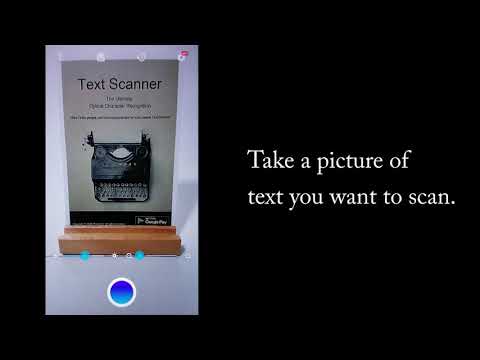
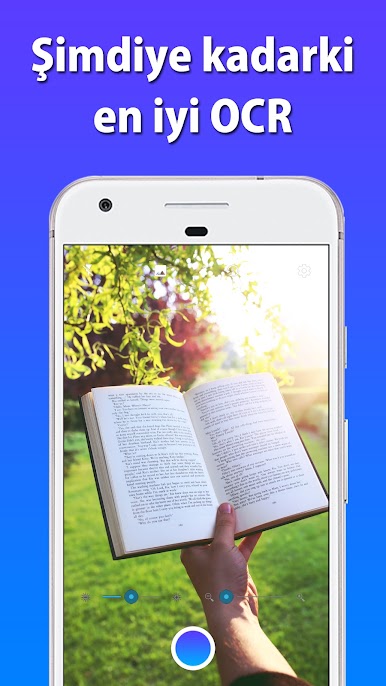


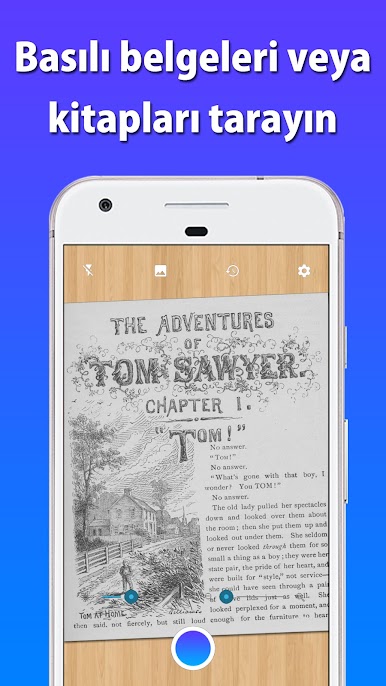
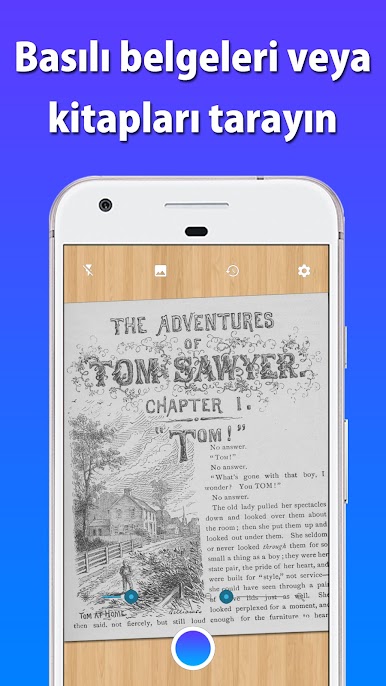
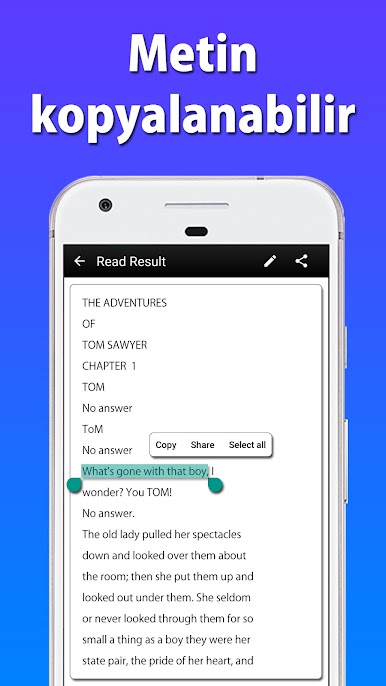
Metin Tarayıcı [OCR] oyununu PC'de oyna. Başlamak çok kolay.
-
BlueStacks'i PC'nize İndirin ve Yükleyin
-
Play Store'a erişmek için Google girişi yapın ya da daha sonraya bırakın.
-
Sağ üst köşeye Metin Tarayıcı [OCR] yazarak arayın.
-
Metin Tarayıcı [OCR] uygulamasını arama sonuçlarından indirmek için tıklayın.
-
(iEğer Adım 2'yi atladıysanız) Metin Tarayıcı [OCR] uygulamasını yüklemek için Google'a giriş yapın.
-
Oynatmaya başlatmak için ekrandaki Metin Tarayıcı [OCR] ikonuna tıklayın.

