

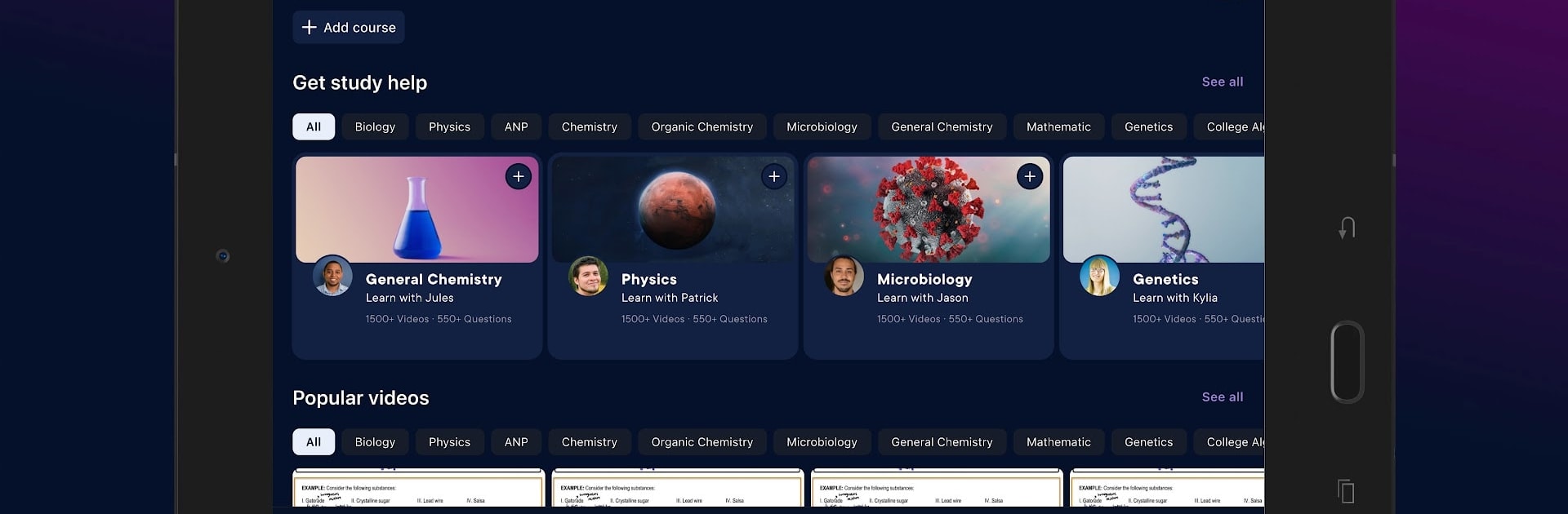
Pearson+
Spiele auf dem PC mit BlueStacks - der Android-Gaming-Plattform, der über 500 Millionen Spieler vertrauen.

Seite geändert am: Dec 9, 2025
Run Pearson+ | Study help & eTexts on PC or Mac
Let BlueStacks turn your PC, Mac, or laptop into the perfect home for Pearson+ | Study help & eTexts, a fun Education app from Pearson Education, Inc..
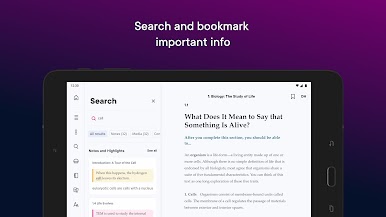
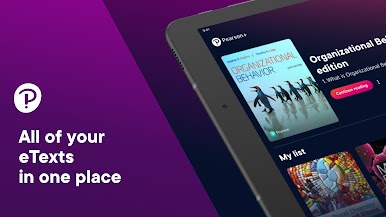
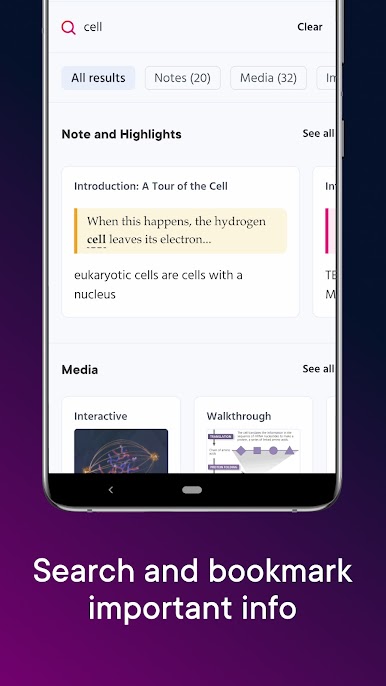
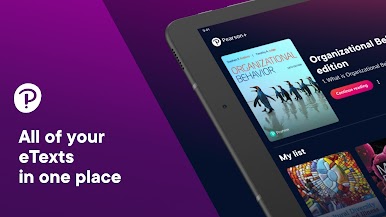
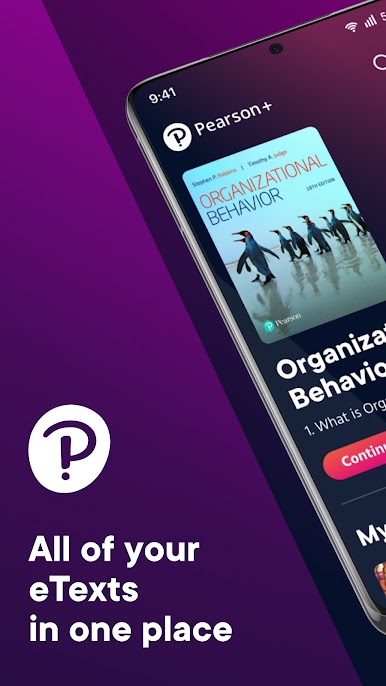
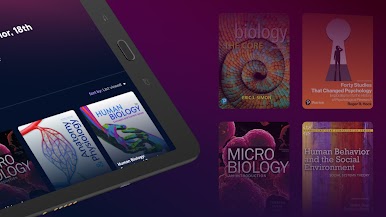
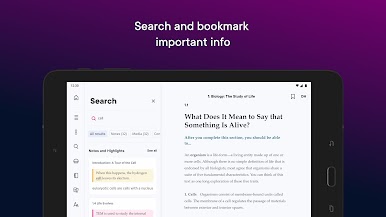
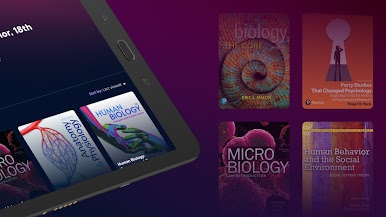
Pearson+ feels like a tidy study hub that keeps all those Pearson eTextbooks in one place, without a lot of clutter. Someone logs in with the same account from the web and everything is there right away. The reader is straightforward, pages turn fast, and the search actually pulls up the exact paragraph needed, which is huge when a professor mentions one term and the book hides it on page 432. The short videos are the standout piece, quick explanations that make the tougher concepts click. There is an audiobook option for most books too, so a chapter can be played while doing chores or just giving the eyes a break.
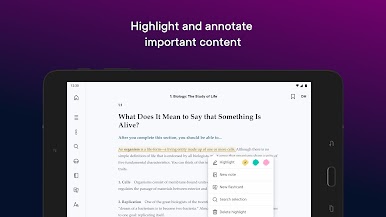
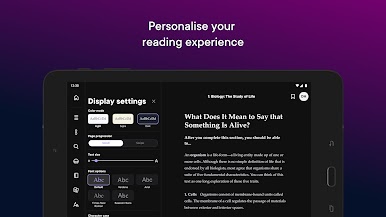
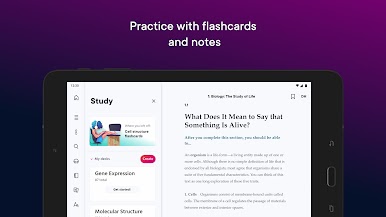
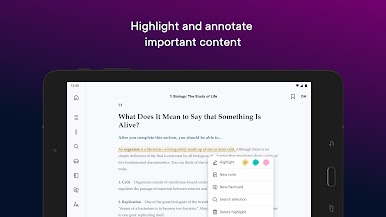
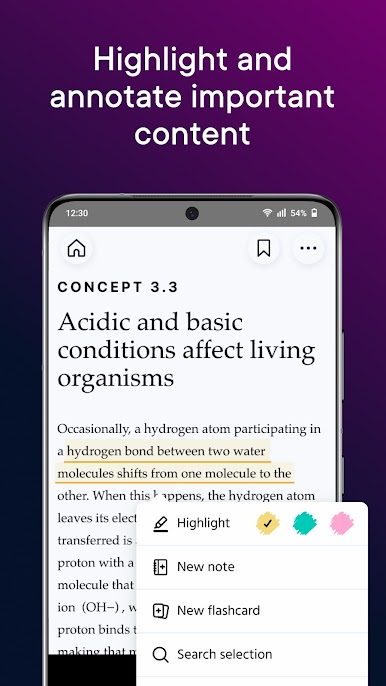
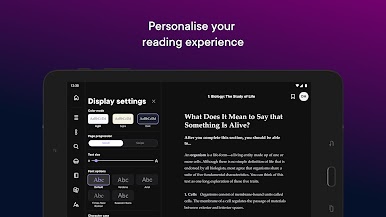
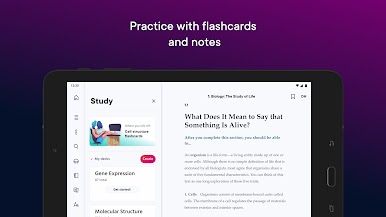
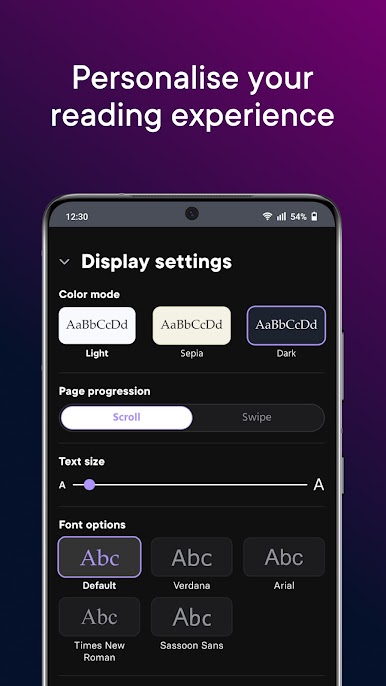
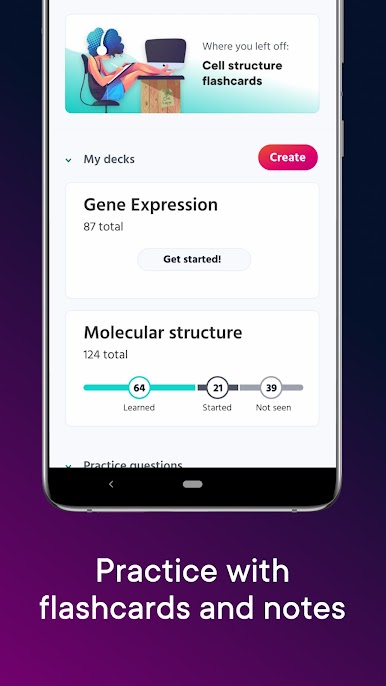
Notes and highlights are easy to make and skim later, and the app lets users switch fonts, tweak size, and adjust the background so long readings do not feel like a chore. Flashcards are built in, with the choice to make custom sets or use ones already made. On a PC with BlueStacks, the bigger screen helps with charts and problem sets, plus typing notes with a keyboard is faster than tapping. It is not flashy, just practical, and that is the point. Open the book, watch a quick video if something is confusing, jump to a definition, then move on. For midterms and finals, that kind of flow saves time and stress.
BlueStacks gives you the much-needed freedom to experience your favorite apps on a bigger screen. Get it now.
Spiele Pearson+ auf dem PC. Der Einstieg ist einfach.
-
Lade BlueStacks herunter und installiere es auf deinem PC
-
Schließe die Google-Anmeldung ab, um auf den Play Store zuzugreifen, oder mache es später
-
Suche in der Suchleiste oben rechts nach Pearson+
-
Klicke hier, um Pearson+ aus den Suchergebnissen zu installieren
-
Schließe die Google-Anmeldung ab (wenn du Schritt 2 übersprungen hast), um Pearson+ zu installieren.
-
Klicke auf dem Startbildschirm auf das Pearson+ Symbol, um mit dem Spielen zu beginnen

