


Landrule Strategy vs Risk
500M + oyuncunun güvendiği Android Oyun Platformu, BlueStacks ile PC'de oynayın.

Sayfa Değiştirilme tarihi: Nov 29, 2025
Play Landrule Strategy vs Risk on PC or Mac
Join millions to experience Landrule Strategy vs Risk, an exciting Casual game from Pixamark LLC. With BlueStacks App Player, you are always a step ahead of your opponent, ready to outplay them with faster gameplay and better control with the mouse and keyboard on your PC or Mac.
About the Game
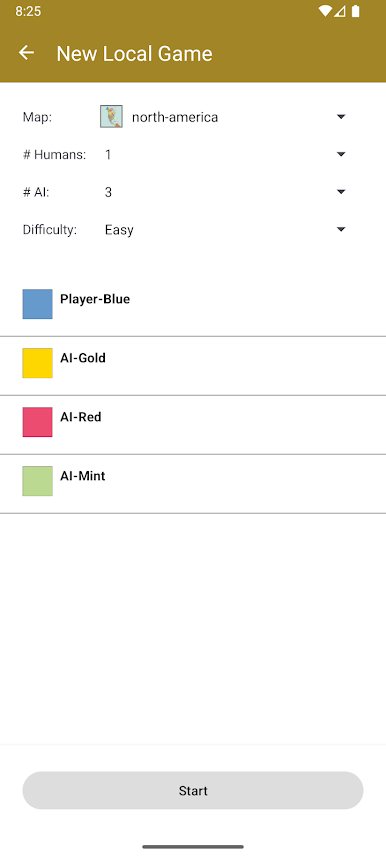
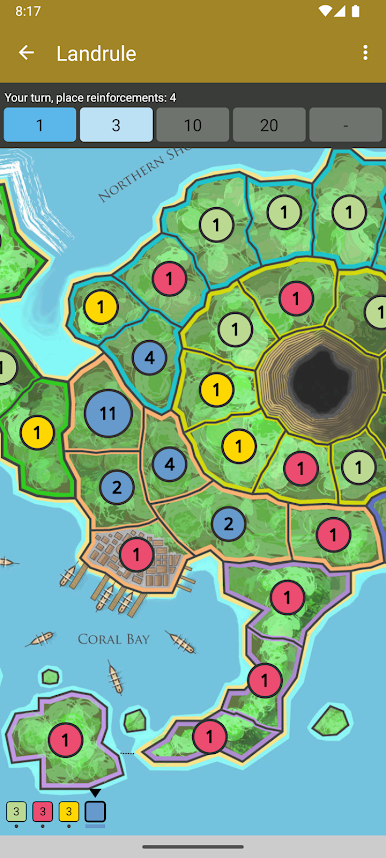
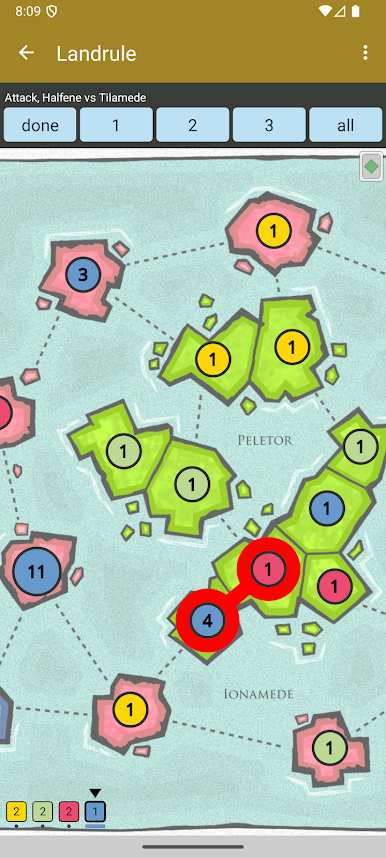
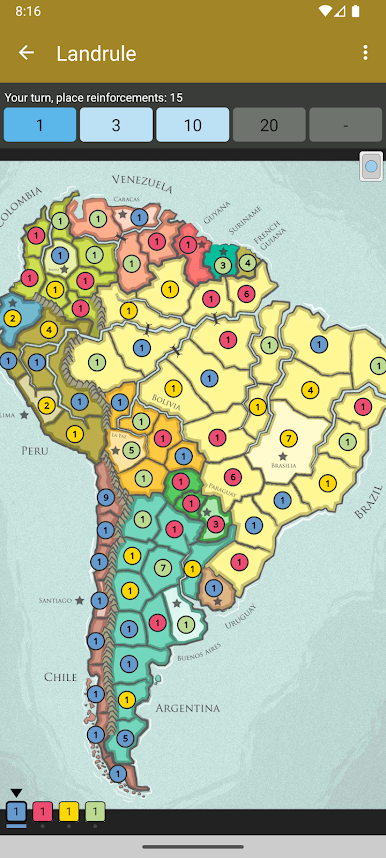
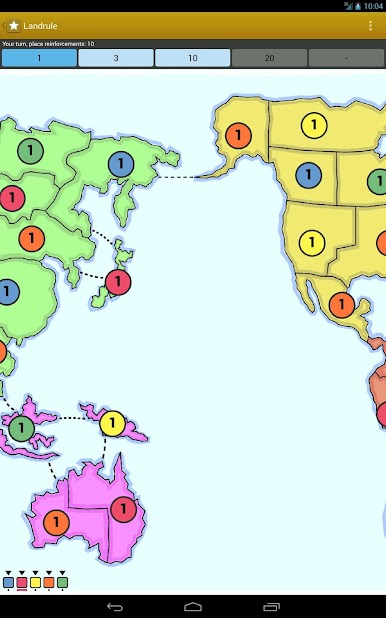
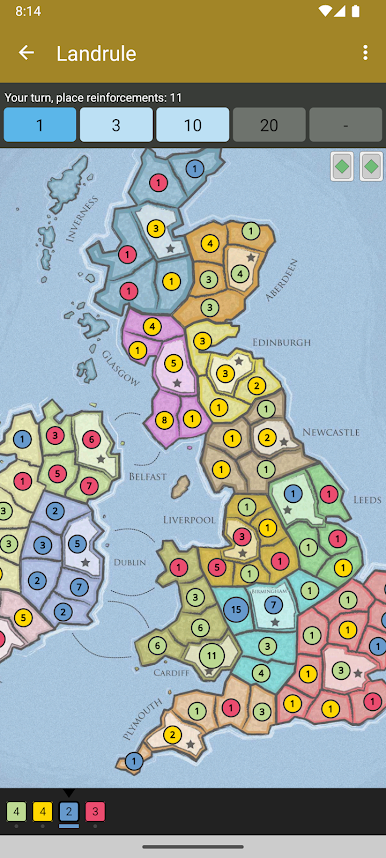
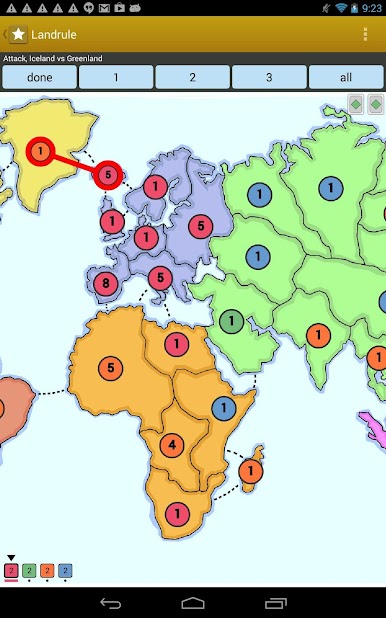
Landrule Strategy vs Risk puts your tactical skills to the test in a friendly, turn-based war of wits. Ever felt like outsmarting your friends over snacks, or seeing how your strategy stacks up against players from all corners of the globe? This casual game from Pixamark LLC brings that classic board game feel—now with fresh twists and a bunch of maps to conquer, whether you’re solo or facing off with a crew.
Game Features
-
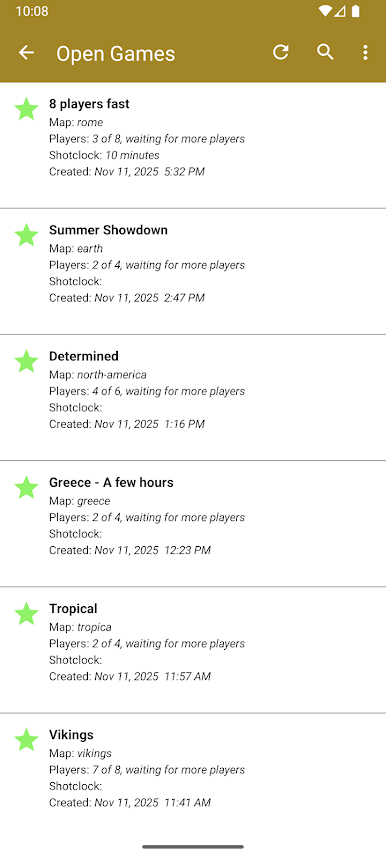
Multiplayer Battles
Jump online and challenge thousands of real players. See if your master plan can hold its own when the pressure’s on. -
Pass-and-Play Mode
Got friends over? Play together on a single device, taking turns like it’s game night, minus the messy game pieces. -
Classic Single Player
Prefer strategizing on your own? Tackle smart AI opponents and refine your techniques at your own pace. -
Loads of Map Choices
Explore a bunch of unique maps that push you to tweak your approach. It’s a different puzzle every time. -
Easy Cross-Platform Fun
Go head-to-head with friends, even if they’re not on Android. You don’t have to be on the same device—or even on the same OS. -
Seamless Experience on BlueStacks
Play Landrule Strategy vs Risk casually right from your computer screen. BlueStacks makes matches bigger and easier to manage, especially when the action heats up.
Slay your opponents with your epic moves. Play it your way on BlueStacks and dominate the battlefield.

Landrule Strategy vs Risk oyununu PC'de oyna. Başlamak çok kolay.
-
BlueStacks'i PC'nize İndirin ve Yükleyin
-
Play Store'a erişmek için Google girişi yapın ya da daha sonraya bırakın.
-
Sağ üst köşeye Landrule Strategy vs Risk yazarak arayın.
-
Landrule Strategy vs Risk uygulamasını arama sonuçlarından indirmek için tıklayın.
-
(iEğer Adım 2'yi atladıysanız) Landrule Strategy vs Risk uygulamasını yüklemek için Google'a giriş yapın.
-
Oynatmaya başlatmak için ekrandaki Landrule Strategy vs Risk ikonuna tıklayın.

